
설명
Hackers regularly target wp-login.php and brute force using a list of usernames and passwords. This makes your WordPress site susceptible to potential hacking attacks and also slows down the website.
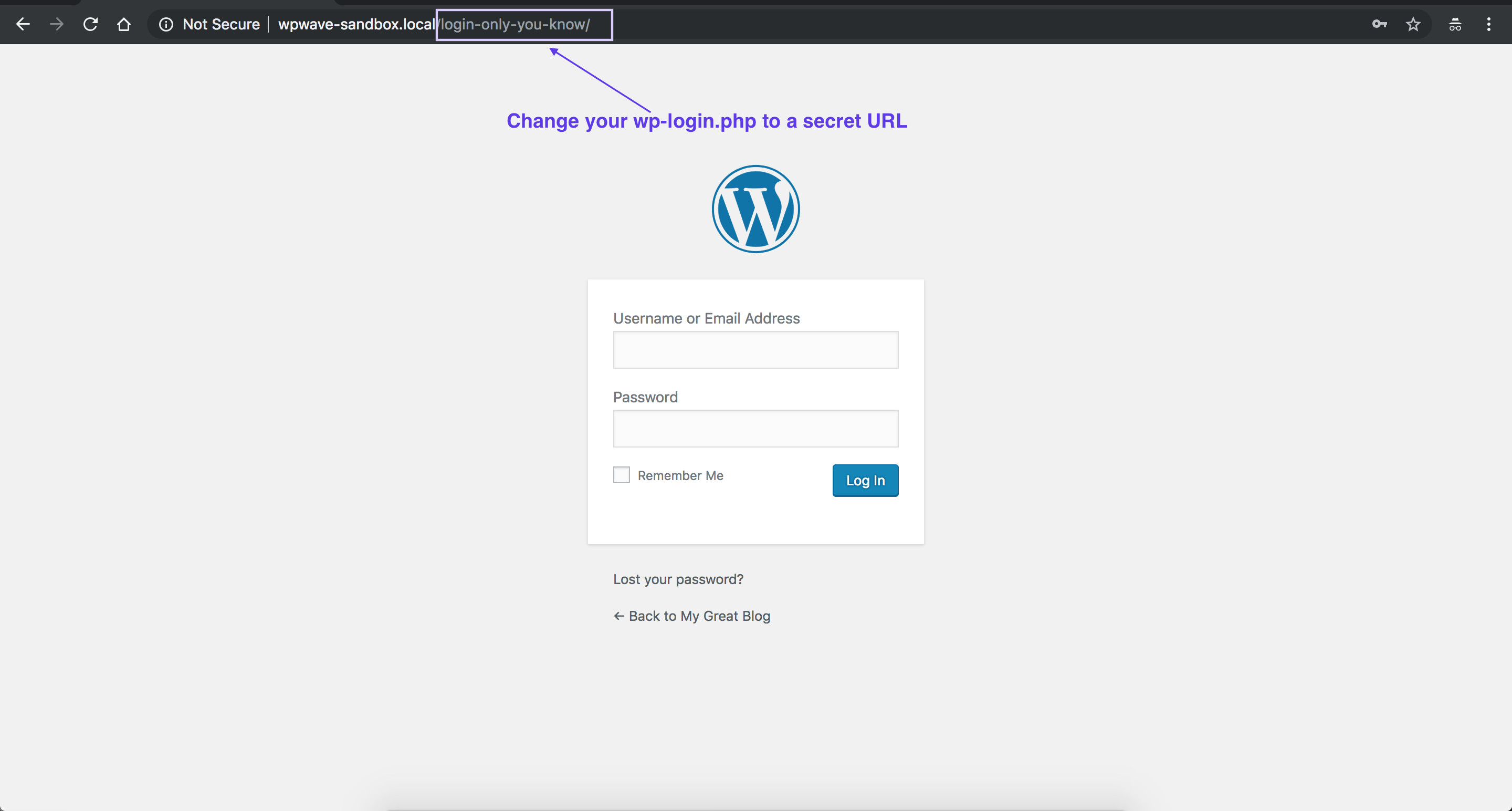
This plugin not only renames wp-login.php but adds a passcode or password to the URL. This makes it impossible for a hacker or an attacker to know the location of login url.
Features
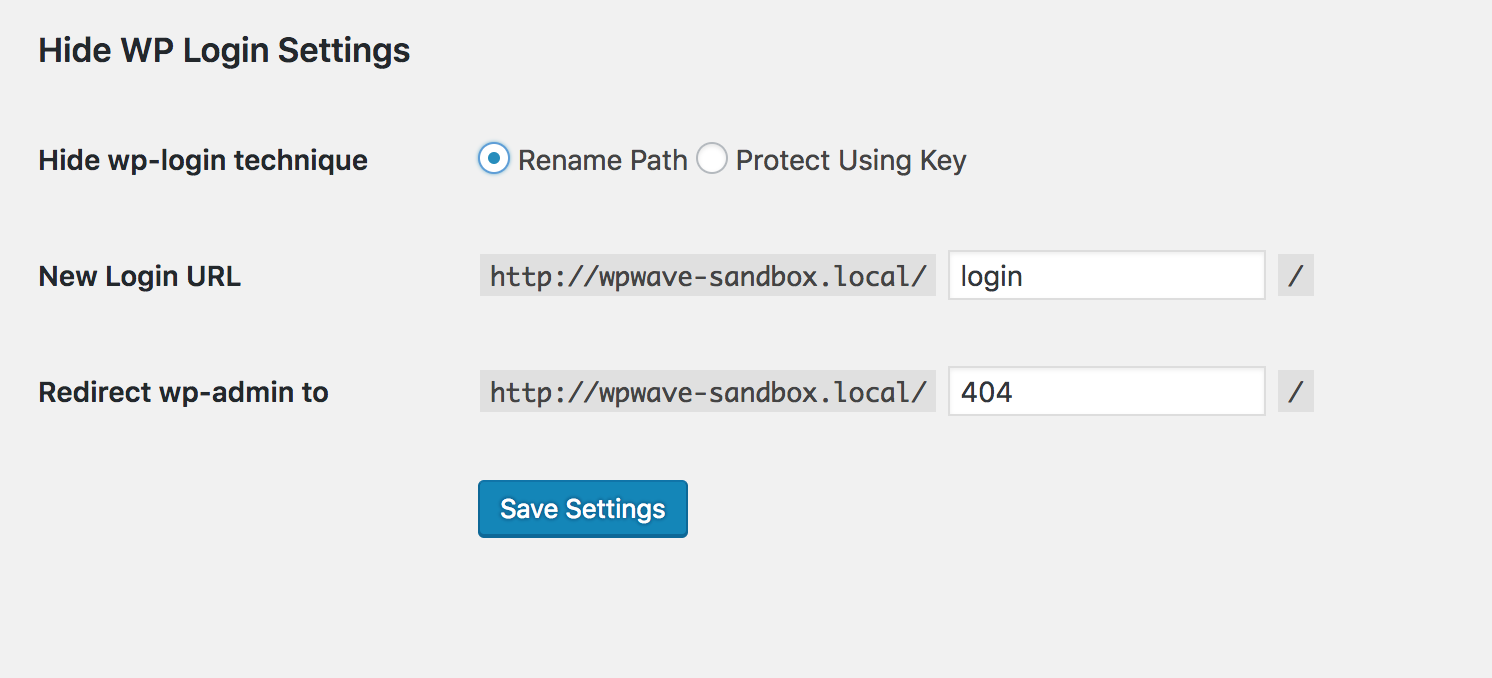
- Rename wp-login.php (thereby hiding it)
- Protect wp-login.php with a passkey
- Redirect /wp-admin for non-logged in users to any url of your choice.
- Bonus: Hide Elementor from popular tools like wappalyzer or builtwith
We at wpWave create the best security plugins for WordPress. You can also checkout our best seller hide my wp.
스크린샷

설치
- Upload the plugin and Install/Activate.
- Change the URL to anything you want.
후기

2022년 6월 11일
Não ocultou wappalyzer nem do builtwith.

2021년 5월 16일
2 replies
Hi,
In general I like this plugin a lot, it is easy to use and it does its job. But it’s simplicity also makes it “dangerous”:
Changes are easy to miss!
When you activate the plugin, it immediately redirects to /login (as default) that means, even if you did not actively open the plugin it already changes your login.
And when you switch to use a specific key in the url like /blabla=abcd and save it, it remembers this url (or the redirect) even when you DEACTIVATE the plugin!
Very easy to miss this fact. Just imagine you activated it, but you get interrupted and have no time to see that your configuration is already changed to an unknown (to you) login page.
Therefore, suggestions:
1. Give it an “activate ON / OFF” switch in the settings and make “OFF” the default
2. when you deactivate the plugin, deactivate also the key in the URL and the redirection.
3. Give it a reset button, to get the WP default back.
Right now I have no idea how to get rid of it in case I would want to go back to the normal wp-login. Could I just uninstall it? Be careful.

2019년 9월 6일
I think this is the must-add plugins for every wp site.
기여자 & 개발자

변경이력
v1.2 (30th Dec 2020)
- Compatible with Latest WordPress.
- Enhancement: Added option to hide Elementor.
- Other improvements.
v1.1 (3rd Feb 2020)
- Security fixes
v1.0
- Initial release