
설명
The Plus Addons for Elementor is the powerful extension for Elementor Website Builder with 120+ Powerful Widgets & Extension, 300+ UI Essential Blocks & 18+ Ready-to-use templates.
One Plugin to replace multiple WordPress Plugins. Packed with Blog Website Builder, WooCommerce Store Builder, Mega Menu for Elementor, Grid Builder for Elementor, Popup Builder for Elementor, Header Builder for Elementor and more.
VIEW LIVE ELEMENTOR WIDGETS DEMO
—
🌍 Visit Website | 📹 Video Tutorials| 📑 Documentations | 🛣️ Roadmap | 👥 Join Facebook Community | 🤝 Free Support | ⭐ Premium Support
Complete Elementor Addon Features Explained Under 4 Mins Watch Now
👑 What Makes This Elementor Addon Unique?
- Free Elementor Blog Website Builder
- WooCommerce Store Builder for Elementor to build custom Checkout, Cart pages, Thank you page etc. 🔥
- One-Click Auto Widget Scanner to Turn off Unused Widgets automatically 🚀
- Plugin Regularly Audited by Top Security Experts 🔐
- Free Cross-Domain Copying and pasting to easily copy a templates & sections from one domain to other
- Facebook Pixel & Google Events 4 Event Tracker for Elementor to help you track events, button clicks for conversions
- Vertical and Horizontal Mega Menu Builder for Elementor 🔥
- Facebook and Google Reviews for Elementor
- Social Feeds show live dynamic feed content from your Facebook, Instagram, YouTube, X (formerly Twitter), Vimeo 🔥
- Login and Registration & Password Reset Form for Elementor
- Carousel Anything converts any sections in carousel 🔥
- Popup Builder for Elementor
- Display Conditions or Visibility Logic for Elementor 🔥
- Elementor Custom Post Loops Skin Builder for Posts, CPT & WooCommerce Products (Ele Custom Skin Alternative) 🔥
- Preloader Animation and Page Transition for Elementor
- Custom Cursor Icons for Elementor
- Integrated with ACF, Toolset, Pods, WooCommerce, Mailchimp and more
- Supports RTL | WPML or any Translation | Multisite Networks
- Optimized Code Delivery with Ultra Light Modular backend architecture
- SEO Friendly, A/B Tested Designs and Mobile Friendly
- Compatible with most WordPress themes like Nexter, Blocksy , Kadence, Astra, OceanWP, GeneratePress, Neve etc.
🏆 Reviewed by Top YouTubers & Bloggers 🏆
“This might be the only Elementor Addon you ever need” – WP Learning Lab
“An amazing plugin,i think it is a kind of full pack addon for elementor” – GO TECH UG
“The Plus Addons for Elementor is definitely one of the best addons that are available as of today for Elementor Page Builder. “ – DriodCrunch
Complete List of Our Elementor Widgets & Extensions ⤵️
🏆 35+ Free Elementor Widgets
1. FREE Blog Website Builder for Elementor 🔥
Post Title | Post Content | Post Featured Image | Post Meta | Post Author | Post Comment | Post Navigation (Next/Previous Button) | Post Search Bar
2. FREE Block Quote Box for Elementor
Click to Tweet Button | Multiple Border Layouts
3. FREE Buttons for Elementor
20+ Button Styles | Interval Shake Animation | Button with Hover Effect | Button with Image | Button with Typography | Button Shapes | Button Custom Colors | Button with Shadow | Button with Outline |Download Button | Dual Buttons | Icon Button | Button ID | Scroll to Top Button | Jump to Section Button |
4. FREE Countdown Timer for Elementor 🔥
Normal Countdown Timer | Evergreen Countdown | Scarcity Countdown | Recurring Countdown Timer | Sale Countdown | Redirect After Countdown Expiry | Hide or Show Section with Countdown Timer | Message After Countdown End | Class-Based Visibility | Maintenance Break Timer | Fake Countdown Timer for Product Sale | Sidebar countdown | Flipping Card Countdown | Countdown Timer for a Booking Website | Footer Style Countdown | Special offer countdown | End of Season Sale Timer | Product Sale Countdown | Limited Time Sell Timer | Header Countdown
5. FREE Heading Title for Elementor
SEO Optimized Headings | Limit Heading Character | Double Border Heading | Vertical Border Heading | Dashing Dots Heading | Animated Split Word Heading | Improve SEO & Ranking
6. FREE Info Box for Elementor / Icon box 🔥
Feature Box for Elementor | Info Box Listing | Info box Carousel Sliders for Elementor | Features Carousels for Elementor | Link Full Feature Box | Font Awesome Icon Box | Lottie Animation Info Box | Image Info Box | SVG Info Box | Button for Info Box | Equal/Same Height Info Feature Box | Box Hover Effects | Carousel Connection with other widgets
7. FREE Navigation Menu Lite for Elementor
WordPress Menu | Show Dropdown on Hover | Show Dropdown on Click | Toggle Mobile Menu | Hamburger Mobile Menu | Vertical Menu | Horizontal Menu | Select Different Menu for Mobile
8. FREE Pie Chart & Doughnut for Elementor
Unlimited Dataset | Pie Chart with Number | Pie Chart with Icons | Gradient Color | Tooltip for Chart | Animated Pie Chart Animations
9. FREE Pricing Tables for Elementor
Pricing Table with Monthly, Yearly & Lifetime Switcher | Previous Discounted Pricing | Feature Expand Button | Ribbon Text (Recommend/Popular Pricing) | Price Comparison Table
10. FREE Progress Bar for Elementor
Percentage for Progress Bar | Skills Percentage Bar | Statistics Bar | Data Bar | Achievement Bar | Progress Bar with Icon | Progress Bar with Lottie Animation | Progress Bar with Images
11. FREE Social Icons for Elementor
15+ Social Icons | Rotating Social Icons For Elementor | Circular Social Icons | Facebook Social Icon | Instagram Social Icon | YouTube Social Icon | Any Social Icons | Vertical Social Icon | Footer Social Links | X (Twitter) Social Icon | Continuous Animation for Social Icons | Tooltip Message Box for Social Icons | Mouse Parallax for Social Icons | Magic Scroll for Social Icons | Sticky Social Icon | Floating Social Icon | Font Awesome Social Icon Library
12. FREE Video Player for Elementor
HTML5 Self-hosted Video Player | Custom Thumbnail Video Player | Lazy Load Video Player | Popup Video Player | Vimeo Video Player | YouTube Video Player | SEO Video Schema Markup | Custom Play Button Icon for Video Player | Muted Autoplay Video | MP4 Video Player
13. FREE Heading Animation for Elementor
Multiple Words Animation | Typing Heading Animation | Flip Over Heading Animation | Zoom In Heading Animation | Underline Heading Animation | Slide-In Heading Animation | Letter-by-Letter Heading Animation | Different Color for Heading Words
14. FREE Flip Box for Elementor
Horizontal & Vertical Flip box |Flip box Carousel | Square & Rounded Icon for Flip box | Hover Effect for Flip box | Flip box with SVG Icon | Flip box with Image Icon | Custom Front & Back Content | Flip box with Button | Connect Carousel with Other Widgets | Flip Carousel | Flip Cards
15. FREE Smooth Scroll for Elementor
Smooth Scroll for Chrome | Smooth Scroll for Firefox | Smooth Scroll for Safari | TouchPad Smooth Scroll | Scrolling Speed Control | Mouse Wheel Smooth Scroll | Smooth Back to Top Scroll | Speed Control for Smooth Scrolling Effects | Back to Top Smooth Scroll
16. FREE Accordions for Elementor / Content Toggle / Collapsible Content 🔥
Accordion with Image | Accordion with Icon | Horizontal & Vertical Accordion | Stagger Lazy Load Accordion Items | Search Bar for Accordion | Autoplay Accordion | Auto Change Toggle Item Content | FAQ SEO Schema for Accordion | Accordion Pagination | Change Accordion on Hover | Expand/Collapse Content Button for Accordion | Slider Accordion Items | Connect Accordion with Carousel Slider | Close Accordion by Default | Keep Particular Accordion Tab Open | FAQ Accordion | Read More | Add Any Content in Accordion with Elementor Template
👉🏻 Check Live Demos | 👉🏻 Read How it Works
17. FREE Tabs for Elementor 🔥
Icon for Tabs | Image for Tabs | Pin Hint Text on Tab | Swiper Effect for Tabs | Set Default Active Tab Item | Change Tabs on Hover | Change Tabs on Click | Add Arrow Indication for Tabs | Close Tab on Second Click | Keep Tab on Bottom or Top of Content | Horizontal Tabs | Vertical Tabs | Set Fixed Column for Tabs | AutoPlay Tab | Auto Change/Switch Tabs | Keep Tabs Closed by Default | Tabs of Same Width | Full Width Nav Tab | Equal Tab Width | Force Close Tab on Mobile & Tablet | Convert Tabs to Accordion in Mobile | Reduce Opacity of Inactive Tab | One by One Responsive Tab for Mobile | Connect Tabs with Carousel Slider | Add Any Content in Tabs with Elementor Template
👉🏻 Check Live Demos | 👉🏻 Read How it Works
18. FREE Full Page for Elementor 🔥
Full-Page Page Scroll | Page Pilling Scroll | Multi Page Scroll | Paginated Page Scroll | Next Previous Button Scrolling | Page Scrolling Dots | Add Any Content with Elementor Templates | Adjust Scroll Speed | Keyboard Scrolling | Disable Scroll on Mobile & Tablet | One Page Scrolling | Page Scroll to I
19. FREE Caldera Forms Styler for Elementor (Depreciated)
20. FREE Contact form 7 Styler for Elementor
21. FREE Everest Forms Styler for Elementor
22. FREE Gravity Forms Styler for Elementor
23. FREE Ninja Forms Styler Widget for Elementor
24. FREE WP Forms Styler Widget for Elementor
25. FREE Blog Posts Listing for Elementor
Grid Post Layout | Masonry Post Layout | Metro Post Layout | Post Carousel Slider |Stagger Load Layout | Archive Page Listing | Single Page Related Blog Posts | Filter Posts by Category & Tags | Exclude Posts by Category by Tags | Maximum Blog Post to Display | Off Set Posts (Hide Latest Posts) | Change Post Order by Date, Comment Count etc, | Grid Column Manage (Responsive Grid Column Controls) | Post Title Limit | Show/Hide Image | Show/Hide Post Meta | Show/Hide Date | Show/Hide Author | Post Pagination | Lazy Load | Post Preloader | Infinite Post Scroll Load | Load More Button | Category Wise Blog Post Filters | Next/Previous Button
👉🏻 Check Live Demos | 👉🏻 Read How it Works
26. FREE Image Gallery for Elementor
Image Grid Gallery | Image Masonry Gallery | Image Metro Gallery | Image Carousel Slider | Lightbox for Images (Open Image in Popup) | ACF Image Gallery | Add Custom Links to Each Image in Gallery | Manage Image Gallery Column (Responsive Grid Column Controls) | Link Full Image in Gallery | Hide/Show Image Title | Hide/Show Image Caption | Category Wise Image Filter Gallery | Load More Image Gallery | Pagination for Image Gallery | Infinite Load Image Gallery | Next/Previous Button | Force Same Size Image Gallery
👉🏻 Check Live Demos | 👉🏻 Read How it Works
27. FREE Team Members Listing for Elementor
Grid Team Member Listing | Masonry Team Member Listing | Carousel Slider for Team Member Listing | Profile Name | Profile Website | Profile Social Links | Designation | Category Wise Filter | Manage Team Member Column (Responsive Grid Column Controls) | Image Size Control
28. FREE Testimonials Listing for Elementor
Testimonials Grid | Testimonials Carousel Slider | Testimonials Masonry | Maximum Testimonial Control | Offset Testimonial Posts (Hide Later Testimonials) | Testimonial Order | Category Wise Testimonial Filter | Testimonial Name, Designation/Positions, Content, Profile Pic, Company Logo
👉🏻 Check Live Demos | 👉🏻 Read How it Works
29. FREE Client Logos Listing for Elementor
Grid Logo Layout | Client Logo Masonry Layout | Manage Client Logo Column (Responsive Grid Column Controls) | Assign Category to Logos | Client Logo Name, Image, Link | Hide/Show Logo Name | Category Wise Filter | Custom Link to Each Logo | Match Height for Post Listing
👉🏻 Check Live Demos | 👉🏻 Read How it Works
30. FREE Equal Height for Elementor ( Same Column Height ) 🔥
Make Equal Height with CSS Class | Target Div Level | Multi-Level Equal Height | Equal Height for Post Grid | Equal Height for Process Steps | Equal Height for Icon Box | Equal Number Counter Box | Make any Elementor Widget Height Same Height | Equal Height for WooCommerce Products
👉🏻 Check Live Demos | 👉🏻 Read How it Works
31. FREE Wrapper Link for Elementor – Custom Link Full Flexbox/Grid Container & Section 🔥
32. FREE Age Verification Gate for Elementor 🔥
Yes/No Button Age Gate Form | Smoking Age Verification Gate | Marijuana Age Verify | 18+ Adult Content Age Verification | Cannabis Age Verification | Date of Birth Age Verification | Agree Checkbox Age Gate Popup | Gambling Age Verification | Alcohol Age Verification Gate
33. FREE Message Box for Elementor & Toast Notification
Warning Box | Alert Box Message | Toast Message Notification | Notice Message Box | Announcement Message | Close Message Box | Toast Message Icon | News Notification | Update Message
34. FREE Advanced Text Block for Elementor
Description Character & Word Limit | Display Dots
👉🏻 Check Live Demos | 👉🏻 Read How it Works
35. FREE Glass Morphism Effect for Elementor / Forested Glass Effect
36. FREE Advanced Shadow for Elementor
Multi Layer Shadow | Box Shadow | Text Shadow | Drop Shadow
37. FREE Cross Domain Copy and Paste for Elementor 🔥
Multi-Browser Support | Copy Section from One Website to Other | Clone Elementor Website | Copy Images, Text, Video Across Website | Migrate Elementor Website | Transfer Elementor Website | Copy & Paste Full Widget | Copy & Paste Full Elementor Template Section
👉🏻 Check Live Demos | 👉🏻 Read How it Works
38. FREE Dark Mode for Elementor 🔥
Dark Mode Switcher | Light Dark Theme Website | Exclude Image from Dark Mode | Exclude Section from Dark Mode | Fixed Sticky Dark Mode Button | Global Color Synced Dark Mode | Save Dark Mode in Cookies | Auto Change Dark Mode with Browser/OS Theme
🏆 75+ Pro Widgets & …
스크린샷
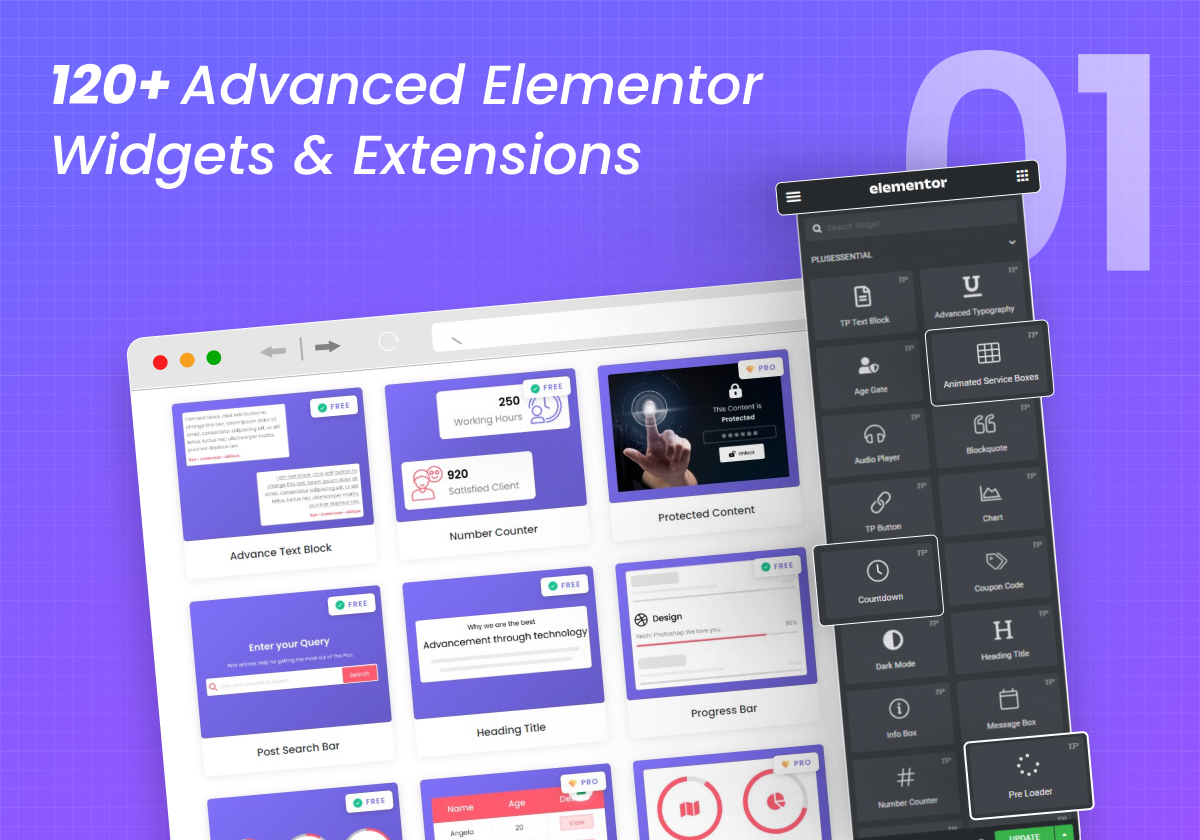
120+ Advanced Elementor Widgets & Extensions 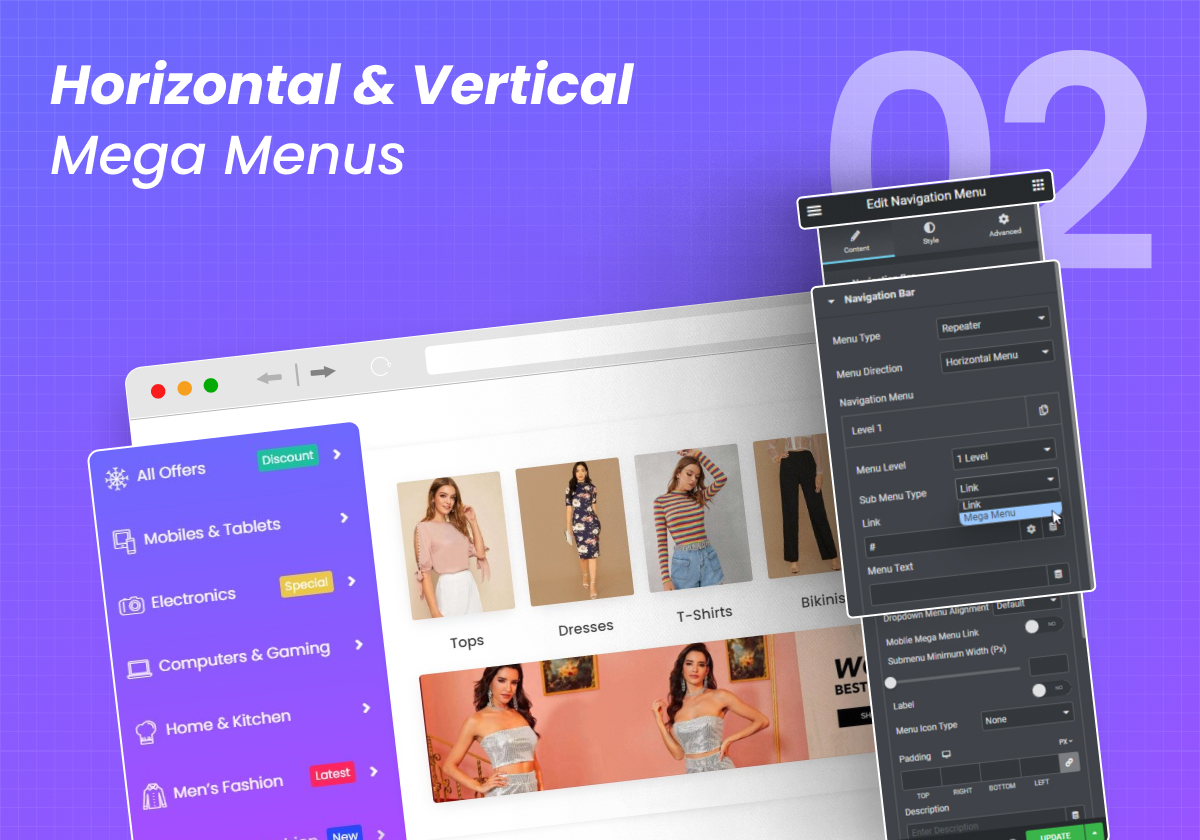
Horizontal & Vertical Mega Menu Builder 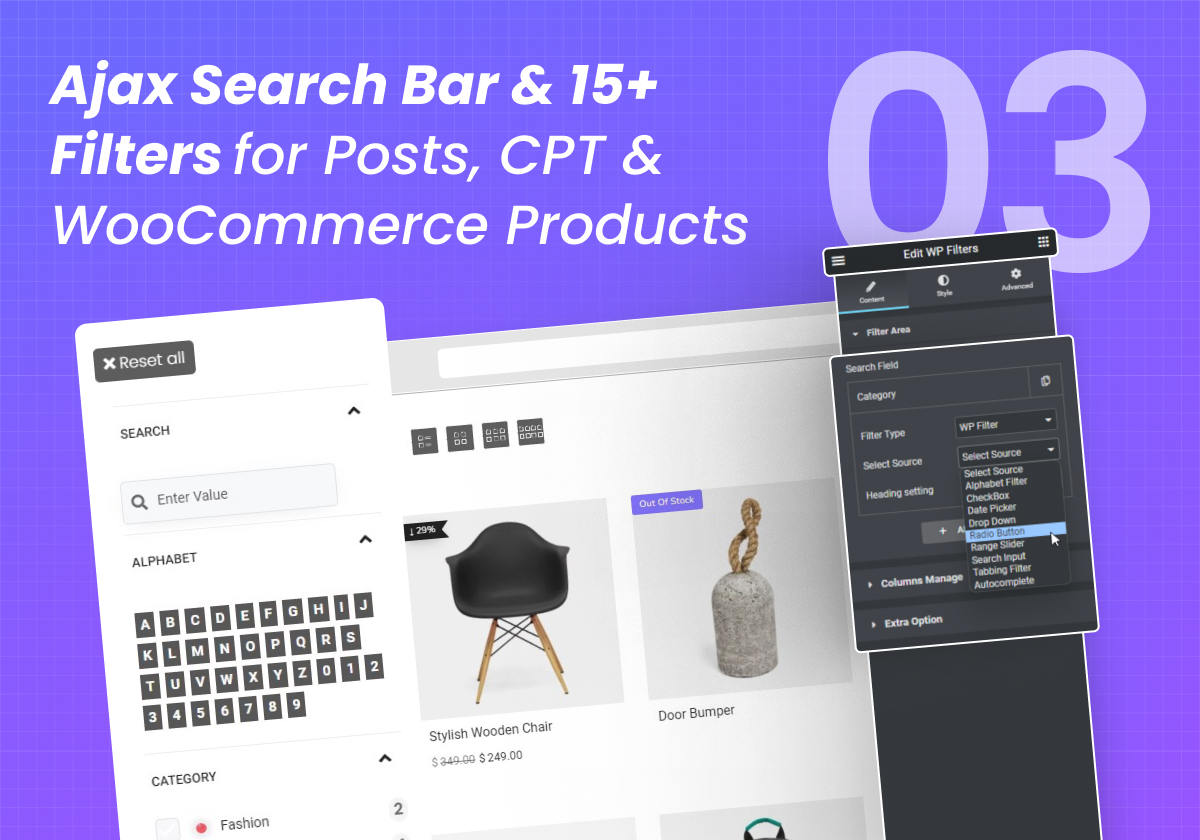
Ajax Search Bar & 15+ Filters for Posts, CPT & WooCommerce Products 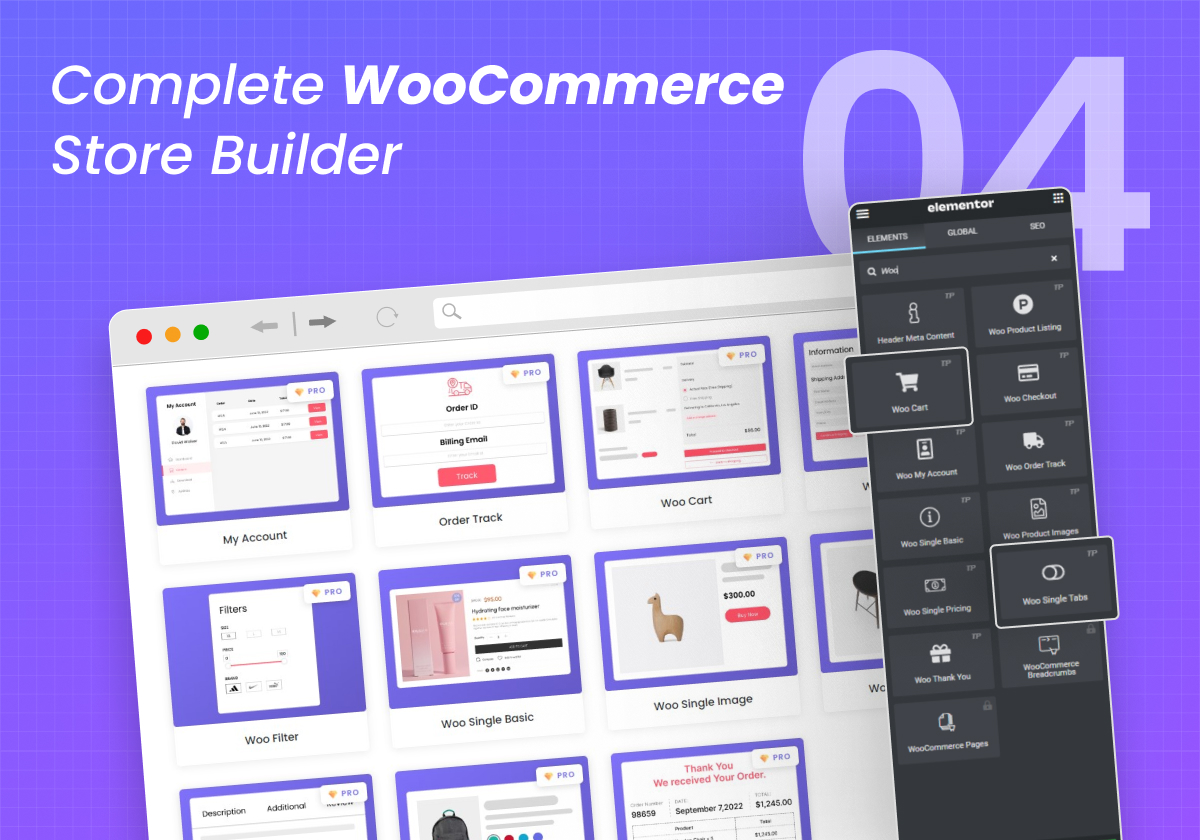
Complete WooCommerce Store Builder 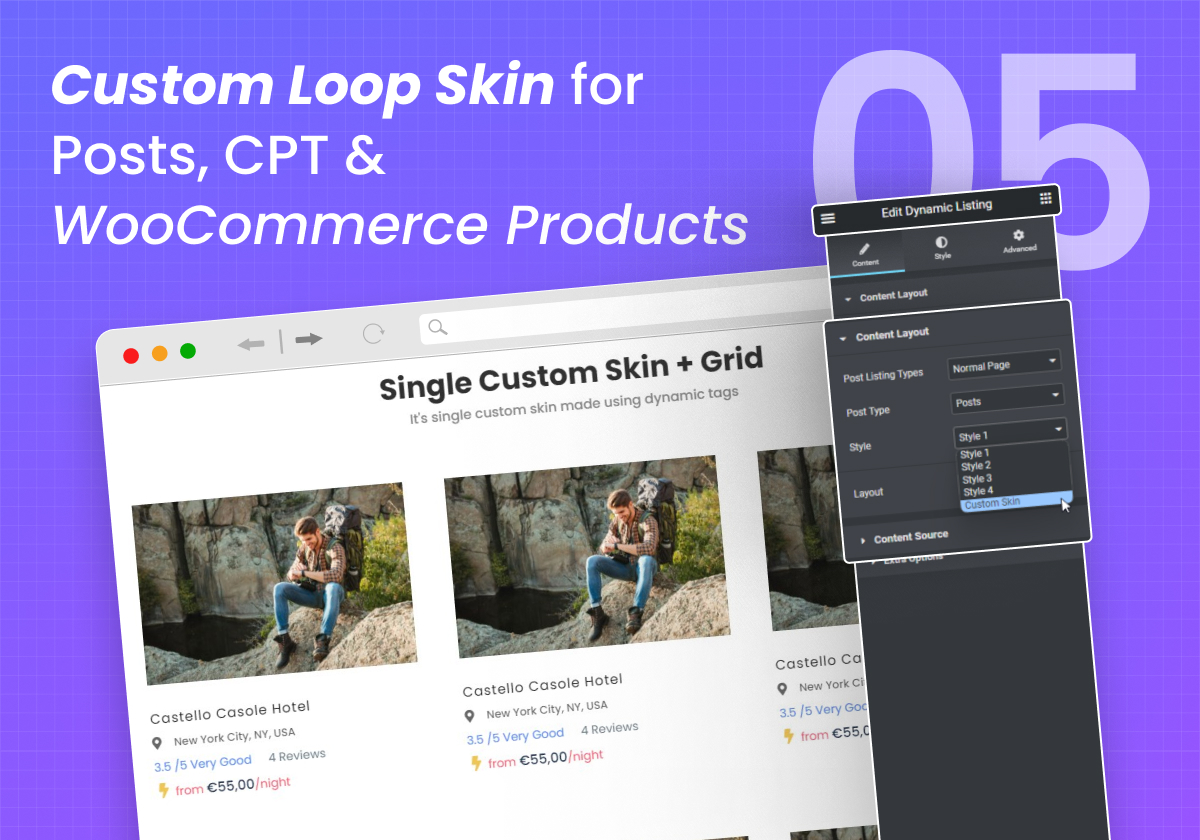
Custom Loop Skin for Posts, CPT & WooCommerce Products 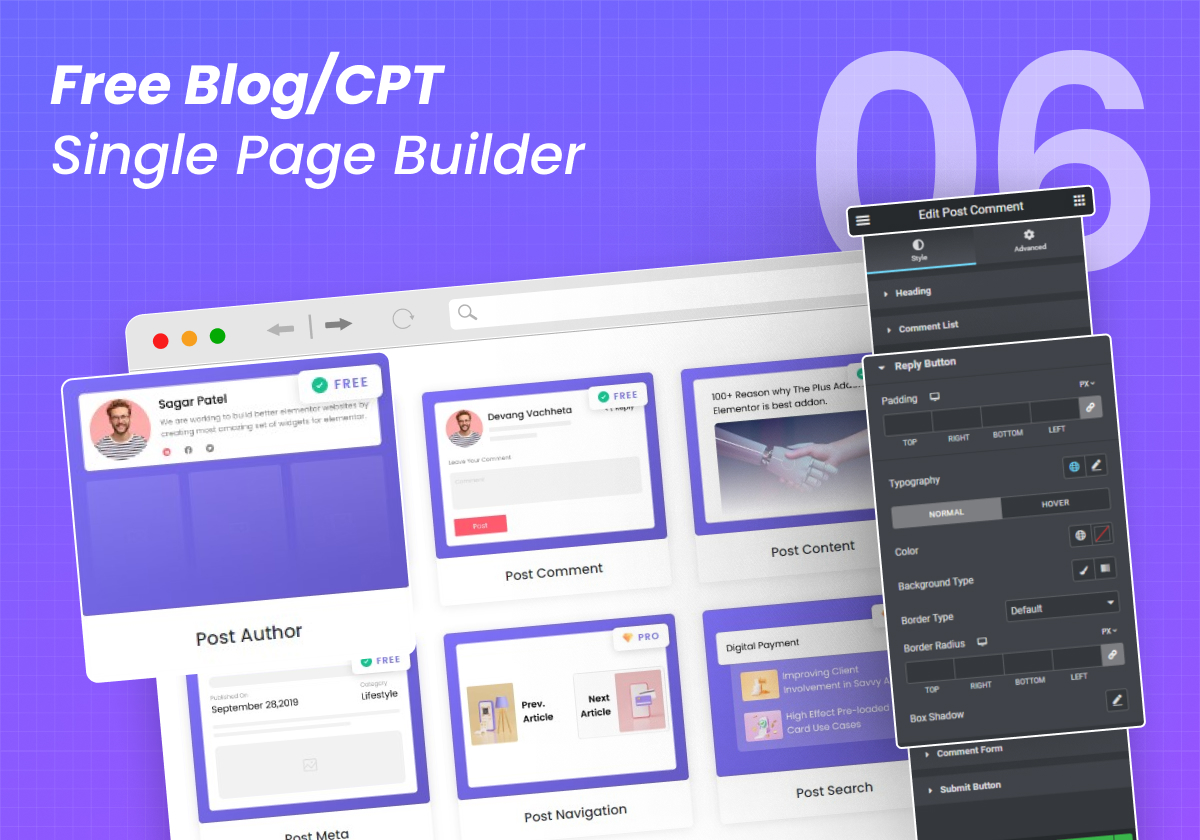
Free Blog/CPT Single Page Builder 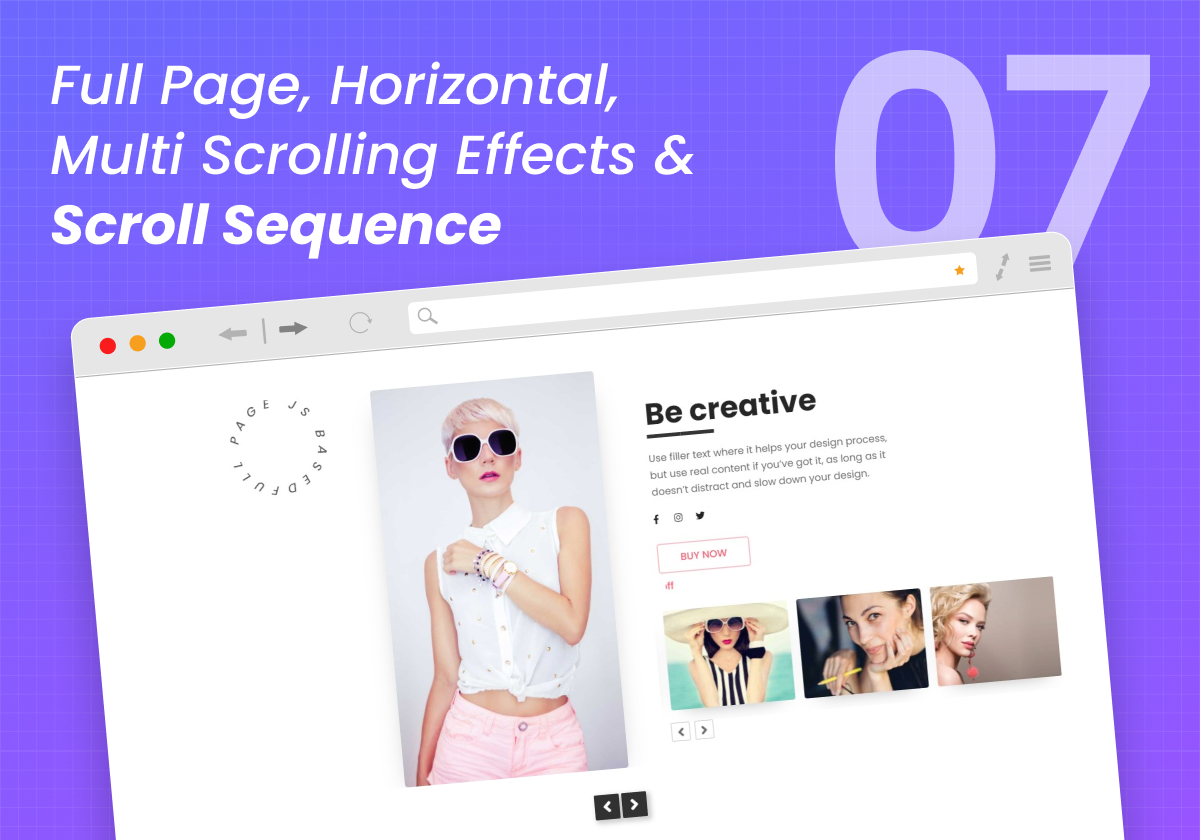
Full Page, Horizontal, Multi Scrolling Effects & Scroll Sequence 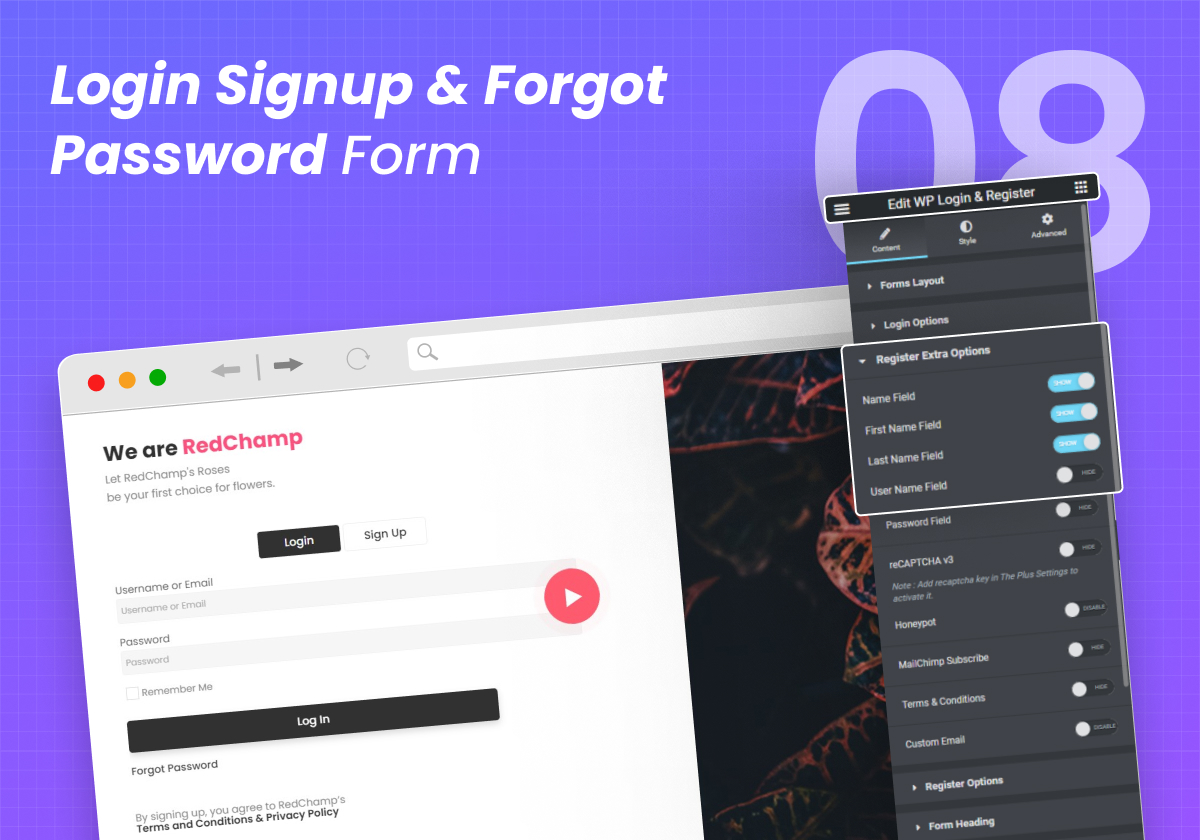
Login Signup & Forgot Password Form 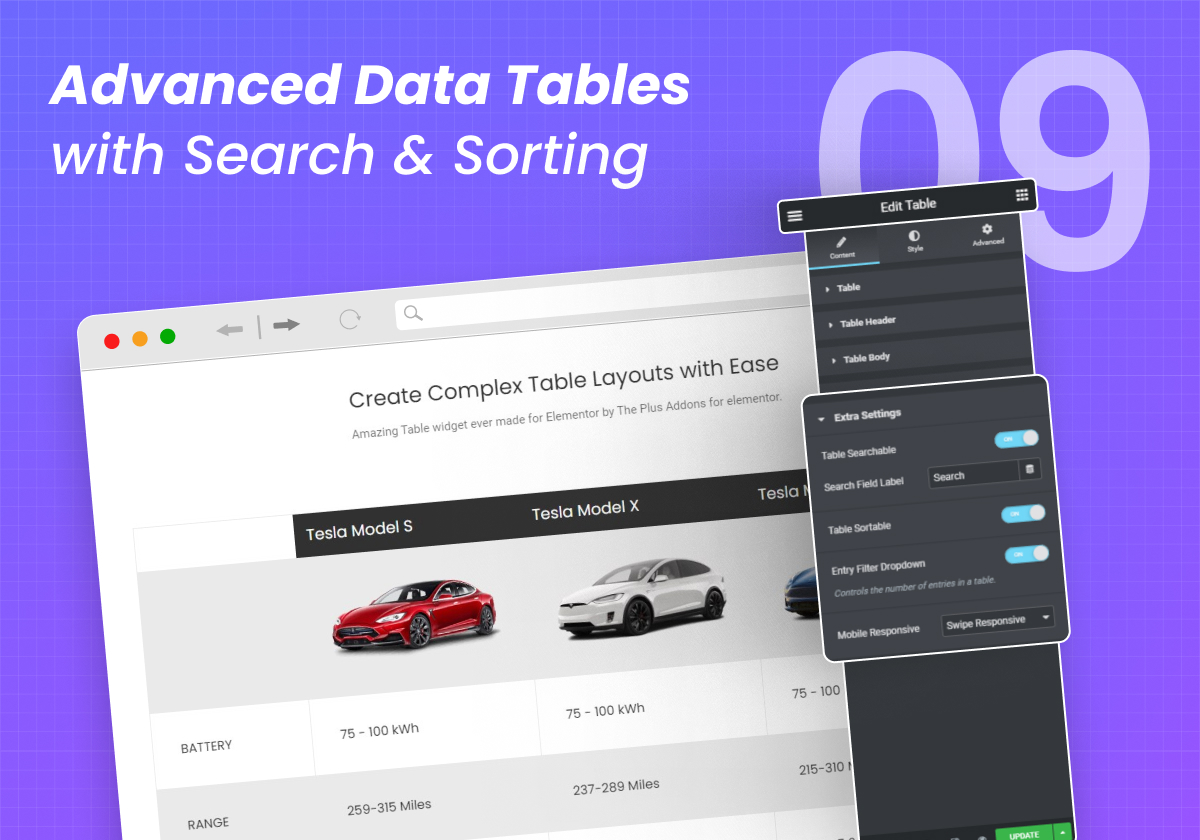
Advanced Data Tables with Search & Sorting 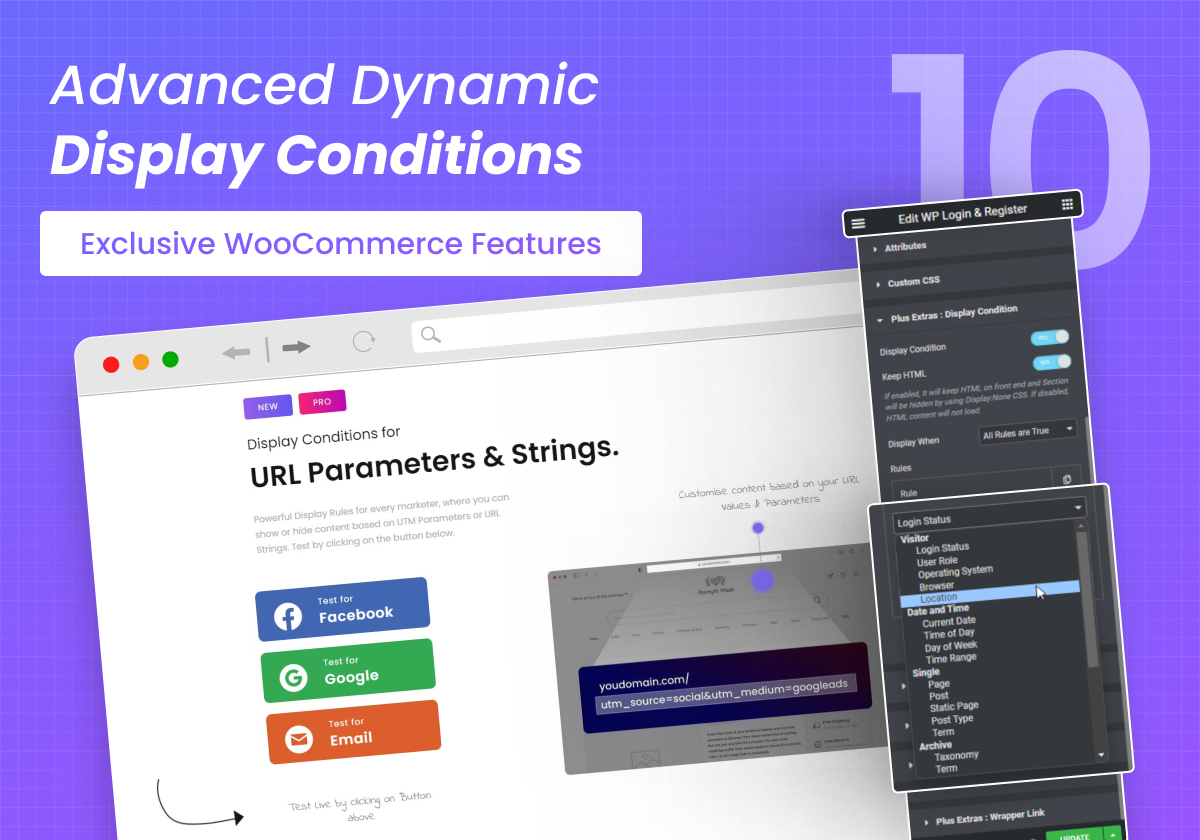
Advanced Dynamic Display Conditions (Exclusive WooCommerce Conditions) 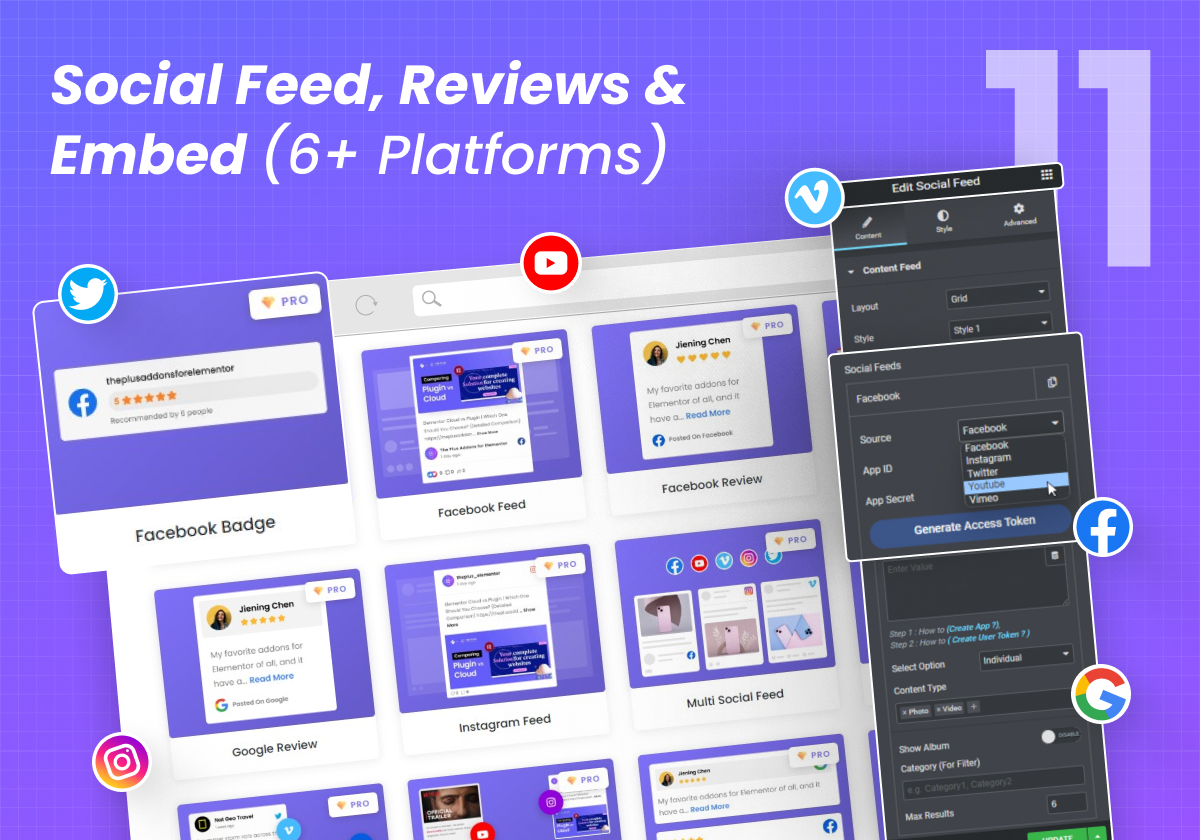
Social Feed, Reviews & Embed (6+ Platforms) 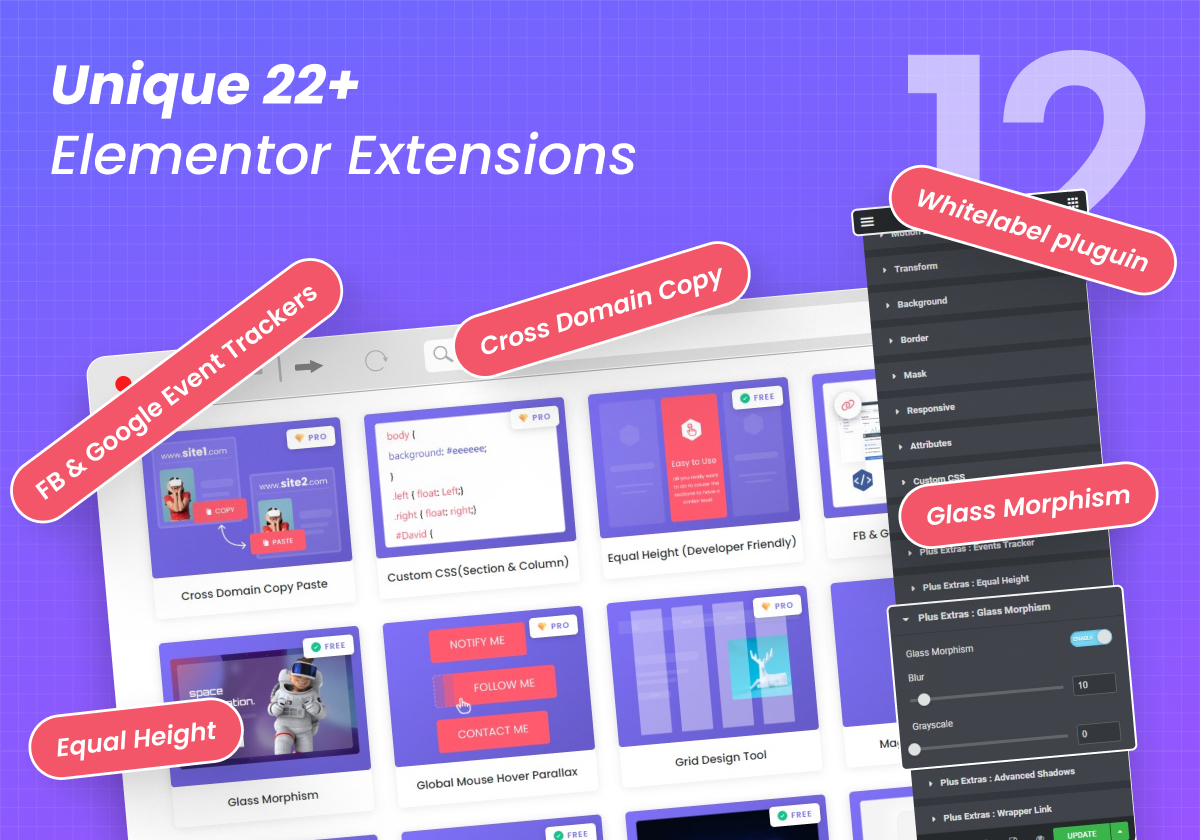
Unique 22+ Elementor Extensions
설치
⚠️ NOTE: This plugin is an extension for Elementor Page Builder
Elementor Page Builder plugin must be installed and activated to use our plugin.
☑️ 5 Steps for Installation
- Go to ‘Plugins’ option in your dashboard and select ‘add new’
- Search for ‘The Plus Addons for Elementor’ and install it
- Now You will have all widgets available in your Elementor Panel. You may check categories like “Plus Essential”, “Plus Listing”, “Plus Header” and so on.
- You may enable/disable widgets & features from The Plus Settings from Dashboard.
- Congratulation, Now your site is ⚡ SUPERCHARGED, Get ready to build amazing websites
👉 Watch this Quick Installation Guide under ⏱️ 60 Seconds
For Gutenberg Block Editor, check The Plus Addons for Gutenberg
FAQ
-
Does Elementor is required to use this plugin?
-
Yes. You need to install & activate the Elementor plugin first to get access to The Plus Addons Widgets & Features.
-
Elementor Panel in the editor is freezed and shows a spinning circle.
-
Make sure your memory limit is set to 768M or higher, If you have multiple elementor addons installed and you are having an issue with the elementor panel loading icon and freeze.
Is the issue created due to The Plus Addons? No. This is not anyone’s bug/issue. It’s just because, If you want to use more widgets, Your server needs more memory limit to use everything in your backend.
My Hosting Provider doesn’t allow a higher memory limit, What to do? If that is the case, You just need to disable all unused widgets from The Plus Addons and all other addons you have installed. This will reduce the need for the required memory limit as the total number of active widgets will go down.
-
Everything is messed up in Backend. Or Everything looks perfectly fine in the Backend but has issues on the frontend.
-
Make sure you have removed cache from The Plus Settings → Performance → Purge all cache. Furthermore, remove cache from all your 3rd party cache plugins. Moreover, remove your browser cache by hard reload and/or test your site on incognito mode.
-
Your Font Awesome Icons are not visible?
-
You need to turn on compatibility for font awesome 4 from Elementor -> Extra Settings.
-
My Backend Speed is down after installation of The Plus Addons.
-
We do not load any extra files, which will reduce your backend performance. But, If you are having issues with loading in the Elementor panel with more delay, That means You need to increase your memory limit. If you can not increase the memory limit, You need to disable all unused widgets from The Plus Settings ->Plus Widget as well as from all other Addon plugins you have installed on your website.
-
My Frontend website loading Speed is down after installation of The Plus Addons.
-
We have the most advanced caching architecture, Which will never bloat your site. Know more about our caching architecture. We have some tricks and suggestions to improve frontend performance.
후기


기여자 & 개발자
“The Plus Addons for Elementor”(은)는 오픈 소스 소프트웨어입니다. 다음의 사람들이 이 플러그인에 기여하였습니다.
기여자


변경이력
5.4.2
Fix : Clients Listing : Security patch
Fix : Team Member Listing : Security patch
Fix : Minor Bug Fixes & Improvements
5.4.1
Add : Post Meta : option to select post modify date.
Fix : Performance : Smart Optimized cache.
Fix : Header meta content : Security patch (Low Severity)
Improvement : Accordion : css improvement.
Fix : Minor Bug Fixes & Improvements
5.4.0
Fix : Advance Text Block : Compatibility with html tags.
Improving Performance: Introducing a Smart Optimized Caching Method for Code Optimization and Refinement.
Fix : Minor Bug Fixes & Improvements
5.3.5
Update : Text Block : Performance and UI Improvements
Update : Caldera Form : Performance and UI Improvements
Fix : Minor Bug Fixes & Improvements
5.3.4
Fix : Number Counter : Title Gradient color not working
Add : Number Counter : Digit Gradient Color
Fix : Minor bug fixes & Improvements
5.3.3
Fix : Social Icon : Border Color Not Working In Style 3
Fix : Team Member : Controller UI Improvement
Fix : Admin Panel Minor Bug Fixes and Improvements
Fix : Minor bug fixes & Improvements
5.3.2
Add : Post Author : Documentation Link
Add : Post Content : Documentation Link
Add : Post Featured Image : Documentation Link
Add : Post Meta : Documentation Link
Add : Post Title : Documentation Link
Add : Testimonial : Option to change the carousel direction
Fix : Minor bug fixes & Improvements
5.3.1
Add : Navigation Menu Lite : Documentation link
Update : Social Embed : responsive Compatibility for map style option
Fix : Minor bug fixes & Improvements
5.3.0
Fix : Info Box : Font Awesome 5 Icon Size not Working
Fix : Button : Style 2 css Improvement
Fix : Button : Style 17 css Improvement
Fix : Minor bug fixes & Improvements
5.2.21
Fix : Admin Panel Minor bug fixes and Improvements
Fix : Blog Listout : Condition Improvements
5.2.20
Fix : Admin Panel Minor bug fixes and Improvements
5.2.19
Add : Gallery Listing : Border Radius on hover of feature Image
Add : Button : Border Radius on Hover
Fix : Number Counter : Icon and Title Style Gradient Color Icon not showing
Fix : Progress Bar : Pie chart style 2 layout break
Improvement : Blockquote : Style 1 CSS Improvement
Improvement : Number Counter : Icon Style condition Improvement
Fix : Minor bug fixes & Improvements
5.2.18
Fix : Live Copy : Cross-Domain Copy Paste
Fix : Minor bug fixes & Improvements
5.2.17
Add : Progress Bar : Margin Top Option for Number in style 3
Fix : Progress Bar : Icon Position Issue Fix in Pie Chart
Update : Heading Title : Responsive Compatibility for Separator Height and Width
Update : Video : Responsive Compatibility for Icon Size
Fix : Minor bug fixes & Improvements
5.2.16
Compatibility : Elementor Free & Pro 3.16
Update : Blockquote : UI Improvement
Update : Info Box : Responsive Compatibility With Max Width
Update : Progress Bar : Responsive Compatibility for Pie Chart Circle Size
Update : Tabs/Tours : UI Improvement
Fix : Minor bug fixes & Improvements
5.2.15
Add : Deprecated : Elementor Widget Disabled
Fix : Minor bug fixes & Improvements
5.2.14
Add : Gallery Listing : Featured Image Border Radius
Add : Pricing Table : Box Hover Option For Button
Add : Testimonial : Background Border Option
Fix : Countdown : Contoller Improvment
Fix : Heading Title : Main title Css Improvement
Fix : Message Box : Icon Css Improvment
Fix : Video Play : Image Size Css Improvment
Fix : Minor bug fixes & Improvements
5.2.13
Compatibility : Elementor Free & Pro 3.15
Fix : Minor bug fixes & Improvements
5.2.12
Update : Pricing Table : Condition Improvement
Update : Hover card : Document Link
Update : Client Listout : Document Link
Fix : Minor bug fixes & Improvements
5.2.11
Update : Button : Condition Improvement
Update : Social Icon : UI Improvement
Fix : Minor bug fixes & Improvements
5.2.10
Add : Blog Listing : Document Link
Add : Gallery Listing : Document Link
Add : Heading Title : Add Padding Controller For Main Title and Sub Title
Add : Testimonials : Document Link
Add : Team Member : Document Link
Compatibility : Elementor Free & Pro 3.14
Fix : Minor bug fixes & Improvements
5.2.9
Update : Event Tracker : Document Link Update
Fix : Contact Form 7 : Default Select Form and Default error massage
Fix : Caldera Forms : Default Select Form
Fix : Everest Form : Default Select Form
Fix : Gravity Form : Default Select Form
Fix : Ninja Form : Default Select Form
Fix : WP Forms : Default Select Form
Fix : Minor bug fixes & Improvements
5.2.8
Update : Contact Form 7 : Document Link Update
Update : Everest Form : Document Link Update
Update : Gravity Form : Document Link Update
Update : Ninja Form : Document Link Update
Update : WP Form : Document Link Update
Update : Post Comment : Add Controller For Dynamic Content
Fix : Minor bug fixes & Improvements
5.2.7
Update : Contact Form 7 : UI Improvement
Update : Hover card : Opacity Controller Condition Improvement
Fix : Minor bug fixes & Improvements
5.2.6
Fix : Minor bug fixes & Improvements
5.2.5
Add : Contact Form 7 : Add Controller For Radio Button & Check Box Icon size
Update : Pricing Table : Controller Improvement
Fix : Testimonials : Word Break issue
Fix : Minor bug fixes & Improvements
5.2.4
Fix : Minor bug fixes & Improvements
5.2.3
Update : Accordion : Document Link Update
Update : Advanced Text Block : Document Link Update
Update : Meeting Scheduler : Document Link Update
Update : Tabs & Tours : Document Link Update
Update : Countdown : Add Option For Countdown Setup and Style
Fix : Minor bug fixes & Improvements
5.2.2
Update : Heading Title : Separator Margin Controller Added
Update : Countdown : Days, Hour, Minutes, Seconds Disable Controller Added
Update : Testimonials : Add Controller Position Y Option For Arrows
Update : Team Member : Box Loop Background Padding Controller Added
Fix : Minor bug fixes & Improvements
5.2.1
Update : Button : UI Controller Improvement
Update : Blockquote : Drop Cap Quote Description Html Support
Update : Countdown : Controller Improvement
Fix : Minor bug fixes & Improvements
5.2.0
Update : Gravity Form : Radio and Check box style Controller Improvement
Update : Progress Bar : Number Controller Css Improvement
Update : Team Member : Controller Improvement
Update : Equal Height : Js & Condition Improvement
Fix : Minor bug fixes & Improvements
5.1.18
Update : Button : Controller Improvement
Update : Number Counter : Change Controller Normal To Responsive
Update : Tab Tours : Tab Active In Mobile Responsive
Compatibility : Dokan Few Pages Caching Conflict
Fix : Minor bug fixes & Improvements
5.1.16
Added : Client Listout : In Content Repeater Option
Added : Team Member : In Content Repeater Option
Added : Testimonials : In Content Repeater Option
Update : Team Member : Added Image overlay
Update : Team Member : Social Icon Styling Controller Improvement
Update : Contact Form 7 : Textarea Height Option
Update : Navigation Menu Lite : Mobile Menu Controller Improvement
Fix : Team Member : Post Type Default image
Compatibility : Elementor 3.1.X Free & Pro
5.1.15
Update : Smooth Scroll : Firefox Compatibility
Update : MetaBox : Condition Improvement
Fix : Minor bug fixes and Improvements
5.1.14
Added : Post Content : Get WordPress editor content option in single page
Fix : Minor bug fixes and Improvements
5.1.13
Update : Elementor Beta : Loop Grid Compatibility
Update : POT File Update
Fix : Slick CSS Image URL Bug
5.1.12
Added : Social Embed Widget
Update : Post Meta : Improved Content Alignment field
Fix : Minor bug fixes and Improvements
5.1.11
Added : Button Widget
Added : Social Icons Widget
Fix : Minor fixes and Improvements
5.1.10
Update : Backend Live Copy/Paste JS Improvement
Update : Widget Panel Video & Document Link update
Fix : Minor fixes and Improvements
5.1.9
Update : Smart Optimised Assets loading : Add action on wp_footer
Update : On Demand Assets loading : Add action on wp_print_footer_scripts
Update : Admin Welcome Page
Fix : Minor fixes and Improvements
5.1.8
Update : CSS & JS Assets loading improvement for Archive page
Update : Admin Welcome Page Update
Fix : Minor fixes and Improvements
5.1.7
Compatibility : Elementor 3.7
Update : CSS & JS Assets loading improvement
Update : POT file update
Update : Admin Welcome Page Update
Fix : Minor fix and Improvement
5.1.4
Update : Elementor Pro Popup Compatibility
Update : Advanced Shadow : CSS & JS loading Improvement Frontend
Update : Admin Welcome Page Update
Update : wp_footer to wp_print_footer_scripts Improvement
Update : Live Copy : add_action elementor/editor/after_enqueue_scripts to elementor/editor/before_enqueue_scripts
Fix : Minor fix and Improvement
5.1.3
Added : Blockquote : Tweet button with Page URL
Added : Blockquote : Dropcap(First Character) option
Update : Welcome Page Change log Update
Fix : Minor fix and Improvement
5.1.2
Added : Blockquote : Author Description option
Added : Blockquote : Quote Icon and position dynamic option
Added : Blockquote : Quote Image option
Added : Blockquote : 3 type of Border Layout option
Added : Blockquote : Padding & Margin Responsive option
Fix : Minor fix and Improvement on CSS & JS
5.1.1
Update : Zero Widget Used Notice in Widget Scanner
Update : Elementor Backend CSS & JS Loading Improvement
Fix : Age Gate : Body Overflow Scroll JS Improvement
5.1.0
Update : Elementor Widget Manager beta to stable release
Update : Live Copy Paste Icon update
Update : Feature Name Update Display Rules to Display Condition
Update : Caching Algorithm Improvements
Fix : CSS improvement in Slick for Carousel Vertical Layout
Deprecated: Instagram Widget (Instead use Social Feed Widget)
5.0.9
Compatibility : WordPress 6.0
Compatibility : Elementor Pro 3.7
Update : Container Compatibility : Live Copy
Update : Post Feature Image : Container option in background
Update : Post Meta : Taxonomies Type Option (Category/Tag)
Update : Number Counter : Dynamic Tag option for Number Value, Animation Starting Value and Gap
Update : Advanced Shadow : Container Compatibility
Update : Equal Height : Container Compatibility
Update : Glass Morphism : Container Compatibility
Update : Wrapper Link : Container Compatibility
5.0.8
Compatibility : Elementor 3.6 Compatibility Verified & Tag Update
5.0.7
Fix : Polylang wpml-config.xml conflict fix
5.0.6
Compatibility : WordPress 5.9
Compatibility : Elementor Compatibility Tag
Added : Cross-Domain Copy Paste
Added : Glass Morphism option in Section
Added : Glass Morphism option in Column
Added : Glass Morphism option in Widget
Added : WPML String Transition XML
Added : Advanced Multi Box Shadow
Added : Advanced Multi Text shadow
Added : Advanced Multi Drop Shadow
Fix : Few Improvements and Bug fix
5.0.5
Fix : Inner Section Widget not visible bug
Fix : Bug fix and improvements
5.0.4
Update : Accordion : Font-Awesome Inline compatibility
Update : Age Gate : Font-Awesome Inline compatibility
Update : Button : Font-Awesome Inline compatibility
Update : Flipbox : Font-Awesome Inline compatibility
Update : Messagebox : Font-Awesome Inline compatibility
Update : Postmeta : Font-Awesome Inline compatibility
Update : Scroll Navigation : Font-Awesome Inline compatibility
Compatibility : Compatibility with Elementor v3.4 and Elementor Pro v3.5
5.0.3
Fix : Scan widget fix in Lightspeed server
Fix : Age Gate JS update for overflow issue in the body
Fix : Bug fix and improvements
5.0.2
Update : Optimized Caching algorithm
Fix : Control conditions execution bug in the control slug of Elementor 3.4.2. Reference Link
Fix : Bug fix and improvements
5.0.1
Added : The Plus Settings -> Plus Widgets -> Unused Widget Scan and Disable Option
Added : Elementor Free & Pro Widgets Manager
Added : The Plus Settings -> Performance -> Elementor Free & Pro Widgets Manager -> Unused Widget Scan and Disable Option
Added : Options to manage inbuilt caching from The Plus Settings -> Performance 1. Smart Advanced Caching 2. On-Demand Assets Loading
Update : Video Player : Schema Markup option
Compatibility : WordPress 5.8 compatibility
Compatibility : Compatibility with Elementor v 3.4
5.0.0
IMPORTANT : We got audited and approved by Astra Security. View Certificate
Added : Age Gate
Added : Message Box
Added : Post Title
Added : Post Content
Added : Post Featured Image
Added : Post Meta
Added : Post Author
Added : Post Comment
Update : CSP (Content Security Policy) implementation & Updates
Fix : JS bug fix and improvements
2.0.8
Update : Compatibility with Elementor v3.2
2.0.7
Update : function change wp_redirect to wp_safe_redirect
Fix : JS bug fix and improvements
2.0.6
Security Fix : Security error related to HTML tags validation (nearly identical to Elementor’s Recent Patch)
Fix : JS bug fix and improvements
2.0.5
Compatibility : WordPress 5.7 compatibility
Compatibility : Elementor Free 3.1.4 compatibility
Compatibility : Elementor Pro 3.2.0 compatibility
2.0.4
Fix : Demo Importer bug fix
2.0.3
- COMPATIBILITY : Elementor Free 3.1.1 & Pro 3.0.10
- Fix : Progress Bar : Number Prefix/Postfix bug fix
- Fix : JS bug fix
2.0.2
- Compatibility : WordPress 5.6 Compatibility & jQuery Updates
- Update : Accordion : Support Icon Library
- Update : Button : Support Icon Library
- Update : Infobox : Support Icon Library
- Update : Flip Box : Support Icon Library
- Fix : JS bug fix
2.0.1
- Gravity Form Fields Improvements
- Bug Fixes
2.0.0
- Revamped whole structure
- New Admin Panel UI
- Updated & Included 30+ Widgets
- Added 3+ New Features
- Compatibility with WordPress 5.5
- Compatibility with Elementor 3.X
- Bug Fixes