
설명
Zoho Campaigns
Zoho Campaigns is an email marketing software from Zoho’s suite of business applications. With Campaigns, you can create and send emails that drive more sales and maximize engagement. From delivering personalized email experiences to building loyal customers, get on a simplified email marketing process with contact management, customer-centric content, targeted nurturing, automated followups, and advanced conditional workflows.
Signup Forms
Embed signup forms to your WordPress site and entice your web visitors to sign up for your content. Once they sign up, they are automatically added as leads in the respective mailing lists inside your Campaigns account.
- You can fetch these signup forms from your Campaigns account and embed them on your site using short codes.
- Instantly show or hide a signup form on your site through a control within WordPress.
Automated Workflows:
Zoho Campaigns’ plugin also helps you connect your complete WooCommerce store, which syns your customers’ information as well. From setting up promotional emails to instantly triggering abandoned cart messages, all your store capabilities are handled. Also, with trigger-based workflows from Zoho Campaigns, you can:
- Send detailed followups to customers and make them purchase more.
- Update seasoned customers and new buyers about your store’s offers and promotions.
- Instantly send cart abandonment messages for purchase completion.
- Set up a welcome email series for recent buyers.
- Qualify the top buyers and push them to your CRM system.
스크린샷
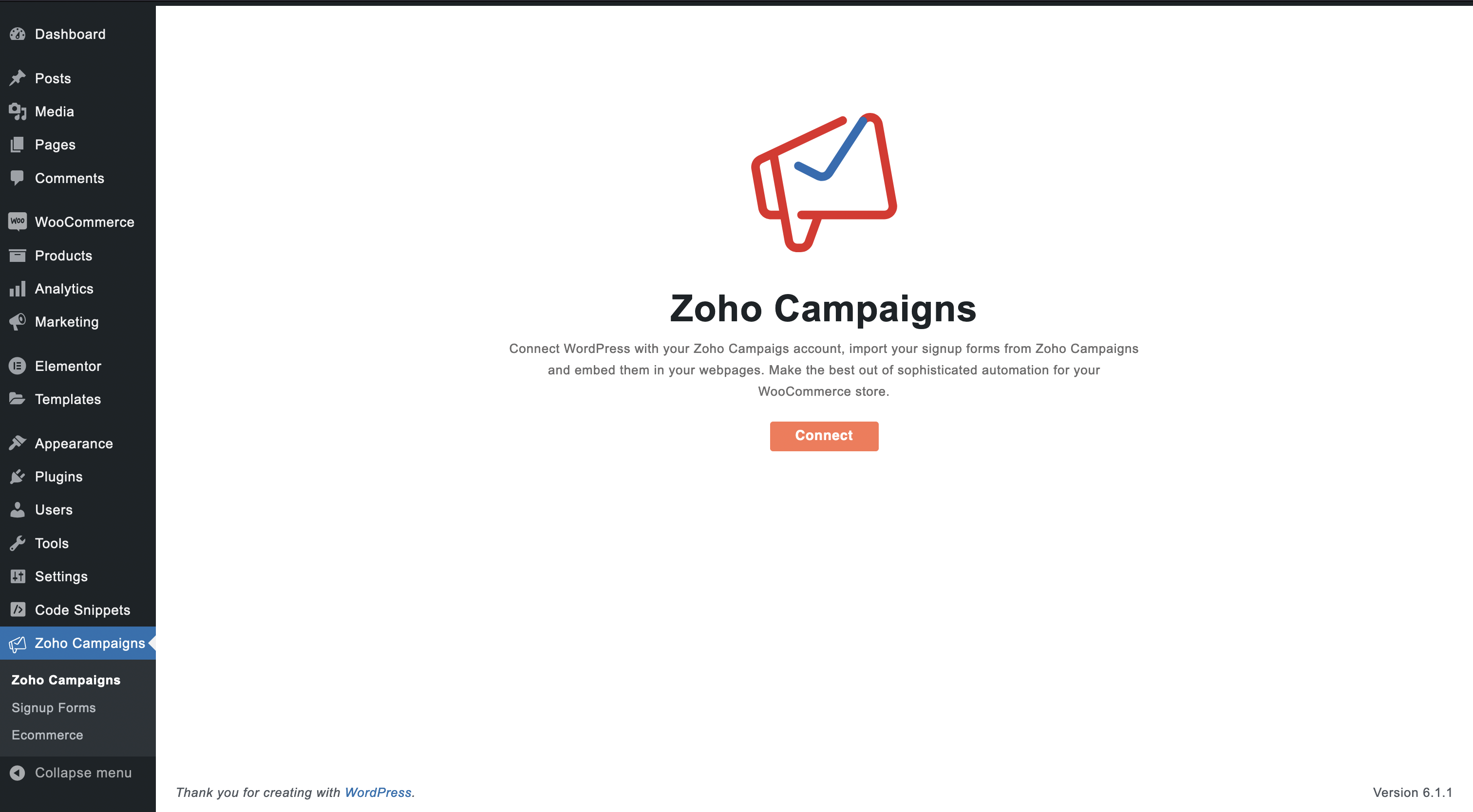
Welcome Page 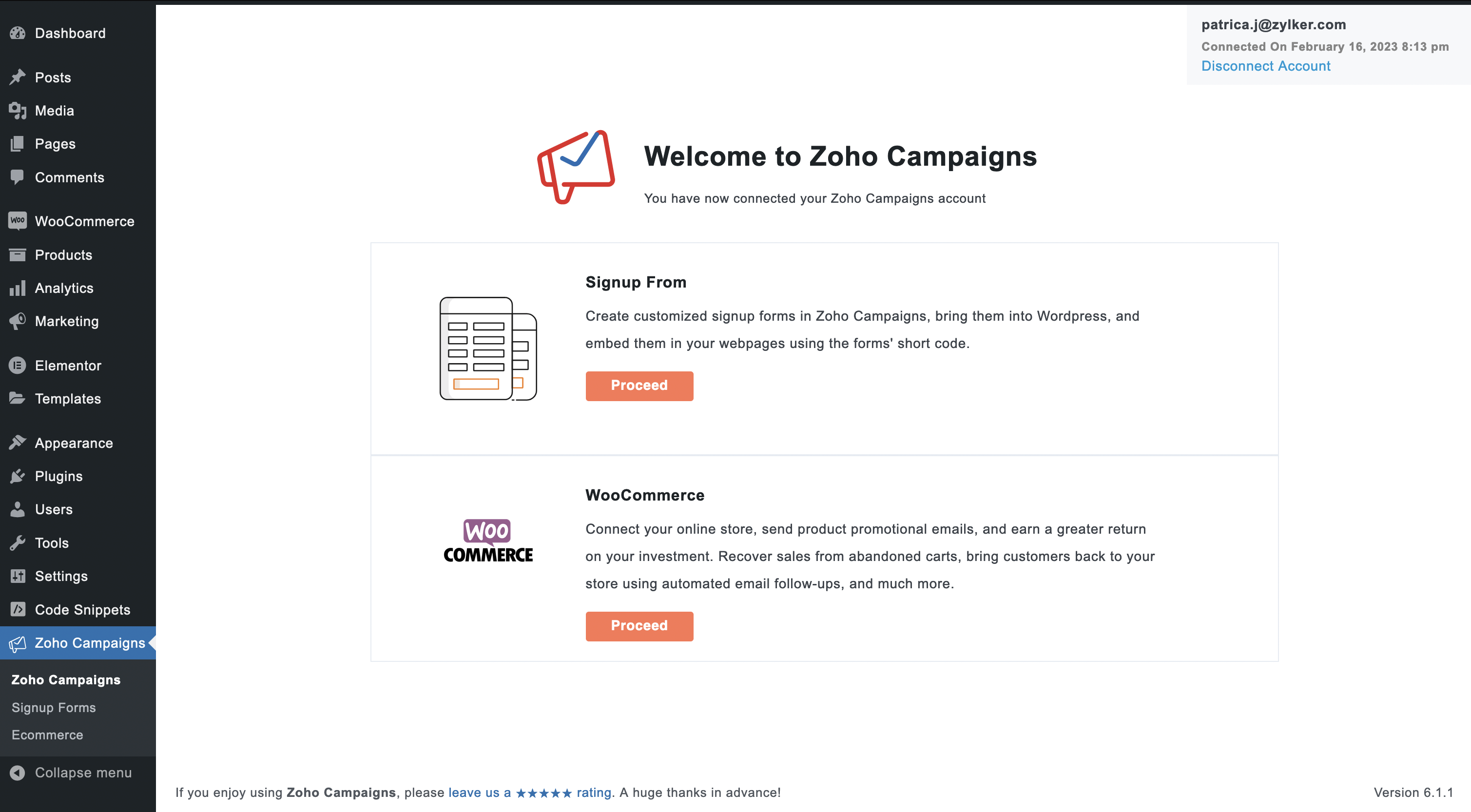
Signup form and WooCommerce integration 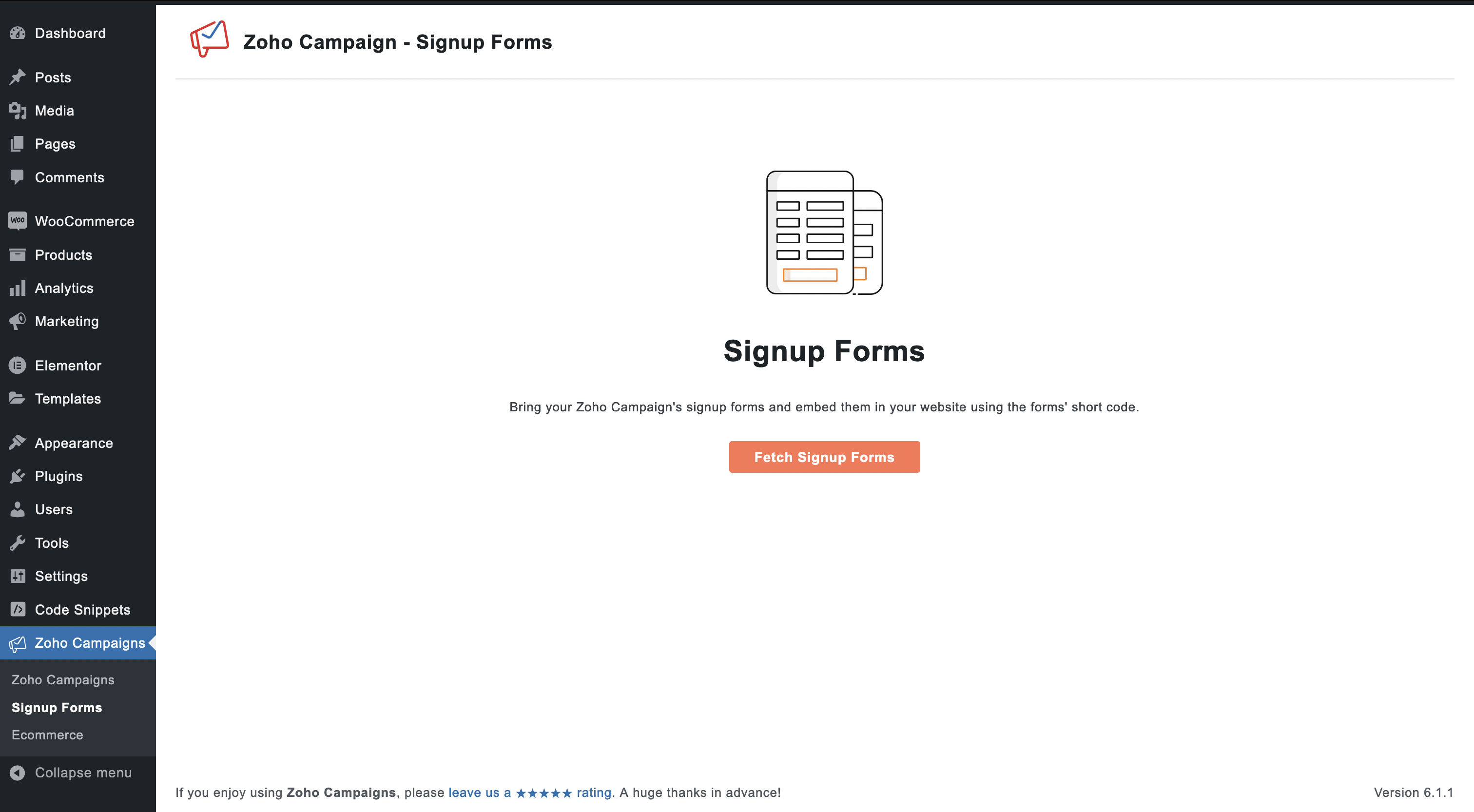
Fetch your Signup forms 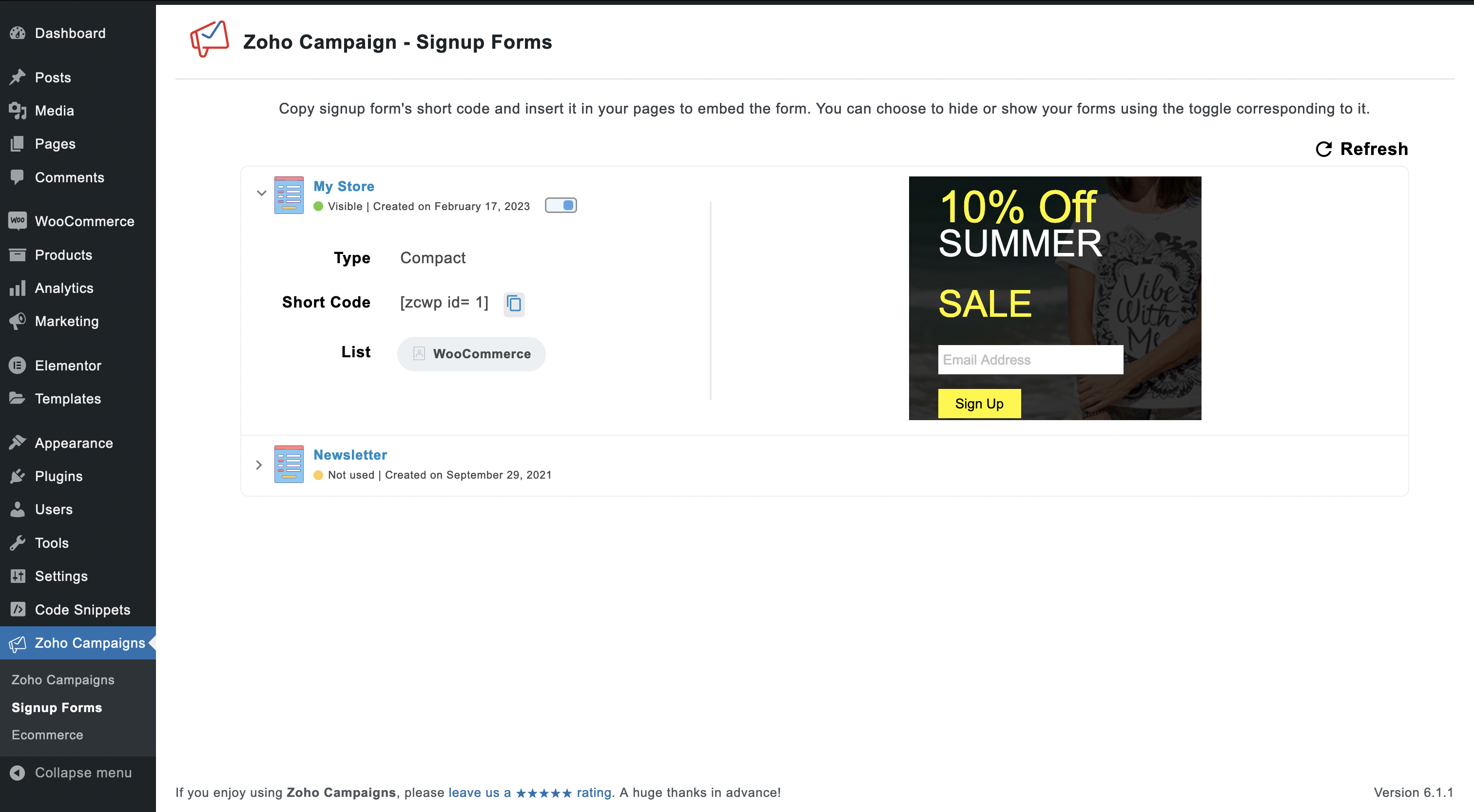
Signup forms 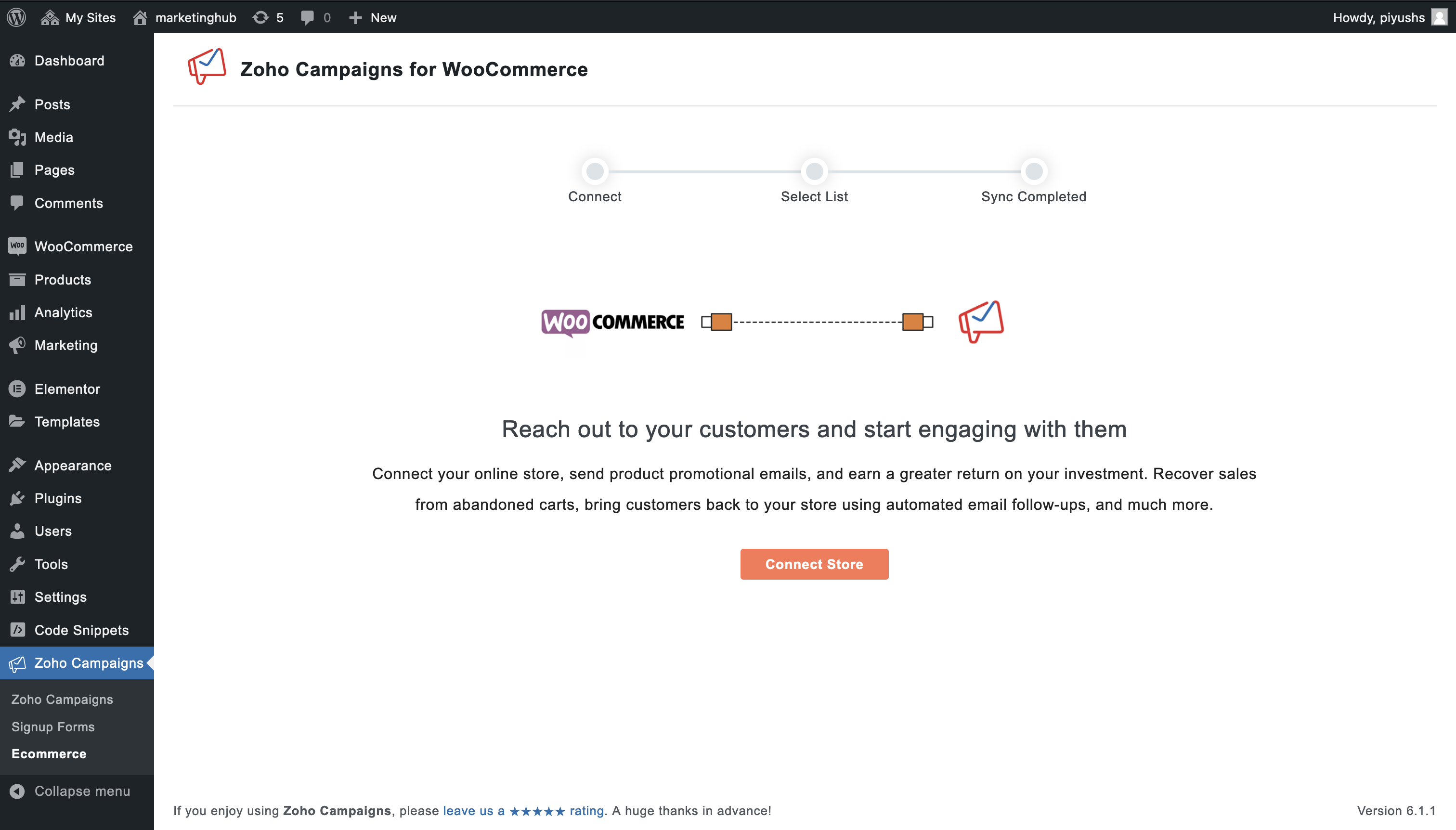
WooCommerce integration 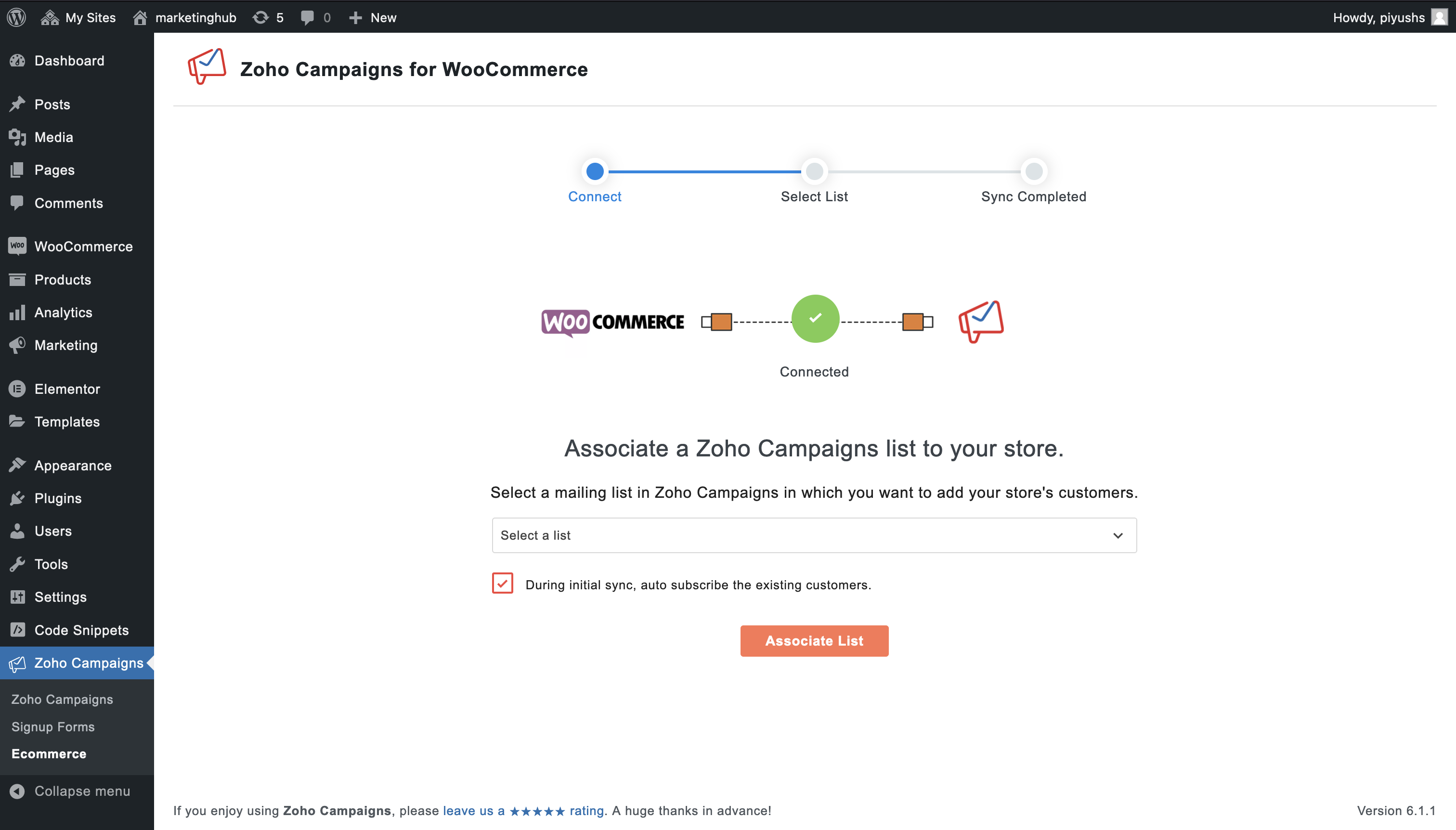
Associate a mailing list 
Zoho Campaigns for WooCommerce
설치
Installing the Zoho Campaigns plugin
- In your WordPress admin panel, go to Plugins > Add New.
- Search for “Zoho Campaigns” plugin for WordPress.
- Click the Install Now button.
- Now, activate the plugin.
FAQ
-
What does the plugin do?
-
Zoho Campaigns plugin lets you use your signup forms in Zoho Campaigns in your webpages. The plugin also lets you connect your WooCommerce store and completely automate your ecommerce efforts.
-
What can I do after I connect my WooCommerce store?
-
Send product promotional emails, automated abandoned cart recovery and post-purchase follow up emails with ease. Gain insights on your customers and dynamically segment them based on their purchase activities. Have the up-to-date reports of the revenue generated in your store.
-
How to create a signup form in Zoho Campaigns?
-
Log in to Zoho Campaigns.
Go to Contacts and select Signup Forms.
Click Create Form at the top-right.
Choose a template for the form.
Associate the form with a mailing list and get the short code.
Use the form’s short code to embed it in your webpages. -
How do I connect my WooCommerce store with Zoho Campaigns?
-
Install the Zoho Campaigns plugin in your WordPress account.
Connect your Zoho Campaigns account after installing the plugin.
Once connected, click Proceed in WooCommerce section.
Associate a mailing list in Zoho Campaigns with your WooCommerce store. -
Where do I go for help with any issues?
-
In case, you are not sure on how to proceed with the Zoho Campaigns plugin, feel free to contact support@zohocampaigns.com.
후기


기여자 & 개발자

변경이력
2.0.8
- Woocommerce HPOS Compatibility
- Security fix
2.0.7
- CA DC Support
- Security fix
2.0.6
- Japan DC Support
- Woocommerce Optin Issue Fix
- Zoho Campaign Logo Update
2.0.5
- Minor issue fix.
2.0.4
- Minor issue fix.
2.0.3
- WooCommerce optin issue fix.
2.0.2
- Added optin check box for non logged-in users.
- Enabled custom WooCommerce action for optin at checkout page.
- Issue Fixes & Enhancement
2.0.1
- Signup form issue fix.
2.0
- Added WooCommerce integration.
- API key is no longer supported and has been upgraded to OAuth 2.0
- Forms created in the previous version of the plugin will no longer be supported.
- You can only fetch signup forms created in Zoho Campaigns.
- Short codes of signup forms created in the previous version will be active but they cannot be edited or viewed from this version.