
설명
Yoo Bar is a lightweight WordPress notification bar plugin that lets you create eye-catching announcement bars, promo bars, and sticky top/bottom bars in minutes — no coding required.
Use it to inform visitors about new posts, special offers, important updates, news, social links, ads, or promotions through a clean, floating notification bar.
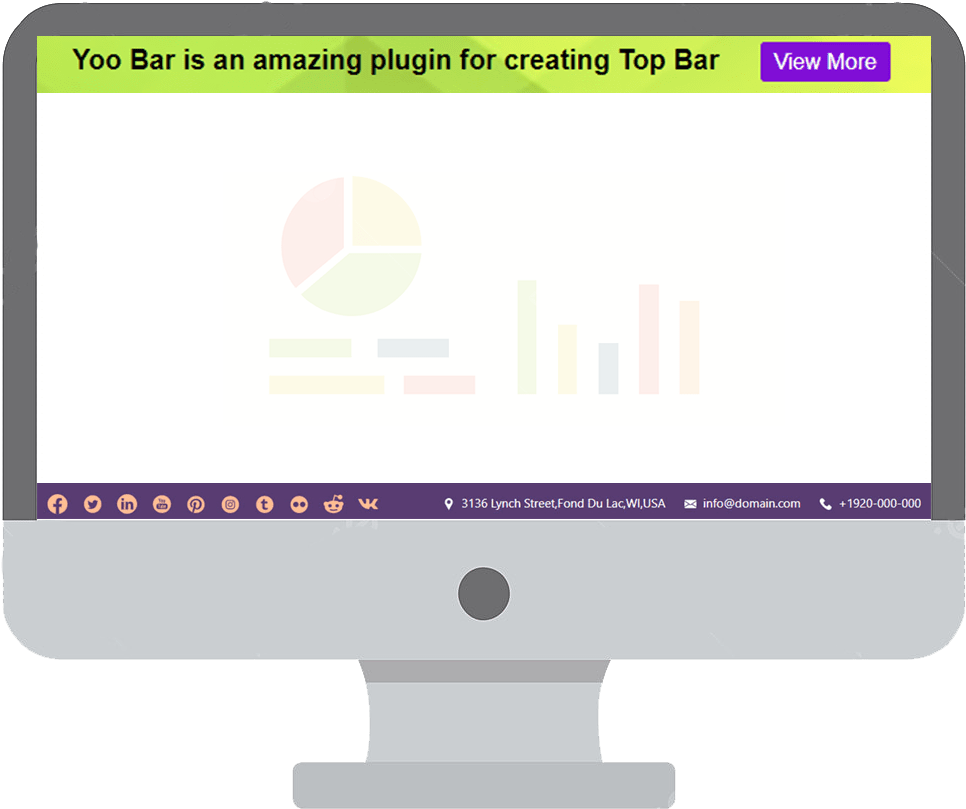
Create single or multi-column bars and fill them with different elements: static text, a countdown timer, an address bar, a search box, social icons, custom images, and more. Every bar features a smooth sticky transition so it stays visible without disrupting your visitors’ experience.
With easy customization for text, colors, position, and visibility rules, you can design an attractive, on-brand notification bar for your WordPress site in just a few clicks.
Try the Demo | Premium version | Documentation
✅ Key Features of This Notification Bar Plugin
- Add a floating notification bar, announcement bar, or promo bar anywhere on your WordPress site
- Display your sticky bar at the top or bottom of the page
- Fully customizable colors, text, fonts, and call-to-action (CTA) buttons
- Set visibility rules to show your bar on specific pages, posts, or site-wide
- Lightweight, fast, and optimized for performance — won’t slow down your site
- 100% mobile-friendly and responsive design
- Simple setup with an intuitive, beginner-friendly interface
📌 Why Choose Yoo Bar for Your WordPress Notification Bar?
Boost visitor engagement, promote offers, collect leads, or deliver urgent announcements — all through a clean, unobtrusive sticky bar that grabs attention without disrupting the user experience. Whether you need a simple announcement bar or a feature-rich promo bar with a countdown timer, Yoo Bar has you covered.
🚀 How to Create a Notification Bar (Step by Step)
→ Install and activate the Yoo Bar plugin from your WordPress dashboard.
→ In your WordPress admin menu, go to Yoo Bar » Add New.
→ Enter a title for your bar (for your reference only).
→ In the message field, add your notification text, promo, or announcement.
→ Customize your bar:
- Choose the display position: Top or Bottom of the page.
- Set the background color, text color, button color, and font size.
- Optionally add a call-to-action button with a link.
→ Decide where the bar will appear: show it on all pages, or select specific pages/posts.
→ Click Publish to activate your new notification bar.
That’s it — your floating bar is now live on your site! 🎉
🎯 Display Your Bar in Specific Locations
♦ In your WordPress admin dashboard, go to Yoo Bar » All Bars.
♦ Click Edit on the bar you want to manage.
♦ Scroll down to the Display Settings / Visibility Rules section.
♦ Choose your preferred display option:
- Show on all pages
- Show on specific pages, products, or posts
- Show on specific post types
♦ Click Update to save your changes.
Your notification bar will now appear only where you’ve specified — giving you precise targeting for promotions, announcements, or alerts.
🌟 Exclusive & Unique Elements
-
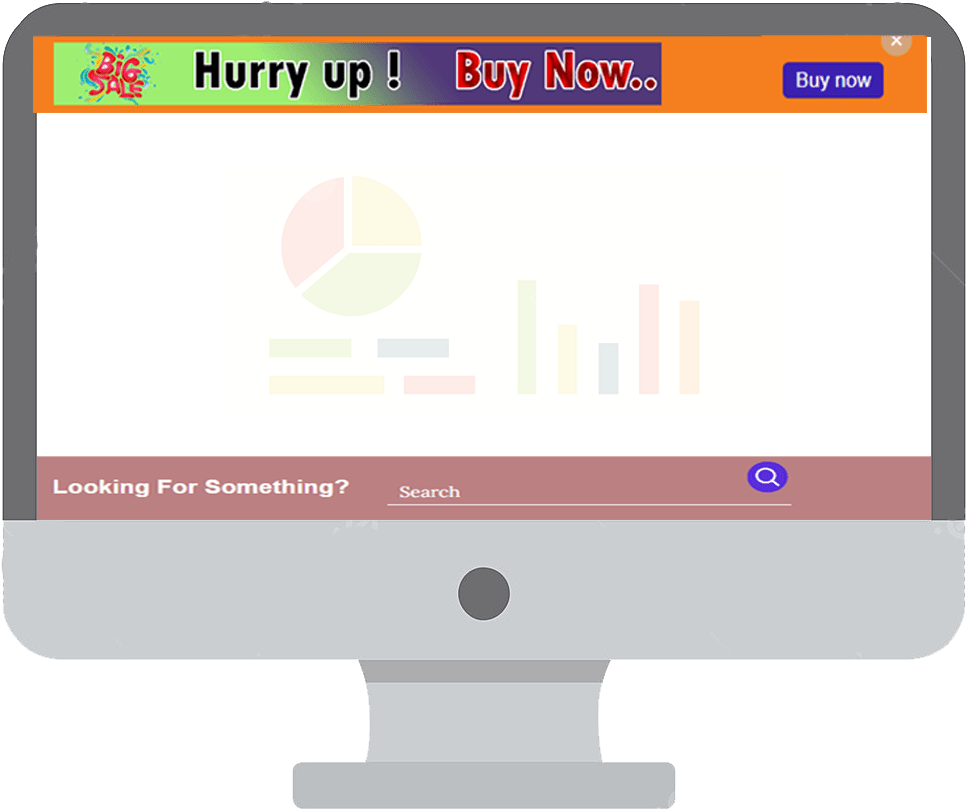
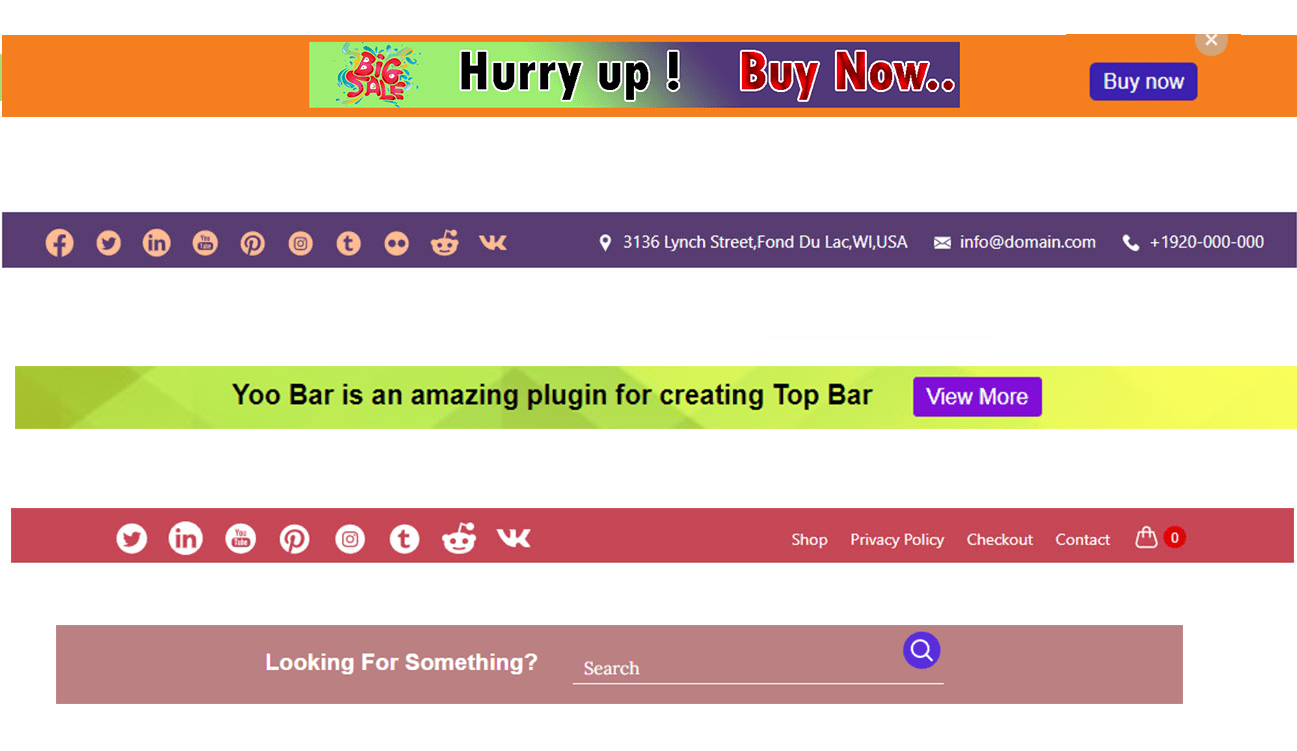
Static Content Bar — Create a notification bar, banner, or ad with text, images, or a logo. Add buttons that link visitors straight to an offer, usable in your site’s top or footer bar.
-
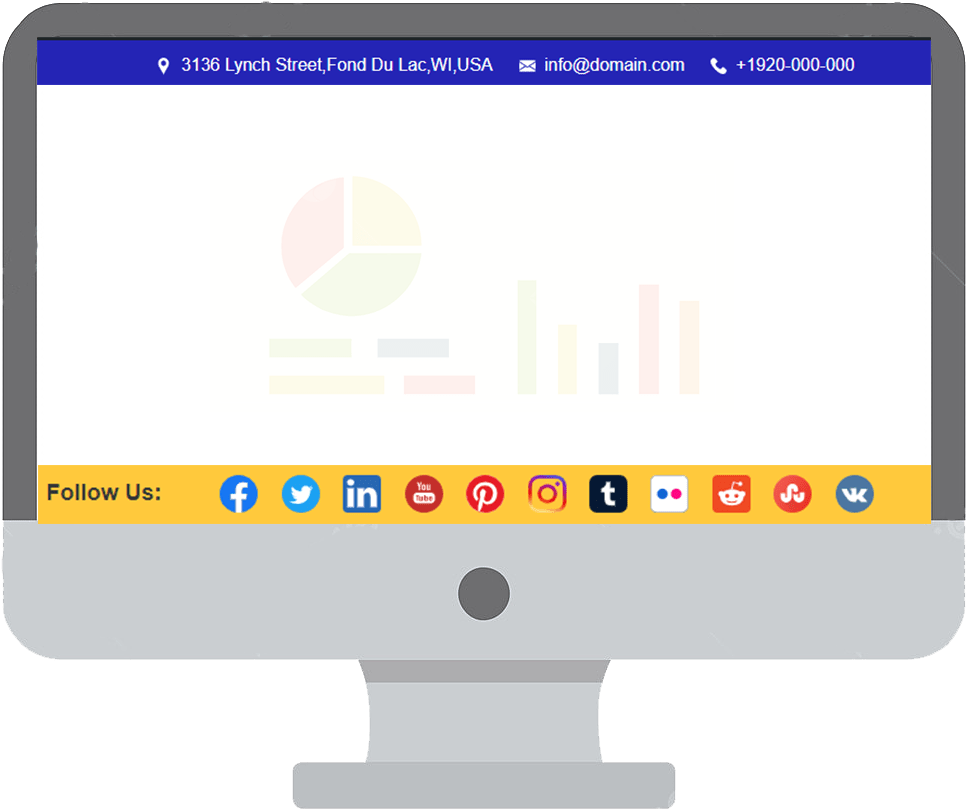
Social Icons — Social icons on your website boost credibility and engagement. Place them in your top or bottom bar, or drop them anywhere on the page via shortcode.
-
Address Bar — A visible business address builds trust and improves local credibility. Display it in your top or bottom bar, or place it anywhere via shortcode.
-
Search Box — Let visitors quickly find what they’re looking for right from your sticky bar. A fast, built-in search box improves user experience and keeps visitors on your site longer. Shortcode support included.
⚙️ Additional Features
-
Fixed / sticky bar animation — Keep your top bar (header) or bottom bar (footer) visible on screen as visitors scroll. Demo
-
Column customization — Add single or double columns to a bar, so two different elements can display at once. Demo
-
Column positioning — Control how the two columns align: center, space-evenly, space-around, flex-start, flex-end. Demo
💎 Premium Features
Countdown Timer — A live countdown clock that creates urgency and drives conversions. Perfect for flash sales, limited offers, or product launches.
Circular Timer Demo | Square Timer Demo | Flipping Timer Demo
News Ticker — Scroll your latest content, products, or services across the bar to increase visibility and keep visitors informed.
Carousel — A rotating slideshow of images or content inside your bar — a dynamic way to highlight offers, articles, or products.
Typing Text Animation — Make your announcement bar text appear letter by letter for a dynamic, attention-grabbing effect. Great for titles, taglines, or promotions.
Logo Slideshow Bar — Showcase partner or brand logos in a rotating slideshow — ideal for trust badges, sponsors, or featured brands.
Text Slideshow — Cycle through multiple messages, quotes, or announcements in your bar instead of showing just one line at a time.
Popup Section — Trigger a popup video, form, or custom content from your notification bar to capture attention the moment visitors land on your site.
Nav Bar with Ajax Cart Button — Add a navigation menu with a live Ajax cart button to your bar, so ecommerce visitors can track their cart without leaving the page.
▶️ Preview Yoo Bar
🔒 Privacy
This plugin does not connect to any third-party applications. It does not collect or store any user information.
💬 Feedback
Your suggestions and feedback help us improve. Share your experience via support, and if you enjoy the plugin, please leave us a review — it really helps other users find this notification bar plugin!
스크린샷


설치
Follow these easy steps to install and start using the Yoo Bar notification bar plugin on your WordPress site:
📥 Automatic Installation (Recommended)
- Log in to your WordPress admin dashboard.
- Go to Plugins » Add New.
- Search for Yoo Bar in the plugin search bar.
- Click Install Now next to the Yoo Bar plugin.
- Once installed, click Activate to enable the plugin.
📦 Manual Installation
- Download the plugin ZIP file from the WordPress Plugin Directory.
- In your WordPress admin dashboard, navigate to Plugins » Add New.
- Click the Upload Plugin button at the top.
- Select the downloaded ZIP file and click Install Now.
- After installation, click Activate Plugin.
🚀 Getting Started
- After activation, go to Yoo Bar in your WordPress dashboard.
- Click Add New to create your first notification bar.
- Customize the message, colors, position, and display settings.
- Save and publish — your notification bar instantly appears on your site!
FAQ
-
How do I create a notification bar with Yoo Bar?
-
After installing and activating the plugin, go to Yoo Bar in your WordPress dashboard. Click Add New, enter your message, customize the appearance, choose the display position, and save. Your notification bar will appear on your site based on your settings.
-
Can I control where the notification bar or announcement bar appears?
-
Yes! You can display the bar at the top or bottom of your site, and set visibility rules for specific pages, posts, or your entire site.
-
Can I customize the colors and text of my promo bar?
-
Absolutely. Yoo Bar lets you easily customize the background color, text color, font size, button color, and more — so your bar matches your website’s design perfectly.
-
Is Yoo Bar mobile responsive?
-
Yes — every notification bar, announcement bar, and sticky bar created with Yoo Bar is mobile-friendly and automatically adjusts to any screen size.
-
Does Yoo Bar slow down my website?
-
No. Yoo Bar is lightweight and built for performance, so it won’t affect your site speed.
-
Is any coding knowledge required to set up a bar?
-
Not at all! Yoo Bar is designed to be simple and beginner-friendly. You can set up and manage your bars through an intuitive admin interface — no coding needed.
-
Does Yoo Bar support countdown timers, news tickers, or carousels?
-
Yes — these are available as premium features, along with a text slideshow, typing text animation, logo slideshow, popup section, and a nav bar with an Ajax cart button.
-
Is support available if I run into issues?
-
Yes, of course. Reach out anytime via our support page or contact us directly. We’re available every day of the week to help.
후기
이 플러그인에 대한 평가가 없습니다.
기여자 & 개발자
“YooBar – Notification Bar & Announcement Bar”(은)는 오픈 소스 소프트웨어입니다. 다음의 사람들이 이 플러그인에 기여하였습니다.
기여자
변경이력
2.0.12
- Update: Compatibility update
2.0.11
- Update: Compatibility update
2.0.10
- Fix: Call-to-action button CSS issues
2.0.9
- Fix: Button element CSS issues
- Fix: Social icon display issues
- Fix: Search icon display issues
2.0.8
- Fix: Bar content issues
2.0.7
- Update: Compatibility update
- Update: Sanitizing and escaping
2.0.6
- Update: Compatibility update
2.0.5
- Fix: Notification bar error
2.0.3
- New: Added function to enable body open
2.0.2
- Update: Compatibility update
1.1.8
- Update: Compatibility update
1.1.7
- Update: Compatibility update
1.1.6
- New: Added location message for each bar in the backend
1.1.5
- Fix: CSS issues for bar alignment
1.1.4
- New: Automatic preview setup after adding a new bar
1.1.3
- New: Added delay animation feature
1.0.1
- Update: Compatibility update
1.0.0
- Initial release