

설명
=Sell your books with ease=
With the Bookvault plugin for WooCommerce, you can create and sell your products in minutes, leaving you with time to focus on the things that matter, writing and marketing your work!
=How does print on demand work?=
Printing your book on demand is simple, you can simply store your book in our digital warehouse, providing us the files and specification. Once everything’s been approved, your book is ready to be printed and dispatched in some cases as little as 24 hours.
We believe you should be in control of your content and how it’s produced, so with Bookvaults state of the art production facility you can choose from 7 different bindings, 5 interior stocks and an endless list of sizes, that means no matter what your book is, whether it be a landscape full colour Children’s book, a creamy mono novel or even a special edition hardback, it’ll only produced once you have a sale in just a single copy!
=How does Bookvault work with WooCommerce=
Once you’ve installed the Bookvault plugin, you can create and add titles through the Bookvault dashboard. These will then be available to sell through WooCommerce and your WordPress store.
When you have an order, an order will mediately be placed on Bookvault, with it being printed and shipped within 3 working days.
=Disclaimers=
The bookvault app relies on third party services outside of wordpress to make the app function.
- Vimeo allows us to serve content videos within the plugin to help explain Bookvault services and how to use the plugin. Viemo’s terms of service can be found at the following page: https://vimeo.com/terms
- Bookvault is a trading name of Printondemand-Worldwide. The Bookvault plugin connects directly to the Bookvault service to enable you to manage your account and titles within WordPress. Our full privacy policy can be found here: https://printondemand-worldwide.com/privacy-policy/
스크린샷
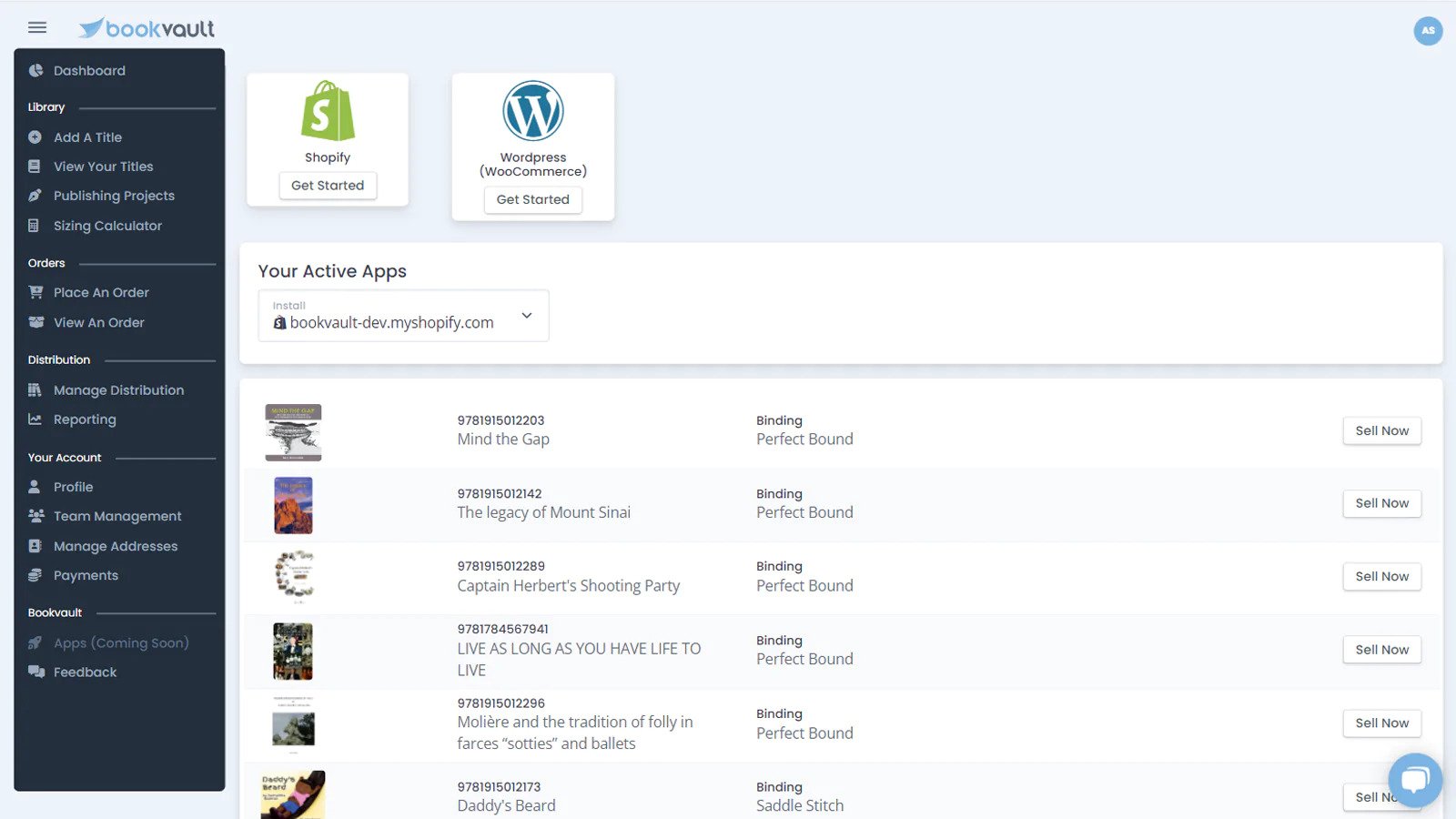
Manage your titles 
Track orders 
Upload products to your store
설치
- Install the WooCommerce to your WordPress website
- Install the Bookvault plugin
- Activate the plugin
- Create your free Bookvault account
- Create your books and upload files
- Push your book to your store
- Sit back and watch Bookvault handle the rest
FAQ
Find our latest FAQ’s here: https://help.bookvault.app/knowledge
후기

기여자 & 개발자

변경이력
1.0.0
- First release
2.0.0
- Adding US Printing
3.0.0
- Adding new bulk add for titles
- New UI to show where titles can be fulfilled from
- Ability to edit products fulfilment locations
- Ability to resend orders
- Ability to batch resend orders
- Fixed the stability of the portal
3.1.0
- Fixed bug with orders not being resent from the order page
3.1.1
- Various housekeeping fixes
3.2.0
- Further housekeeping fixes
3.3.0
- Further housekeeping fixes
3.4.0
- Fix for checkboxes not being displayed correctly on product page
4.0.0
- Adding support for new WooCommerce high performance order storage
5.0.0
- Adding support for Bookvault Australia & Bookvault Canada
6.0.0
- adding support for stores with different base URL’s and Homes