

설명
Integrate Stax Web Payments with your WordPress website as easily as adding a button.
Just add your Web Payments Token and optionally customize your button to fit your brand. Add it to posts, pages, or any other content via the included Gutenberg block or shortcode generator, and you’re ready to start accepting payments!
When a user clicks your button, the Stax checkout will be launched seamlessly in a pop-up on your website.
Learn more about the Stax platform using the links below:
Stax website
Terms of use
Privacy policy
스크린샷
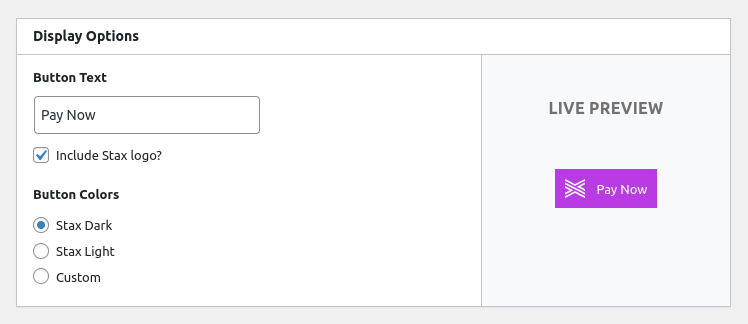


블록
이 플러그인은 1개의 블록을 제공합니다.
- Stax Payments Button
설치
- Upload
stax-paymentsto the/wp-content/plugins/directory - Activate the plugin through the ‘Plugins’ menu in WordPress
Or simply go to ‘Plugins’ > ‘Add New’ in the WordPress admin and search for “Stax Payments” and install/activate it from there.
FAQ
-
How do I get Web Payments Token?
-
Login to your Stax account and click on “Apps”, then “Website Payments”, then “Launch”, or just follow the link below: https://app.staxpayments.com/#/apps/webpayments
후기
이 플러그인에 대한 평가가 없습니다.
기여자 & 개발자

변경이력
1.0.1 – 2023-12-11
- Fixed nonce protection
- Fixed plugin file direct access
- Fixed rendering issue with Gutenberg block
1.0.0 – 2022-11-28
- Initial release