

설명
Easy SVG Upload is your go-to solution for safely enabling SVG uploads in WordPress. This powerful plugin empowers you to seamlessly incorporate SVG files into your website, all while ensuring they are meticulously sanitized to thwart any potential SVG/XML vulnerabilities that could compromise your site’s security. Additionally, Easy SVG Upload offers the convenience of previewing your uploaded SVGs directly in the media library, across all views.
With Easy SVG Upload, you can confidently embrace the creative potential of SVG files within your WordPress site, all within a secure and user-friendly environment.
Contributing & Bug Report
Bug reports and pull requests are welcome on Github.
스크린샷
설치
From within WordPress
- Visit ‘Plugins > Add New’
- Search for ‘Easy SVG Upload’
- Activate Easy SVG Upload from your Plugins page.
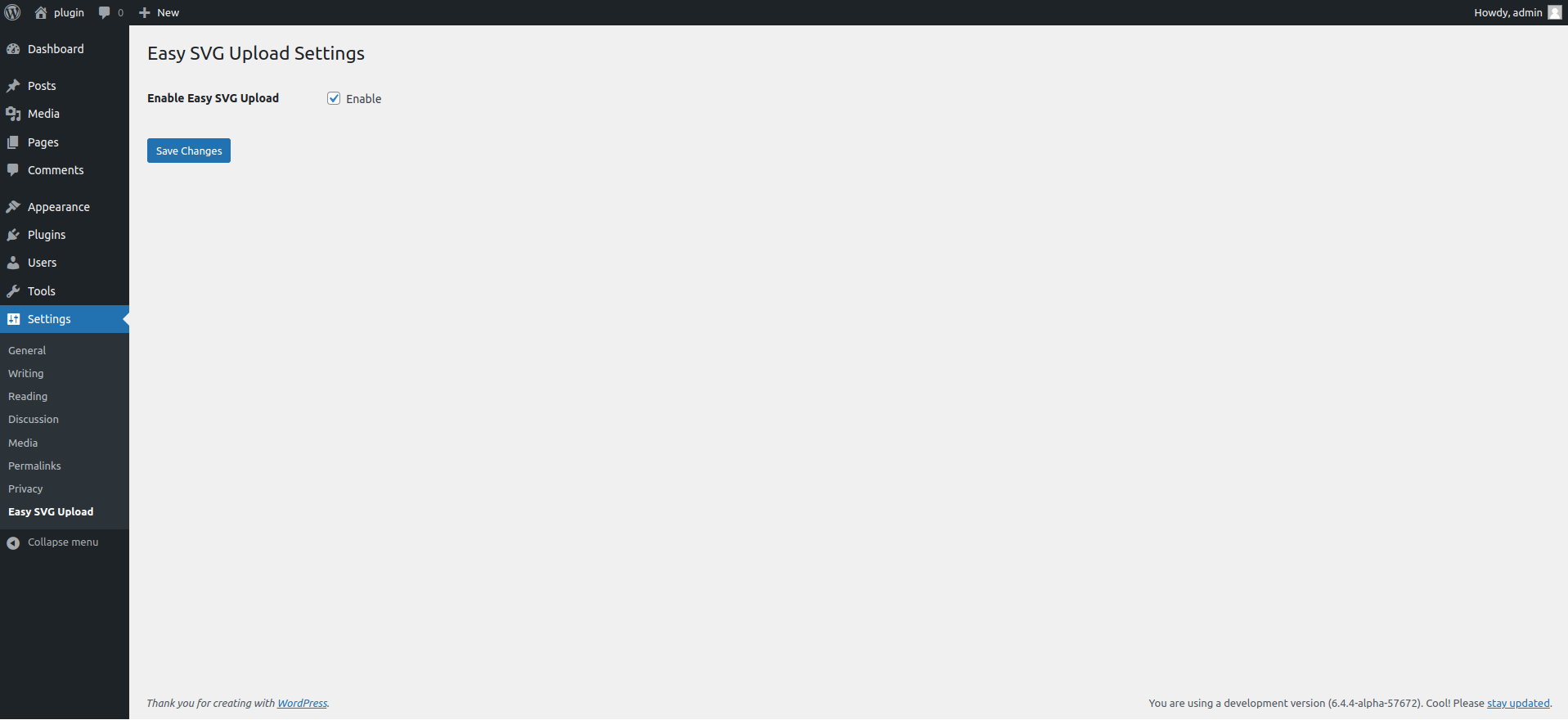
- Go to Settings > Easy SVG Upload
- Enable Easy SVG Upload
- That’s all.
Manual Installation
- Upload the
easy-svg-uploadfolder to the/wp-content/plugins/directory - Activate the Powered Cache plugin through the ‘Plugins’ menu in WordPress
- That’s all.
FAQ
-
Where is the settings page?
-
Settings > Easy SVG Upload
-
Is it compatible with multisite?
-
Yes! It’s compatible with both single sites and multisite.
후기
이 플러그인에 대한 평가가 없습니다.
기여자 & 개발자


변경이력
1.2 (September 20,2025)
- Bug fix
- New Interface
- Sanitizer Added
1.1 (November 23,2024)
- Bug fix
- Performance Update
- 6.7 Compatibility
- Security Update
1.0 (March 22,2024)
- Initial release