
설명
Advanced Link Block gives you powerful control over anchor (<a>) links in the Gutenberg block editor.
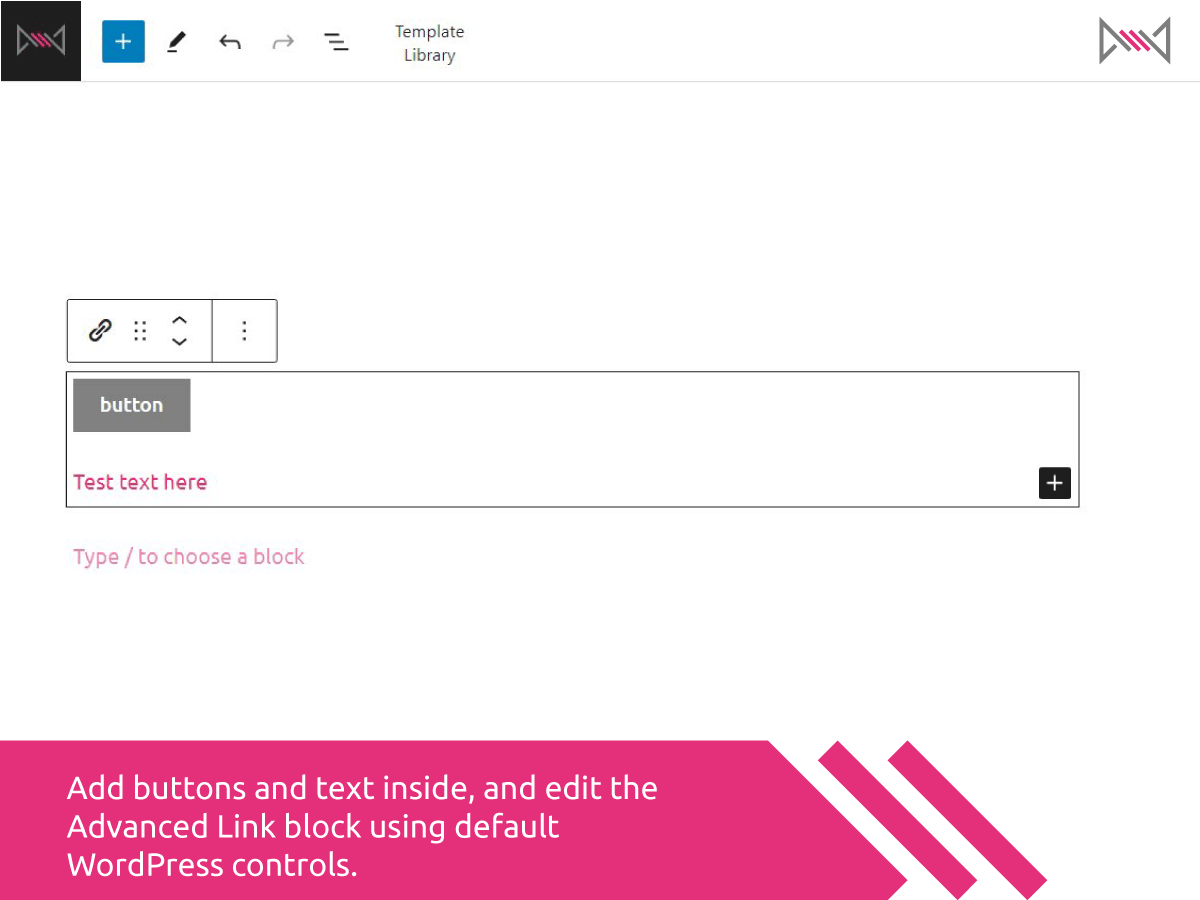
It allows you to wrap any blocks — such as paragraphs, buttons, or images — inside a clickable link block.
Features include:
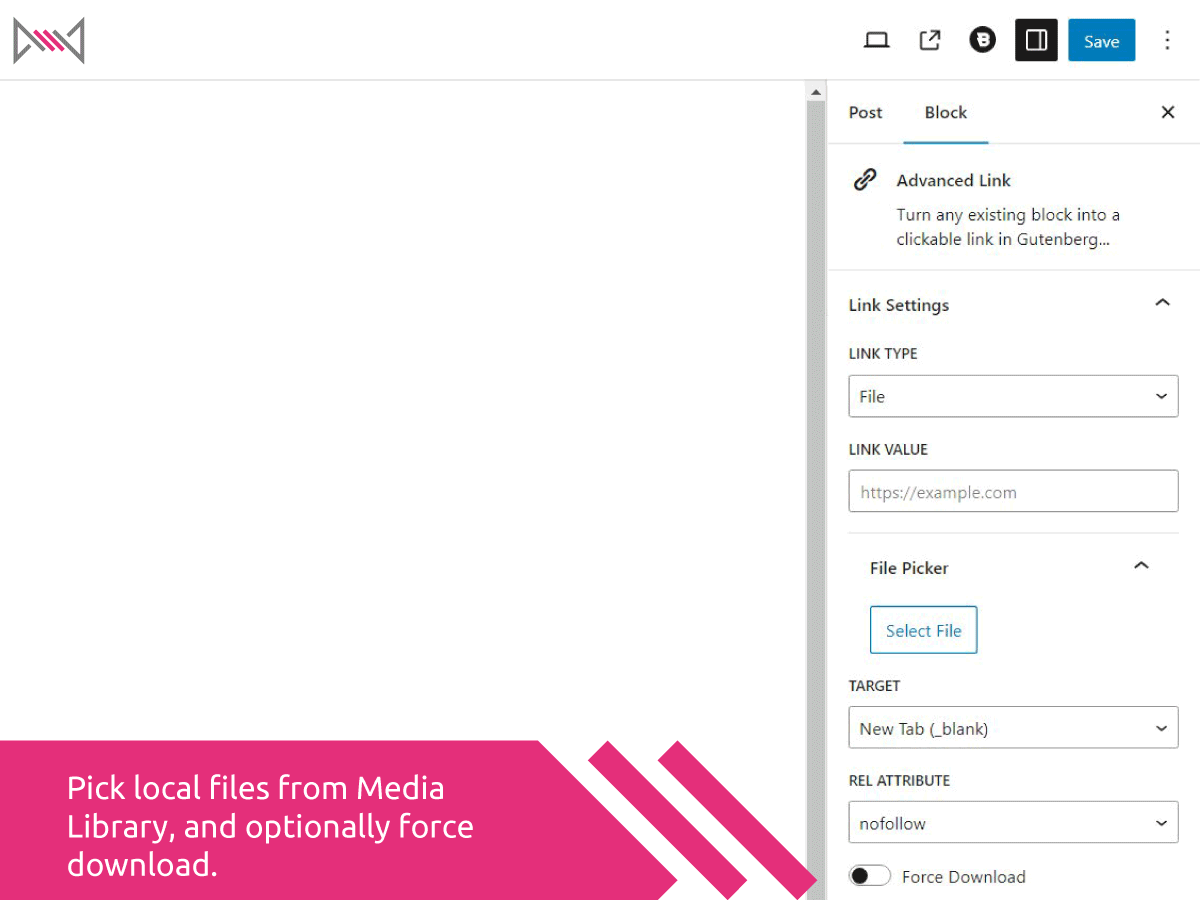
- Choose from various link types: standard URL, Email, Phone, File, or Raw
- Dynamically show relevant options for each type
- Add link attributes like
target,rel, anddownload - Use the WordPress media picker to insert file links
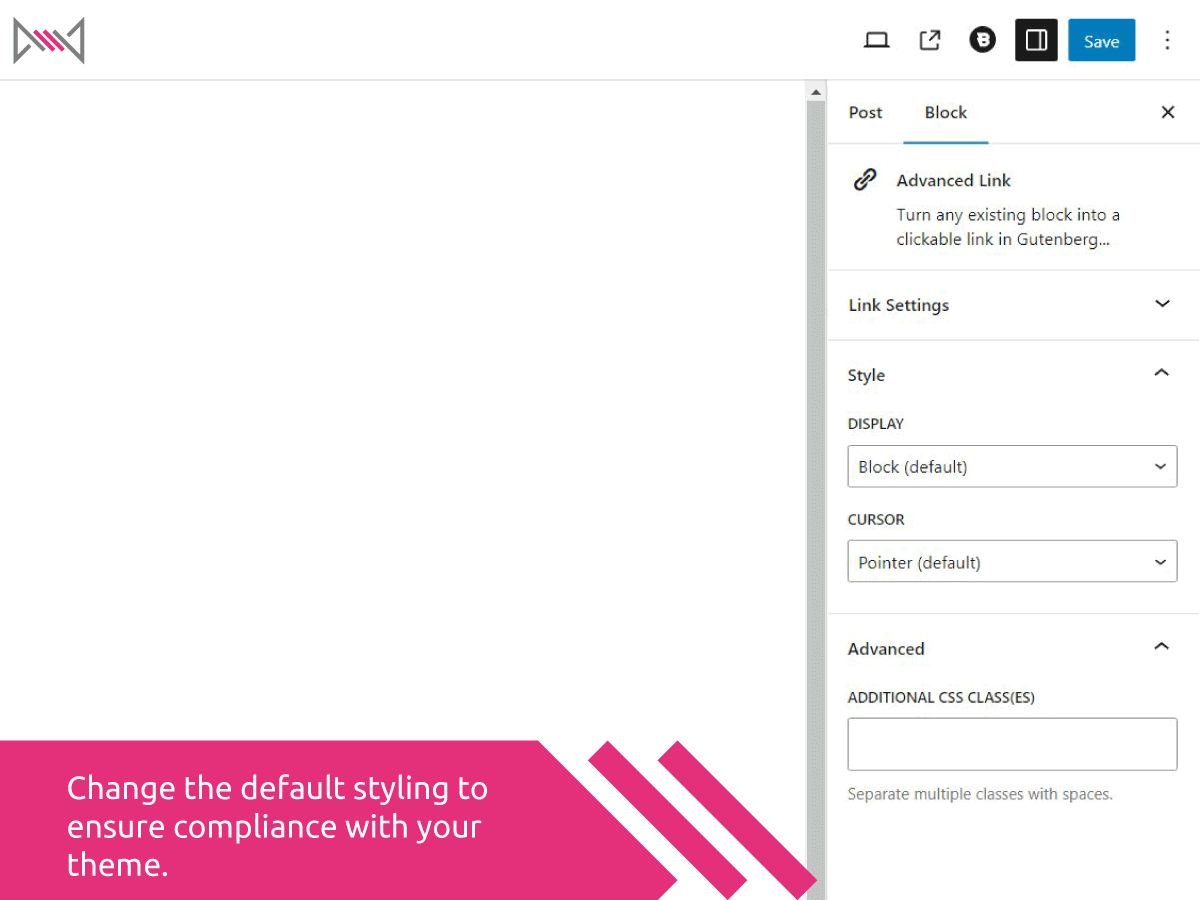
- Apply custom cursor styles and display behavior (block, contents, flex)
- Frontend click logic simulates real anchor wrapping (bypassing Gutenberg limitations)
This plugin is ideal for users who want cleaner, more accessible link wrappers and advanced control over how links behave — all directly within the Gutenberg editor.
스크린샷

블록
이 플러그인은 1개의 블록을 제공합니다.
- Advanced Link Turn any existing block into a clickable link in Gutenberg…
설치
- Upload the plugin folder to
/wp-content/plugins/or install via the WordPress Plugin Directory - Activate the plugin via Plugins > Installed Plugins
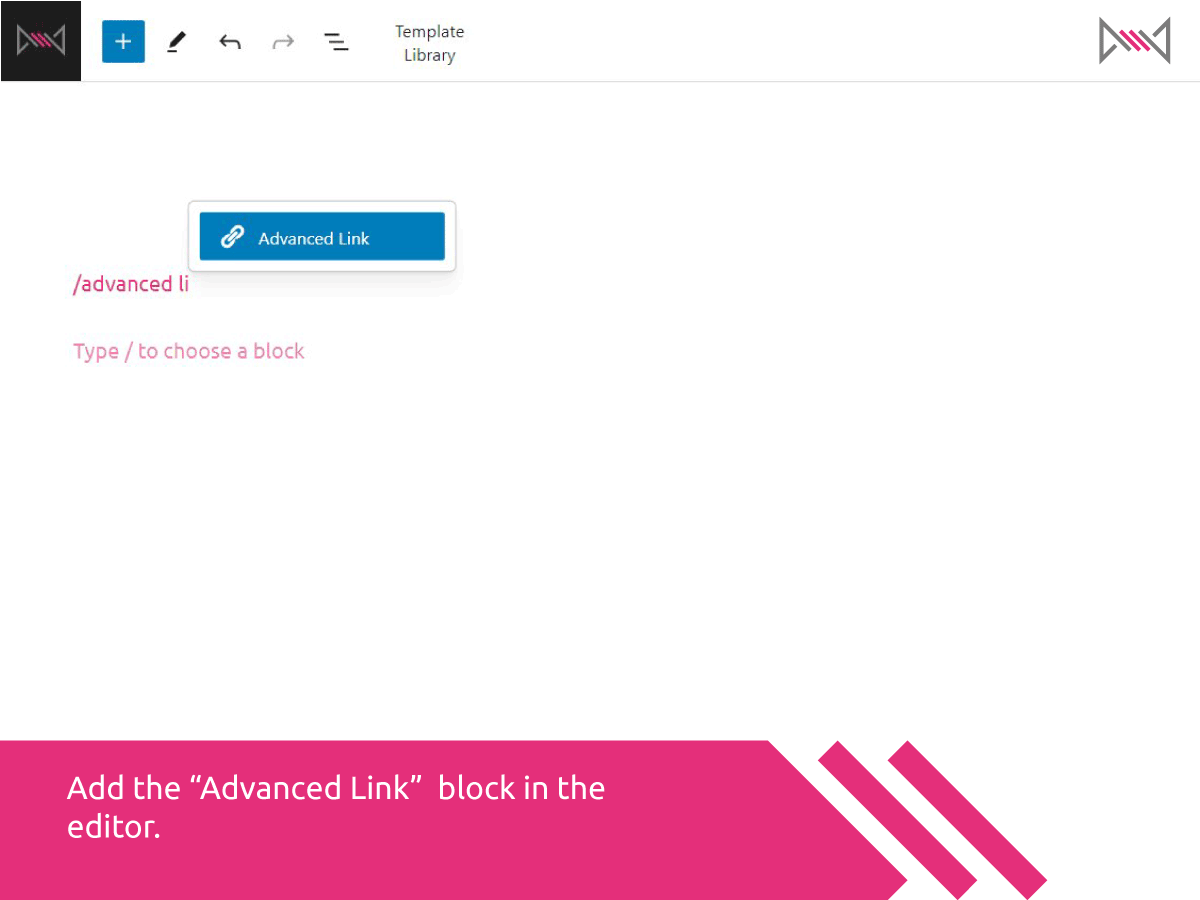
- Go to the block editor, search for “Advanced Link”, and insert the block
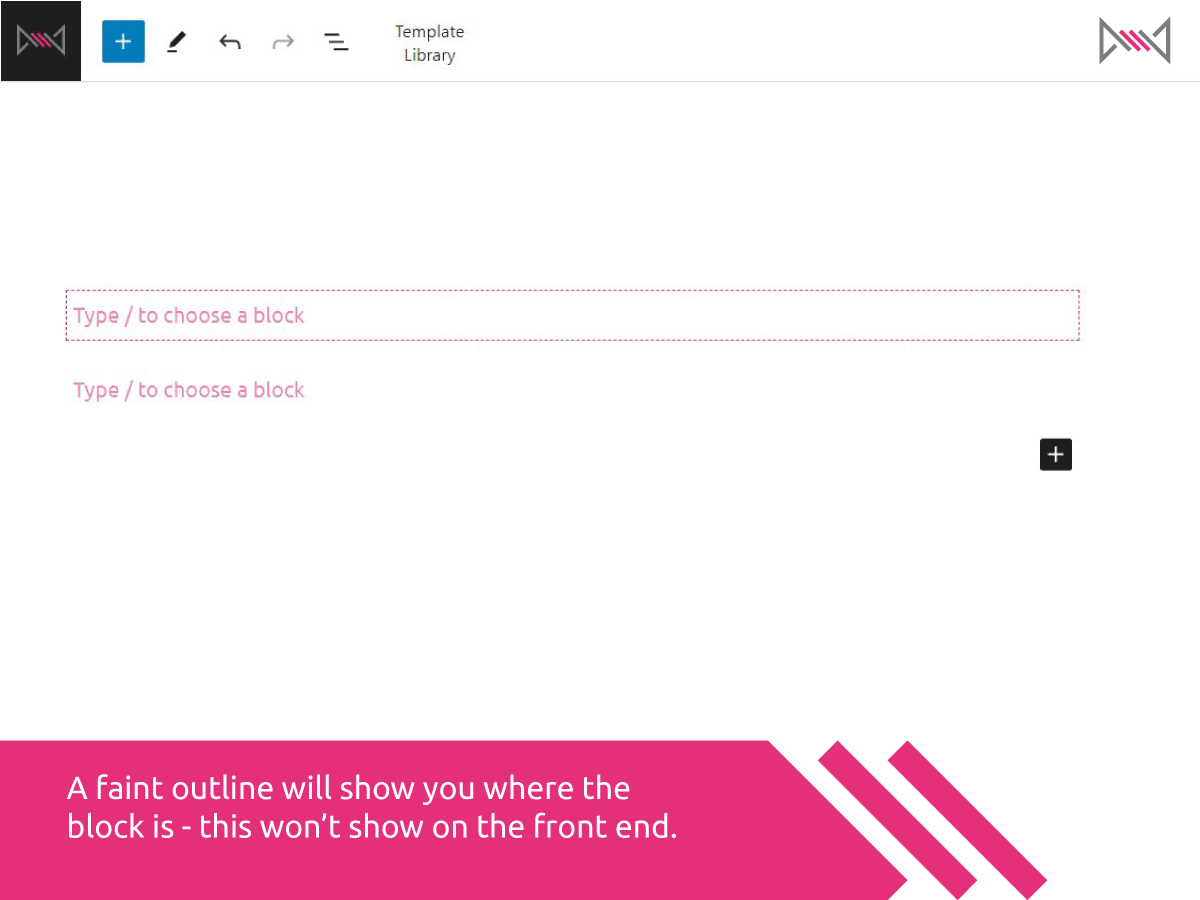
- Drop other blocks inside it, and configure the link options in the sidebar
FAQ
-
Can I nest any block inside this link block?
-
Yes — you can nest any type of block, but for legal and technical reasons the link itself is simulated using JavaScript. That means it works visually and functionally, but you can’t always rely on raw HTML serialization.
-
Can I nest multiple blocks inside this one?
-
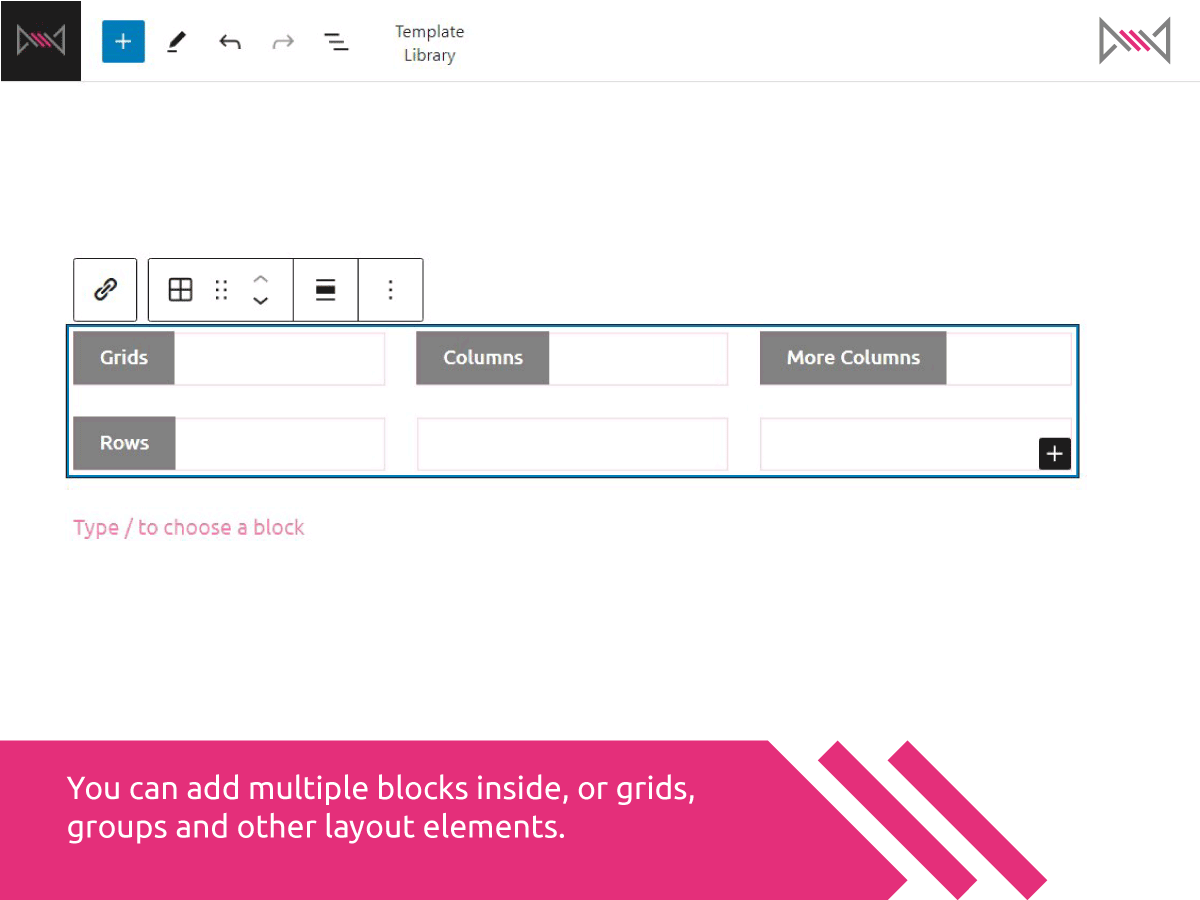
Yes absolutely – the block becomes a mini editor, allowing you to add more then one block which will flow similar to the rest of your page. You can add visual clarity by adding groups, grid and other organisation blocks inside the editor.
-
Yes! In fact, this is a perfect way to link button blocks to downloadable files, phone numbers, email addresses and more.
-
What if I select the wrong link type?
-
We allow saving even if a field is incomplete or a setting is mismatched — you’ll just see a friendly warning.
-
Is this accessible?
-
Yes, the plugin uses standard HTML5
<a>tags and simulates wrapping behavior without breaking accessibility. Keyboard interaction can be enhanced via script updates if needed.
후기
이 플러그인에 대한 평가가 없습니다.
기여자 & 개발자

변경이력
1.2.0
- Initial release
- Supports all main link types: URL, Email, Phone, File, Raw
- Custom link attributes: target, rel, download
- File picker integration
- Frontend JS simulates anchor wrapping
- Custom display and cursor styles