
설명
Digital Signage creates a specialized page for digital signage displays. It automatically rotates through featured images from posts in a specified category, making it perfect for information screens, waiting rooms, or promotional displays.
Features
- Dedicated URL for your digital signage display
- Automatic image rotation with configurable timing
- Category-based image filtering
- Custom image dimensions
- Automatic page refresh to get the latest content
스크린샷
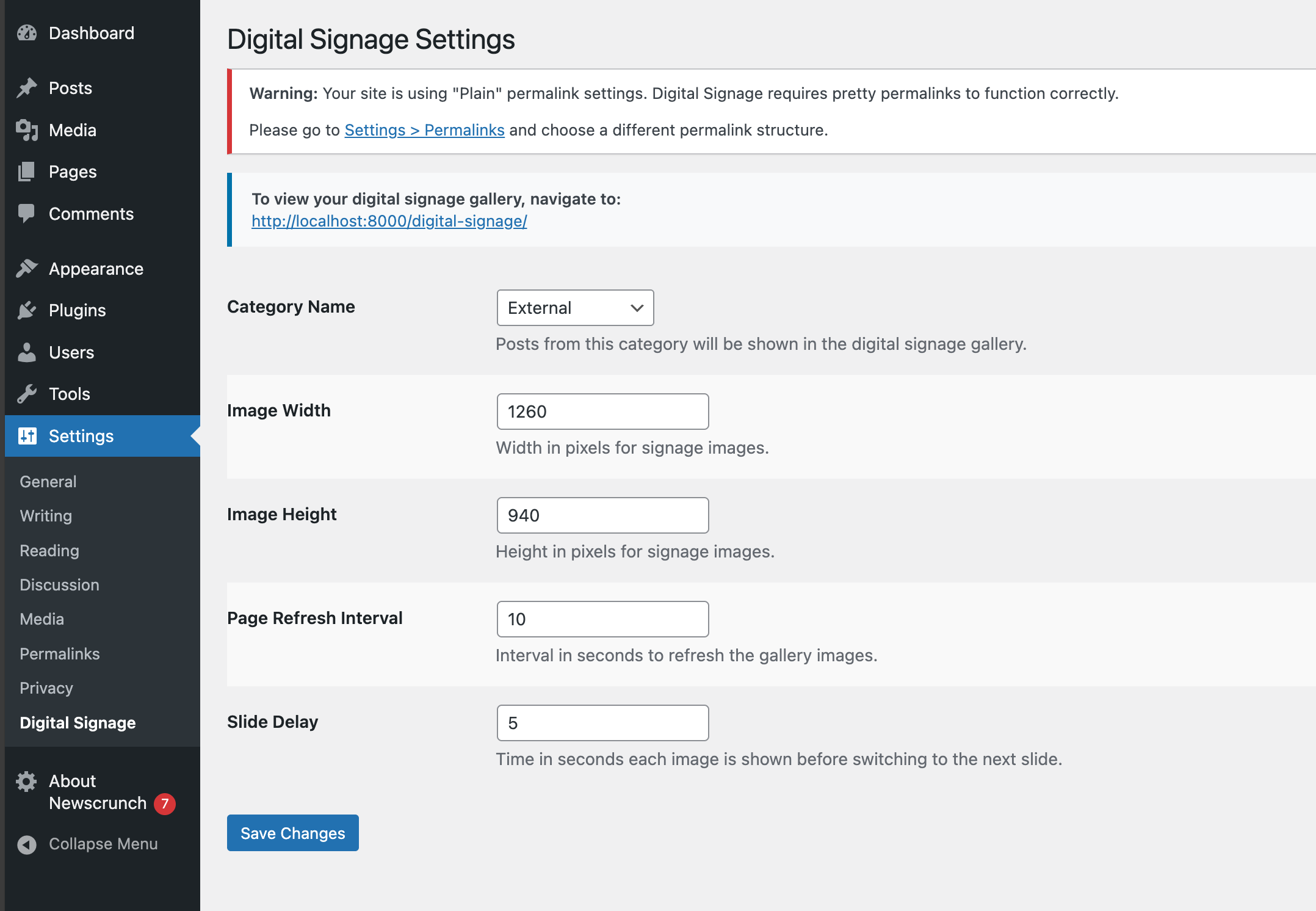

설치
- Upload the
digital-signagefolder to the/wp-content/plugins/directory - Activate the plugin through the ‘Plugins’ menu in WordPress
- Configure settings under Settings > Digital Signage
- Access your digital signage at yourdomain.com/digital-signage
FAQ
-
How do I add images to the slideshow?
-
Add posts with featured images to the category you specified in the settings (default is ‘news’).
-
Can I customize the refresh rate?
-
Yes, you can set both the slide delay (time between slides) and page refresh interval in the settings.
후기
이 플러그인에 대한 평가가 없습니다.
기여자 & 개발자

변경이력
1.0.3
- Bug fixes
1.0.1
- Added support for HTML pages; misc. improvements
1.0.0
- Initial release