

설명
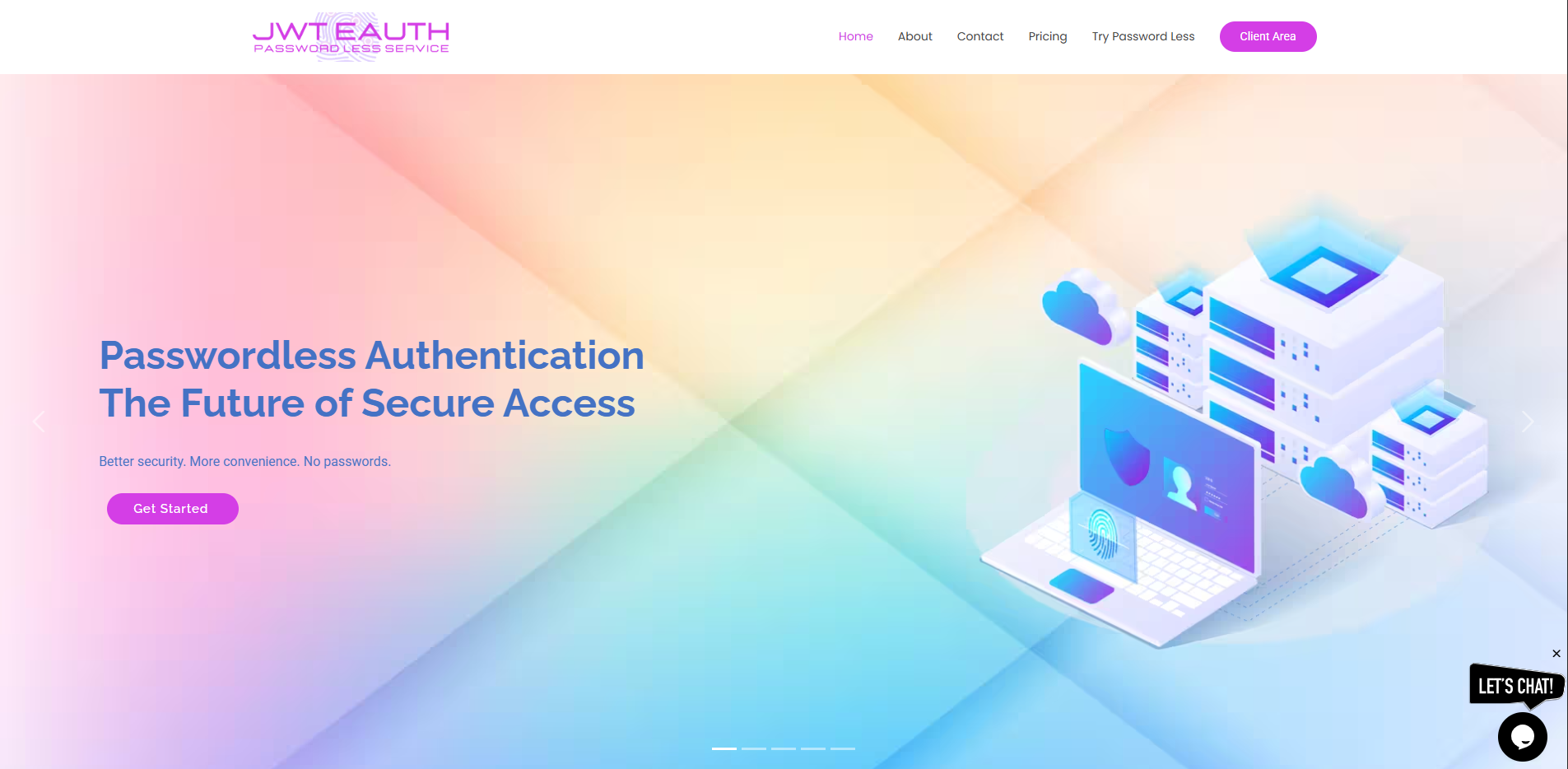
ASD Passkey for WordPress, known as JWT EAuth outside the WordPress ecosystem, is a cutting-edge authentication service designed to enhance online security by replacing traditional passwords with advanced methods like biometrics (fingerprint, facial recognition) or hardware security keys. As cyber threats become increasingly sophisticated, password-based systems are more vulnerable to attacks such as phishing, credential stuffing, and data breaches.
With JWT EAuth, businesses can adopt a modern, secure solution that not only protects data but also improves user experience.
Key Benefits:
* Enhanced security with passwordless login.
* Improved user experience with biometric and hardware key support.
* Builds trust through advanced encryption and anti-phishing technology.
Major features:
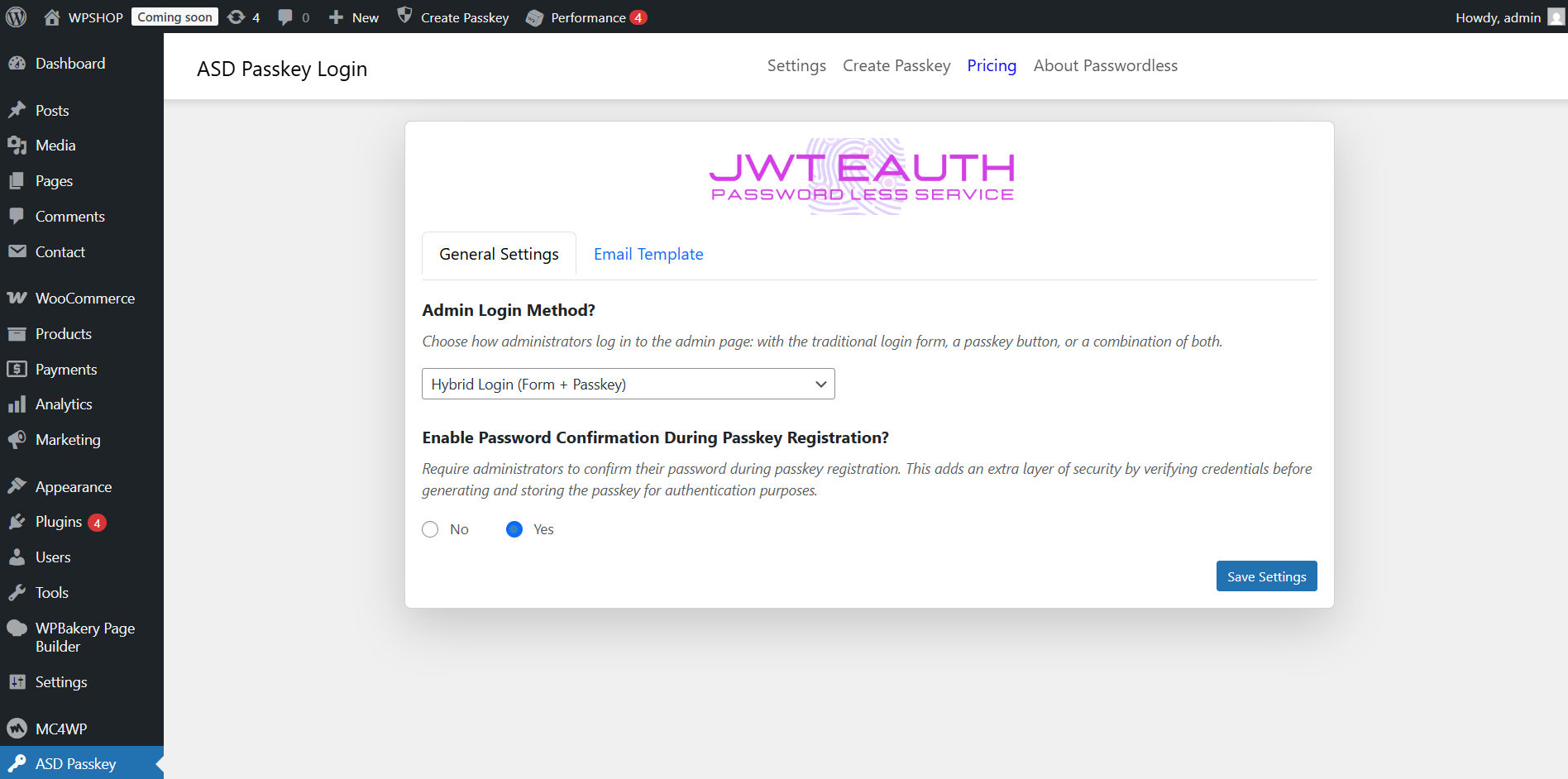
* Seamless integration without additional API settings.
* Standard passkey and asymmetric encryption support.
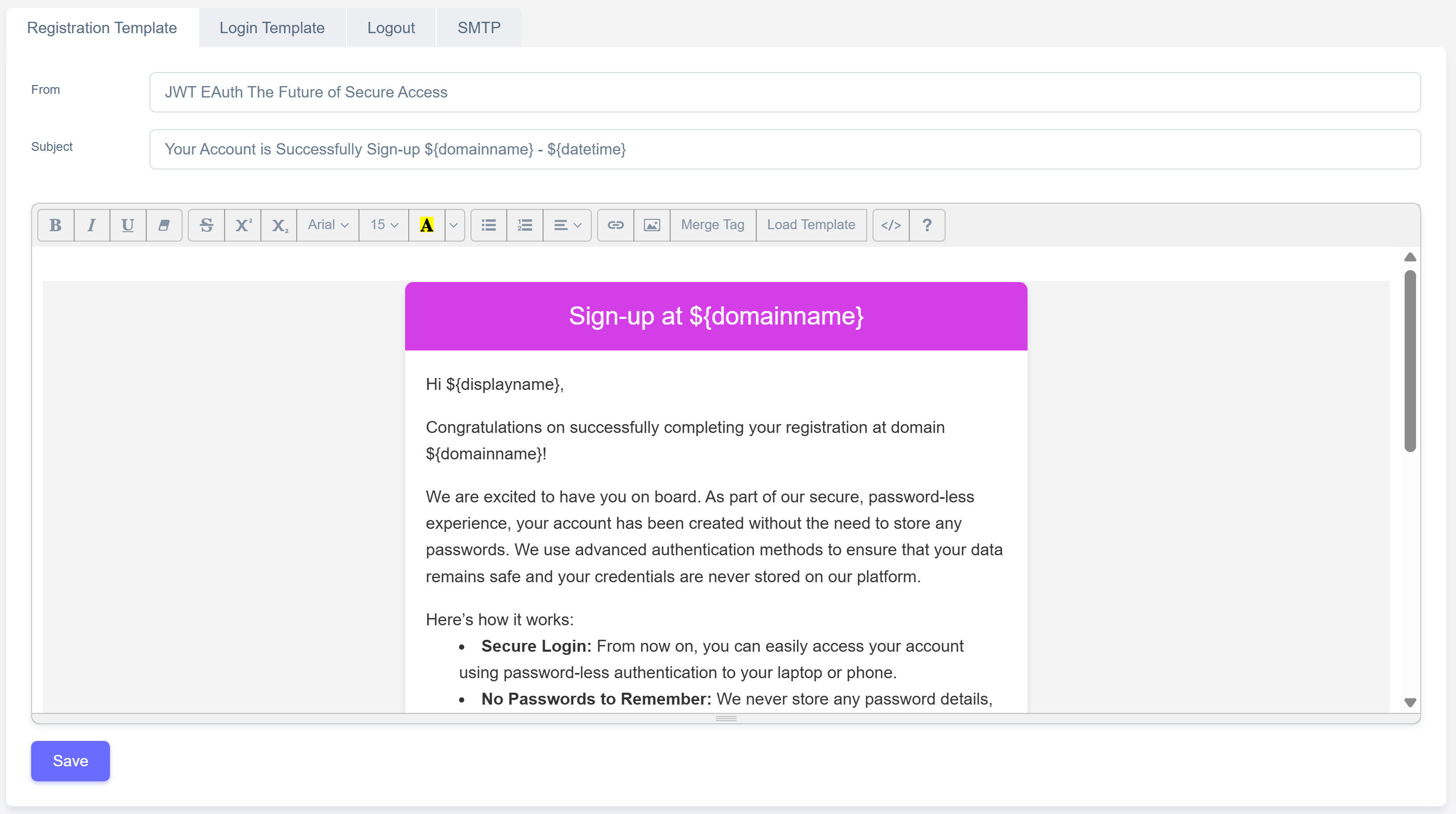
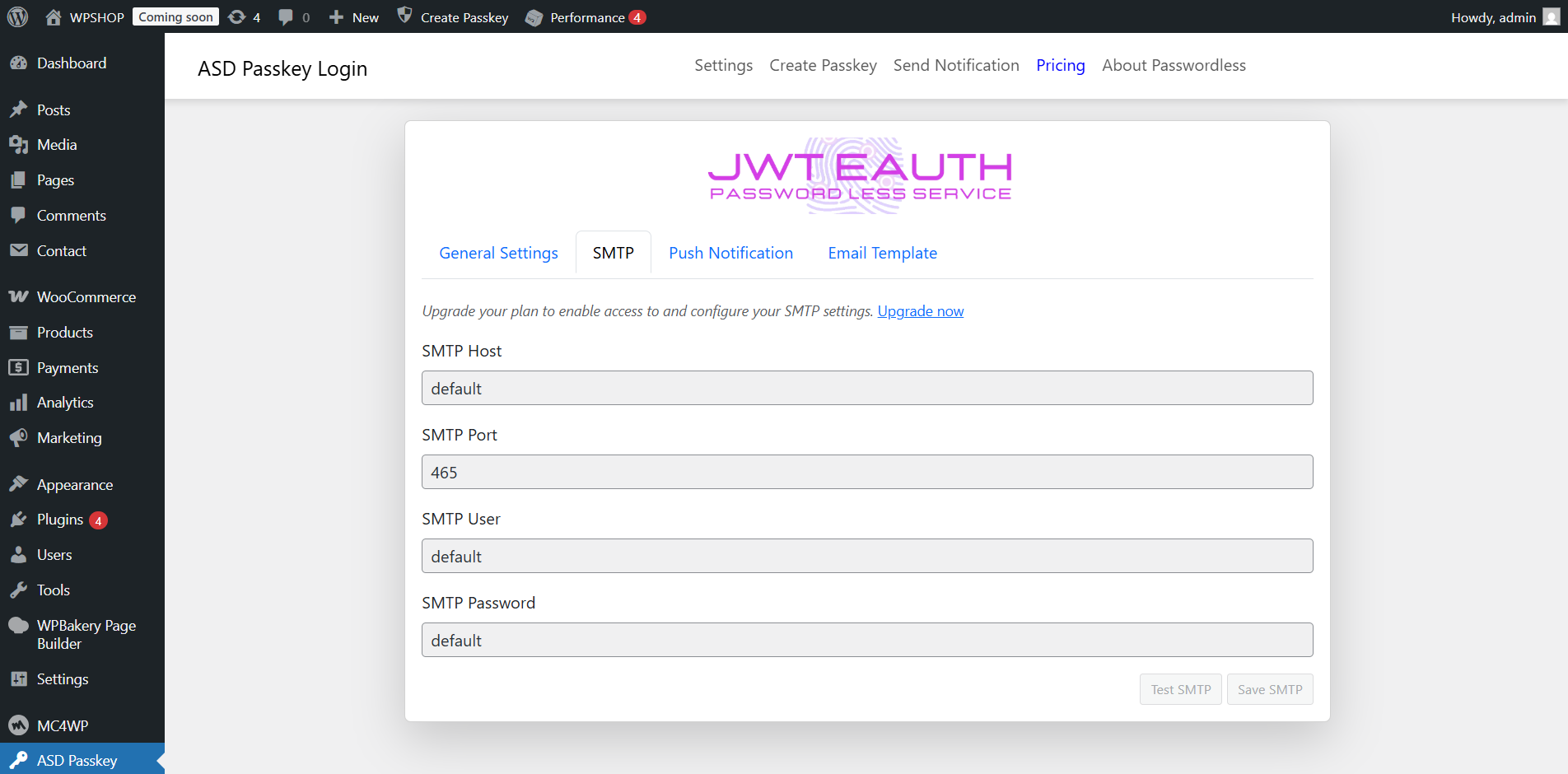
* Corporate SMTP support for email notifications (pro).
* Customizable email templates (pro).
* Supports login using FedCM (pro).
Privacy
This plugin respects user privacy and follows best practices for data protection. Below are the details regarding how user data is handled when using this plugin:
-
Data Collected:
- Email or username: Used to initiate the passkey-based authentication process.
- Public key: Generated by the user’s device during registration and stored securely on the server.
- Authentication challenge: Temporarily generated for login verification.
-
External Servers:
- The plugin communicates with the server at
https://passwordless.alciasolusidigital.com/landing/privacyPolicyfor the purpose of authentication and verification. No sensitive data such as passwords are sent or stored on external servers.
- The plugin communicates with the server at
-
User Consent:
- The plugin requires explicit user consent before any data is processed or sent. This is done via an opt-in method during registration.
-
Third-Party Services:
- This plugin does not share data with unauthorized third parties.
- Any third-party integrations are optional and clearly documented.
For detailed information on the plugin’s privacy practices, please visit:
Privacy Policy
스크린샷
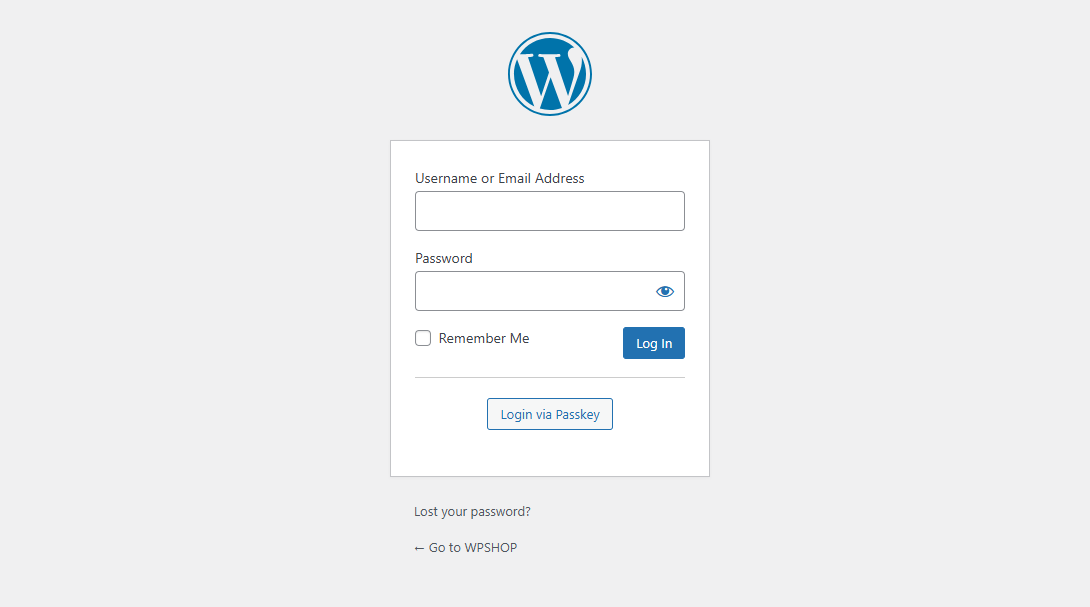
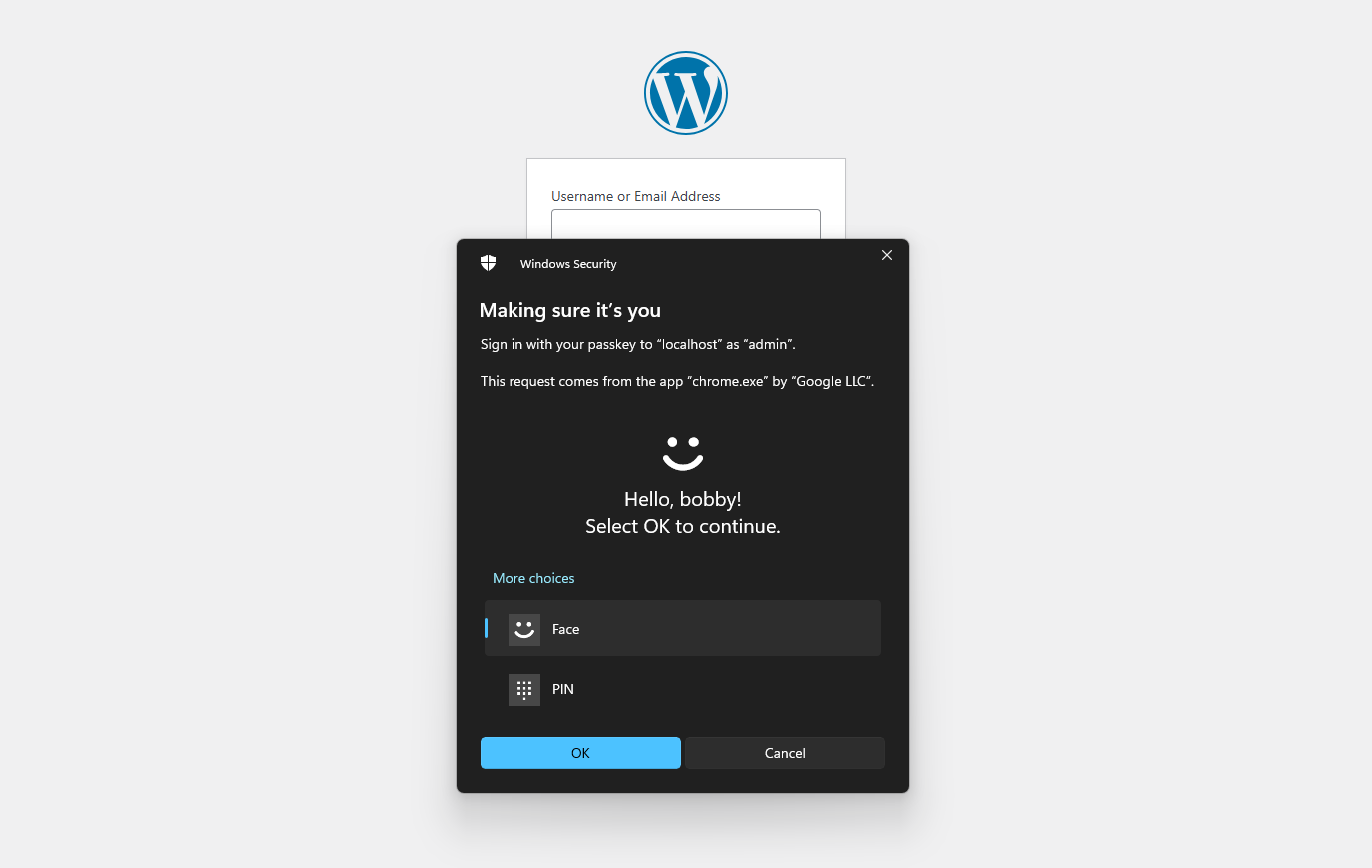
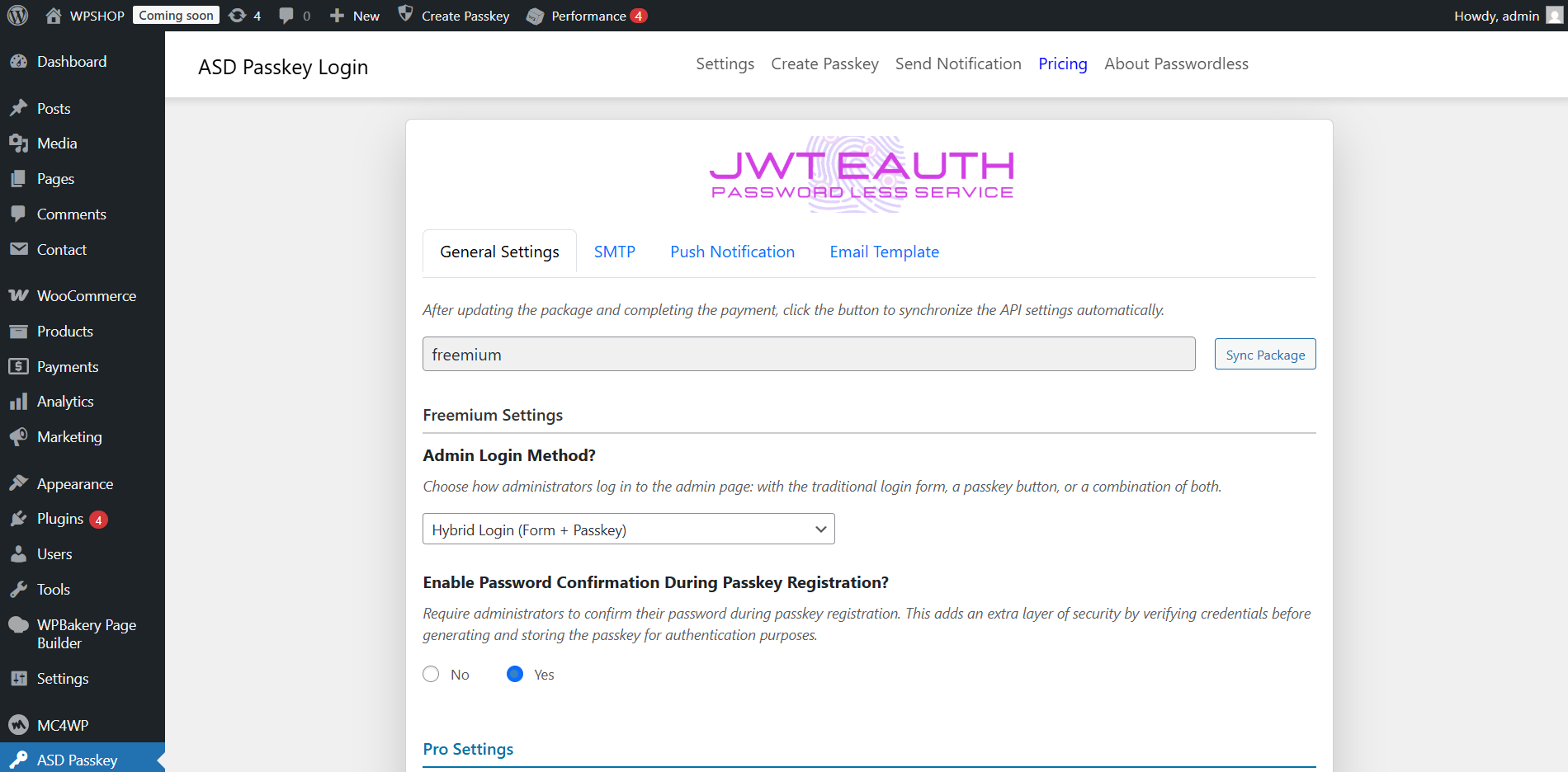
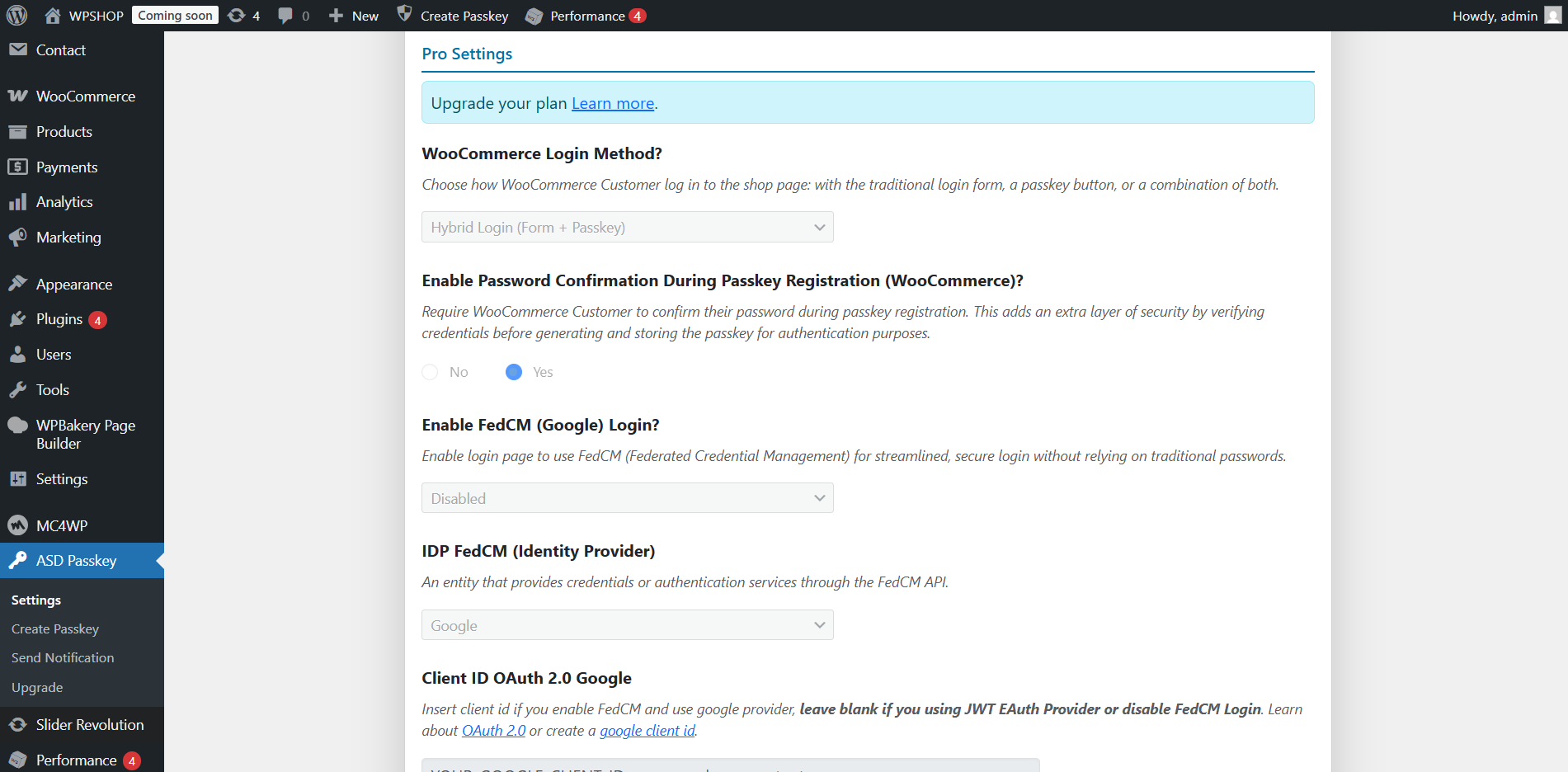
설치
- Upload “asd-passwordless” folder to the “/wp-content/plugins/” directory.
- Activate the plugin through the “Plugins” menu in WordPress.
Automatic installation
Automatic installation is the easiest option as WordPress handles the file transfers itself and you don’t need to leave your web browser. To do an automatic install of this plugin, log in to your WordPress dashboard, navigate to the Plugins menu and click Add New. In the search field type “ASD Passkey Login” and click Search Plugins. Once you’ve found this plugin you can view details about it such as the point release, rating and description. Most importantly of course, you can install it by simply clicking “Install Now”.
Where can I report bugs or contribute to the project?
Bugs should be reported in the ASD Passkey Login GitHub repository.
This is awesome! Can I contribute?
Yes you can! Join in on our GitHub repository
FAQ
-
What is a Passkey?
-
A Passkey is a modern authentication credential that eliminates the need for passwords. It uses technologies such as biometrics (fingerprint, facial recognition) or physical authentication devices to securely verify a user’s identity.
-
What is Passwordless Authentication?
-
Passwordless Authentication is a method of logging in without using a password. Instead, it relies on alternative methods like:
1. OTP (One-Time Password) via email or SMS.
2. Magic Links (secure links sent to the user’s email).
3. WebAuthn-based Passkeys for biometric authentication. -
Are Passkeys more secure than OTPs?
-
Yes, Passkeys are more secure than OTPs. OTPs are often delivered via SMS or email, which are vulnerable to attacks like SIM swapping or phishing. Passkeys use high-level encryption, making them difficult to intercept.
-
How do Passkeys work?
-
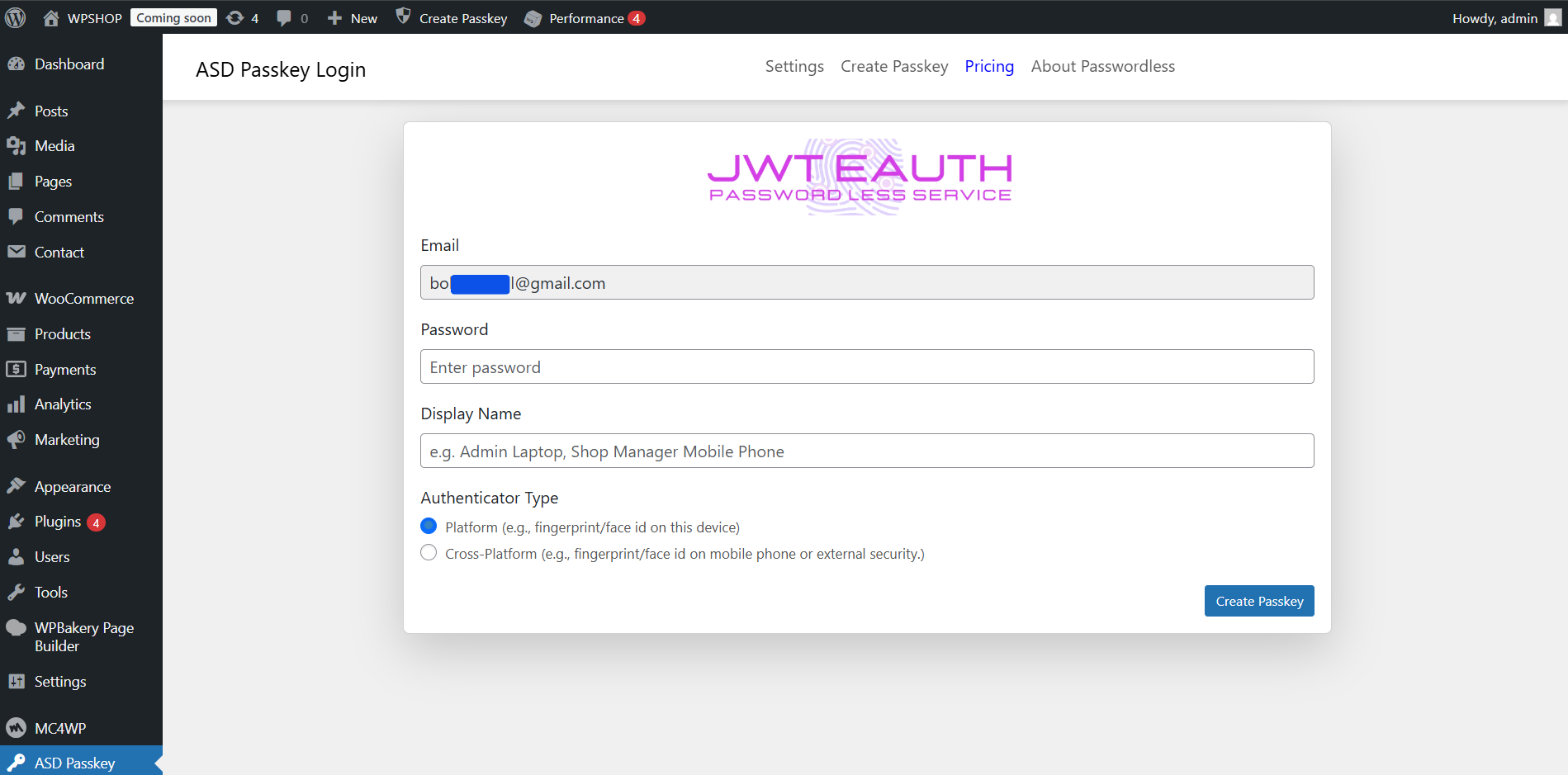
During registration or login, the user’s device generates a key pair:
1. Private Key: Stored securely on the user’s device.
2. Public Key: Stored on the server.During login, the server sends a challenge to the user’s device. The challenge is signed with the Private Key. If the verification matches, the login succeeds.
-
What devices support Passkeys?
-
Passkeys are supported on devices compliant with WebAuthn standards, including:
1. Smartphones (iOS, Android).
2. Desktop and laptop computers.
3. Hardware security keys like YubiKey. -
Do Passkeys require an internet connection?
-
An internet connection is required for registration or logging into cloud-based services.
For local services that support WebAuthn, Passkeys can work without an internet connection.
후기
이 플러그인에 대한 평가가 없습니다.
기여자 & 개발자

변경이력
1.0.0
- Relase date : 3 May 2025*
- Initial release with passkey and passwordless authentication support.
= 1.0.1
* Relase date : 6 Aug 2025*
* Fix – Passkey Registration Flow.
* Add – Field options at uninstall file