설명
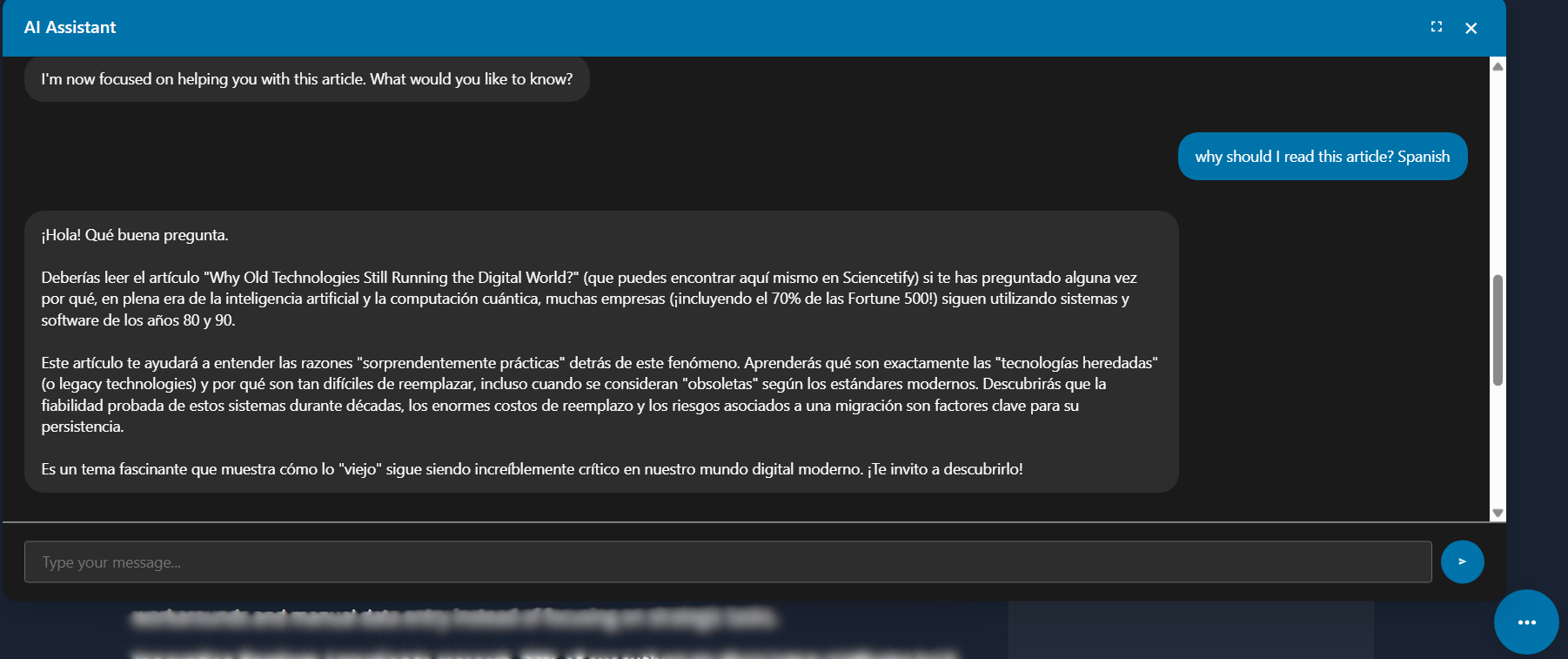
AI Blog Helper with Gemini adds a powerful and interactive AI assistant to your WordPress website. This is not just a simple chatbot; it’s a context-aware content helper designed specifically for bloggers.
Key Features:
- Powered by Google Gemini: Leverages the latest conversational AI technology for intelligent and helpful responses.
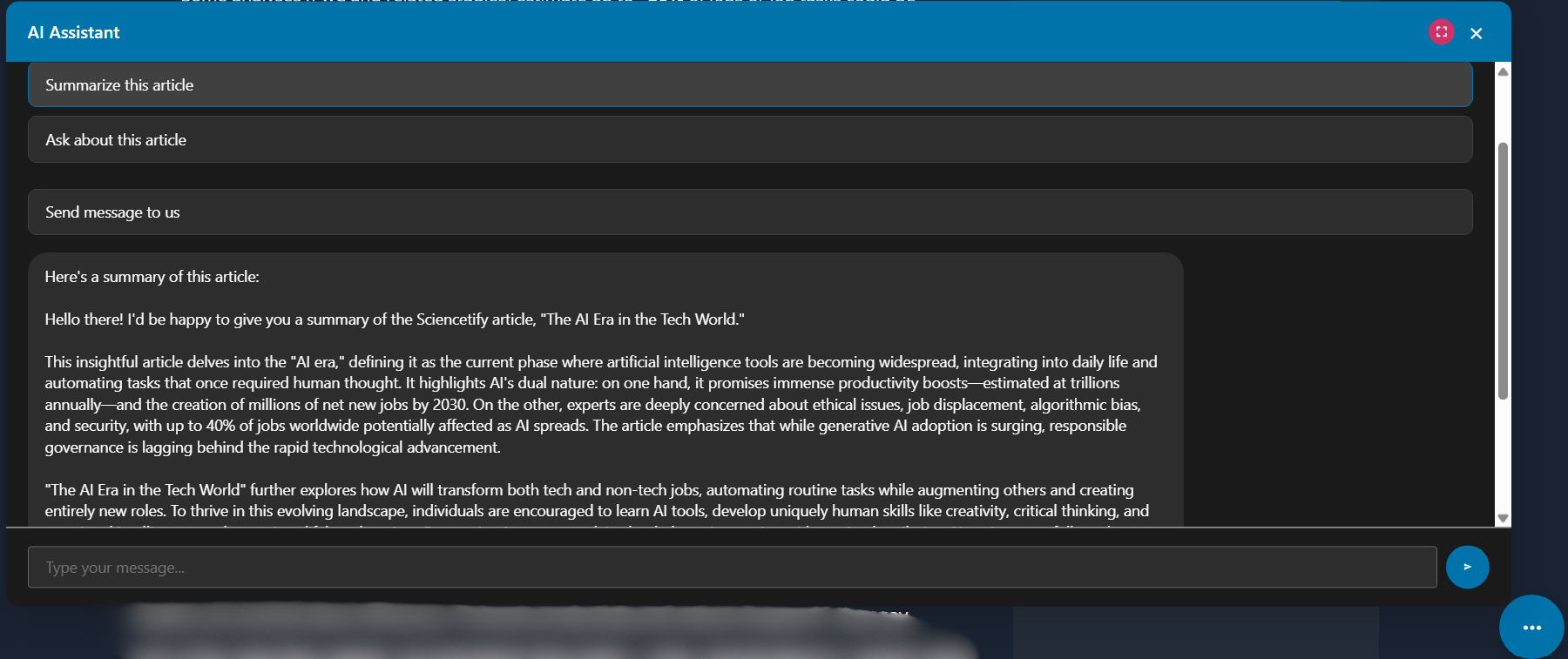
- Instant Article Summaries: On any blog post, users can click a button to get a concise, AI-generated summary instantly.
- Context-Aware Q&A: Visitors can ask questions specifically about the article they are reading.
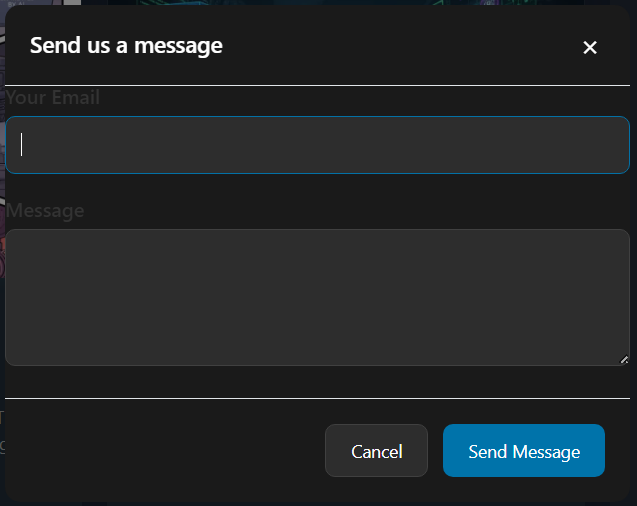
- Easy Contact Form: Includes a simple and reliable contact feature, allowing readers to send you messages directly from the chat window.
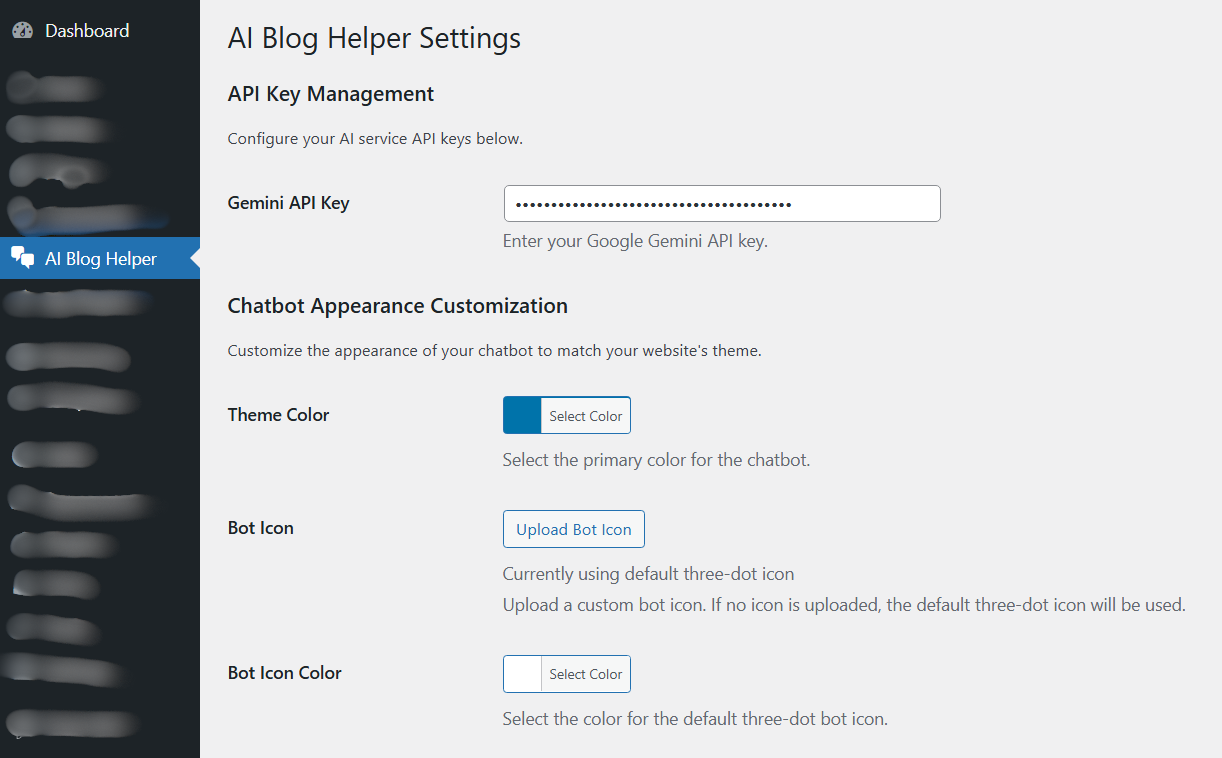
- Highly Customizable: Easily change the theme color, bot icon, and welcome message to perfectly match your website’s branding from a simple settings page.
- Reliable Email Delivery: Built-in SMTP configuration to ensure contact form messages are delivered reliably using your Gmail account.
External Services
This plugin connects to the Google Gemini API (https://generativelanguage.googleapis.com) to provide its core AI chatbot functionality, including summaries and answering questions.
To use this plugin, you must provide your own Google Gemini API key. All data sent to the API, such as article content for summarization and user questions, is processed by Google according to their terms.
- Service Used: Google Gemini API
- Data Sent: User chat messages, article content (for summaries/Q&A).
- Google’s Terms of Service: https://ai.google.dev/terms
- Google’s Privacy Policy: https://policies.google.com/privacy
스크린샷



설치
- Upload the
ai-blog-helperfolder to your/wp-content/plugins/directory, or install the plugin through the WordPress plugins screen directly. - Activate the plugin through the ‘Plugins’ menu in your WordPress dashboard.
- Navigate to the AI Blog Helper menu in your admin sidebar.
- Enter your Google Gemini API key and configure the SMTP and other settings as needed. That’s it!
FAQ
-
Do I need a Google Gemini API Key?
-
Yes. The core functionality of this plugin requires an API key from Google AI Studio. You can get one for free to start.
-
Is the email contact form reliable?
-
Yes. We have included a built-in SMTP configuration feature. By adding your Gmail address and a Google App Password in the settings, you ensure that all messages are authenticated and delivered directly to your inbox, avoiding spam folders.
후기

기여자 & 개발자

자국어로 “AI Blog Helper with Gemini”(을)를 번역하세요.
개발에 관심이 있으십니까?
변경이력
1.0.1
- Fix: Corrected a broken HTML link in the admin settings page for the SMTP App Password description.
1.0.0
- Initial public release of the plugin.