

설명
This plugin integrates iPaymu Indonesia’s payment system into WooCommerce.
It supports Virtual Accounts, QRIS, Retail Payments (Alfamart/Indomaret), Credit Card, Direct Debit, and more.
To use this plugin, you need an active iPaymu account along with your API Key and Virtual Account number.
Webhook Endpoint
The plugin exposes a webhook endpoint used for server-to-server notifications from iPaymu.
Use the following query parameter on your site URL to deliver notifications to the plugin:
?wc-api=Ipaymu_WC_Gateway
Example: https://example.com/?wc-api=Ipaymu_WC_Gateway
If you’re upgrading from older plugin versions that used ?wc-api=WC_Gateway_iPaymu,
please update any external webhook configuration to use the new endpoint so that
notifications continue to be delivered.
License
GPLv2 or later.
스크린샷
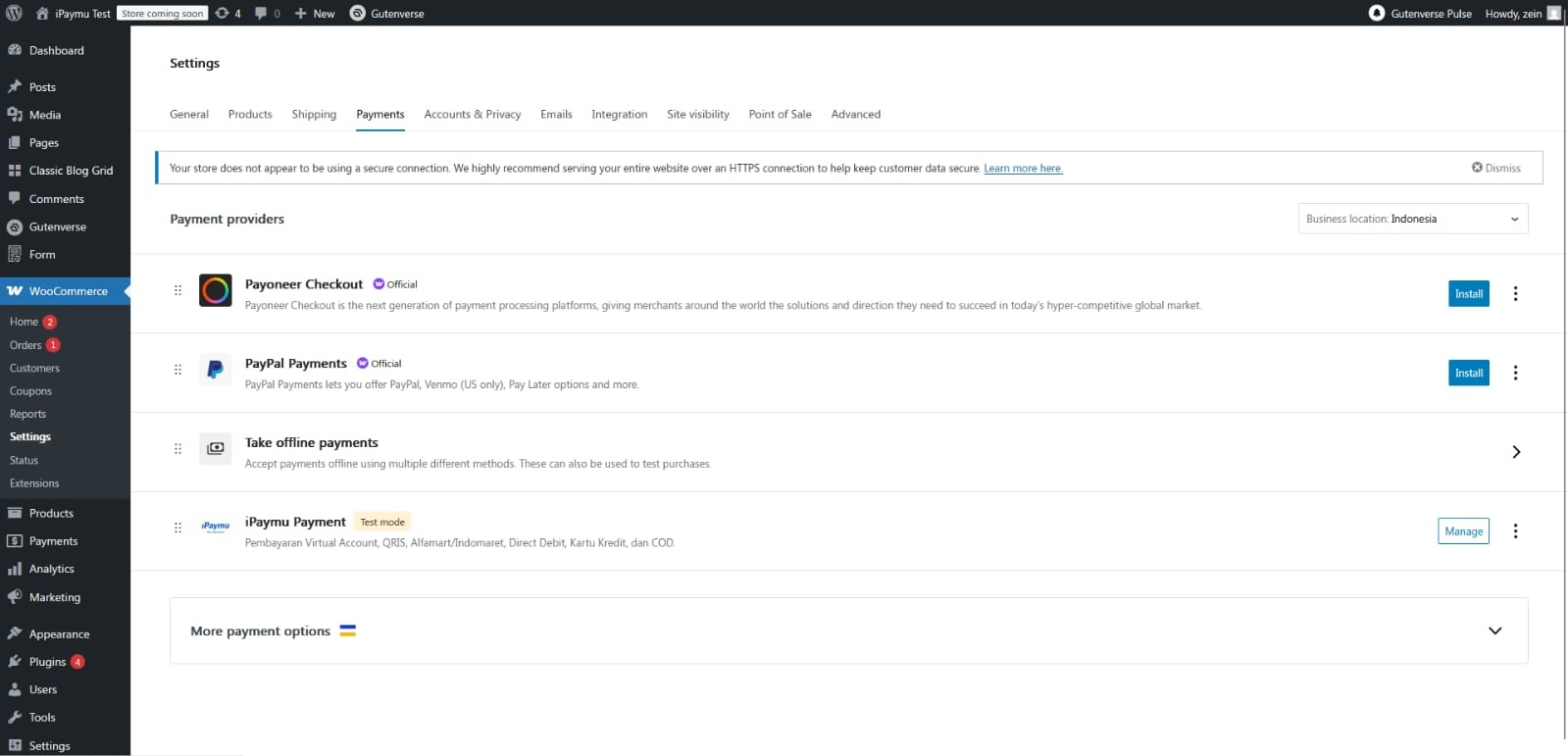
iPaymu settings page in WooCommerce 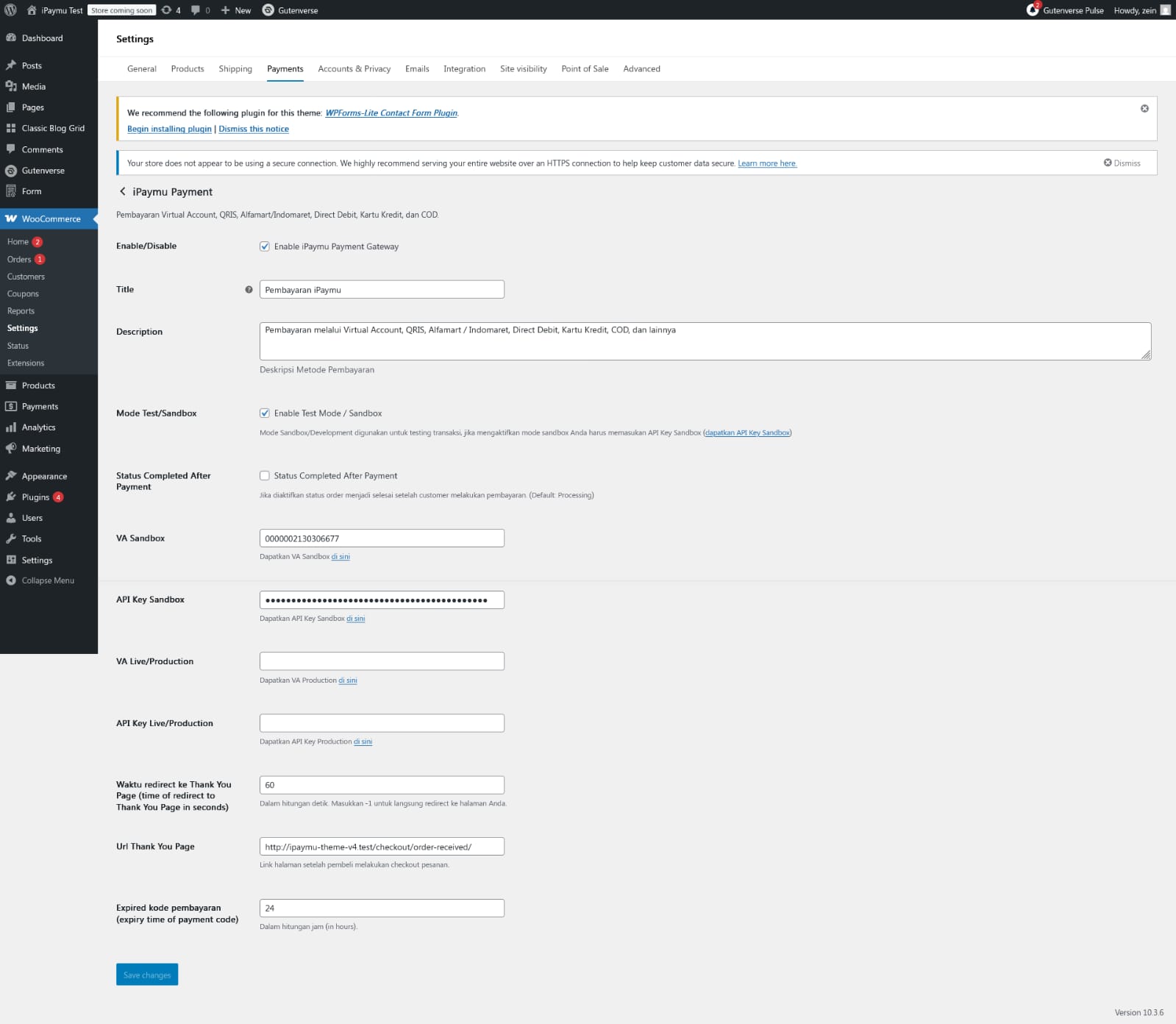
iPaymu payment option on checkout
설치
- Upload the plugin to
/wp-content/plugins/ - Activate it from the WordPress Plugins menu
- Go to: WooCommerce Settings Payments
- Enable “iPaymu Payment Gateway”
- Enter your VA and API Key (Sandbox or Production)
FAQ
-
Do I need an iPaymu account?
-
Yes, you must have an active iPaymu account with API Key and VA.
-
Does this support WooCommerce Subscriptions?
-
Yes, manual renewal is supported.
-
Does this plugin support HPOS (High Performance Order Storage)?
-
Yes, full compatibility is declared.
-
Is SSL required?
-
Recommended for secure transactions.
후기
이 플러그인에 대한 평가가 없습니다.
기여자 & 개발자

자국어로 “iPaymu Payment Gateway for WooCommerce”(을)를 번역하세요.
개발에 관심이 있으십니까?
변경이력
2.0.2
- Fix security
2.0.1
- Add HPOS compatibility
- Add WooCommerce Blocks compatibility
- Improve error handling and API request format
- Fix expired_time bug