
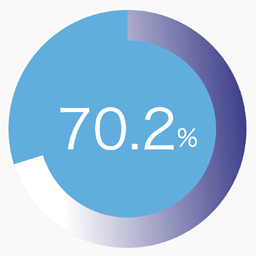
설명
SPW Pie Chart adds a simple shortcode for displaying a single percentage-based pie chart with gradient colors, optional label text, and entry animation.
Features:
- Render a single pie chart with the
[spw_pie_chart]shortcode. - Control the percentage, size, thickness, colors, stops, angle, and label.
- Enable or disable animation when the chart becomes visible.
- Generate shortcode parameters from the admin screen under
Settings > Pie Chart.
Example shortcode:
[spw_pie_chart percent="75" label="Sample" colors="#3d3e8e,#009ef9,#affffb" stops="0,50,100" angle="135"]
스크린샷


설치
- Upload the plugin files to the
/wp-content/plugins/spw-pie-chartdirectory, or install the plugin through the WordPress plugins screen. - Activate the plugin through the
Pluginsscreen in WordPress. - Open
Settings > Pie Chartto generate a shortcode. - Paste the shortcode into a post, page, or widget area that supports shortcodes.
FAQ
-
How do I add a chart?
-
Add the
[spw_pie_chart]shortcode to any post or page. -
Which shortcode attributes are supported?
-
Supported attributes are:
percentorvaluelabelsizethicknessdurationanimatecolorsstopsangletrack_colortext_color
-
Does the plugin store any settings permanently?
-
No. The shortcode generator is a helper UI and does not save persistent plugin options.
후기
이 플러그인에 대한 평가가 없습니다.
기여자 & 개발자

변경이력
1.0.0
- Initial public release.