
설명
By default, WooCommerce builds the My Account page navigation (Orders, Downloads, Addresses, Account details, Logout, etc.) from its own internal list, and customizing it normally means writing PHP filters.
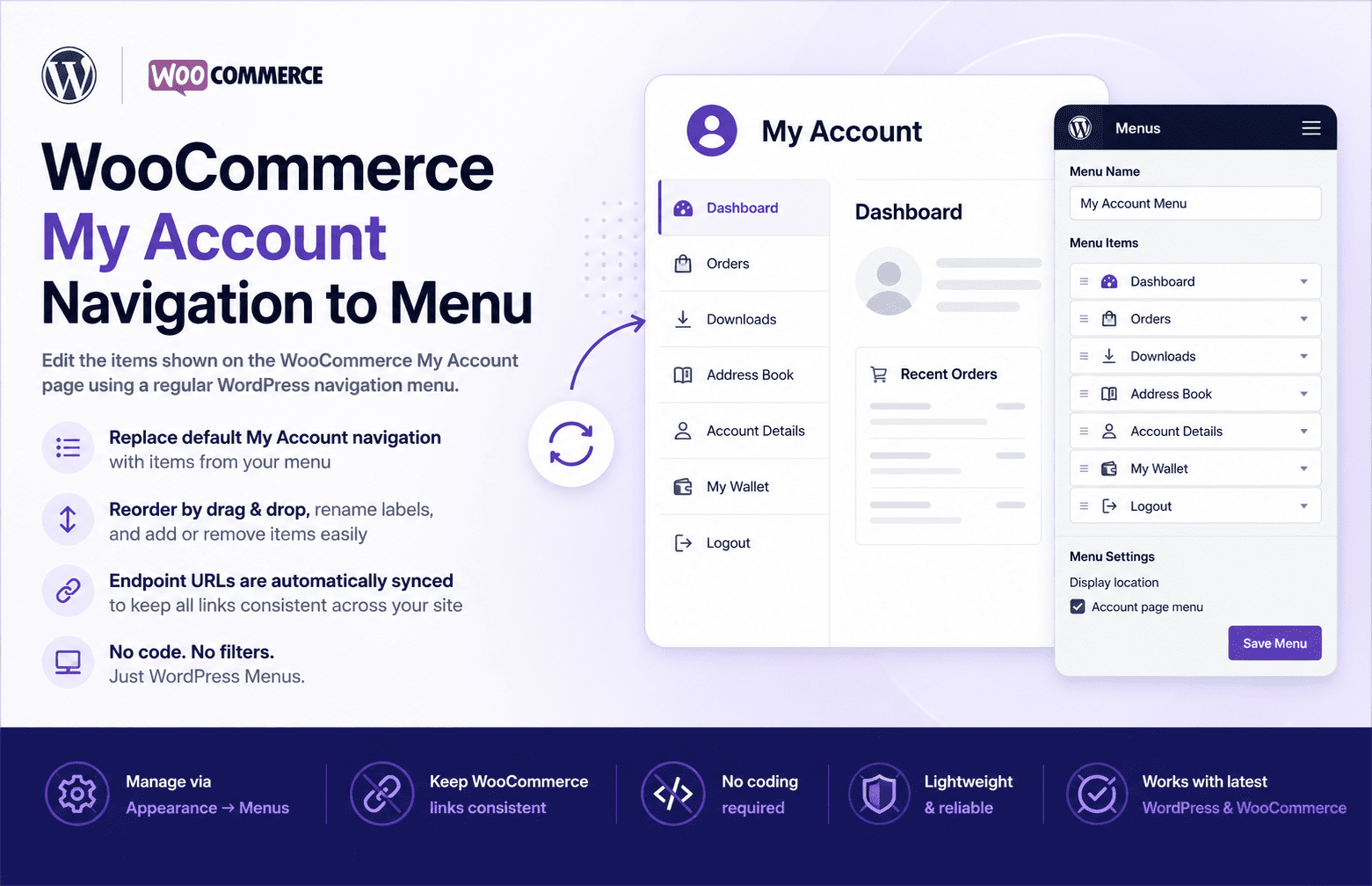
This plugin registers a dedicated WordPress menu location called Account page menu. Once you assign a menu to that location, the plugin:
- Replaces the default My Account navigation items with the items from your menu (using the menu item’s title and URL).
- Rewrites WooCommerce’s internal endpoint URLs so they match the URLs defined in your menu.
This means you can manage the My Account navigation the same way you manage any other menu on your site — via Appearance Menus — including reordering items by drag-and-drop, renaming labels, and adding or removing entries.
If no menu is assigned to the Account page menu location, the plugin has no effect and WooCommerce’s default My Account navigation is used as-is.
Requirements
- WordPress 5.8 or later
- PHP 7.4 or later
- WooCommerce (active)
스크린샷
설치
- Upload the plugin folder to
/wp-content/plugins/, or install the plugin zip via Plugins Add New Upload Plugin in your WordPress admin. - Activate the plugin through the Plugins screen in WordPress.
- Go to Appearance Menus.
- Create a new menu (or choose an existing one) and add the items you want to appear on the My Account page.
- Under Menu Settings, assign the menu to the Account page menu location, then save.
FAQ
-
Does this work without WooCommerce?
-
No, WooCommerce must be installed and active, since this plugin hooks into WooCommerce’s account navigation filters.
-
Can I add custom links or pages?
-
Yes. Any item you can normally add to a WordPress menu (pages, custom links, posts, categories) can be added to the Account page menu, as long as the corresponding endpoint exists.
-
Endpoints not present in your assigned menu are left to WooCommerce’s default behavior for their URL, but only items present in the menu will be pulled into the rendered navigation list.
-
How do I change the order of the My Account tabs?
-
Drag and drop the items into the order you want inside the Account page menu under Appearance Menus, then save the menu.
-
How do I rename a tab, like “Orders” or “Downloads”?
-
Edit the corresponding menu item’s navigation label in Appearance Menus and save. The new label will appear on the My Account page.
-
How do I remove a tab?
-
Simply leave its menu item out of (or remove it from) the menu assigned to the Account page menu location.
후기
이 플러그인에 대한 평가가 없습니다.
기여자 & 개발자
“My Account navigation to menu”(은)는 오픈 소스 소프트웨어입니다. 다음의 사람들이 이 플러그인에 기여하였습니다.
기여자
자국어로 “My Account navigation to menu”(을)를 번역하세요.
개발에 관심이 있으십니까?
변경이력
1.0.0.0
- Initial release.