

설명
Stop chasing inventory updates and emailing messy spreadsheets.
As a supplier, keeping your merchants updated with accurate stock levels and pricing shouldn’t be a full-time job. Manual CSV files lead to delayed updates, frustrated merchants, and costly overselling mistakes.
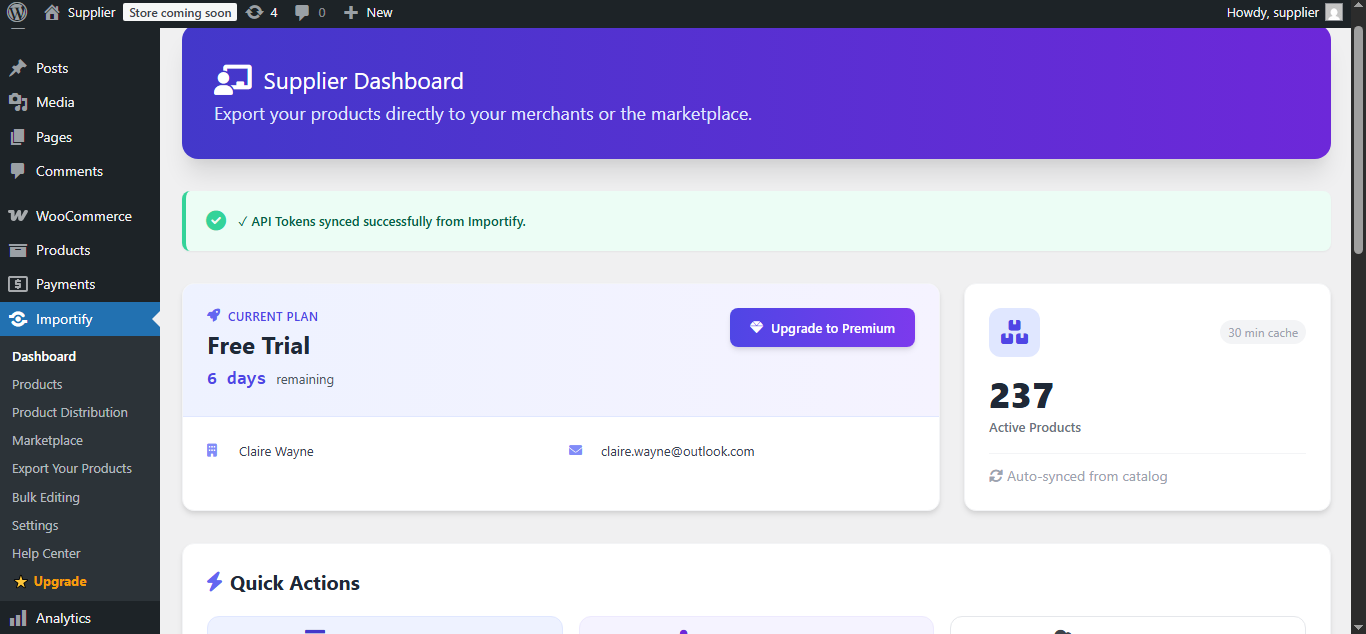
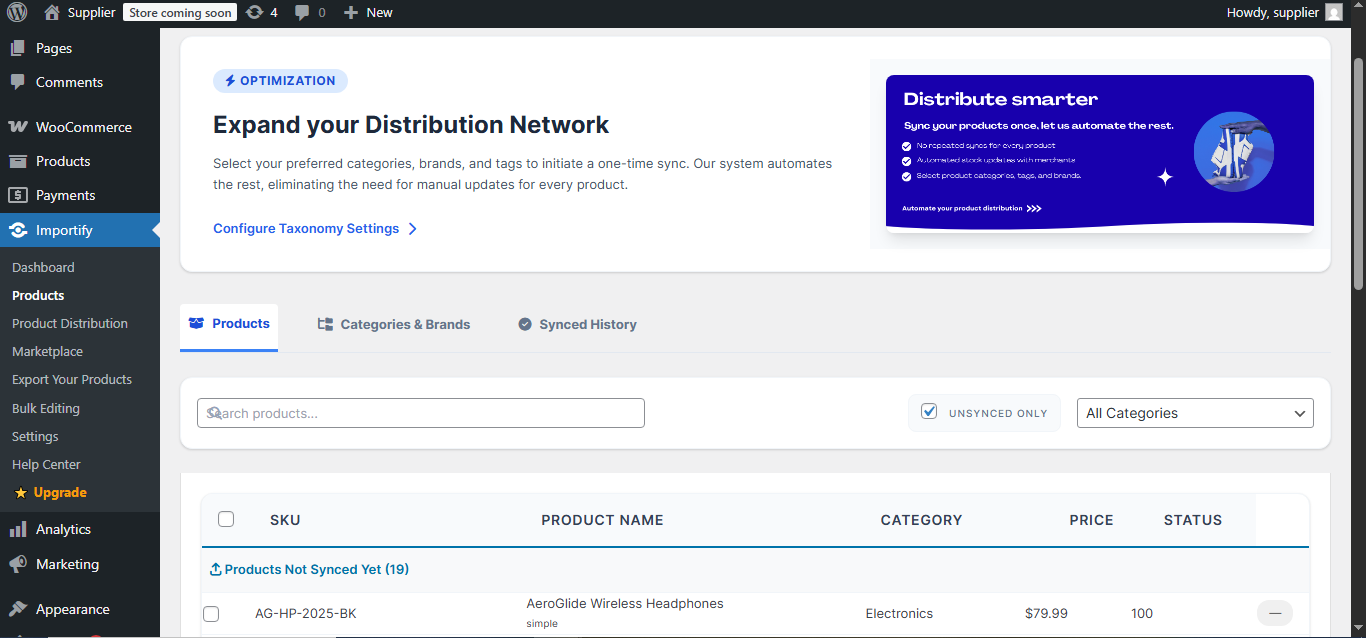
Importify Supplier bridges the gap between you and your retail network. It transforms your WooCommerce store into an automated distribution hub, allowing you to seamlessly sync and export unlimited products directly to Shopify and WooCommerce merchants. Alternatively, publish them straight to the Importify marketplace to reach more merchants and maximize your customer base.
The Pain Points We Solve:
- The Spreadsheet Nightmare: No more exporting, formatting, and emailing daily stock lists. Everything handles itself automatically.
- Out-of-Stock Disputes: Prevent merchants from selling items you no longer have. Real-time API syncing ensures your latest inventory and pricing data are always accurate.
- Limited Merchant Reach: Easily break into new B2B channels and reach untapped retail audiences by publishing directly to the Importify marketplace.
Features for Scale:
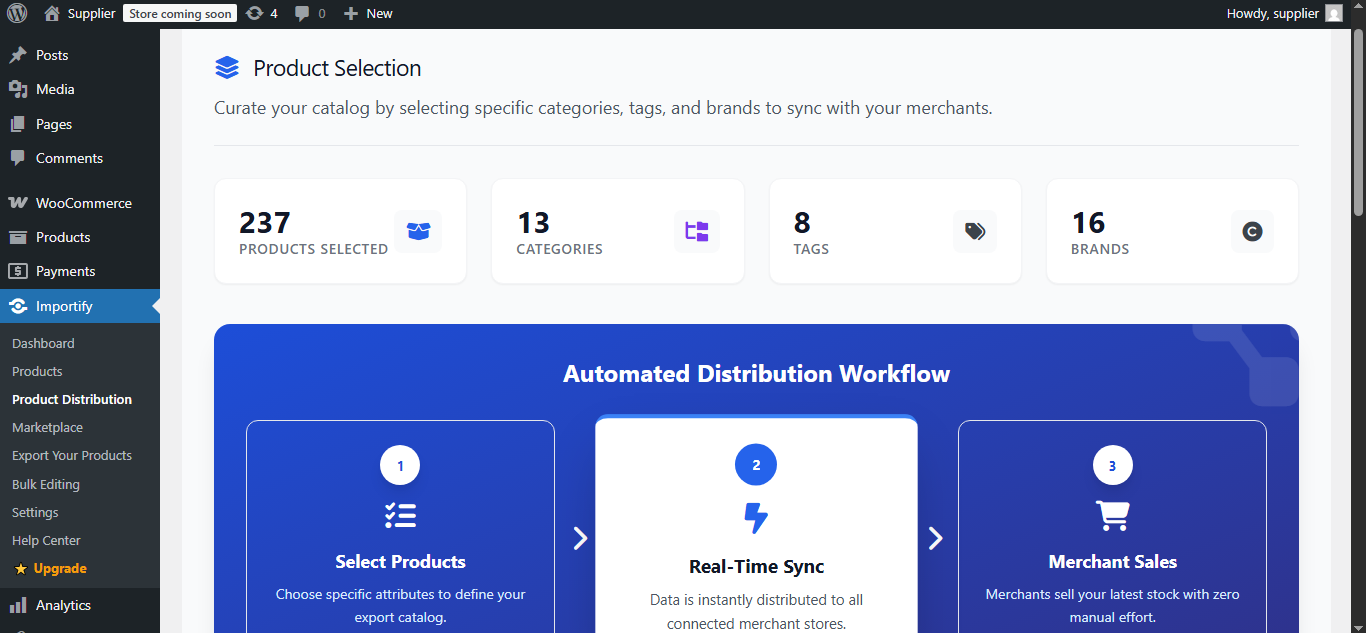
- Full Automation: Seamless integration via JSON API handles the heavy lifting in real time—no CSVs required.
- Cross-Platform Compatibility: Export your WooCommerce products directly to merchants operating on Shopify or WooCommerce.
- Zero Limits: Enjoy unlimited product exports, unlimited syncs, and connect with unlimited merchants on a single plan built for growth.
- B2B Direct Distribution: Put your product catalog directly into your merchants’ dashboards for frictionless selling.
- Marketplace Publishing: Showcase your products on the Importify marketplace to attract new retail partners.
- Automated Pricing & Stock Sync: Updates to your backend flow instantly to your interconnected merchants.
- Priority Support: Dedicated customer service to ensure your automated distribution pipeline never stops.
External Services
This plugin connects to external services to provide core functionality. Below is a detailed explanation of what services are used, what data is transmitted, and relevant policies:
Importify API Service
- Service: Importify Backend API
- Base URL: https://importify.co.za/api/
- Purpose: Authentication, supplier token validation, product synchronization, and B2B merchant connection management
- Data Sent:
- Your supplier credentials (API token, supplier ID)
- Product data (titles, descriptions, prices, stock quantities, images, variants)
- Merchant connection credentials
- Marketplace settings and configurations
- When Data is Sent: During plugin setup, when syncing products, updating merchant connections, and publishing to marketplace
- Terms of Service: https://importify.co.za/tos
- Privacy Policy: https://importify.co.za/privacy-policy
Importify Marketplace Service
- Service: Importify Marketplace and Product Discovery
- Base URL: https://items.importify.co.za/
- Purpose: Publishing products to the Importify B2B marketplace for merchant discovery
- Data Sent:
- Product catalog (names, descriptions, prices, stock, images)
- Your business information
- Supplier profile data
- When Data is Sent: When publishing products to the marketplace (optional feature)
- Terms of Service: https://importify.co.za/tos
- Privacy Policy: https://importify.co.za/privacy-policy
Third-Party CDN Services
- Tailwind CSS: Served from https://cdn.jsdelivr.net/ (JavaScript styling framework)
- Font Awesome: Served from https://cdnjs.cloudflare.com/ (Icon library)
- Purpose: Enhance the WordPress admin interface styling and icons
- Terms: See respective provider’s terms
Account Required: Yes. You will need a valid Importify account to use this plugin. Sign up at https://importify.co.za/register
스크린샷
설치
Minimum Requirements
- PHP: 7.4 or greater (8.0+ recommended).
- Database: MySQL 5.5.5 or MariaDB 10.1 or greater.
- WordPress: 5.8 or greater.
- WooCommerce: 5.0 or greater.
Steps
- Log in to your WordPress dashboard, navigate to Plugins > Add New, and search for ‘Importify Supplier’.
- Click Install Now and then Activate the plugin.
- Navigate to the new Importify Supplier menu item to configure your API settings.
FAQ
-
Does this plugin require WooCommerce?
-
Yes. This plugin is specifically designed to transform an existing WooCommerce store into a fully functional supplier hub.
-
Are there limits on how many products I can sync?
-
No. We offer unlimited product exports and unlimited syncs to seamlessly support your business scale.
-
Can I export to Shopify stores?
-
Yes! Importify allows you to export your WooCommerce products directly to your merchants’ Shopify stores.
-
How can i contact Customer Care?
-
By sending an email to help@importify.co.za, or log a customer support ticket – you can also contact us directly on WordPress.
후기
이 플러그인에 대한 평가가 없습니다.
기여자 & 개발자

변경이력
2.0.0
- Optimized description for better professional clarity.
- Added Marketplace discovery features.
- Enhanced API synchronization for real-time updates.
1.0.0
- Initial release.
- Added core product syncing and stock tracking features.