

설명
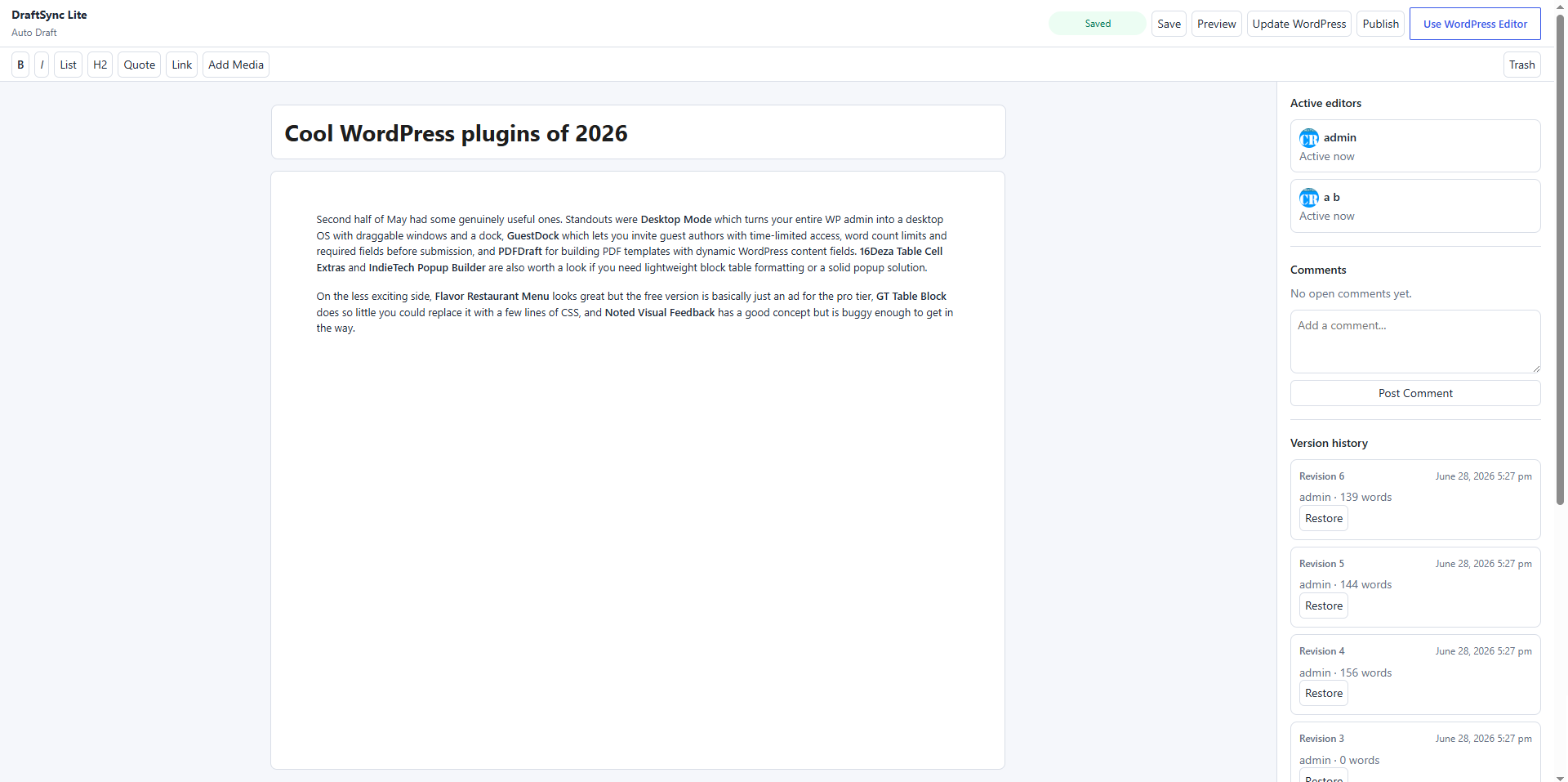
DraftSync Lite gives WordPress authors a local writing workspace for posts, pages, and selected public post types. It runs inside your WordPress installation and stores draft content, comments, version history, and active editor presence as WordPress post metadata.
The free plugin is complete on its own and does not ship premium modules. Users who can edit a post in WordPress can open the DraftSync Lite editor for that post.
Lite features
- Standalone local editor launched from the block editor panel, post metabox, or post list row actions.
- Autosave and manual save with revision conflict detection.
- Local version history with restore.
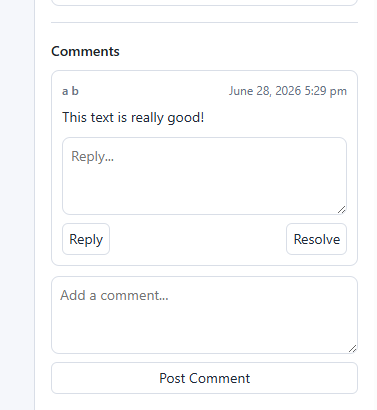
- Basic comment threads for editors who already have WordPress edit access.
- Active editor presence.
- Preview, update WordPress, publish, and move-to-trash actions guarded by WordPress capabilities.
- Per-post switch between DraftSync Lite and the normal WordPress editor.
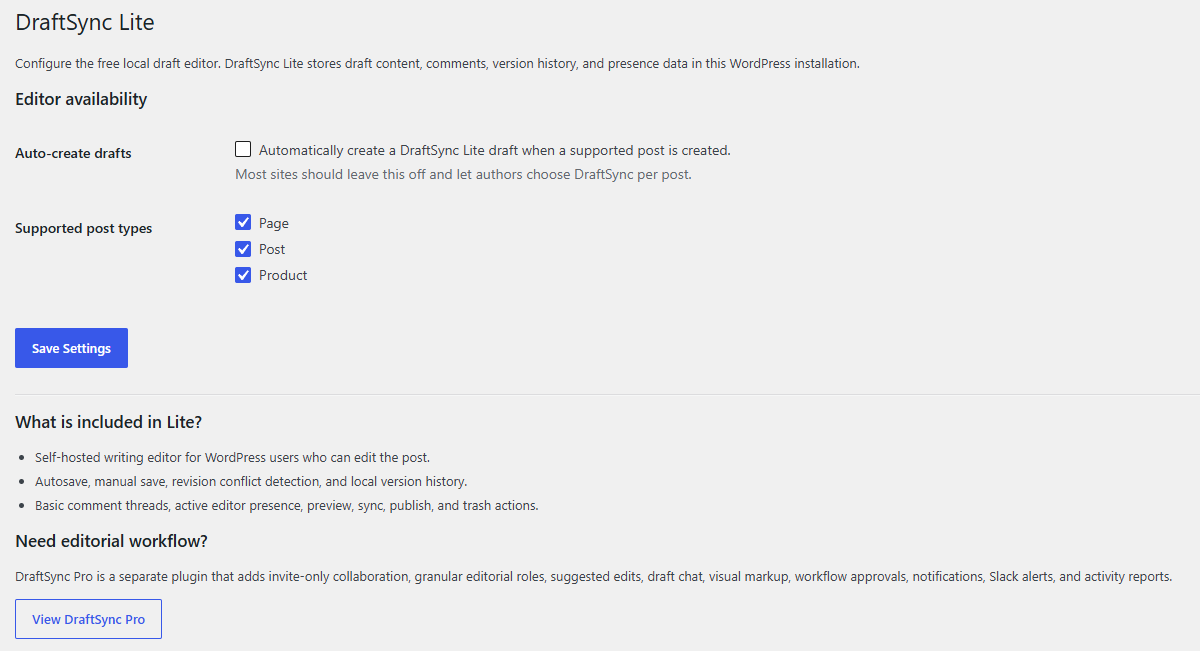
- Admin setting for supported post types and optional automatic draft creation.
Upgrade path
DraftSync Pro is a separate plugin sold outside WordPress.org. It adds advanced editorial workflow features such as invite-only drafts, granular DraftSync roles, suggested edits, draft chat, visual markup, workflow approvals, notifications, Slack alerts, and activity reports.
Check DraftSync Pro on WPBay.
DraftSync Lite remains fully functional without the Pro plugin.
스크린샷
설치
- Upload the plugin folder to
/wp-content/plugins/. - Activate DraftSync Lite from the Plugins screen.
- Go to Settings > DraftSync Lite and choose the supported post types.
- Open a post in the block editor and use the DraftSync Lite panel to create or open a local draft.
FAQ
-
Does DraftSync Lite require an external service?
-
No. Draft content, comments, history, and presence data are stored in WordPress.
-
Who can open a DraftSync Lite draft?
-
Any logged-in user who already has permission to edit the WordPress post can open its DraftSync Lite editor.
-
No. Premium features are not shipped in DraftSync Lite. DraftSync Pro is distributed as a separate plugin.
-
Can I switch back to the WordPress editor?
-
Yes. Use the WordPress Editor action. DraftSync Lite syncs the current local draft into the WordPress post and disconnects the local editor for that post.
후기
이 플러그인에 대한 평가가 없습니다.
기여자 & 개발자

변경이력
1.0.0
- Initial DraftSync Lite release.