

설명
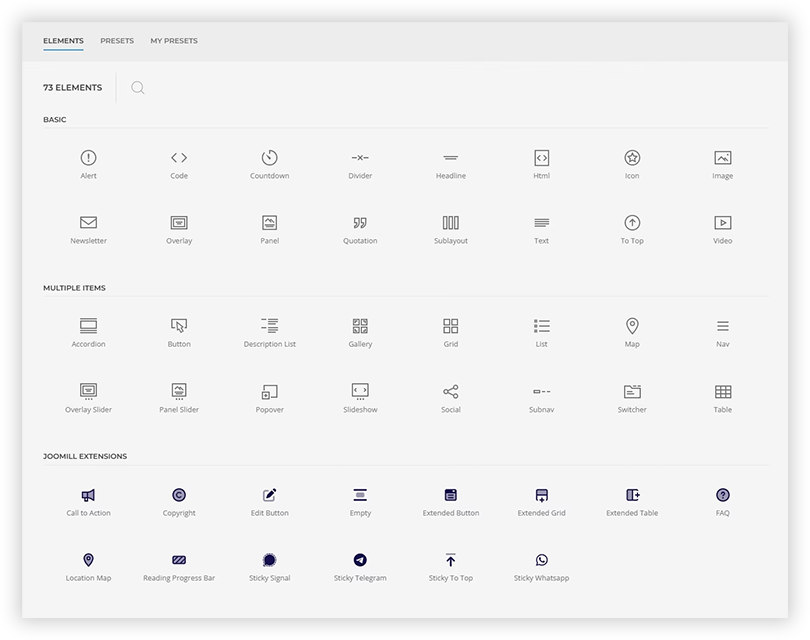
Joomill Elements adds a set of handy extra elements to the YOOtheme Pro page builder, so you can build more without custom code. The plugin only loads when the YOOtheme theme is active.
Elements in the free version
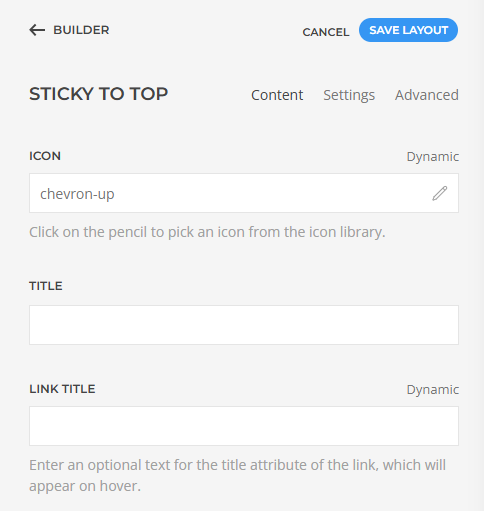
- Sticky Scroll to Top button
- Sticky WhatsApp button
- Sticky Signal button
- Sticky Telegram button
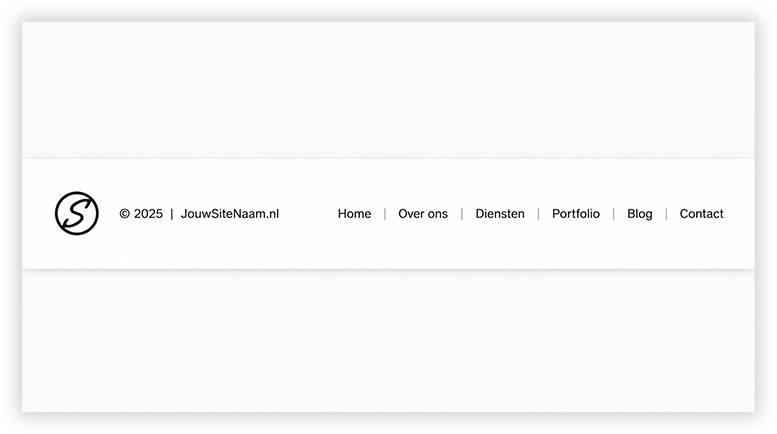
- Copyright (dynamic year range and site name)
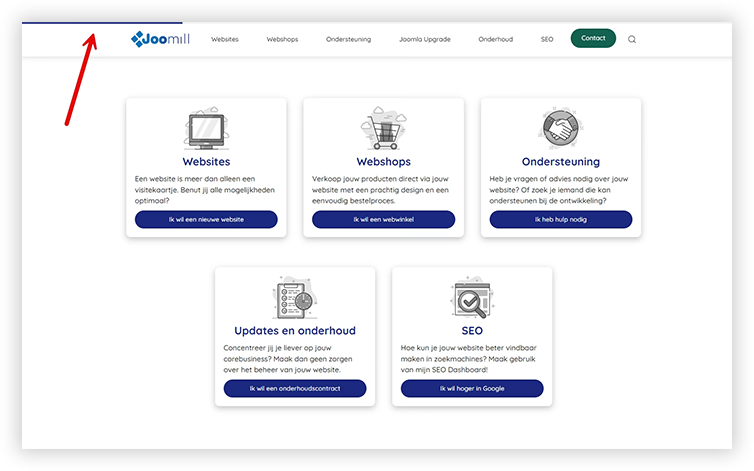
- Reading Progress bar
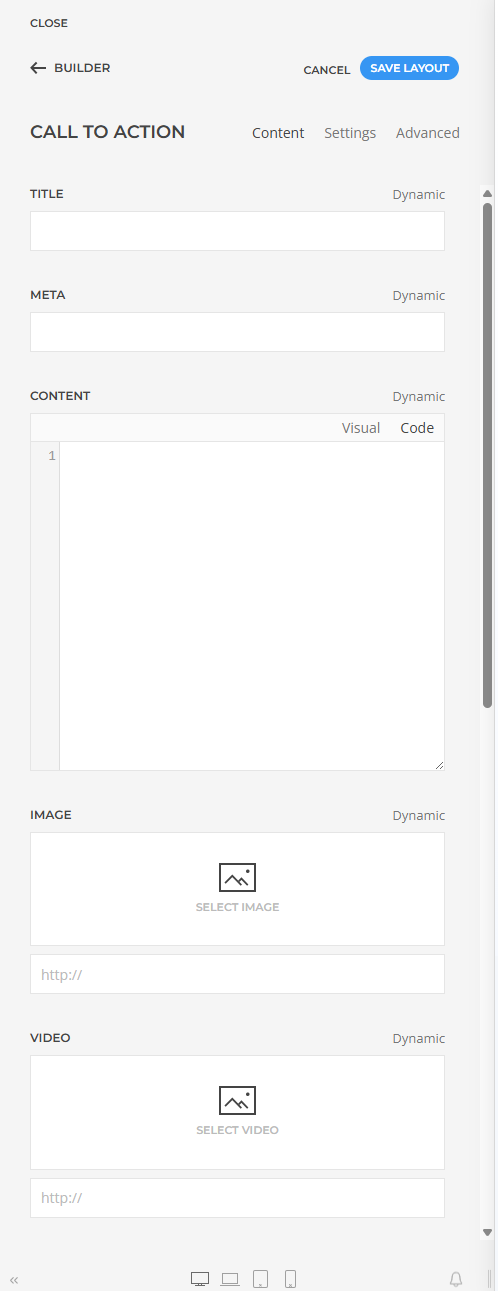
- Call to Action (title and button)
- Spacer
Each element integrates with YOOtheme Pro’s own styling options and uses UIkit, so it matches your theme out of the box.
Pro version
A Pro version adds more advanced elements: Extended Grid, Extended Table, Extended Button, Location Map and an FAQ element with schema.org structured data. In the builder these appear marked as Pro. See joomill-extensions.com for details.
스크린샷
설치
- Make sure the YOOtheme Pro theme is installed and active.
- Upload the plugin through Plugins > Add New > Upload Plugin, or install it from the WordPress.org plugin directory.
- Activate the plugin.
- The elements appear in the YOOtheme Pro builder under the “Joomill Extensions” group.
FAQ
-
Does this work without YOOtheme Pro?
-
No. The plugin extends the YOOtheme Pro page builder and only loads when the YOOtheme theme is active.
-
Where do the elements show up?
-
In the YOOtheme Pro builder, in the element panel under the “Joomill Extensions” group.
후기
이 플러그인에 대한 평가가 없습니다.
기여자 & 개발자
“Joomill Elements for YOOtheme Pro”(은)는 오픈 소스 소프트웨어입니다. 다음의 사람들이 이 플러그인에 기여하였습니다.
기여자
변경이력
2.2.2
- Lower the minimum requirements to WordPress 6.0 and PHP 8.0
2.2.1
- Security: escape all user-entered text in element output across all elements
2.2.0
- Add Extended Table element
2.1.1
- Fix Style Customizer settings
- Update internal libraries
2.1.0
- Add FAQ element
- Fix install directory
2.0.0
First release: Copyright, Spacer, Reading Progress bar, Sticky Scroll to Top, Sticky Signal and Sticky WhatsApp elements.