

설명
Silvercover Link Shortener turns long URLs into clean, branded short links served from your own WordPress site (e.g. https://yoursite.com/go/abc123). It is ideal for sharing posts and WooCommerce products, tracking campaign performance, and keeping all your click data in your own database instead of an external shortener.
Features
- Branded short links on your own domain (
/go/your-code). - Automatic or custom slugs — let the plugin generate a random code, or type your own.
- Detailed click tracking — date/time, IP address, country, browser, and referrer.
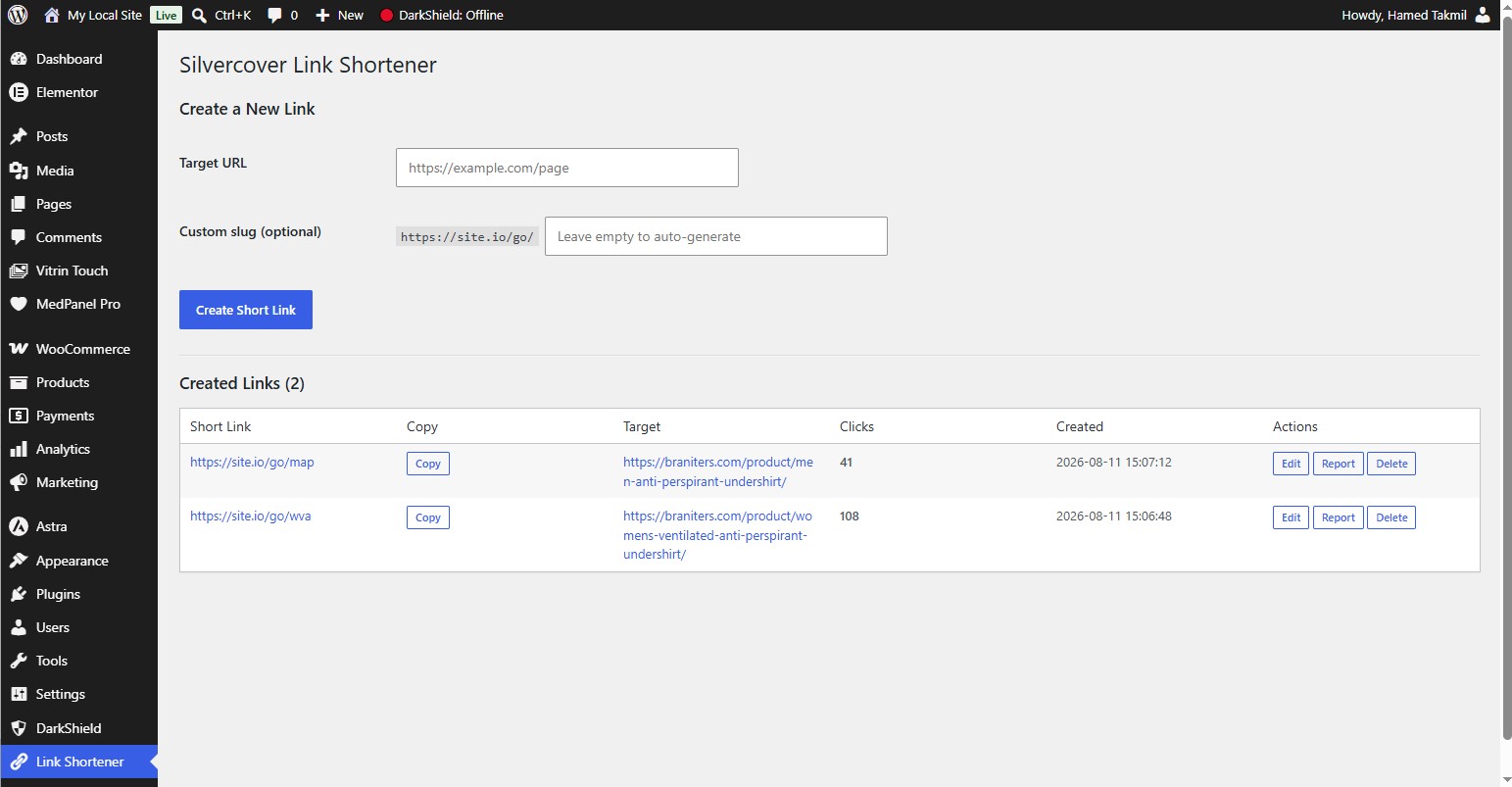
- Per-link reports inside a dedicated admin dashboard.
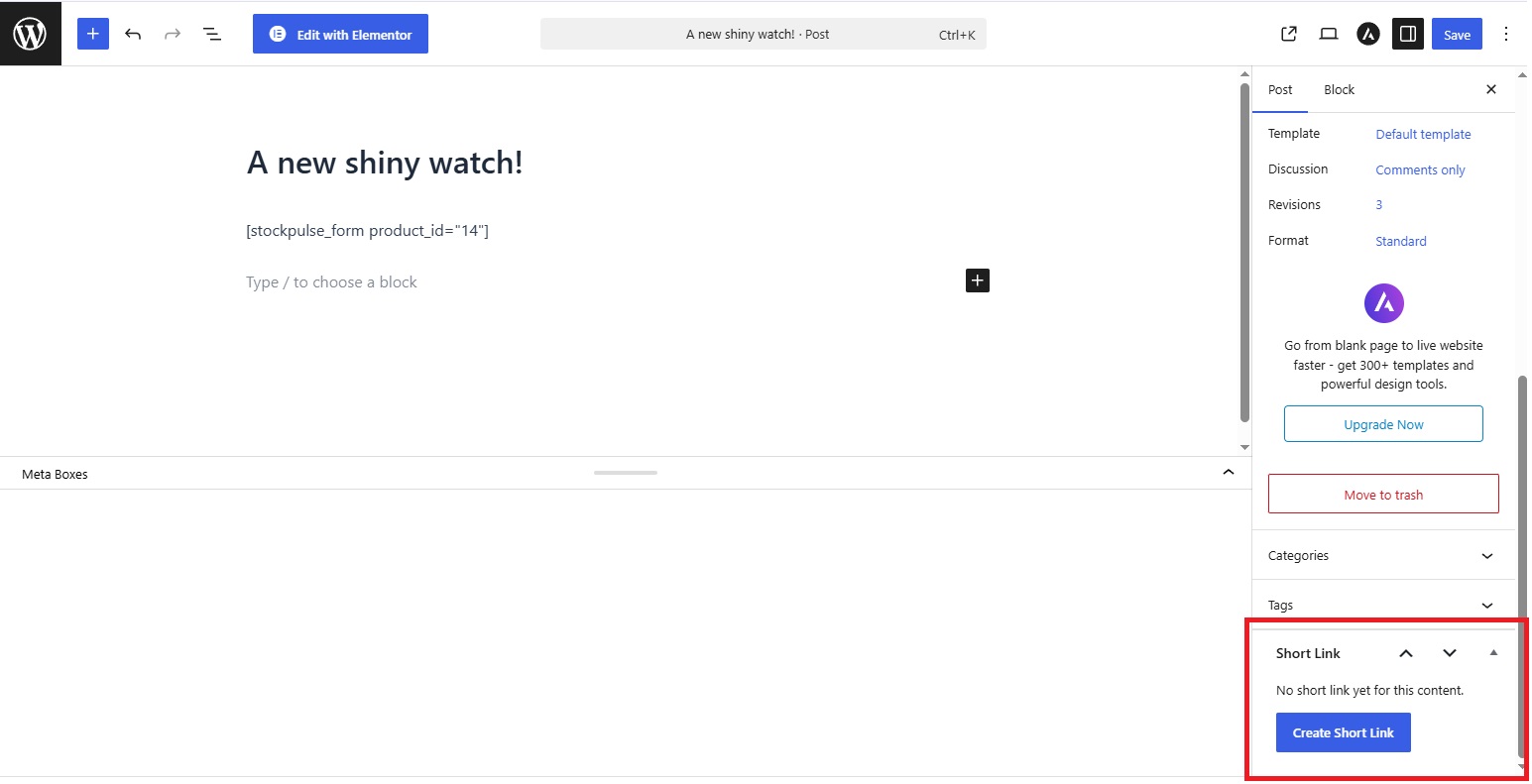
- Editor metabox — create and copy a short link directly from the post/page/product edit screen.
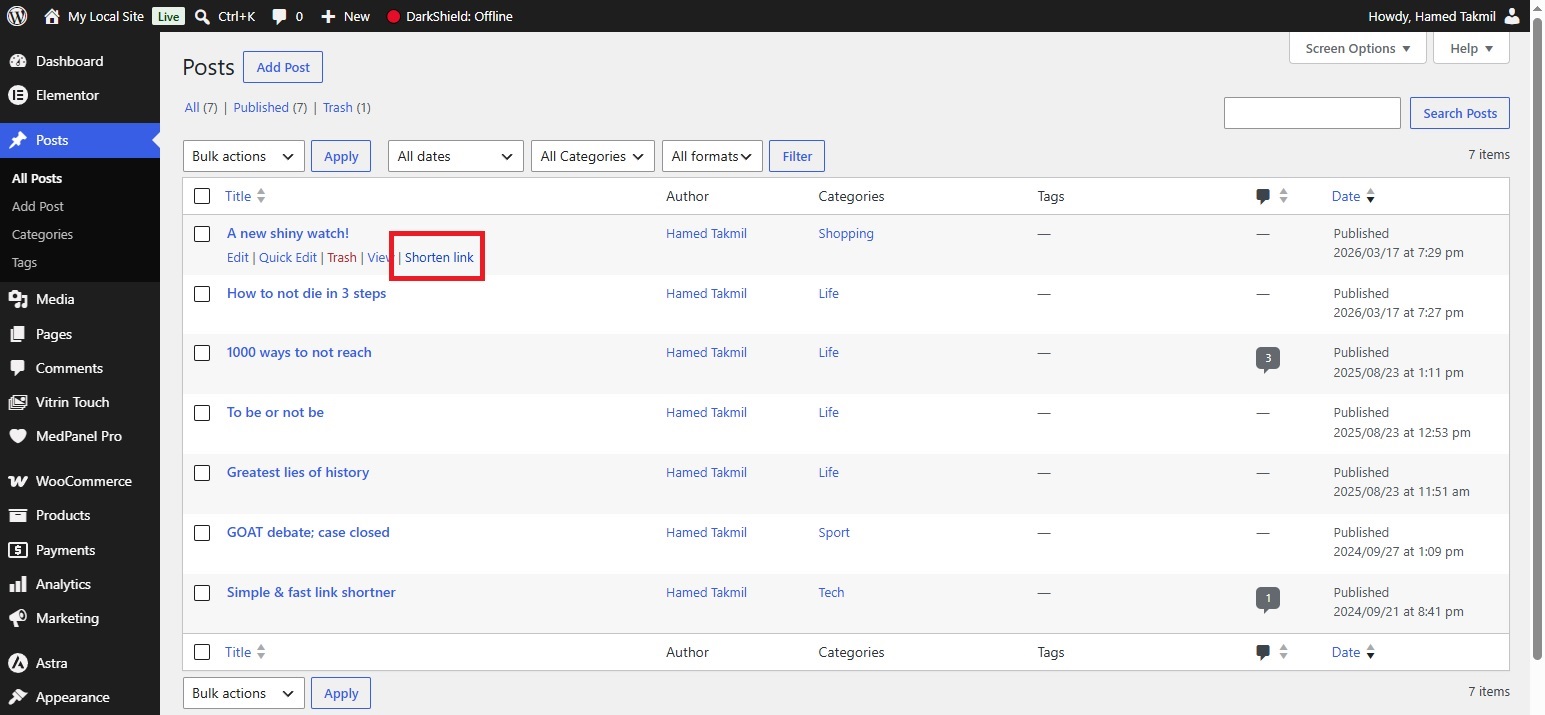
- AJAX row actions — shorten or copy a link straight from the Posts/Products list, with no page reload.
- One-click copy to clipboard (with a fallback for non-HTTPS environments).
- Translation ready (i18n) — full text domain support with an included
.potfile. - Secure — nonce-protected forms and
manage_optionscapability checks (admins only).
Requirements
- WordPress 5.6 or higher
- PHP 7.4 or higher
- (Optional) WooCommerce — for short links on product pages
External services
This plugin connects to the ip-api.com IP geolocation API to look up the country associated with a visitor’s IP address, so that country can be shown in the per-link click reports.
It sends the visitor’s IP address to ip-api.com every time a tracked short link is clicked (one request per click, containing only the IP address). No other data is transmitted.
This service is provided by ip-api.com: Terms of Service and Privacy Policy.
스크린샷
설치
- Upload the
silvercover-link-shortenerfolder to the/wp-content/plugins/directory, or install the plugin directly through the WordPress plugins screen. - Activate Silvercover Link Shortener through the ‘Plugins’ screen in WordPress.
- Go to Settings Permalinks and click Save Changes once to flush rewrite rules (required for
/go/...links to work).
Upgrading
If you upgrade from an older version, deactivate and reactivate the plugin once so the database schema updates safely.
FAQ
-
How do I create a short link manually?
-
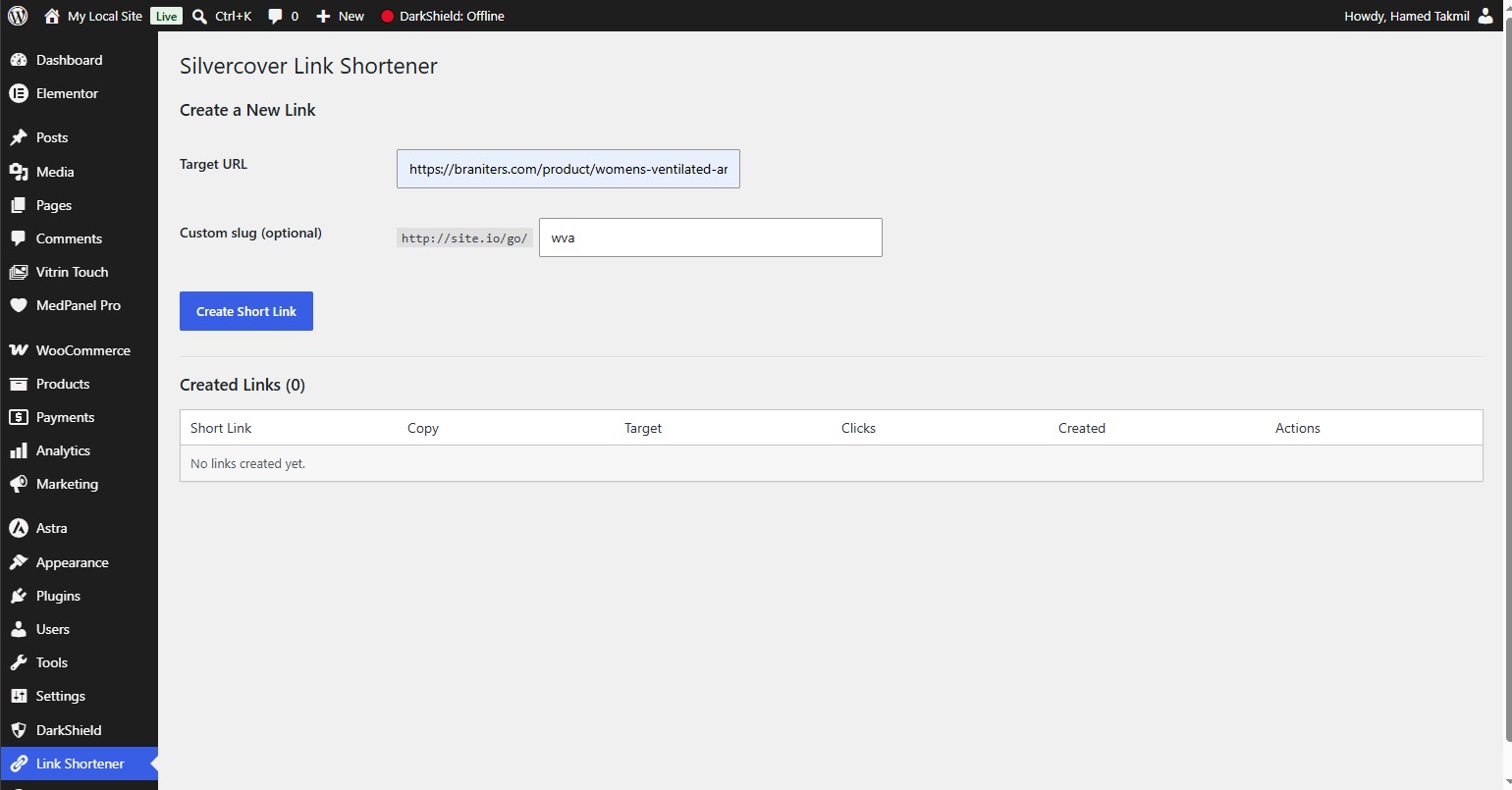
Go to Link Shortener in the admin menu, enter a target URL, optionally set a custom slug, and click Create Short Link.
-
How do I shorten a link for a post or product?
-
From the editor, use the Short Link metabox in the sidebar to generate and copy a link instantly. From the Posts/Products list, hover over any row and click Shorten link (AJAX, no reload). Once created, it becomes a Copy short link action.
-
How do I view click reports?
-
On the Link Shortener page, click Report next to any link to see every recorded click with its details.
-
Can I change the `/go/` base path?
-
Yes. Edit the following constant in the main plugin file and re-save your permalinks:
define( 'SILVLISH_SLUG_BASE', 'go' ); // e.g. change 'go' to 'link' or 's' -
Does this plugin send any data to third parties?
-
Visitor IP addresses are sent to the free ip-api.com service for country lookup. You can disable or replace this in
includes/class-links.phpif you prefer not to use it. -
Is the plugin translatable?
-
Yes, it is fully translatable. A
silvercover-link-shortener.pottemplate is included in thelanguages/folder. To regenerate it with WP-CLI:wp i18n make-pot . languages/silvercover-link-shortener.pot
후기
이 플러그인에 대한 평가가 없습니다.
기여자 & 개발자

자국어로 “Silvercover Link Shortener”(을)를 번역하세요.
개발에 관심이 있으십니까?
변경이력
1.1.0
- Added AJAX row actions to shorten and copy links from the Posts/Products list.
- Added editor metabox for quick short link creation and copying.
- Improved click reports UI.
1.0.0
- Initial release.