

설명
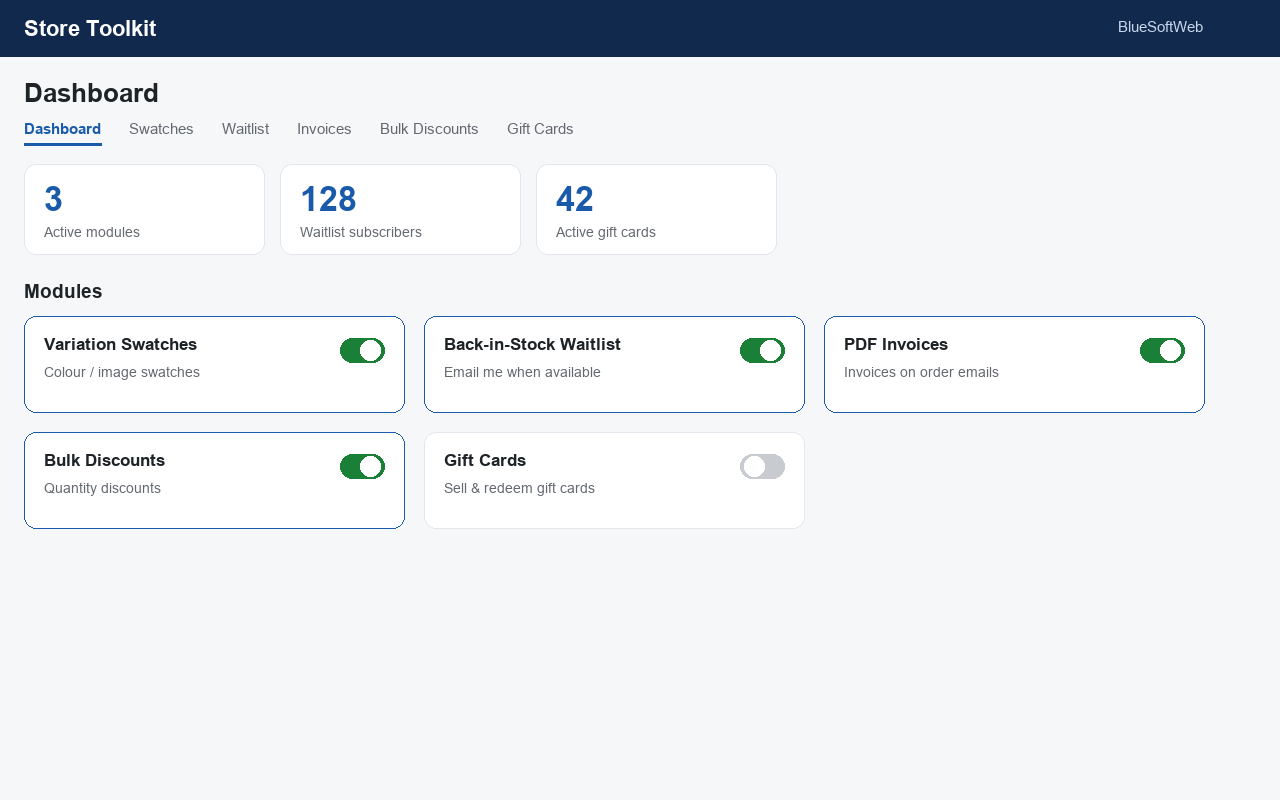
Store Toolkit bundles five of the most-requested WooCommerce enhancements into a single, lightweight plugin. Turn each tool on or off from one dashboard — disabled modules add no front-end code.
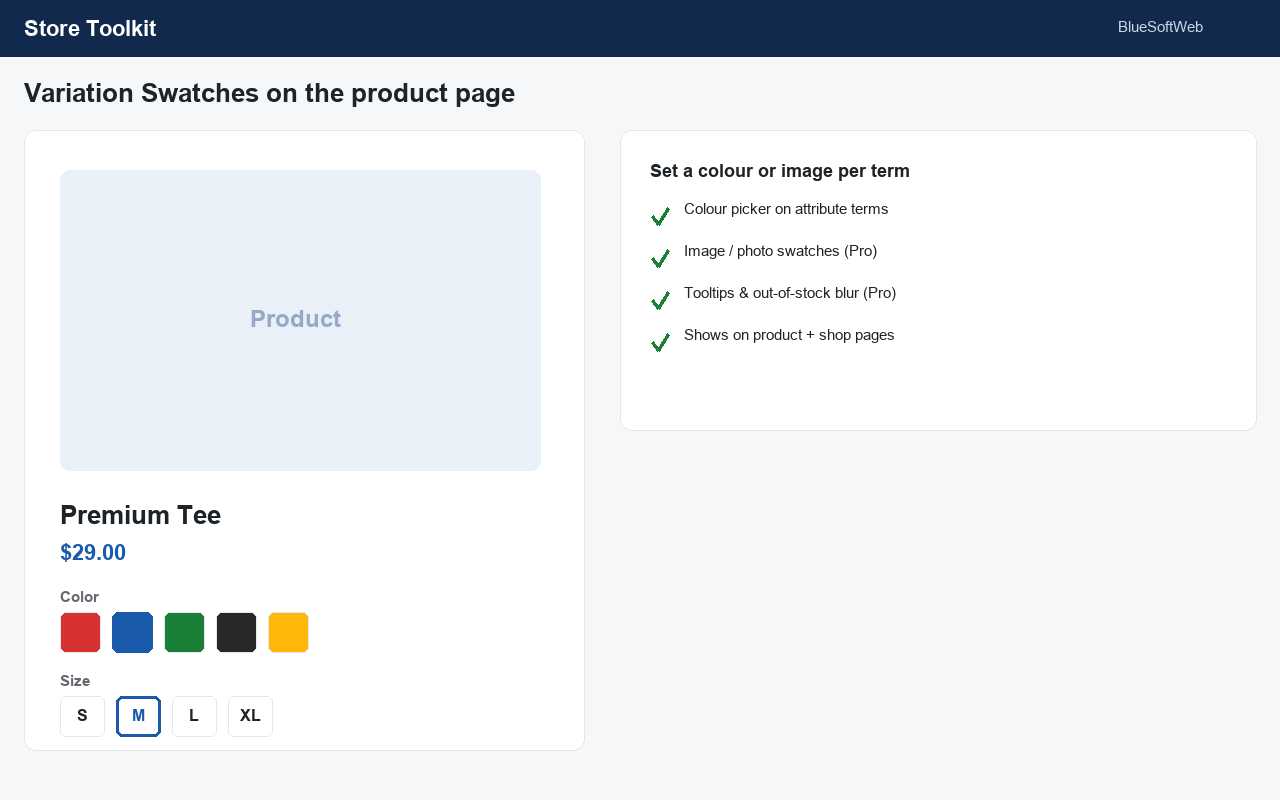
1. Variation Swatches
Replace boring variation dropdowns with colour and label/button swatches on the product page, and show colour dots in the shop loop. Set a colour per attribute term with a built-in colour picker.
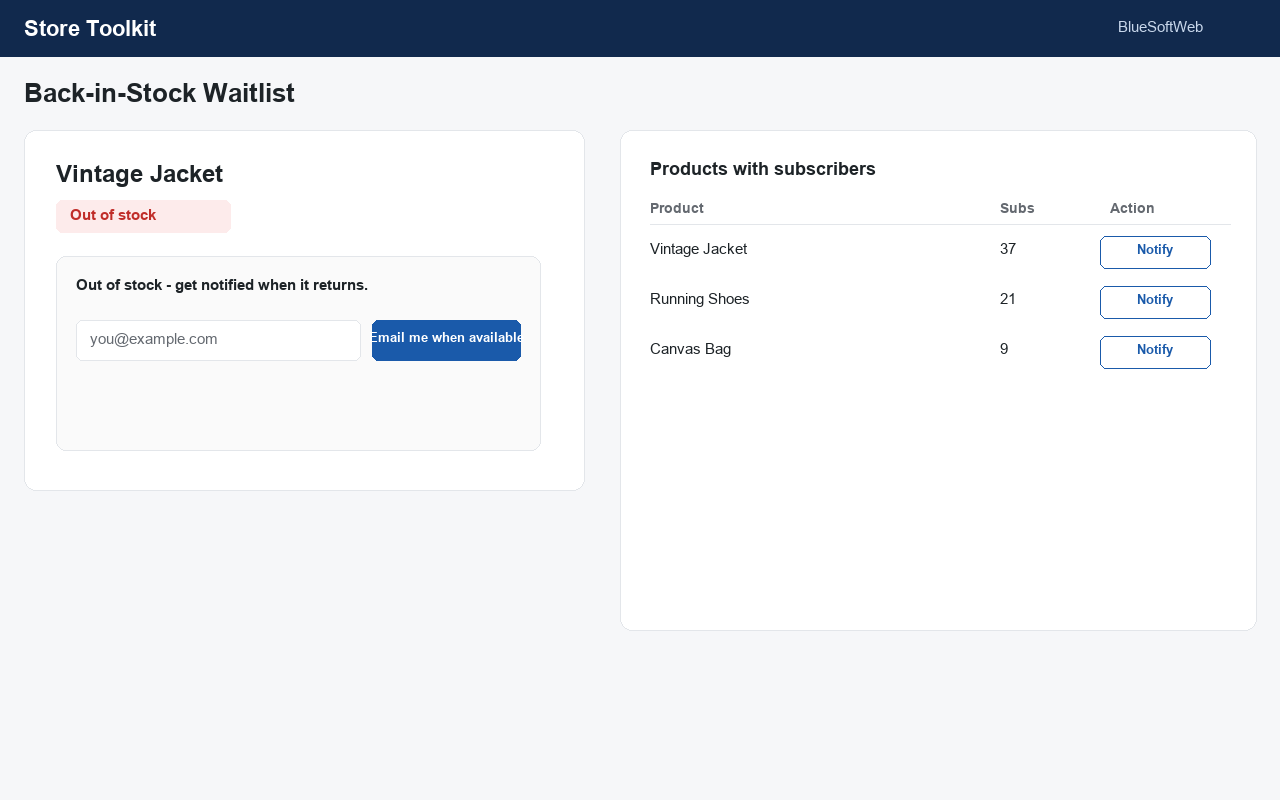
2. Back-in-Stock Waitlist
Add an “Email me when available” form to out-of-stock products. Collect signups in a table and email everyone with one click when stock returns.
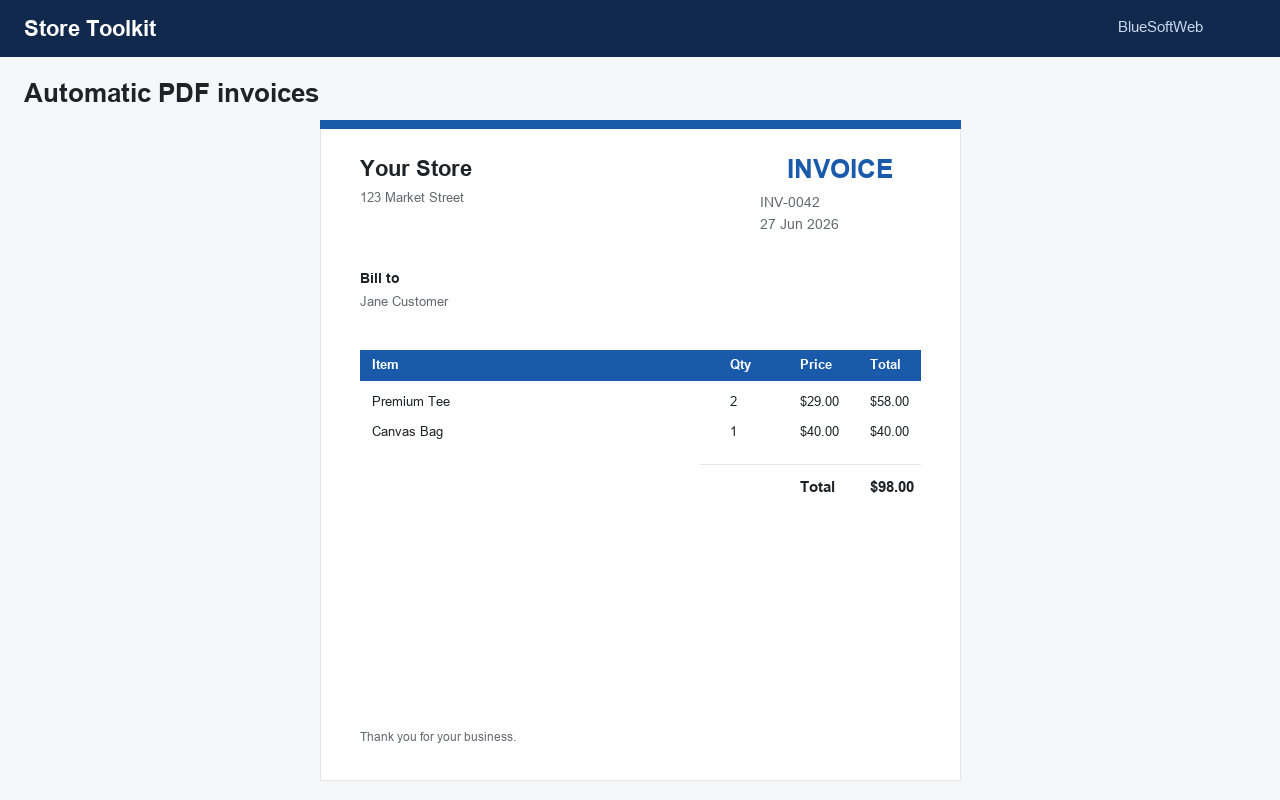
3. PDF Invoices
Automatically attach a clean PDF invoice to your order emails, and let customers download it from My Account. No external libraries — invoices are generated in pure PHP.
4. Bulk Discounts
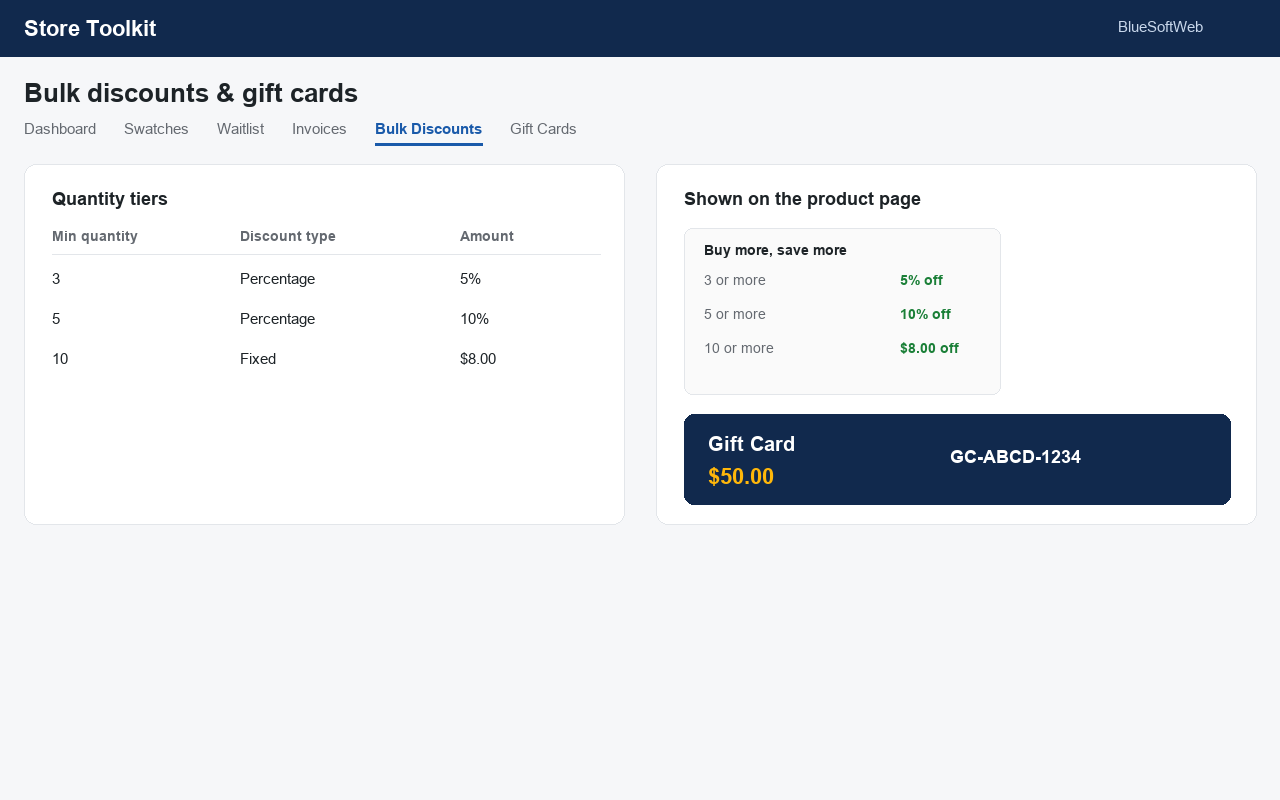
Reward bigger baskets with automatic quantity discounts (“buy 3+ save 10%”), with an optional discount table shown on the product page.
5. Gift Cards
Sell gift cards: mark any product as a gift card and a unique code is created and emailed to the recipient on purchase. Customers redeem the code at the cart.
Built for modern WooCommerce
- Compatible with High-Performance Order Storage (HPOS).
- Compatible with the Cart & Checkout Blocks declaration.
- Translation-ready.
Upgrade to Pro
Store Toolkit Pro is a separate premium add-on that adds image/photo swatches with tooltips and out-of-stock blur, automatic restock notifications with double opt-in, branded invoices with packing slips and credit notes, role-based pricing with scheduled sales, and gift card scheduled delivery with a printable PDF.
WooCommerce is a trademark of Automattic Inc. This plugin is not affiliated with or endorsed by Automattic.
스크린샷
설치
- Upload the plugin to
/wp-content/plugins/or install it from Plugins Add New. - Activate it (WooCommerce must be active).
- Go to Store Toolkit in the admin menu, enable the tools you want, and configure each tab.
FAQ
-
Does this require WooCommerce?
-
Yes. WooCommerce must be installed and active.
-
Will it slow my store down?
-
No. Only the modules you enable load any code.
-
Where do gift card codes appear?
-
A code is generated when a gift-card product is paid for, emailed to the recipient, and listed under Store Toolkit Gift Cards.
-
Can customers download their invoice?
-
Yes — from My Account Orders, and you can download it from the order screen.
후기
이 플러그인에 대한 평가가 없습니다.
기여자 & 개발자
“BlueSoftWeb Store Toolkit for WooCommerce”(은)는 오픈 소스 소프트웨어입니다. 다음의 사람들이 이 플러그인에 기여하였습니다.
기여자
변경이력
1.0.0
- Initial release: variation swatches, back-in-stock waitlist, PDF invoices, bulk discounts and gift cards.