

설명
BrainStudioz Newsletter Hub is a WordPress newsletter plugin for building email signup forms, keeping a local subscriber database, and syncing contacts with popular email marketing services.
Your forms and subscriber records stay in WordPress as the source of truth. Connect Mailchimp, Brevo, MailerLite, Kit (formerly ConvertKit), ActiveCampaign, or another supported provider when you want to sync contacts. Add or switch providers without rebuilding your signup forms.
BrainStudioz Newsletter Hub manages subscribers and provider syncs; it does not send newsletter campaigns itself.
Newsletter forms and subscriber management
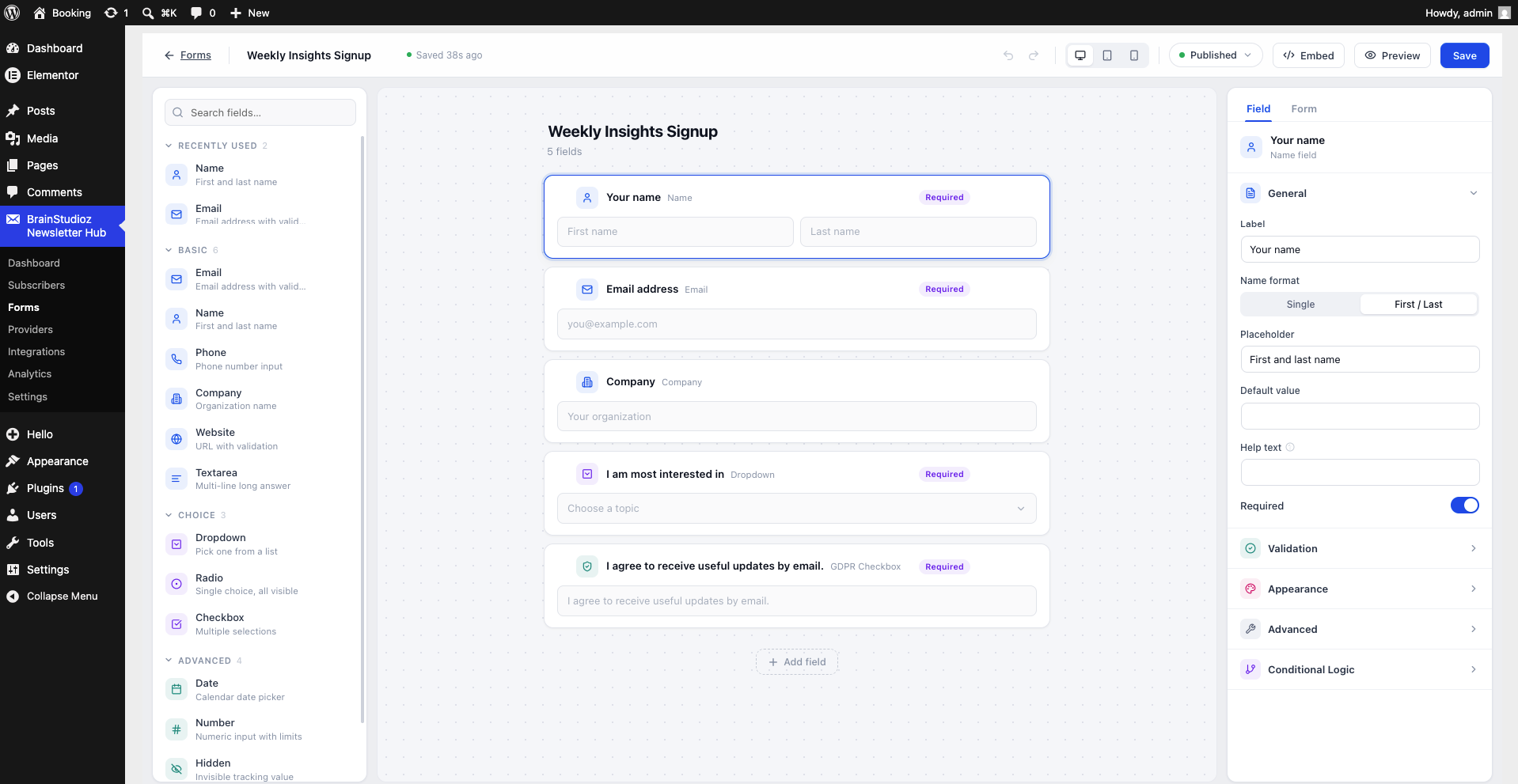
- Build newsletter signup forms with a drag-and-drop form builder
- Add forms with the Newsletter Form block, shortcode, Elementor widget, or PHP function
- Use inline, floating-bar, and slide-in form displays
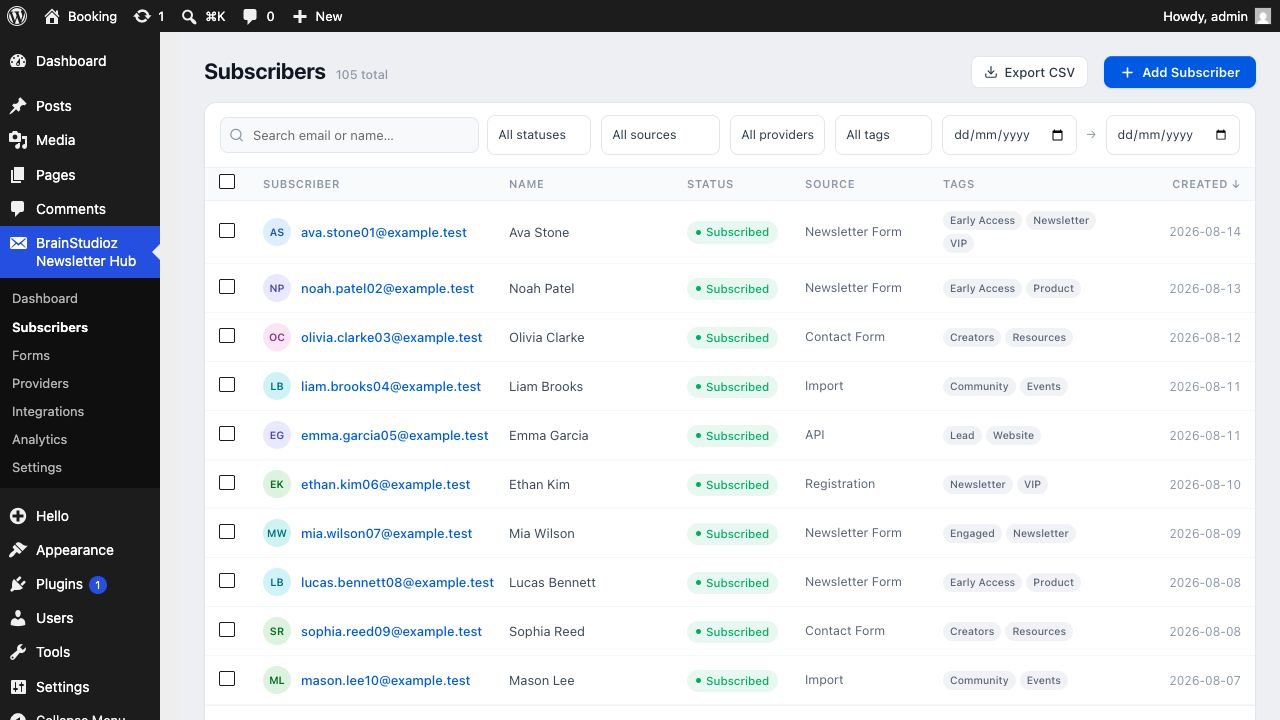
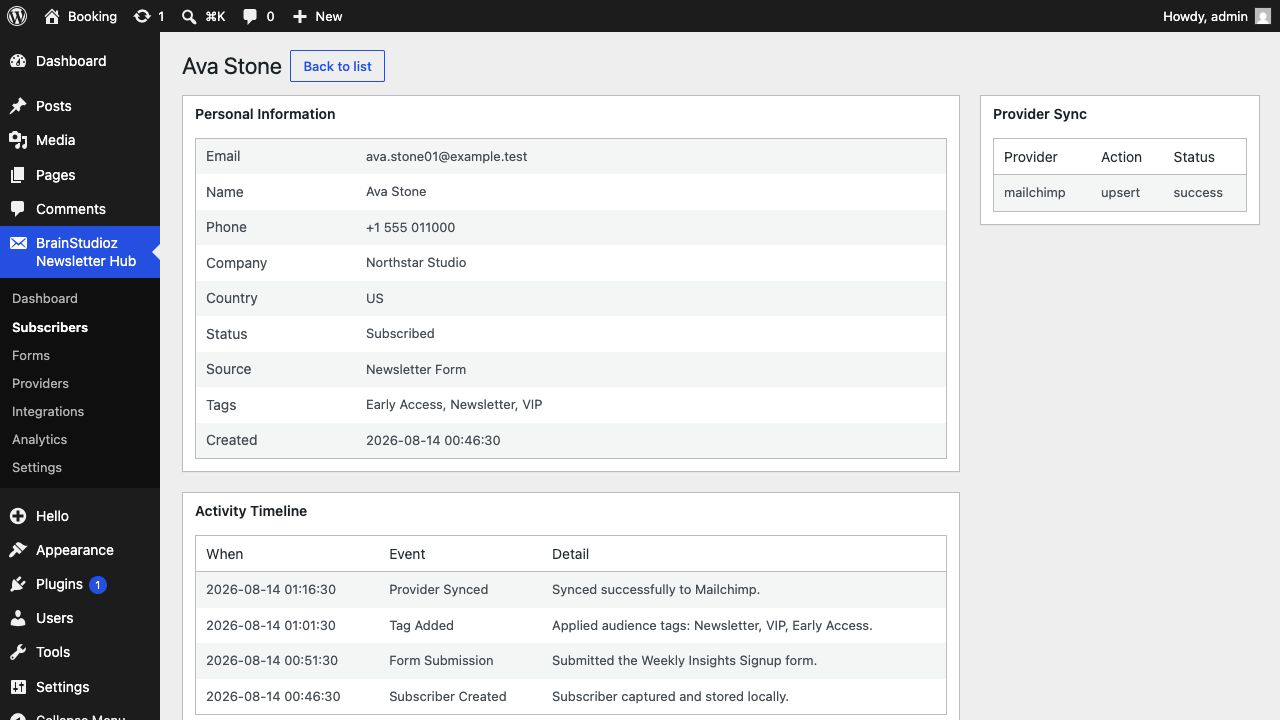
- Store, search, filter, tag, import, and export subscribers in WordPress
- Record consent and suppress unsubscribed, bounced, or blocked contacts
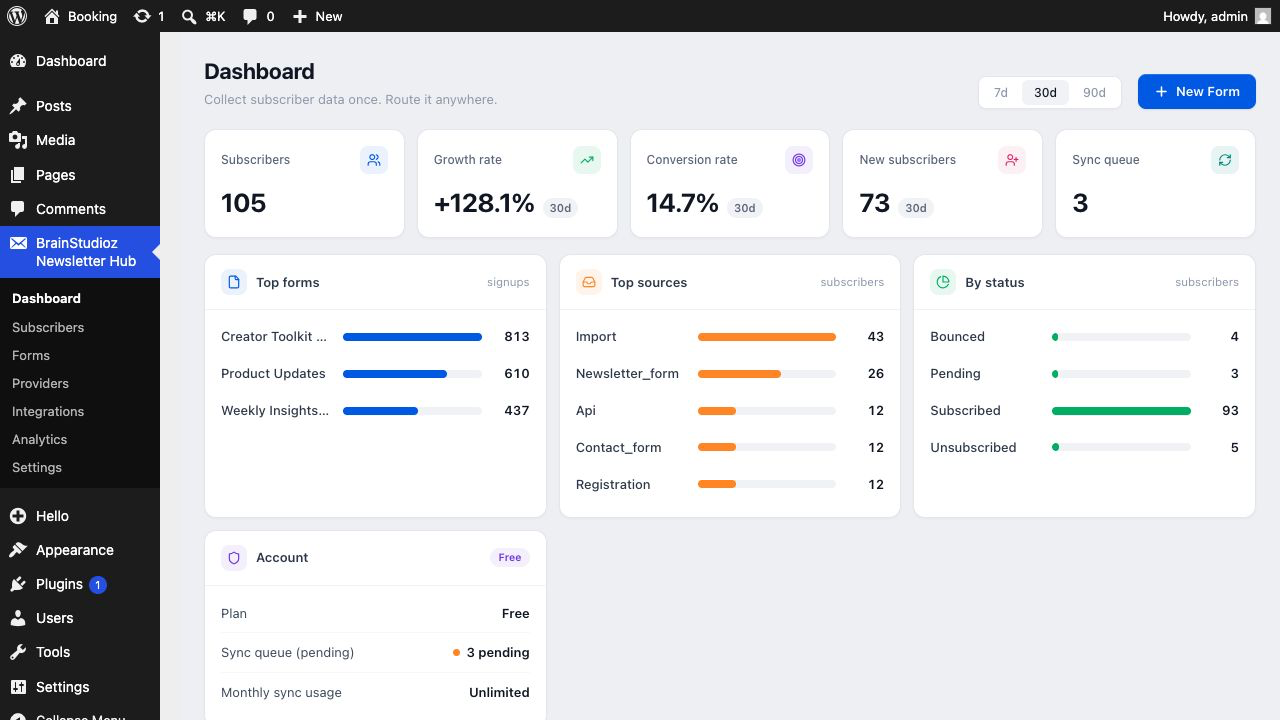
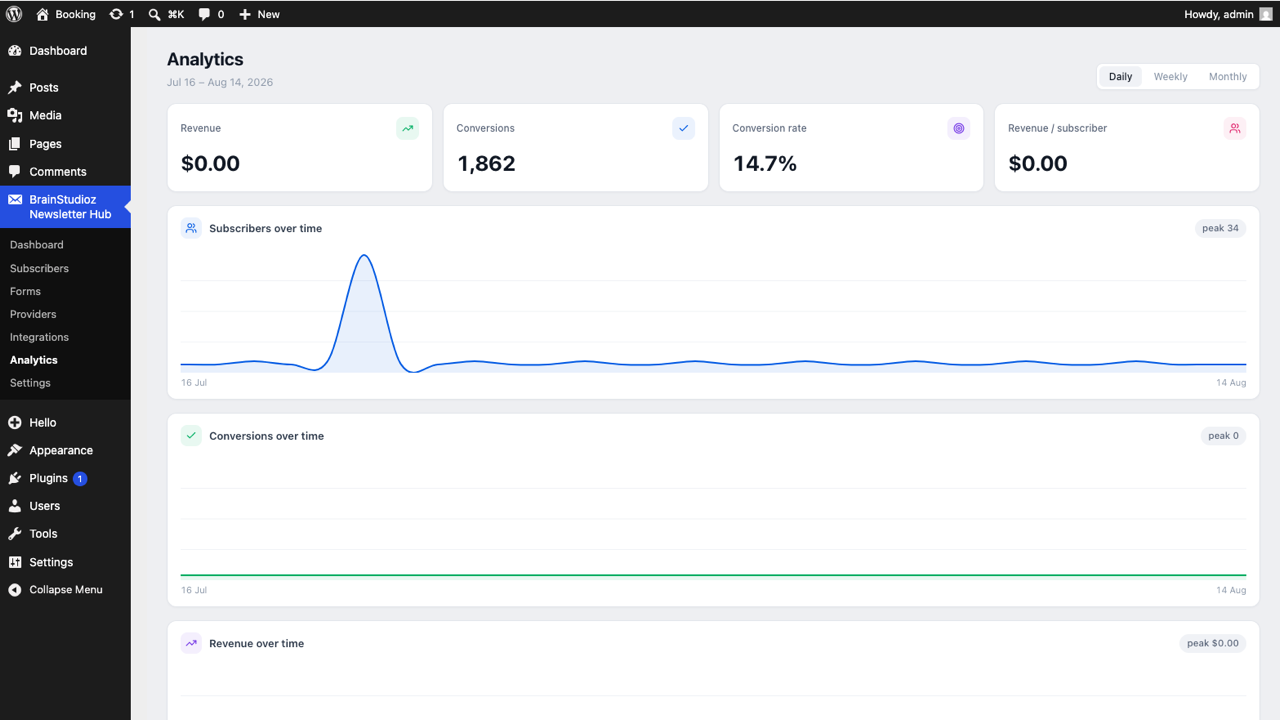
- View subscriber growth, form views, submissions, and conversion rate
Email marketing integrations
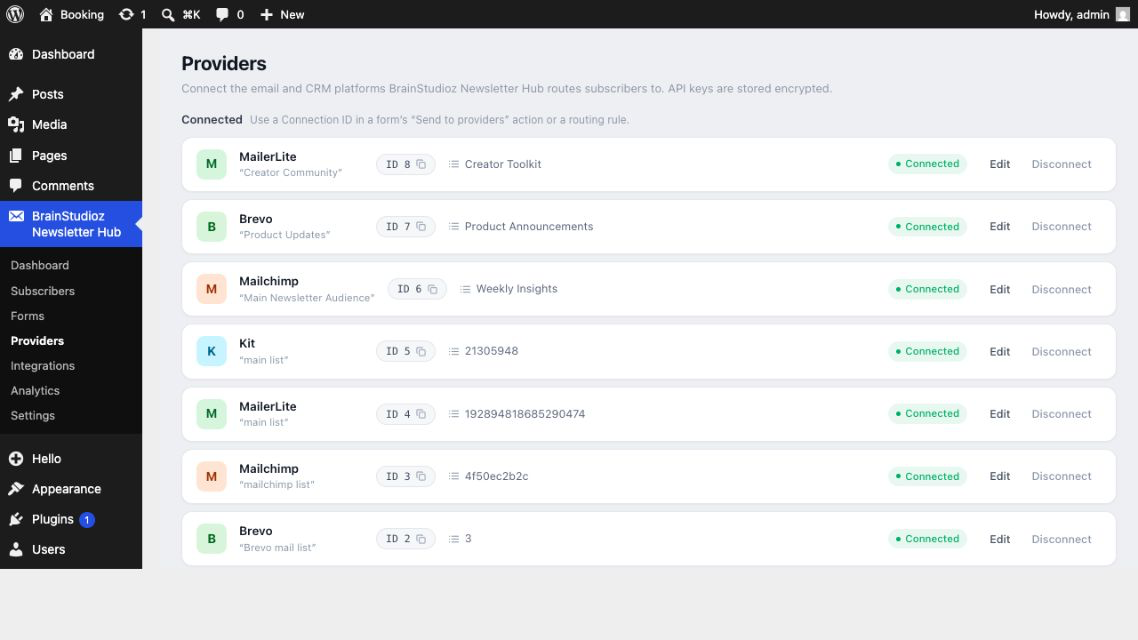
Connect Mailchimp, Brevo, MailerLite, Kit (formerly ConvertKit), ActiveCampaign, GetResponse, AWeber, Campaign Monitor, Drip, or Constant Contact.
Choose lists or groups, map custom fields, apply tags, and configure double opt-in per connection. You can connect several providers or multiple accounts from the same provider.
Capture subscribers from existing WordPress forms
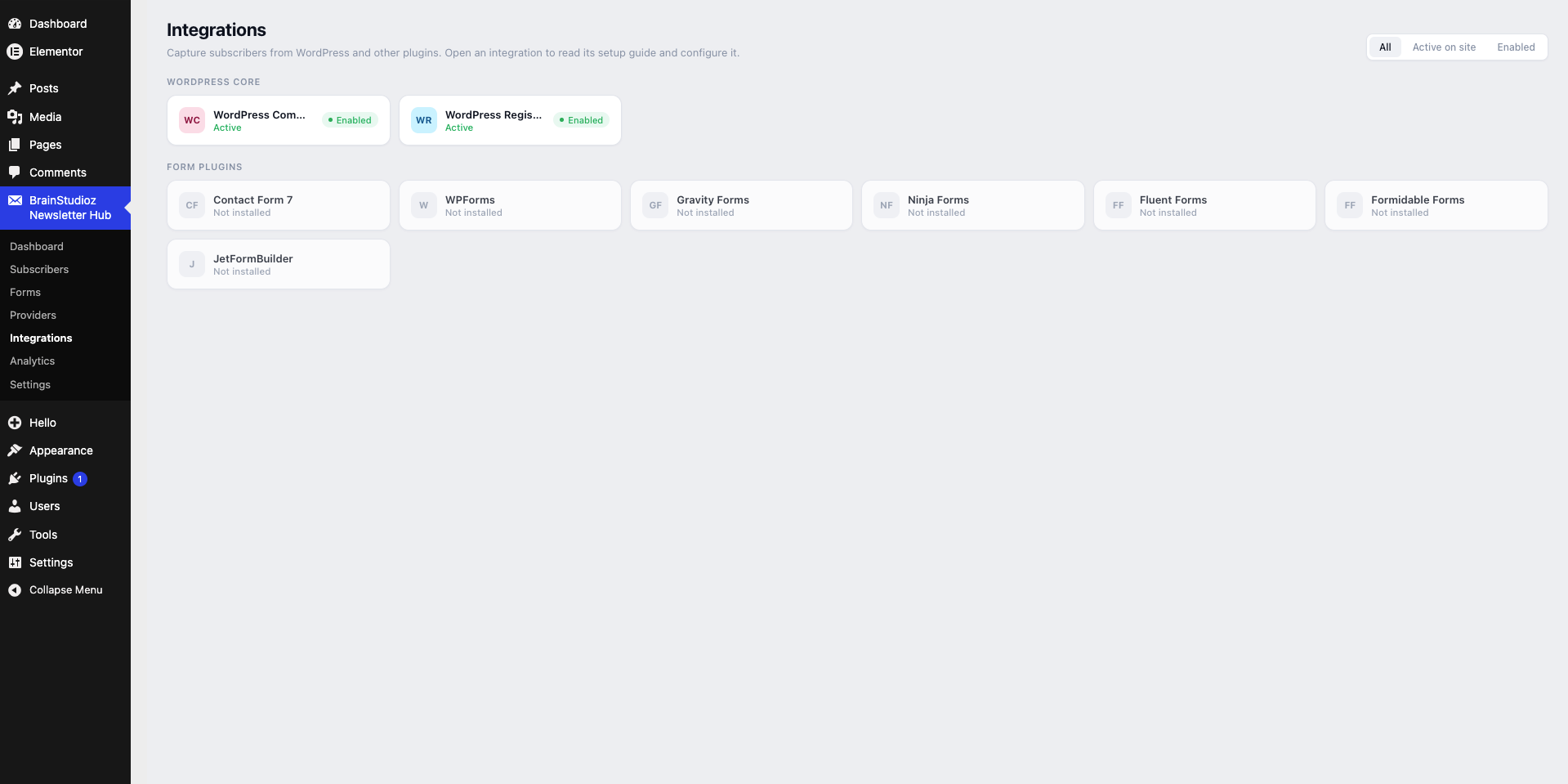
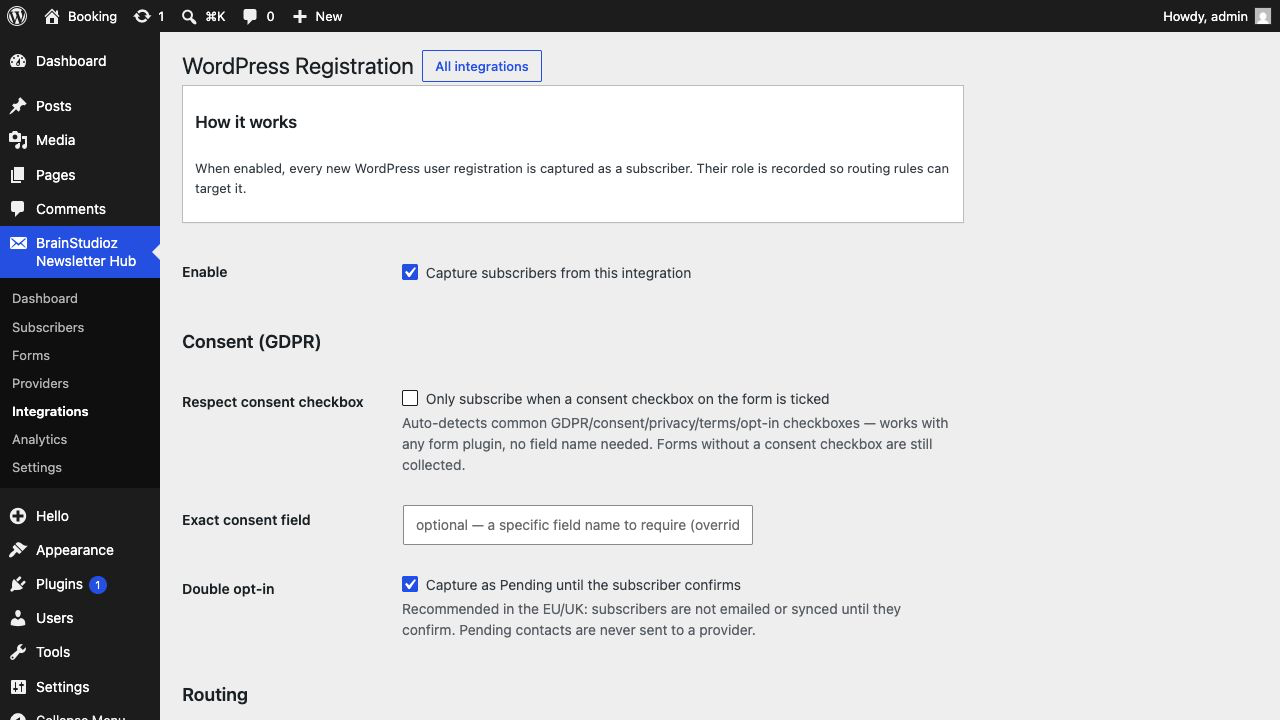
Turn submissions into newsletter subscribers from WordPress comments and registration, Contact Form 7, WPForms, Gravity Forms, Ninja Forms, Fluent Forms, Formidable Forms, Elementor Forms, or JetFormBuilder.
How subscriber sync works
- A visitor submits a newsletter or connected WordPress form.
- BrainStudioz Newsletter Hub stores the subscriber in your WordPress database.
- The plugin queues a background sync for your connected provider.
- Automatic retries handle temporary API errors and rate limits.
Privacy by design
Subscriber data is stored on your WordPress site. The plugin collects no telemetry, sends no usage analytics, and makes no provider request until you configure a connection with your own credentials. Provider credentials are encrypted at rest. See External Services for exactly what is shared when sync is enabled.
Optional Pro add-on
The separate optional Pro add-on adds audience routing, WooCommerce order tracking, popups, lead magnets, automations, webhooks, AI tools, and provider migration. The free plugin works independently.
Learn more or upgrade to Pro: http://brainstudioz.com/buy-a-plugin
External Services
BrainStudioz Newsletter Hub contacts no external service by default. After you add a provider connection with your own credentials, a sync sends the subscriber data you collected to that provider’s API. This may include email address, name, mapped custom fields, tags, and list membership. No data is sent to the plugin author.
Every integration below is optional and inactive until you connect it:
- Mailchimp — contact sync through
https://{data-center}.api.mailchimp.com.
Terms: https://mailchimp.com/legal/terms/ — Privacy: https://www.intuit.com/privacy/statement/ - ActiveCampaign — contact sync through your ActiveCampaign account API URL.
Terms: https://www.activecampaign.com/legal/terms-of-service — Privacy: https://www.activecampaign.com/legal/privacy-policy - Brevo — contact sync through
https://api.brevo.com.
Terms: https://www.brevo.com/legal/termsofuse/ — Privacy: https://www.brevo.com/legal/privacypolicy/ - MailerLite — contact sync through
https://connect.mailerlite.com.
Terms: https://www.mailerlite.com/terms-of-service — Privacy: https://www.mailerlite.com/legal/privacy-policy - Kit (formerly ConvertKit) — contact sync through
https://api.kit.com.
Terms: https://kit.com/terms — Privacy: https://kit.com/privacy - AWeber — contact sync through
https://api.aweber.com.
Terms: https://www.aweber.com/service-agreement.htm — Privacy: https://www.aweber.com/privacy.htm - Campaign Monitor — contact sync through
https://api.createsend.com.
Terms: https://www.campaignmonitor.com/terms/ — Privacy: https://www.campaignmonitor.com/policies/ - Constant Contact — contact sync through
https://api.cc.email.
Terms: https://www.constantcontact.com/legal/service-provider — Privacy: https://www.constantcontact.com/legal/privacy-center - Drip — contact sync through
https://api.getdrip.com.
Terms: https://www.drip.com/terms — Privacy: https://www.drip.com/privacy - GetResponse — contact sync through
https://api.getresponse.com.
Terms: https://www.getresponse.com/legal — Privacy: https://www.getresponse.com/legal/privacy
Development
Human-readable PHP and JavaScript source is included under GPLv2 or later and maintained at https://github.com/derwaish05/mailpilot.
- PHP source:
src/ - React source:
assets/src/ - Compiled JavaScript and CSS:
assets/build/
Rebuild the admin assets with npm install and npm run build. Dependencies and licenses are listed in package.json.
스크린샷
블록
이 플러그인은 1개의 블록을 제공합니다.
- MailPilot Form
설치
- Install BrainStudioz Newsletter Hub from the WordPress Plugins screen, or upload it to
/wp-content/plugins/brainstudioz-newsletter-hub. - Activate the plugin. WordPress 6.8 or later and PHP 8.1 or later are required.
- Open BrainStudioz Newsletter Hub > Forms and create your first newsletter signup form.
- Place the form with its block, shortcode, Elementor widget, or PHP function.
- Optional: open Providers and connect an email marketing service with your own API credentials.
- Optional: open Integrations to capture subscribers from a supported form plugin, WordPress comments, or registration.
FAQ
-
No. It collects and manages subscribers, then syncs them to services such as Mailchimp or Brevo. Use your connected provider to design and send email campaigns.
-
Where are subscribers stored?
-
Subscribers are stored in your WordPress database. Your local subscriber database remains available even when no email provider is connected.
-
Do I need Mailchimp or another external account?
-
No. You can build forms and manage subscribers locally without an external account. A provider account is needed only when you choose to sync contacts to that service.
-
Which email marketing services are supported for free?
-
Mailchimp, Brevo, MailerLite, Kit (ConvertKit), ActiveCampaign, GetResponse, AWeber, Campaign Monitor, Drip, and Constant Contact.
-
Can I connect multiple providers or accounts?
-
Yes. Connect several providers at once or add multiple accounts from the same provider, each with its own list, tag, and field mapping.
-
Create the form in BrainStudioz Newsletter Hub > Forms, then insert it with the Newsletter Form block, shortcode, Elementor widget, or PHP function.
-
Which WordPress form plugins can capture subscribers?
-
Contact Form 7, WPForms, Gravity Forms, Ninja Forms, Fluent Forms, Formidable Forms, Elementor Forms, and JetFormBuilder are supported. WordPress comments and registration can also capture subscribers.
-
Can I import and export subscribers?
-
Yes. Import subscribers from CSV and export your local audience to CSV at any time.
-
What happens if I switch email providers?
-
Your signup forms keep working because they write to the local subscriber database first. Connect the new provider and sync without rebuilding the forms.
-
Does the plugin include consent and privacy tools?
-
Yes. It includes a consent field, consent recording, subscriber status handling, and suppression controls. These features support a site’s privacy workflow but do not by themselves guarantee legal compliance.
-
Does the plugin send data anywhere by default?
-
No. It sends no telemetry or usage analytics. Subscriber data is shared only with a provider you explicitly connect, as described under External Services.
-
Does it work with Elementor and WooCommerce?
-
The free plugin includes an Elementor widget and captures Elementor Forms submissions. WooCommerce order tracking is available in the separate optional Pro add-on.
후기
이 플러그인에 대한 평가가 없습니다.
기여자 & 개발자

자국어로 “BrainStudioz Newsletter Hub”(을)를 번역하세요.
개발에 관심이 있으십니까?
변경이력
1.0.0
- Initial release.
- Added a local subscriber database and drag-and-drop signup form builder.
- Added 10 email and CRM provider integrations with background sync and retries.
- Added consent, suppression, CSV import/export, analytics, form-plugin capture, APIs, and developer hooks.