

설명
A certificate for every registration, a ticket for every event.
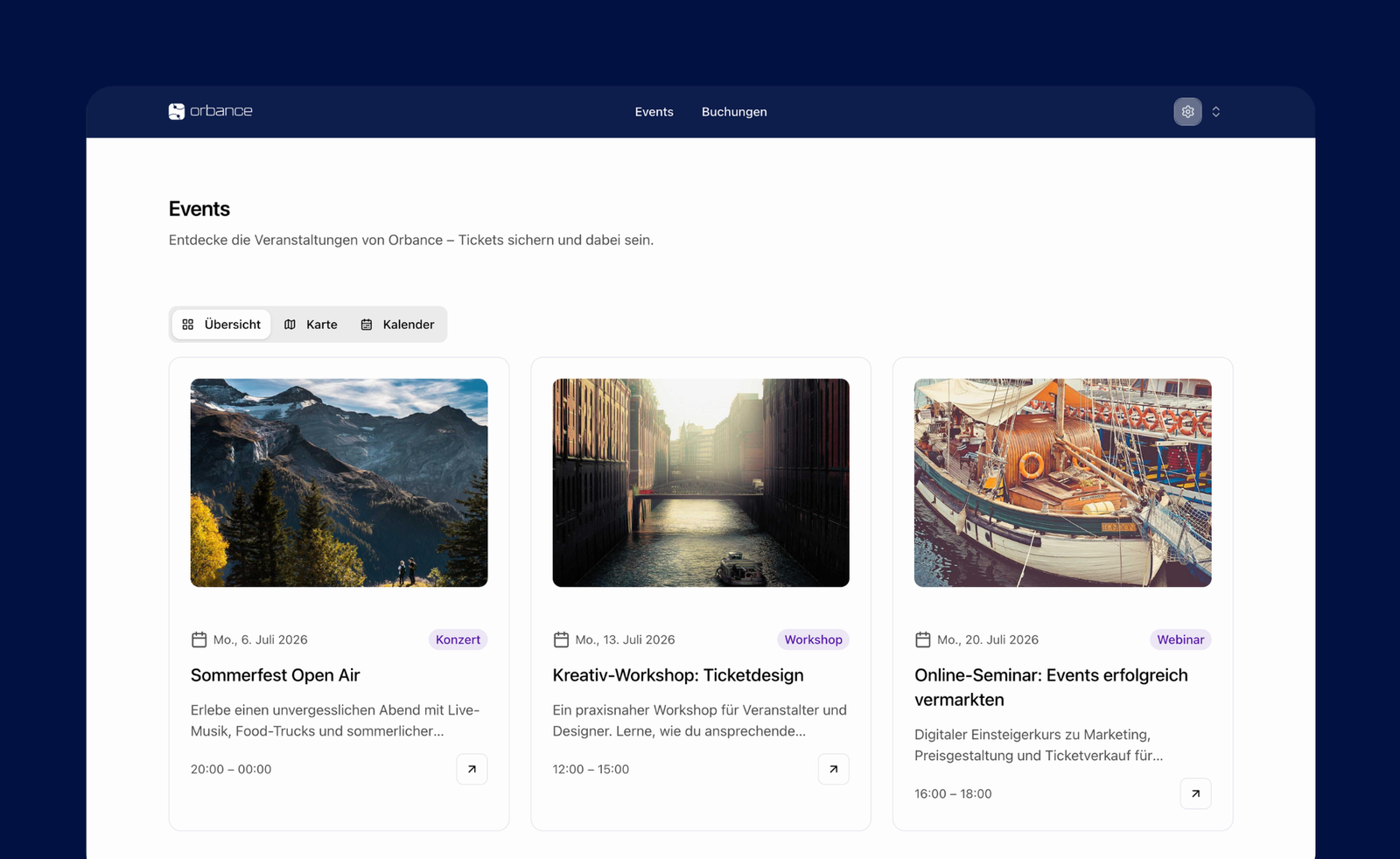
Orbance brings ticket sales and registration onto your WordPress site. Visitors stay on your page: they browse events, choose tickets and book – in the look of your website, without an extra tab.
From the first registration to the last certificate, Orbance supports the entire event process. For organizers, agencies and clubs as well as universities, chambers and education providers.
See an example shop (preview only, no real bookings): shop.orbance.com/preview/orbance
Start for free at orbance.com.
What you get on your website
- Events and booking right on your site
- A presentation that follows your theme
- Booking as an overlay or on a dedicated page
- Embed via shortcode, exactly where you need it
- Colors and language that match your brand
The platform behind it
Orbance brings together what you need for events:
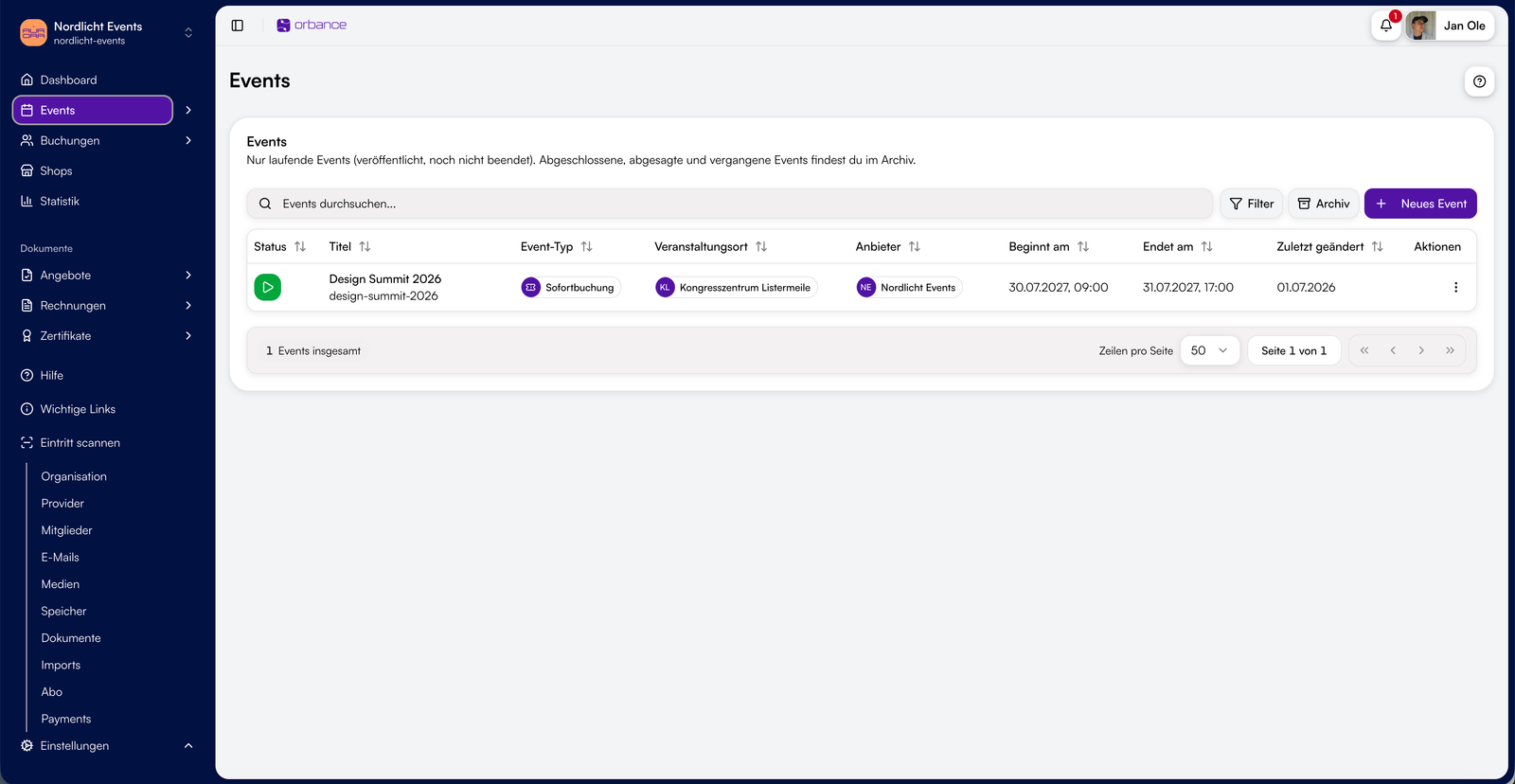
- Plan events: dates, venues, price tiers, capacity
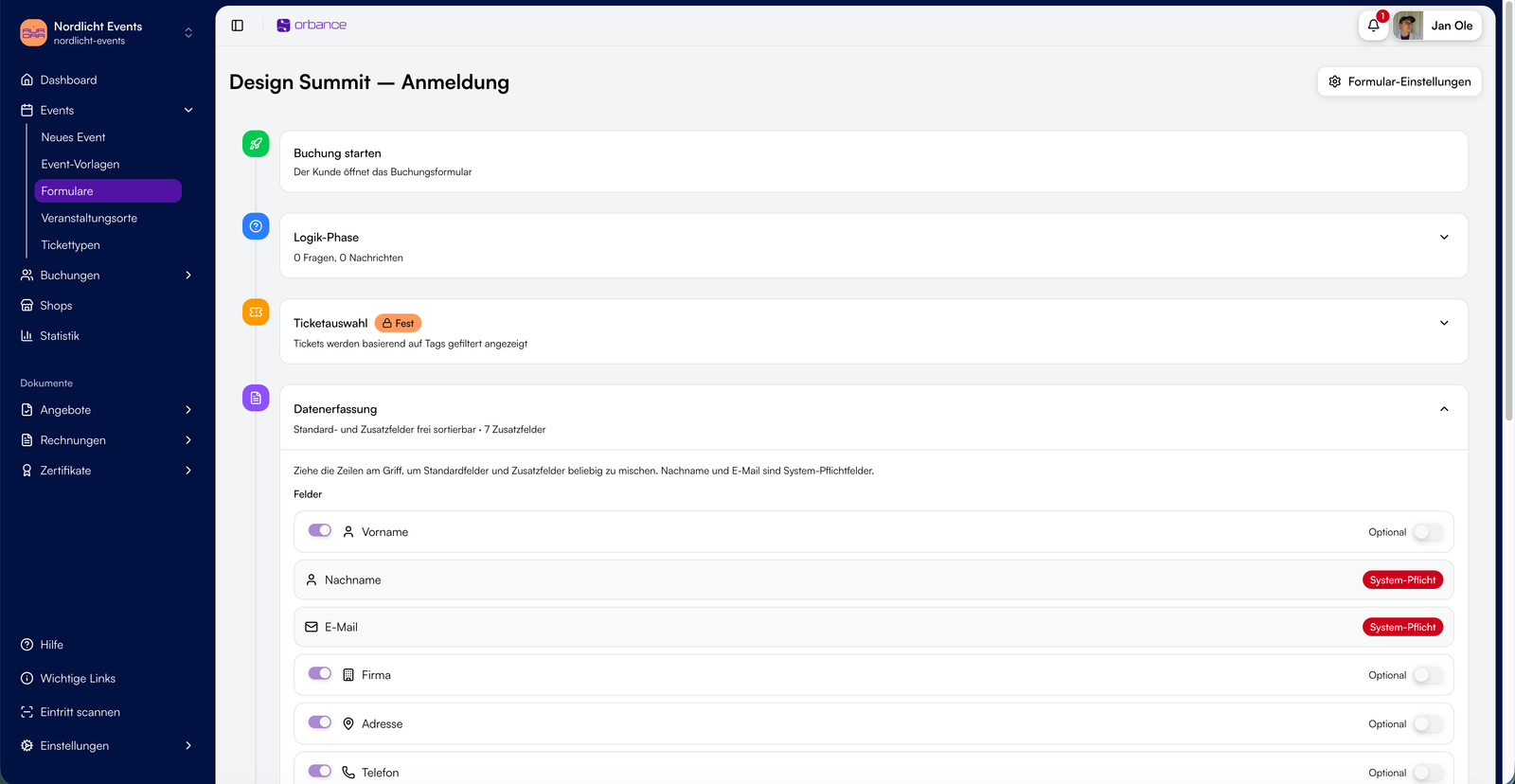
- Capture registrations with forms you build once and reuse
- Your shop, your brand – optional custom domain
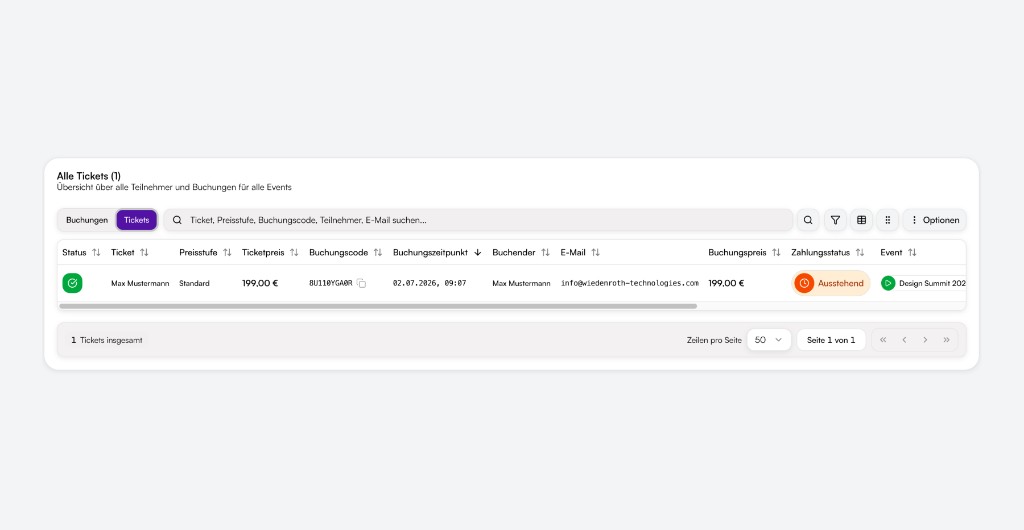
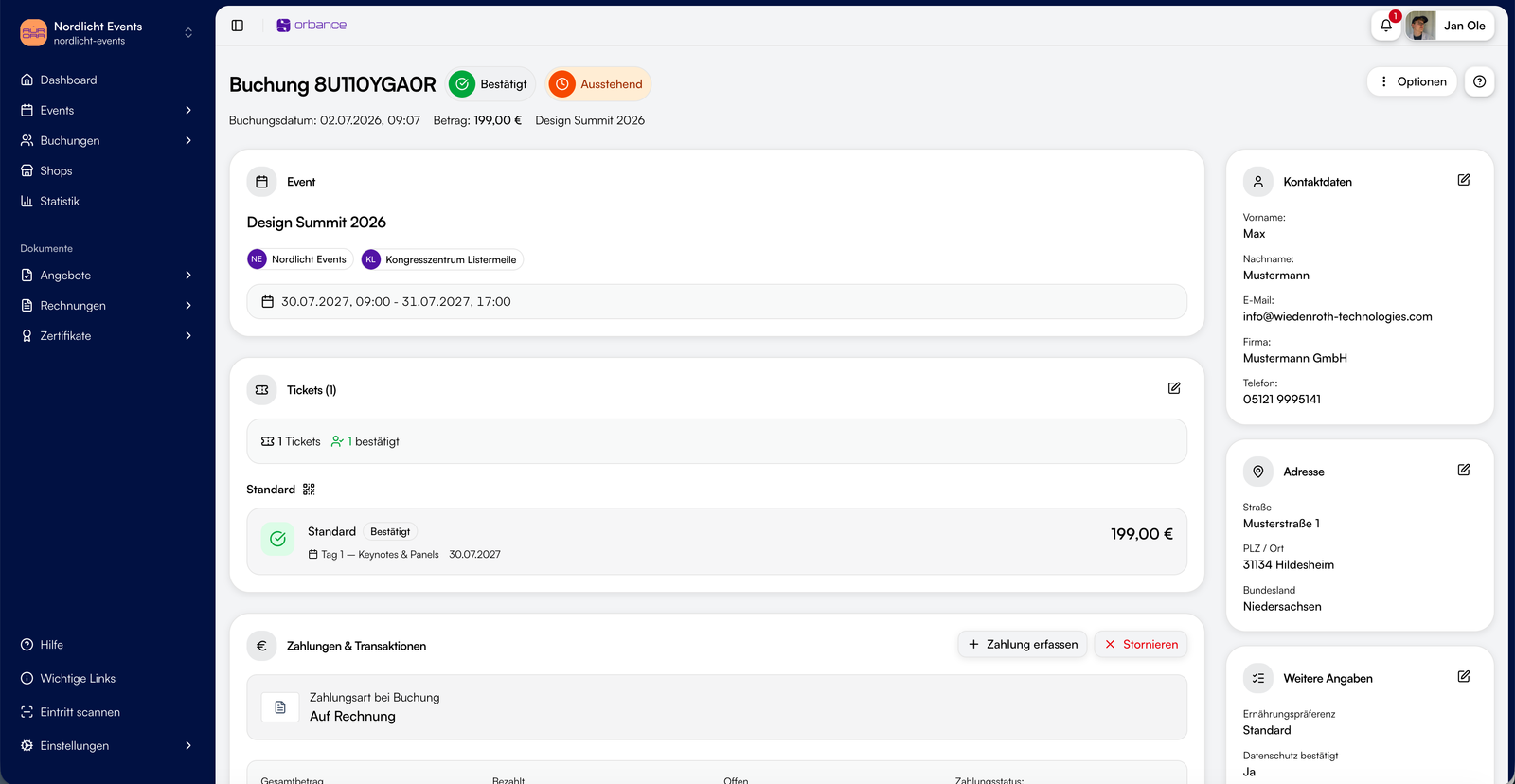
- All registrations in one place: bookings, attendees, team access
- From ticket to door: PDF, wallet passes and check-in
- Offers, invoices and certificates – when you need compliant documents
Two paths: classic events – or continuing education management for institutions.
GoBD-compliant, ZUGFeRD e-invoicing, hosting in Germany, DPA & TOMs.
Start with Orbance Free from 0 EUR. More plans for teams, agencies and institutions: orbance.com/pricing.
Notes
This plugin connects your WordPress site to Orbance, a service operated by Wiedenroth Technologies GmbH. An Orbance account is required.
When connecting and during use, data is exchanged with Orbance: connection details of your site, event content, and information visitors enter when booking. Events, the ticket shop and payments are handled through Orbance.
You can start for free at orbance.com.
- Website: https://orbance.com
- Terms of use: https://orbance.com/policies/terms
- Privacy policy: https://orbance.com/policies/privacy
- Data processing agreement (DPA): https://orbance.com/policies/avv
- Legal notice: https://orbance.com/policies/legal-notice
스크린샷
설치
- Install and activate the plugin via Plugins Add New, or upload the ZIP.
- In the WordPress sidebar under Orbance, click Connect with Orbance and choose your sales channel.
- If the new pages are not reachable yet: open Settings Permalinks and save once.
- Optionally adjust colors, presentation and language under Orbance Settings.
FAQ
-
Do I need an Orbance account?
-
Yes. The plugin shows events and takes bookings once your site is connected to Orbance. Create a free account at orbance.com.
-
Does the plugin cost anything?
-
The WordPress plugin itself is free. You can start Orbance with Orbance Free from 0 EUR. Online payments may include a platform fee. Current prices: orbance.com/pricing.
-
Does it work with my theme?
-
Yes. Event pages and booking views use your theme. You can adjust colors and presentation in the plugin settings.
-
How do I add a booking to a page?
-
With the shortcode, for example
[orbance_booking slug="my-event"]. That places the booking exactly where it belongs. -
Is there a demo?
-
Yes. A public preview is available at shop.orbance.com/preview/orbance (example shop, no real bookings). More about the platform: orbance.com.
후기
이 플러그인에 대한 평가가 없습니다.
기여자 & 개발자

변경이력
1.0.0
- Initial release in the WordPress.org directory
- Ticket sales and registration on your own website
- Connect with Orbance, event pages, booking and shortcodes