
설명
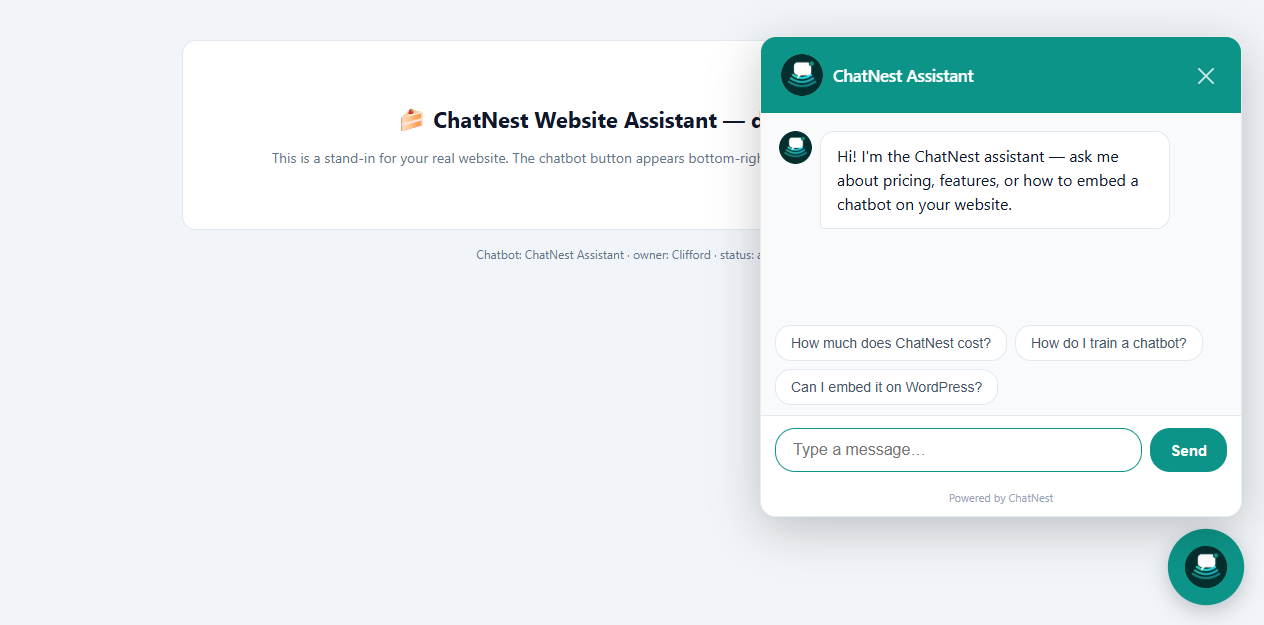
ChatNest is an AI customer support chatbot that answers your website visitors from your own business information. Create the chatbot, paste your content, and embed it on WordPress with a single token — the whole setup takes about two minutes.
Why ChatNest
- Answers only from your business. Paste your info, add FAQs, or enter your website URL and ChatNest crawls it automatically (up to 8 pages). The bot never invents answers about your company.
- Branded to match your site. Pick a name, avatar emoji, welcome message and brand colour — the widget matches your design, not a generic box.
- Human takeover. Every conversation lands in your live inbox. Reply as a human right inside the chat when needed.
- No API keys, no monthly technical upkeep. The AI engine is fully managed. You configure everything from one dashboard.
- Free to start. The Free plan includes 1 chatbot, 100 AI messages per day, the live inbox and the website widget — no credit card required.
What this plugin does
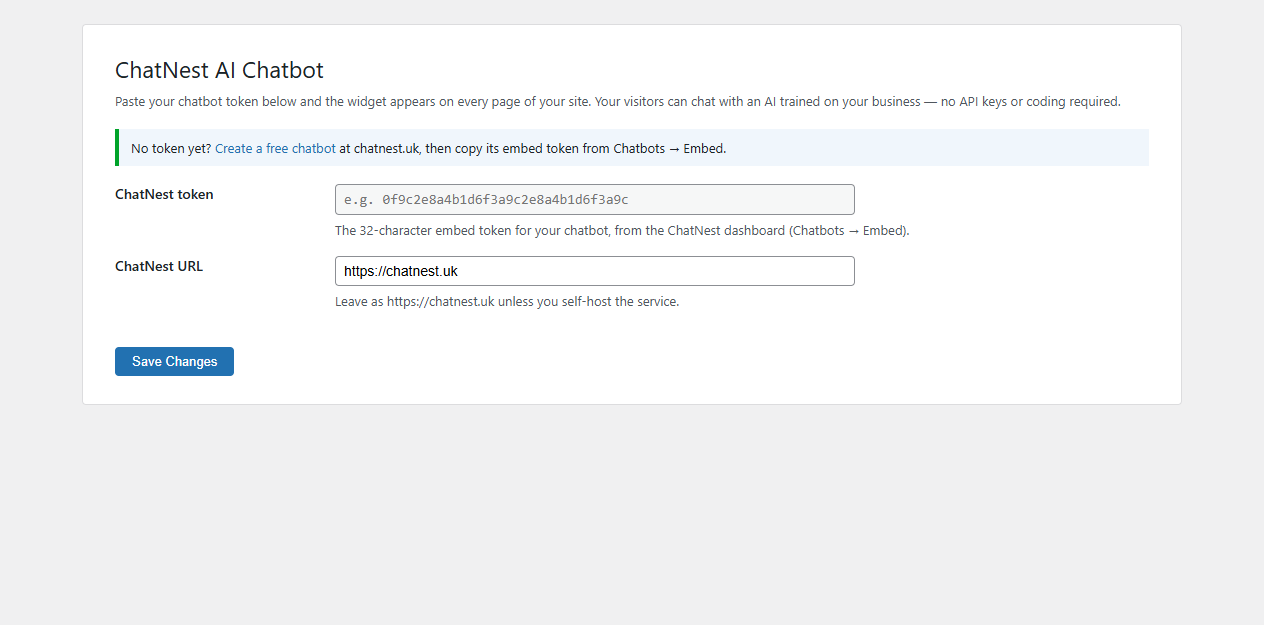
This plugin is a one-line embed wrapper: enter your ChatNest embed token once in Settings ChatNest AI Chatbot, and the widget script is added to every page of your site. Change your chatbot’s colour, knowledge base or instructions later and the widget updates instantly — no re-paste, no redeploy.
스크린샷
설치
- Upload the
chatnest-ai-chatbotfolder to/wp-content/plugins/, or install the plugin zip via Plugins Add New Upload Plugin. - Activate the plugin through the Plugins screen.
- Go to Settings ChatNest AI Chatbot.
- Create a free chatbot at chatnest.uk, open Chatbots Embed, and copy the 32-character token.
- Paste the token into the plugin settings and save. The widget now appears on your site.
That’s it. No API keys, no shortcodes, no configuration files.
FAQ
-
Do I need any code or API keys?
-
No. Paste your token in Settings and the plugin does the rest. The AI engine is fully managed by ChatNest.
-
How do I train the chatbot about my business?
-
In the ChatNest dashboard, add business information, FAQ pairs and behaviour rules — or enter your website URL and ChatNest crawls up to 8 pages of your site automatically.
-
Can I change how the widget looks?
-
Yes. Name, avatar emoji, welcome message and brand colour are set per chatbot in the ChatNest dashboard. Changes go live instantly.
-
Can I answer visitors manually?
-
Yes. All conversations appear in your ChatNest inbox. Take over any chat and reply as a human — the visitor sees your message in the same thread.
-
Is there a free plan?
-
Yes. The Free plan is free forever: 1 chatbot, 100 AI messages per day, knowledge base training, live inbox and the website widget. No credit card required.
-
Where is my data stored?
-
ChatNest is hosted in the UK (chatnest.uk). See the ChatNest privacy policy for full details.
후기
이 플러그인에 대한 평가가 없습니다.
기여자 & 개발자

변경이력
1.0.0
- Initial release. Adds the ChatNest widget to every page via a token stored in Settings.