

설명
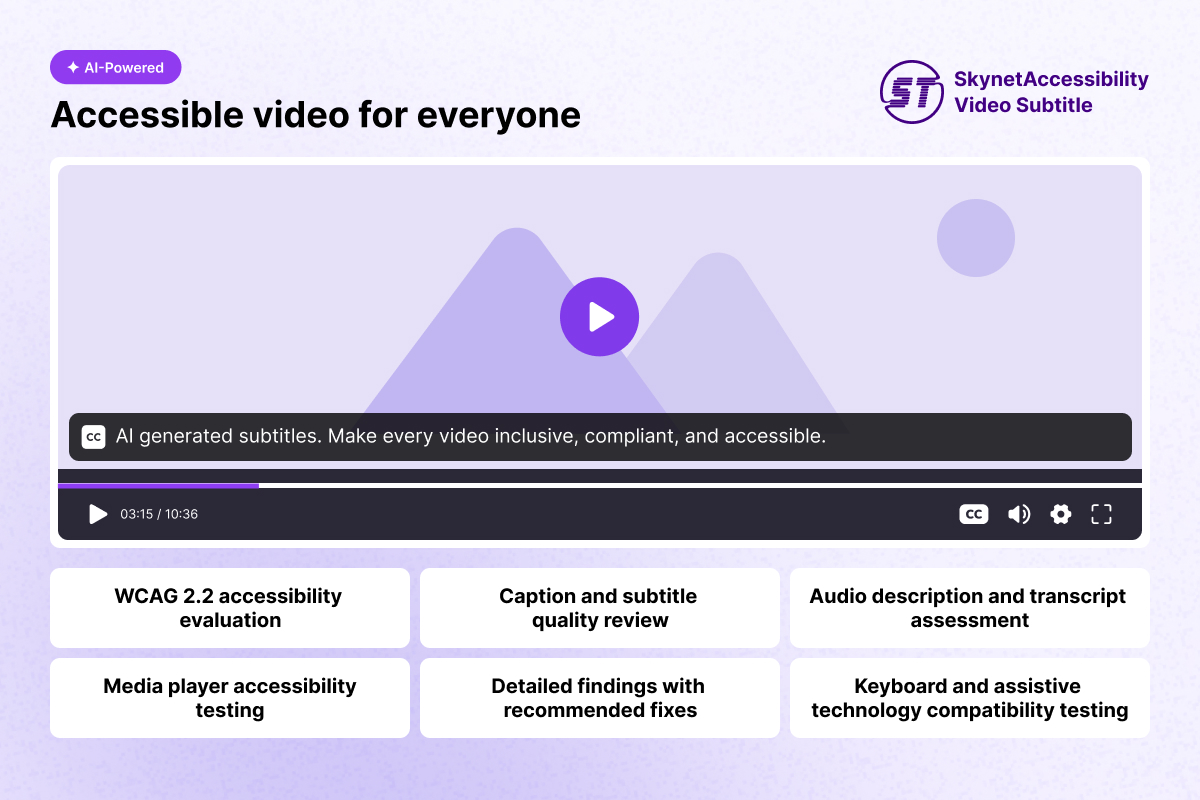
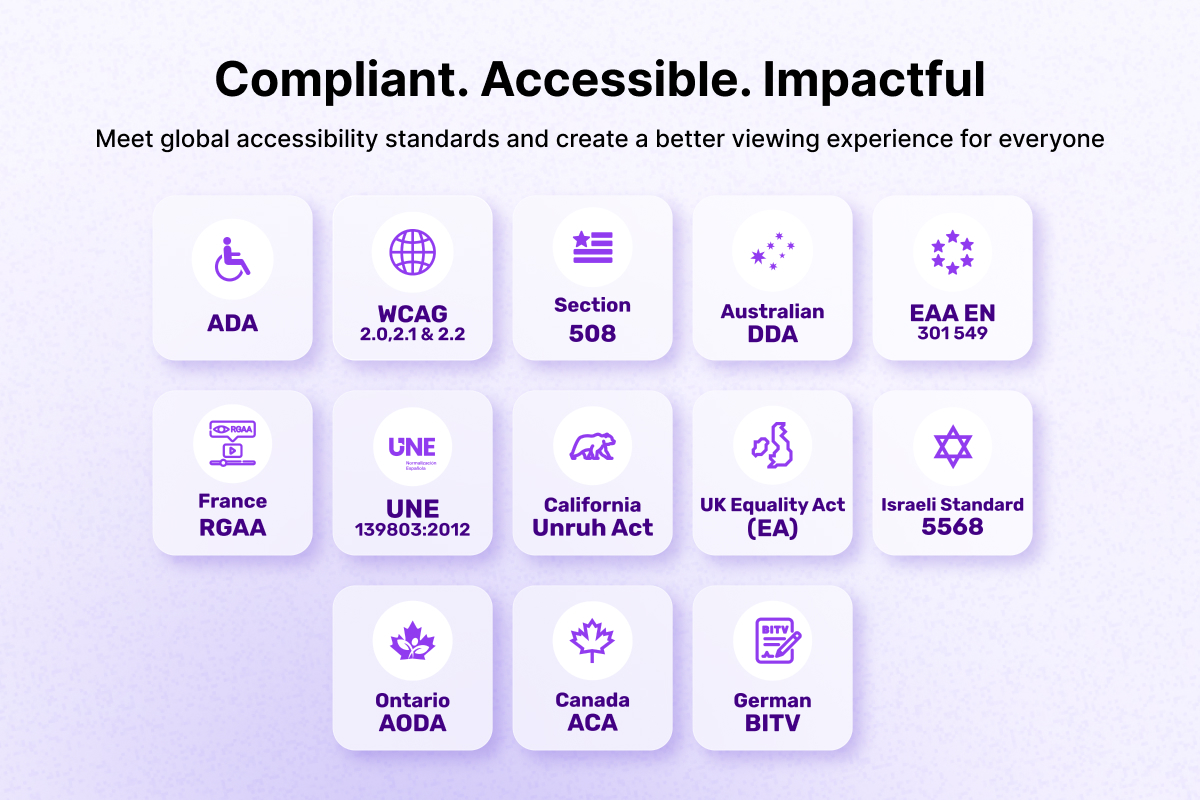
SkynetAccessibility Video Subtitle adds AI-generated subtitles to videos on website, improving accessibility and helping meet WCAG requirements.
Features
- Automatic site registration with the Video Subtitle service on activation — no keys to copy and paste.
- Loads the subtitle widget on site pages (can be turned off in settings).
- Analytics dashboard in wp-admin: videos remediated, time quota usage, spent and remaining duration, language breakdown chart, and a video library with previews.
- Date range and language filters.
- Plan management: view the active plan and upgrade from the dashboard.
- “Generate subtitles based on widget language” toggle.
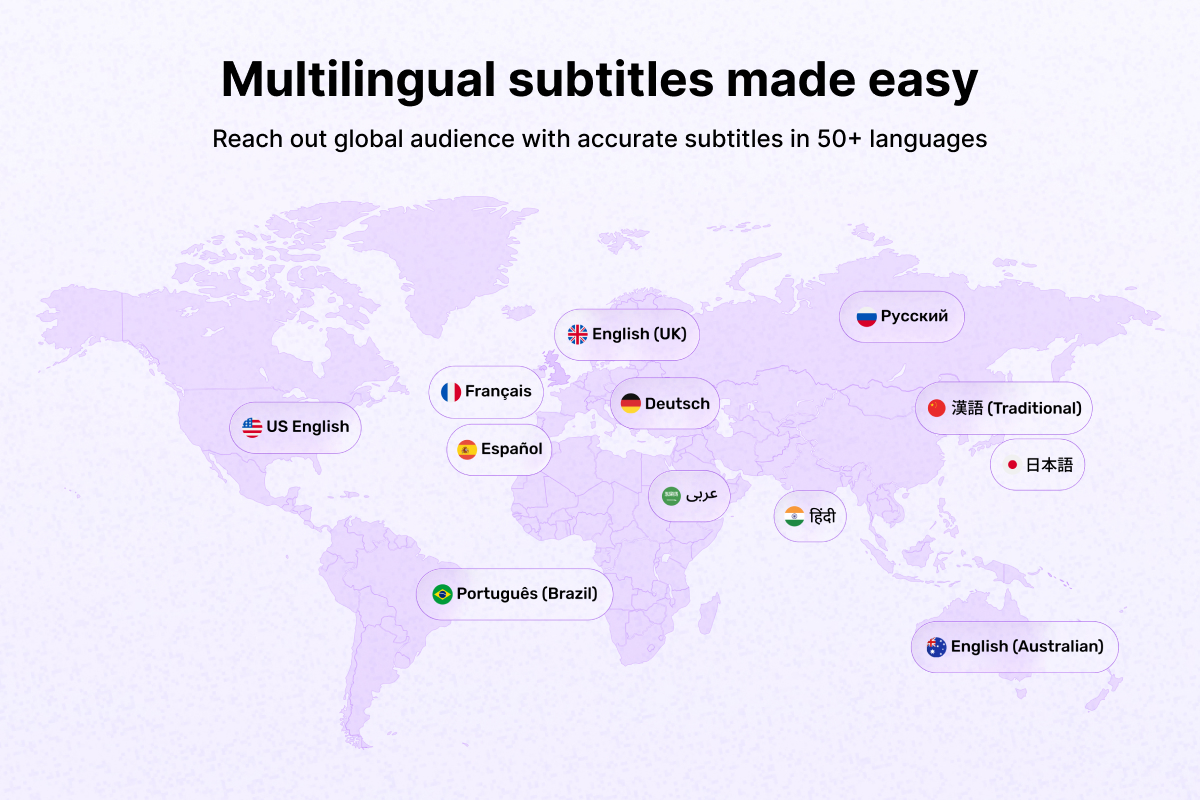
- Supporting over 50+ multi-languages.
- Audio and video summary report.
- Compatible with YouTube, Vimeo, and self-hosted video platforms.
No third-party PHP or JavaScript libraries are bundled.
** Note: Free version includes up to 1 minute of video playback time. **
External services
This plugin connects to the SkynetAccessibility Video Subtitle service, which is required for its core functionality:
- On activation (and from the settings page), the plugin sends site address, site name, and admin email address to
https://ada.skynettechnologies.usto register the site and obtain a site token. - The admin dashboard retrieves video, usage, plan, and language data from
https://ada.skynettechnologies.us. - On site pages, the subtitle widget script is loaded from
https://www.skynettechnologies.com.
These services are provided by Skynet Technologies USA LLC: Terms of Service, Privacy Policy.
스크린샷
설치
- Upload the
skynetaccessibility-video-subtitlefolder to/wp-content/plugins/, or install the plugin through the WordPress Plugins screen. - Activate the plugin through the Plugins screen. The site registers itself with the Video Subtitle service automatically.
- If registration could not be completed, go to Video Subtitle » Settings and press Register this site.
- Open Video Subtitle in the admin menu to view the analytics dashboard.
FAQ
-
Do I need an account or API key?
-
No. The plugin registers site automatically using site address, site name, and admin email address, and stores the returned site token.
-
Does the widget slow down my site?
-
The widget script is loaded with
deferin the footer, so it does not block page rendering. -
How do I disable the widget without deactivating the plugin?
-
Uncheck Load the subtitle widget on the site under Video Subtitle » Settings.
후기
이 플러그인에 대한 평가가 없습니다.
기여자 & 개발자
“SkynetAccessibility Video Subtitle”(은)는 오픈 소스 소프트웨어입니다. 다음의 사람들이 이 플러그인에 기여하였습니다.
기여자
자국어로 “SkynetAccessibility Video Subtitle”(을)를 번역하세요.
개발에 관심이 있으십니까?
변경이력
1.0.0
- Initial release.