

설명
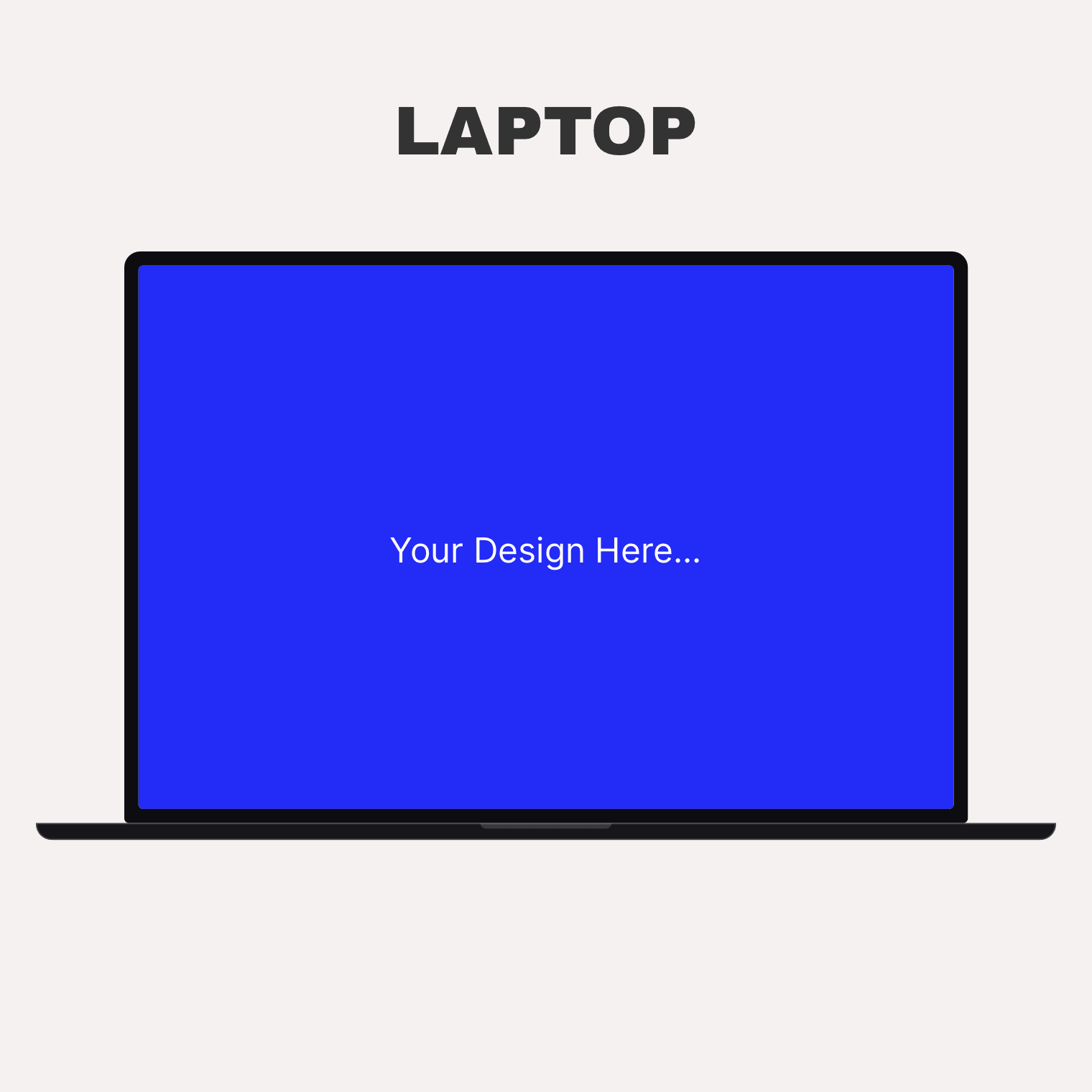
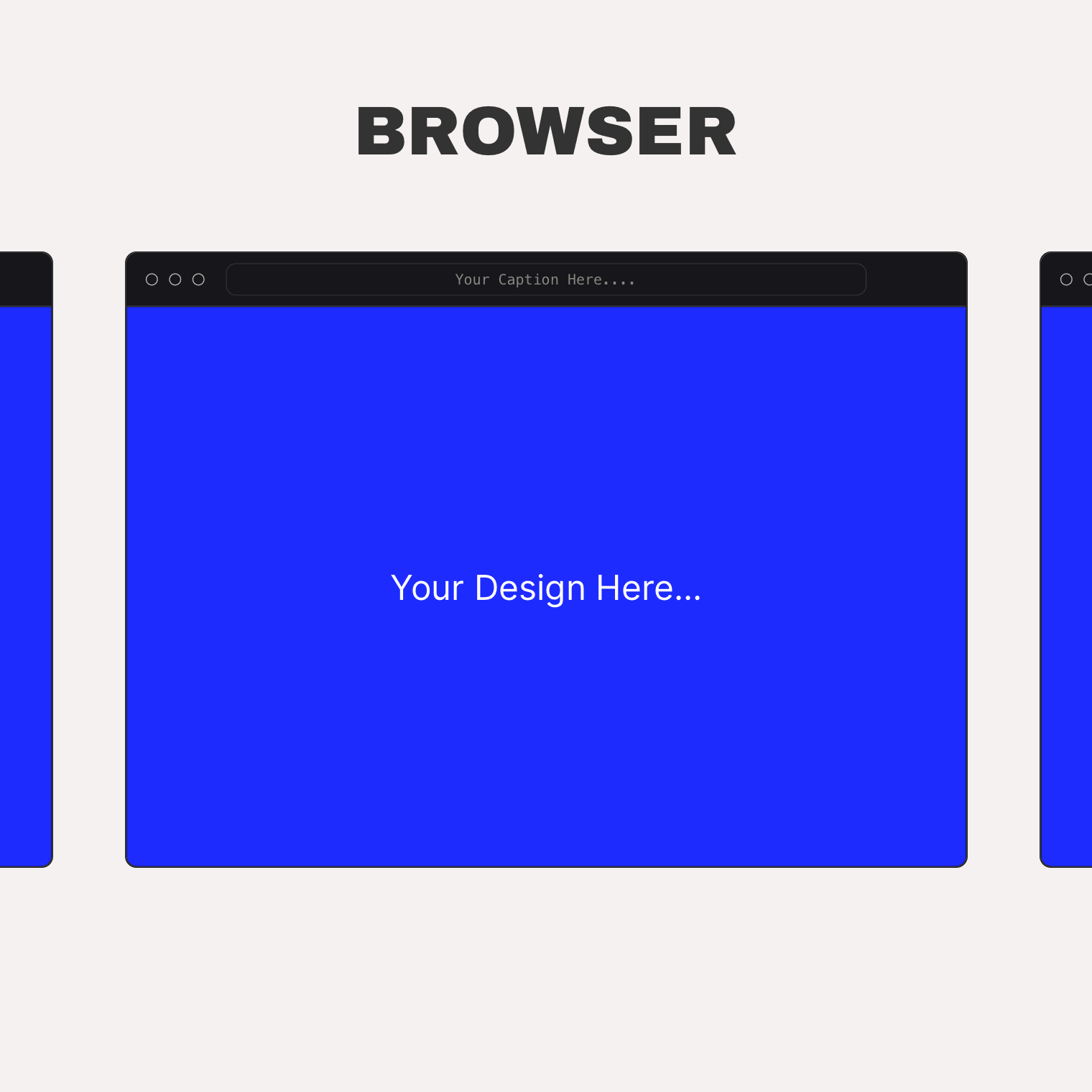
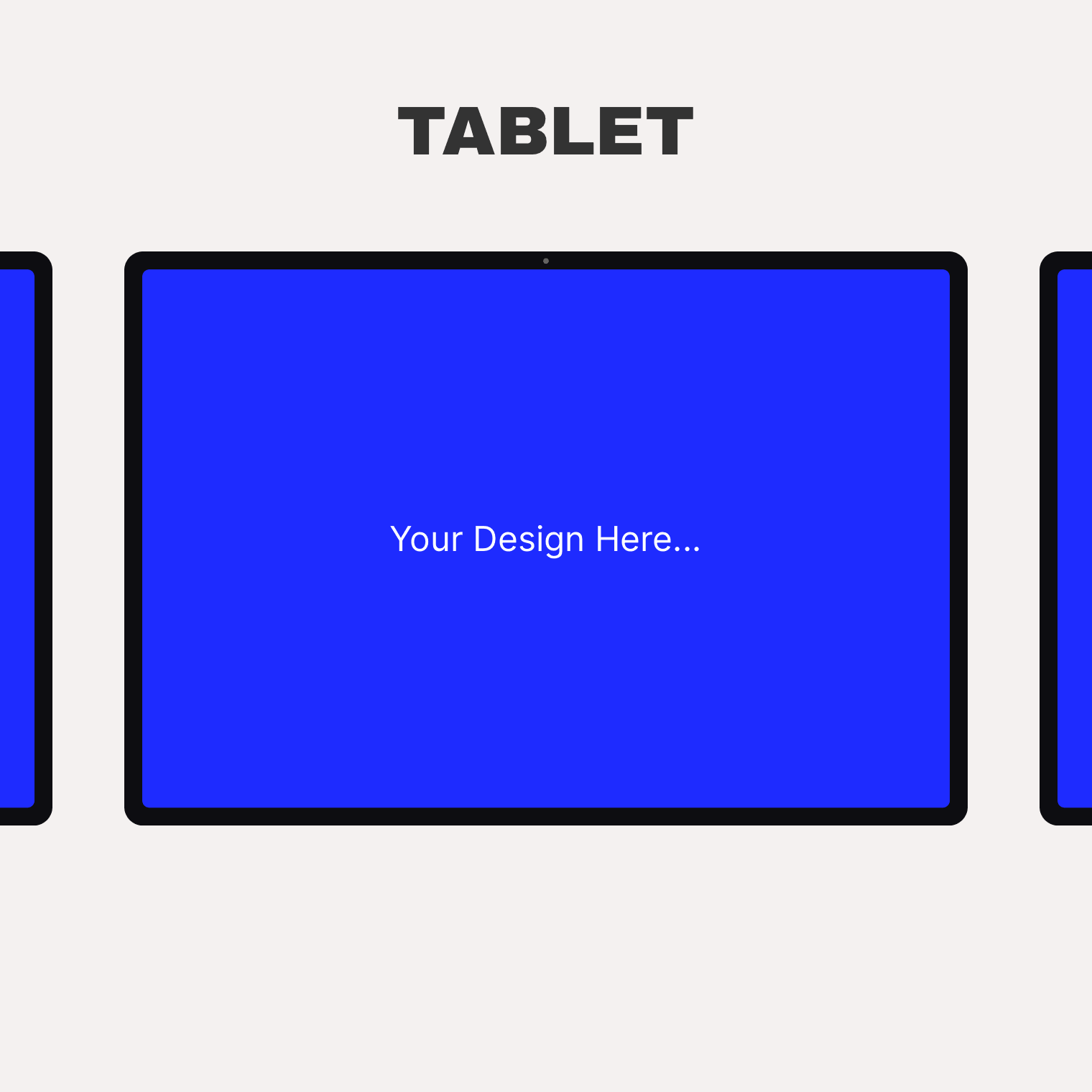
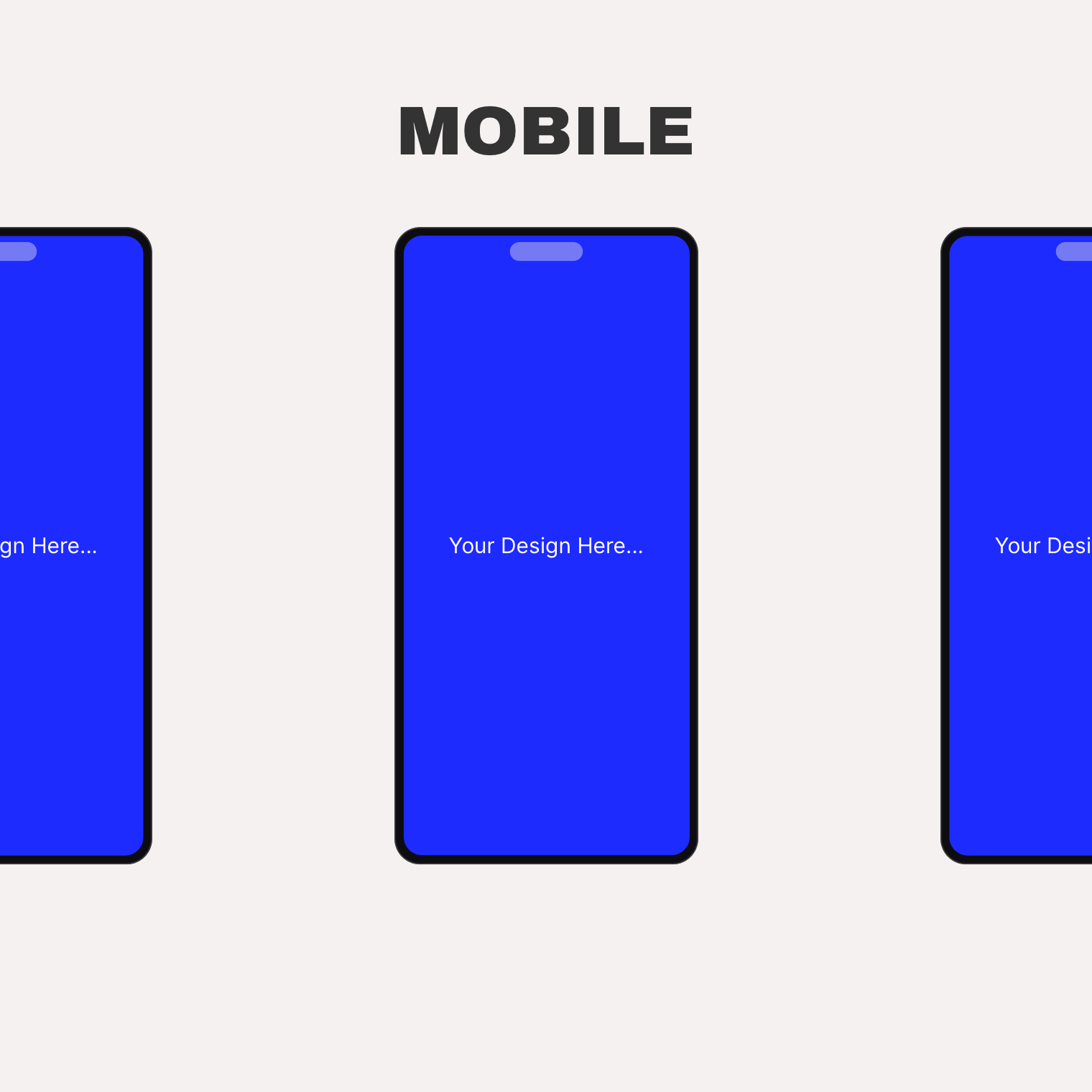
Show your work inside a device. This plugin adds a Device Mockup widget to Elementor that wraps images, videos, and image galleries in clean device frames: a browser window, a laptop, a tablet, a phone, or a bare screen with no chrome at all.
The frames are drawn entirely in CSS. There are no mockup images to load and no external requests — frames stay sharp at any size, and every part of the device can take your own colors.
Five device frames
- Browser — a desktop browser window with traffic dots and a URL bar. Show your caption inside the URL bar or below the frame, with an optional link arrow.
- Laptop — a notebook frame with lid, camera, and base.
- Tablet — portrait or landscape orientation.
- Phone — a portrait phone frame with a pill cutout.
- Bare — just the screen, with an adjustable corner radius.
Any screen content
- An image in any registered size.
- Video: self-hosted, YouTube, or Vimeo — muted, looped, without player chrome, with a server-rendered poster.
- A rotating gallery that cycles on hover or automatically when scrolled into view, with your own interval and loop setting.
Behaviors and styling
- Play video on hover only, or while the mockup is visible in the viewport.
- Scroll a tall screenshot inside the frame on hover.
- Per-device colors: body, screen, border, chrome, camera, traffic dots, URL bar.
- Aspect ratio (3:2, 4:3, 16:9, 1:1, 2:3, 9:16), object fit and position — responsive per breakpoint.
- Captions and descriptions pulled from the image’s alt text, title, caption, or description — or custom text.
- Dynamic tags on media, link, and text fields. WPML-ready (caption, description, and URL bar text are translatable).
Templates can be overridden from your theme: copy a template into {your-theme}/device-mockups/.
스크린샷
설치
- Install and activate Elementor (the free version is fine).
- Install and activate Arts Device Mockups for Elementor.
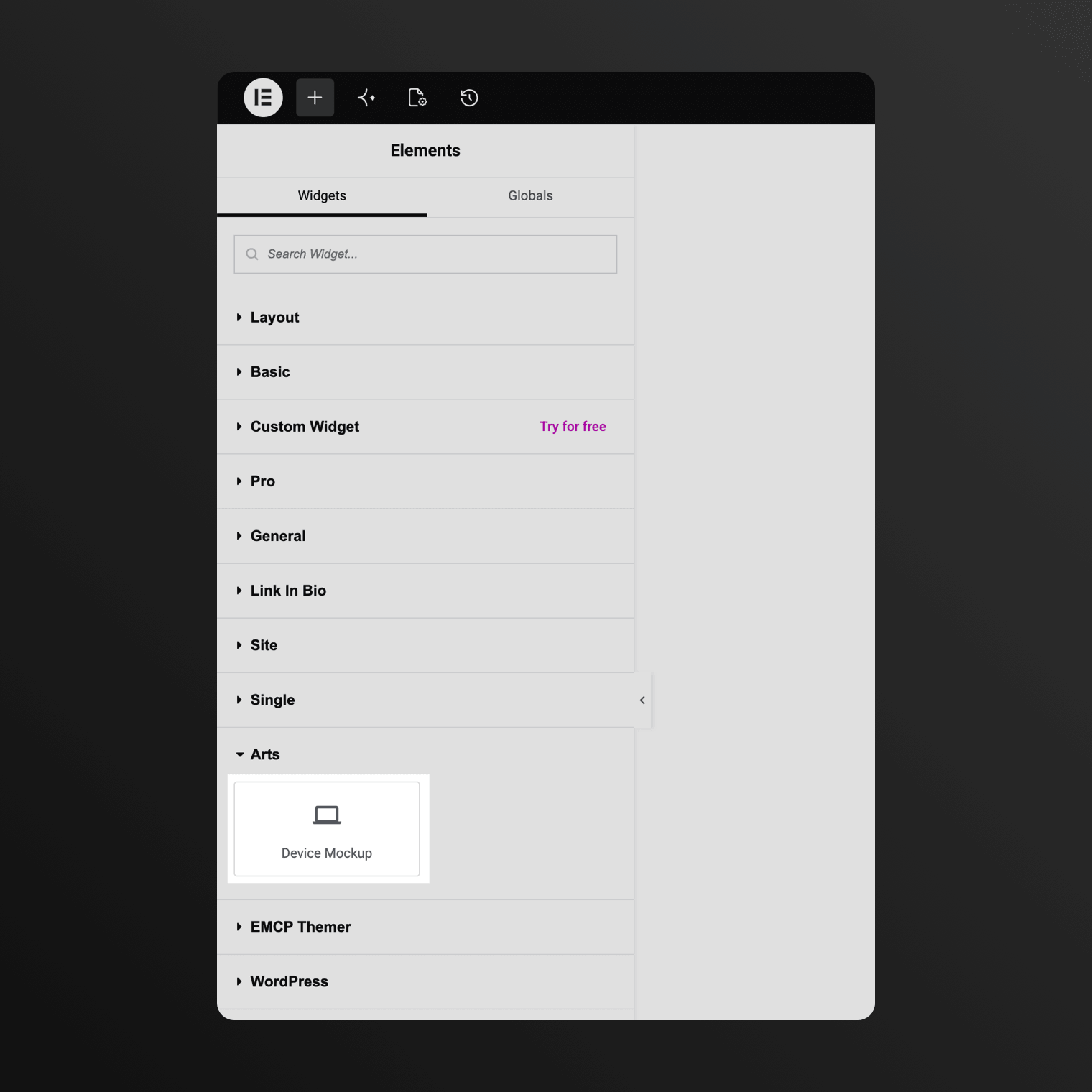
- Edit a page with Elementor and drag the Device Mockup widget from the “Arts” category onto the canvas. Pick a frame, drop in an image, video, or gallery, and you are done. There is no settings screen.
FAQ
-
Does it require Elementor Pro?
-
No. The free Elementor plugin (3.5 or newer) is enough. It works with Elementor Pro too.
-
Does the plugin load anything from external servers?
-
No. The device frames are pure CSS and everything renders from your own site. The only exception: if you choose YouTube or Vimeo as a video source, that provider’s official player script loads for that widget — and only then.
-
Are the device frames based on real products?
-
No. All frames are generic, brand-neutral shapes drawn in CSS — no product images or logos.
-
Where do I find the widget?
-
In the Elementor editor, look for “Device Mockup” under the “Arts” category.
후기
이 플러그인에 대한 평가가 없습니다.
기여자 & 개발자

자국어로 “Arts Device Mockups for Elementor”(을)를 번역하세요.
개발에 관심이 있으십니까?
변경이력
1.0.0
Initial release.