

설명
Block Finder adds a dashboard metabox that allows you to quickly find and edit specific core or custom Gutenberg blocks across all post types on your site.
Features:
- Search by Post Type – Filter results by pages, posts, or any custom post type
- Search by Block – Find any core or custom Gutenberg block
- Autocomplete Search – Type to quickly filter through available blocks and post types
- InnerBlock Detection – Identify blocks used inside other blocks (e.g., a Paragraph inside a Media & Text block)
- Filter by Block Context – Toggle between viewing all blocks or only those used as InnerBlocks
- Paginated Results – Browse through large result sets with built-in pagination
- Direct Edit Links – Jump straight to editing any post containing the block
스크린샷
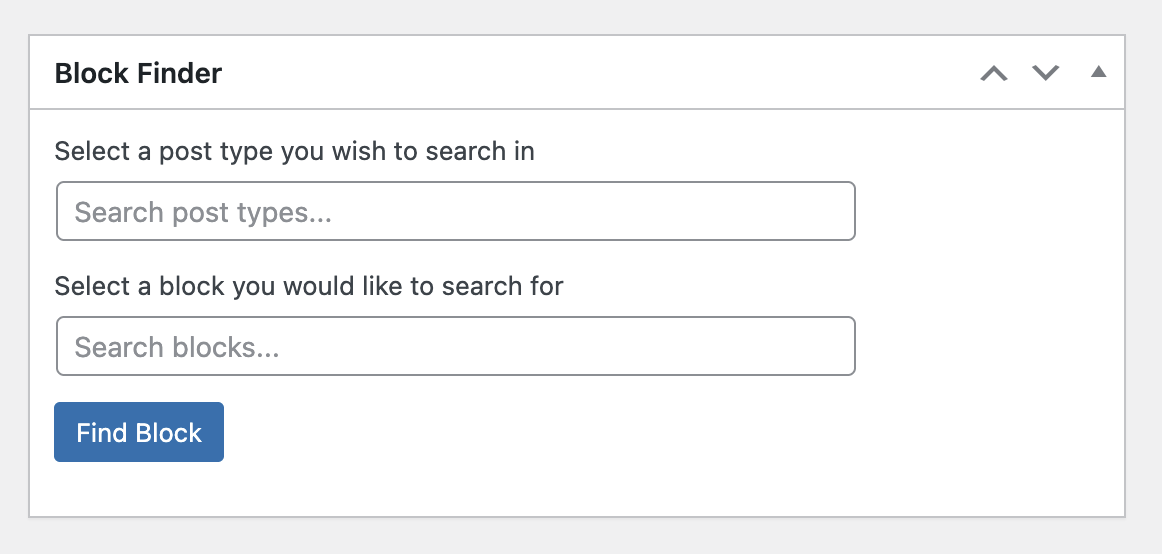
Block Finder dashboard metabox on initial load 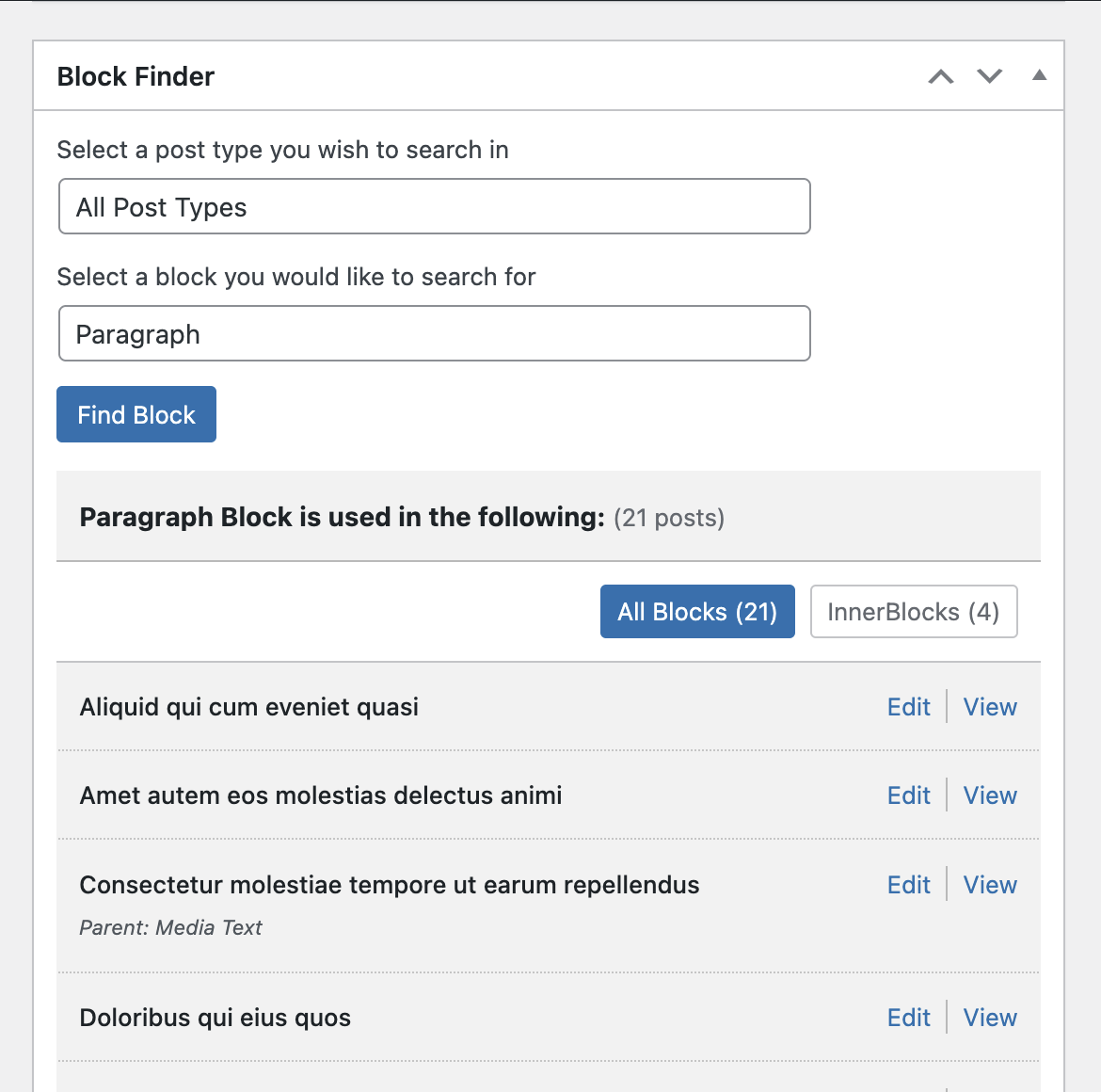
Search results showing blocks found with filter options 
설치
- Upload the plugin folder to your /wp-content/plugins/ folder.
- Go to the Plugins page and activate the plugin.
FAQ
-
How do I use this plugin?
-
- Navigate to the WordPress Dashboard
- Find the “Block Finder” metabox
- Select a post type from the dropdown (or type to search)
- Select a block from the dropdown (or type to search)
- Click “Find Block” to see results
- Use the filter links to toggle between “All Blocks” and “InnerBlocks” views
-
What are InnerBlocks?
-
InnerBlocks are blocks that are nested inside other blocks. For example, a Paragraph block inside a Media & Text block, or a Heading inside a Group block. Block Finder can detect and filter these nested blocks.
-
How to uninstall the plugin?
-
Simply deactivate and delete the plugin.
후기

2024년 9월 4일
Block Finder has been an invaluable tool throughout our migration of over 700 websites from WordPress Classic to Gutenberg. At the beginning of the migration, as we discovered bugs with custom blocks, this straightforward plugin was very helpful in identifying where the blocks existed across all pages and post types. It allowed us to quickly identify blocks in multiple sites that needed to be adjusted. With several websites already live, Block Finder allowed us to find and fix these issues efficiently. I would highly recommend this plugin for anyone managing large-scale migrations or working with custom blocks.
기여자 & 개발자

변경이력
View the changelog in the Github repo.