
설명
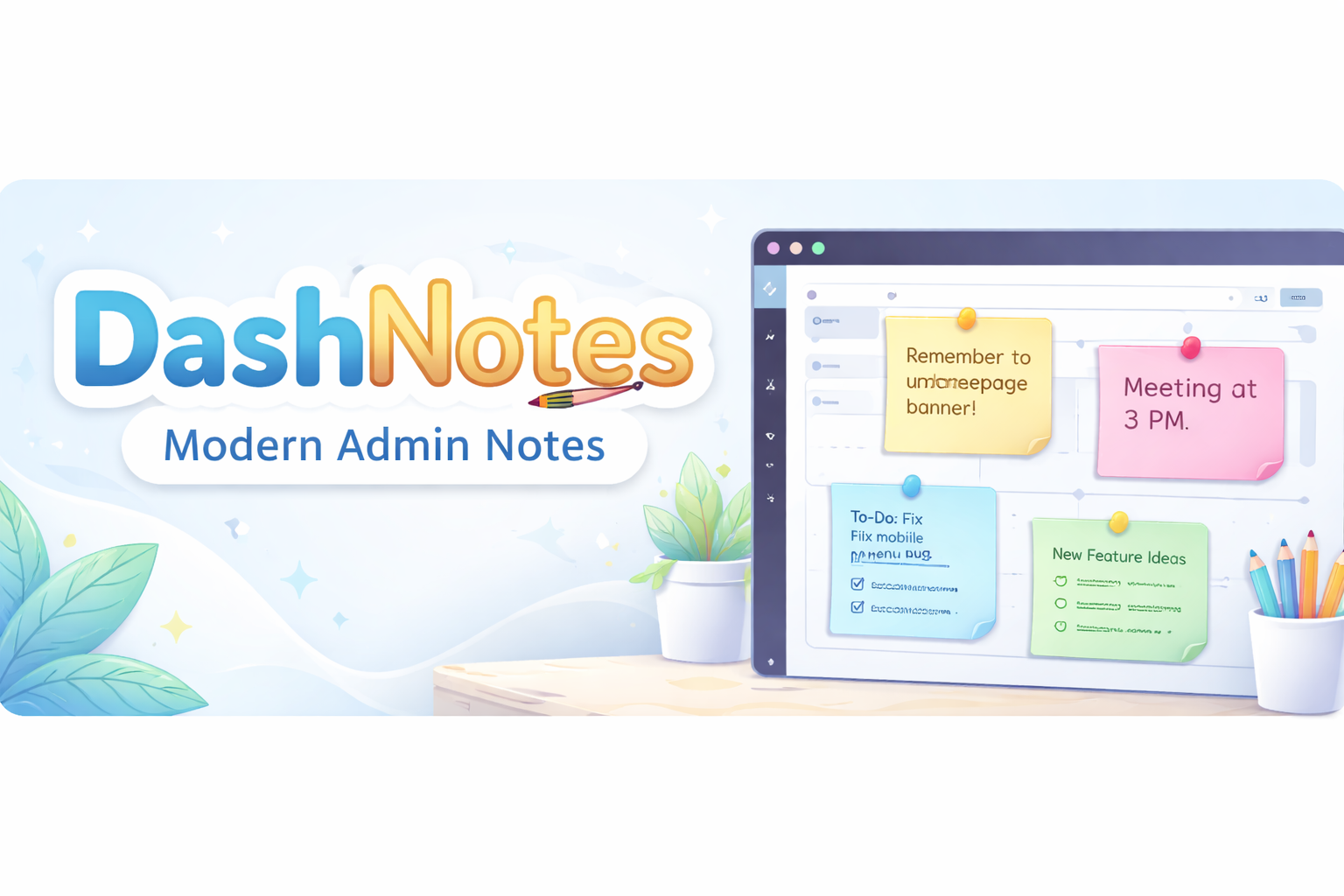
DashNotes – Modern Admin Notes is a lightweight and easy-to-use plugin that allows WordPress users to create private notes directly in the admin dashboard.
Features:
* Add private quick notes for each user
* Save notes without page reload (AJAX)
* Each user’s notes are private
* Lightweight and fast
Future updates will include:
* Multiple notes per user
* Note titles
* Note colors and priority
* Auto-save
* Markdown support
DashNotes is perfect for bloggers, teams, and site owners who need a simple way to remember tasks, reminders, or ideas right in the dashboard.
Arbitrary section
If you like DashNotes, consider leaving a 5-star rating on WordPress.org!
설치
- Upload the
dashnotes-quick-admin-notesfolder to the/wp-content/plugins/directory. - Activate the plugin through the ‘Plugins’ menu in WordPress.
- Go to your dashboard; the “DashNotes ” widget will appear.
- Start writing notes and click Save. Your notes are saved per user.
FAQ
-
Are my notes private?
-
Yes, notes are saved for each individual user. No other users can see your notes.
-
Can I add multiple notes?
-
Yes, you can addd multiple notes.
-
Does it slow down my site?
-
No, DashNotes is lightweight and only runs on the admin dashboard.
-
Is it compatible with all themes?
-
Yes, since it only affects the WordPress admin dashboard.
후기
이 플러그인에 대한 평가가 없습니다.
기여자 & 개발자

자국어로 “DashNotes – Modern Admin Notes”(을)를 번역하세요.
개발에 관심이 있으십니까?
변경이력
1.0
- Initial release with single-note support, AJAX saving, and per-user storage.