
설명
Easily add Google Tag Manager to your blog without having to edit your theme or know how to code.
스크린샷
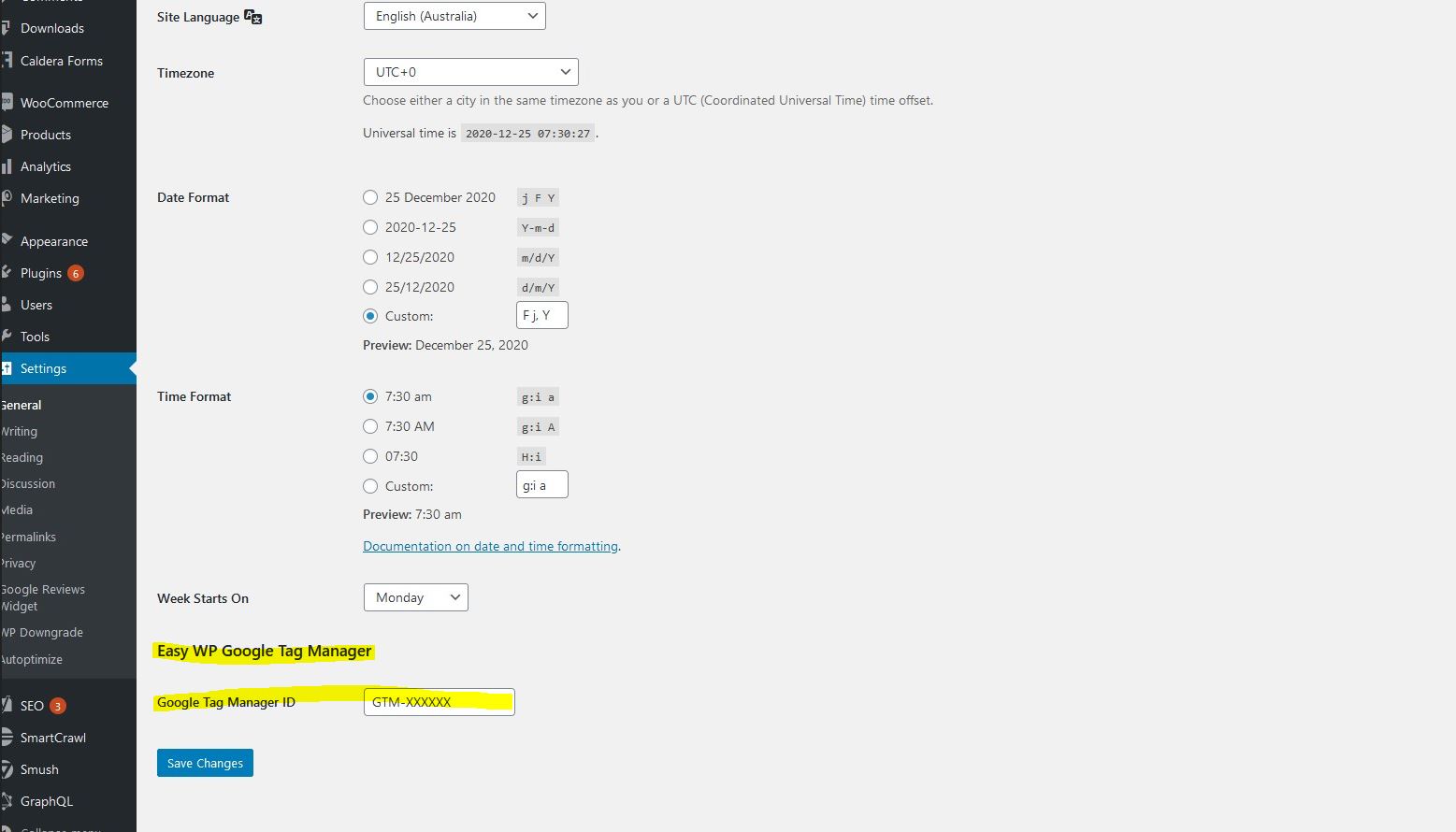
This plugin will add a field to Settings > General for your Google Tag Manager’s ID. Add your ID and that’s it!
설치
After installing the plugin, go to Settings > General and add your Google Tag Manager’s container ID to the field called ‘Google Tag Manager ID’.
FAQ
-
Do I need to edit my theme or know coding to add the Google Tag Manager snippet?
-
No! If you install this plugin, you just need to go to Settings > General and add your Google Tag Manager’s container ID to the field called ‘Google Tag Manager ID’.
후기
이 플러그인에 대한 평가가 없습니다.
기여자 & 개발자

자국어로 “Easy WP Google Tag Manager”(을)를 번역하세요.
개발에 관심이 있으십니까?
변경이력
=1.0=
* First version released.