
설명
When ghost.blog publishes an article to your WordPress site, this connector
writes the AI-generated SEO title, meta description, focus keyword, and Open
Graph image into whichever SEO plugin you use:
- Yoast SEO
- Rank Math
- All in One SEO (AIOSEO)
The plugin exposes two authenticated REST endpoints under /wp-json/ghost-blog/v1/:
GET /info— reports the connector version and which SEO plugin is active.POST /seo-meta— writes SEO fields to a post.
Both endpoints require a logged-in user with the edit_posts capability, using
the same application-password credentials you already configured in ghost.blog.
No data is sent anywhere except in response to these authenticated requests.
스크린샷
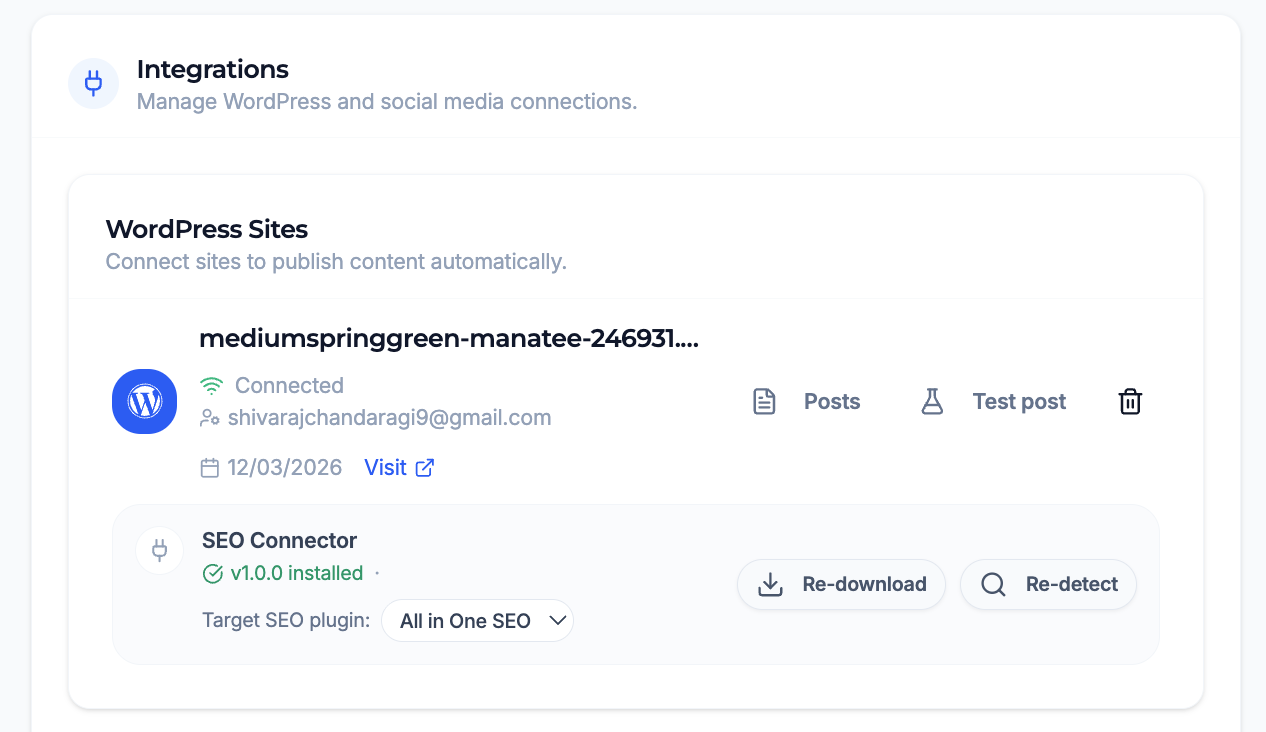
설치
- In ghost.blog, open your WordPress integration settings and download the connector ZIP.
- In your WordPress admin, go to Plugins Add New Upload Plugin, choose the ZIP, and click Install Now.
- Activate “SEO Connector for Ghost.blog”.
- Back in ghost.blog, click “Re-detect” — your SEO plugin should now show as connected.
FAQ
-
Do I need an SEO plugin installed?
-
Yes. The connector writes into Yoast SEO, Rank Math, or All in One SEO. If none
of these is active, theGET /infoendpoint will report that no supported SEO
plugin was detected and SEO metadata will not be written. -
Does the plugin send my content anywhere?
-
No. The plugin only responds to authenticated REST requests from ghost.blog. It
does not phone home or transmit any data on its own. -
How does it authenticate?
-
Requests use the WordPress application-password credentials you configure in the
ghost.blog WordPress integration. Every endpoint requires a user with the
edit_posts capability. -
Which SEO plugin does it write to if I have more than one active?
-
The connector resolves a single adapter in priority order (Yoast SEO, then Rank
Math, then All in One SEO) and writes to the first supported plugin it detects.

기여자 & 개발자

자국어로 “SEO Connector for Ghost.blog”(을)를 번역하세요.
개발에 관심이 있으십니까?
변경이력
1.0.0
- Initial release. Yoast SEO, Rank Math, and AIOSEO support.