

설명
Haven’t you ever wondered what the world would be like if GeoCities worked on your phone? Glitter Bomb brings interactive cursor effects and confetti-style particle fields to WordPress — with touch support that actually works. See it in action at klatespencer.com/glitter-bomb.
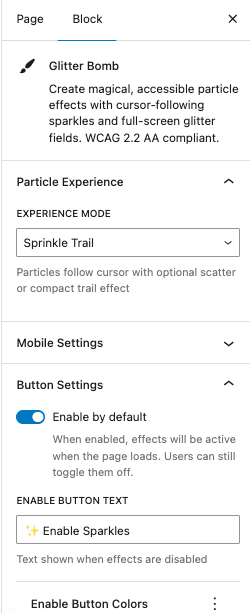
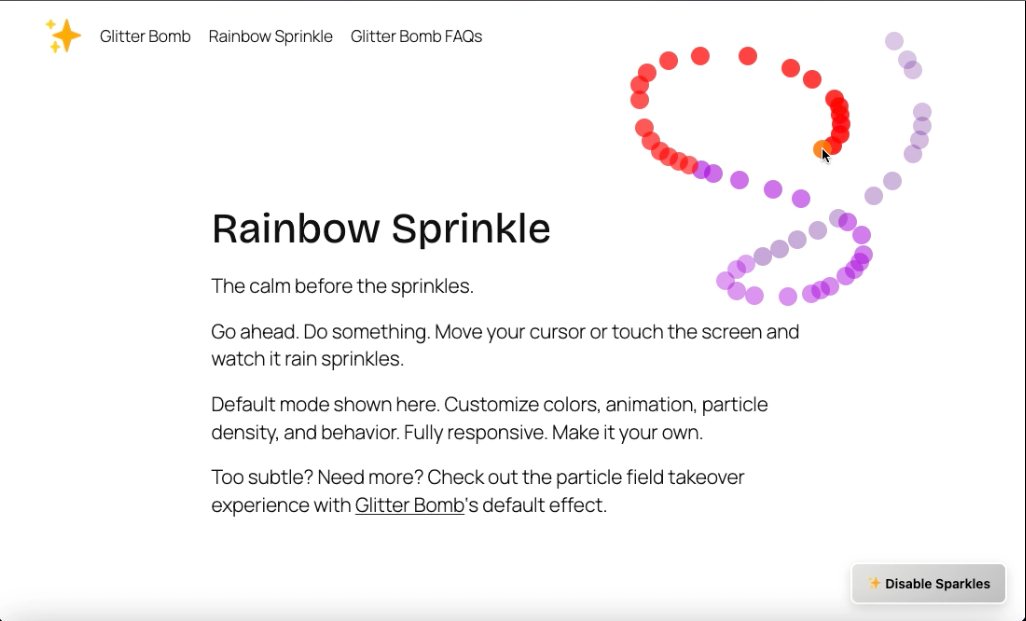
✨ Sprinkle Trail Mode
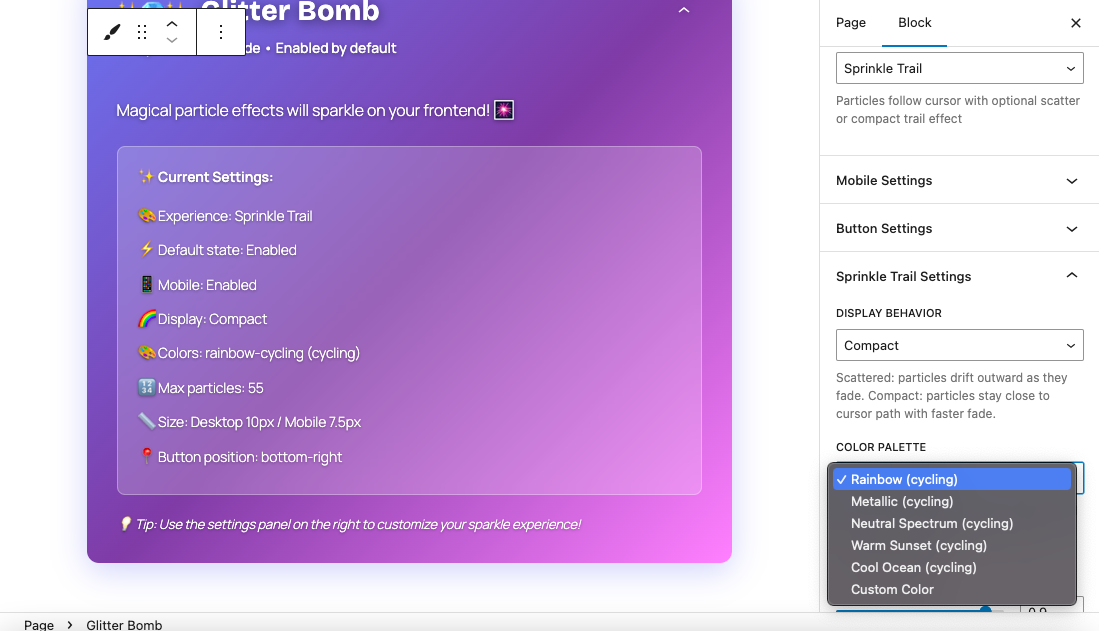
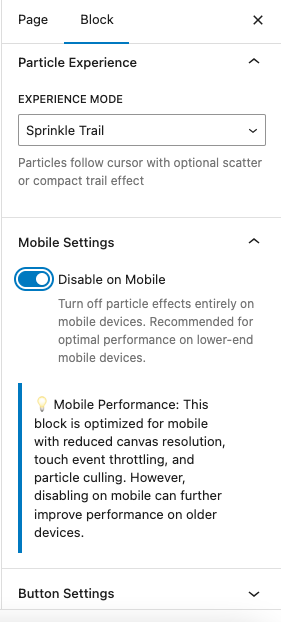
Particles follow your cursor on desktop and your finger on mobile with smooth gesture tracking. Choose between compact trails or scattered drifting patterns.
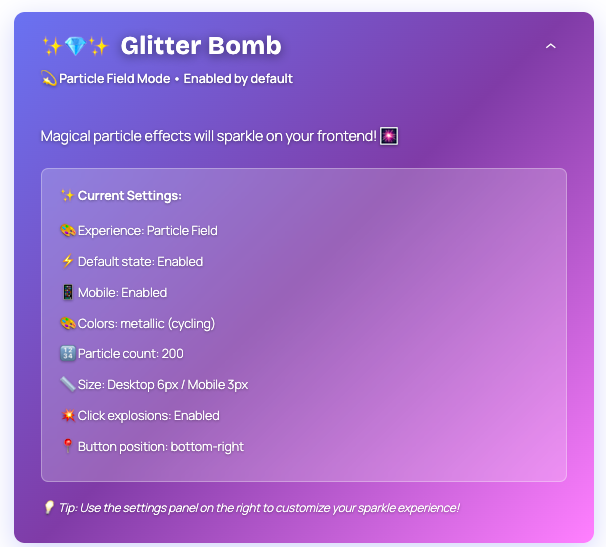
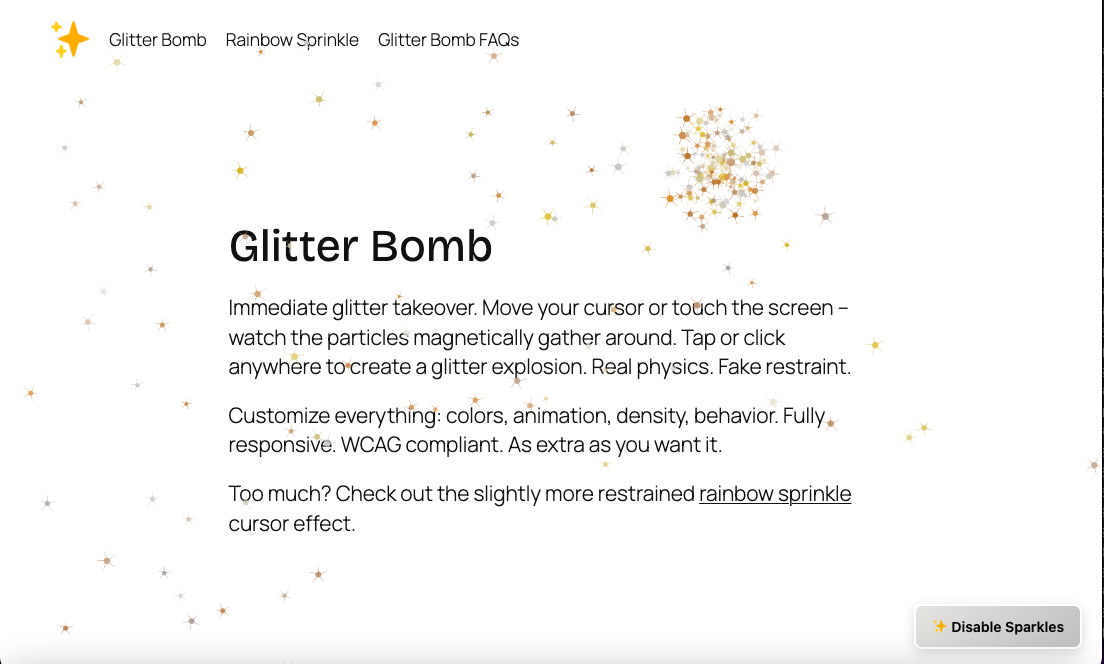
💫 Particle Field Mode
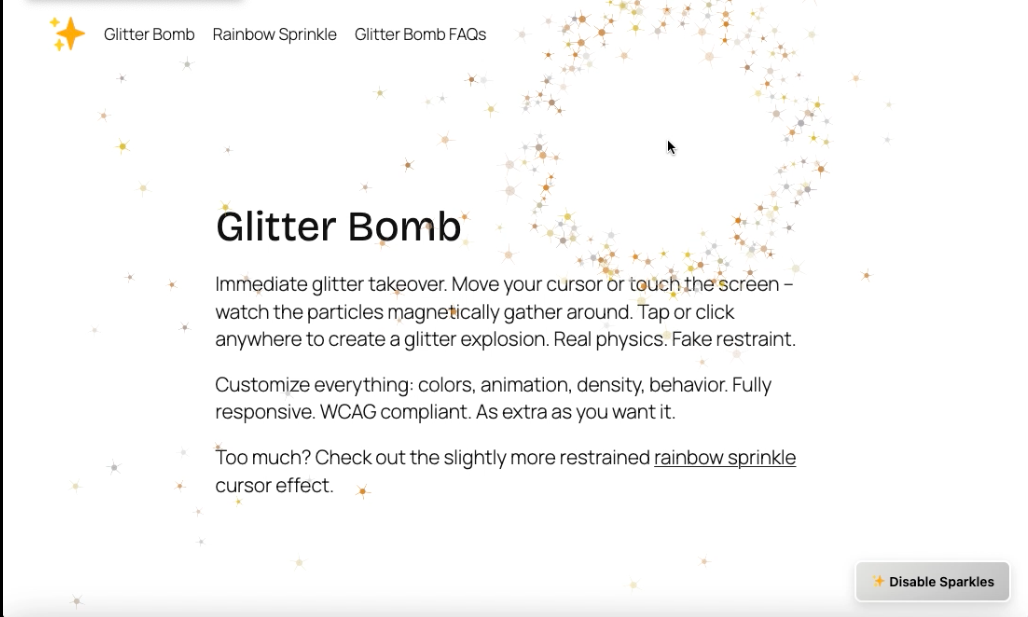
Your entire page becomes a canvas of shimmering glitter. Particles drift, attract to your cursor or touch, and explode into sparkles on click or tap.
Honest assessment: No site needs this. It adds JavaScript, it competes with your content, and enabling it by default on a checkout page would be irresponsible. On a hero section, birthday page, portfolio, or anywhere a little extra is exactly right? Absolutely your call.
Features:
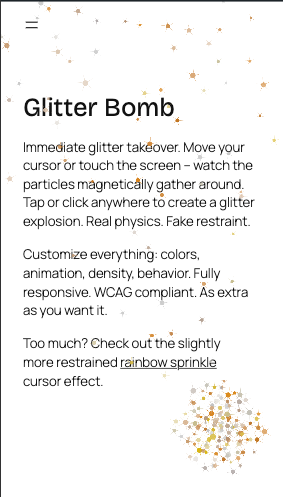
- Touch-optimized from the start — particle trails follow your finger, tap triggers explosions, separate sizing controls for mobile vs. desktop, and an option to disable on mobile entirely
- WCAG 2.2 AA compliant — keyboard navigation, screen reader support,
prefers-reduced-motionrespect - Six color palettes (Rainbow, Metallic, Neutral Spectrum, Warm Sunset, Cool Ocean, Custom)
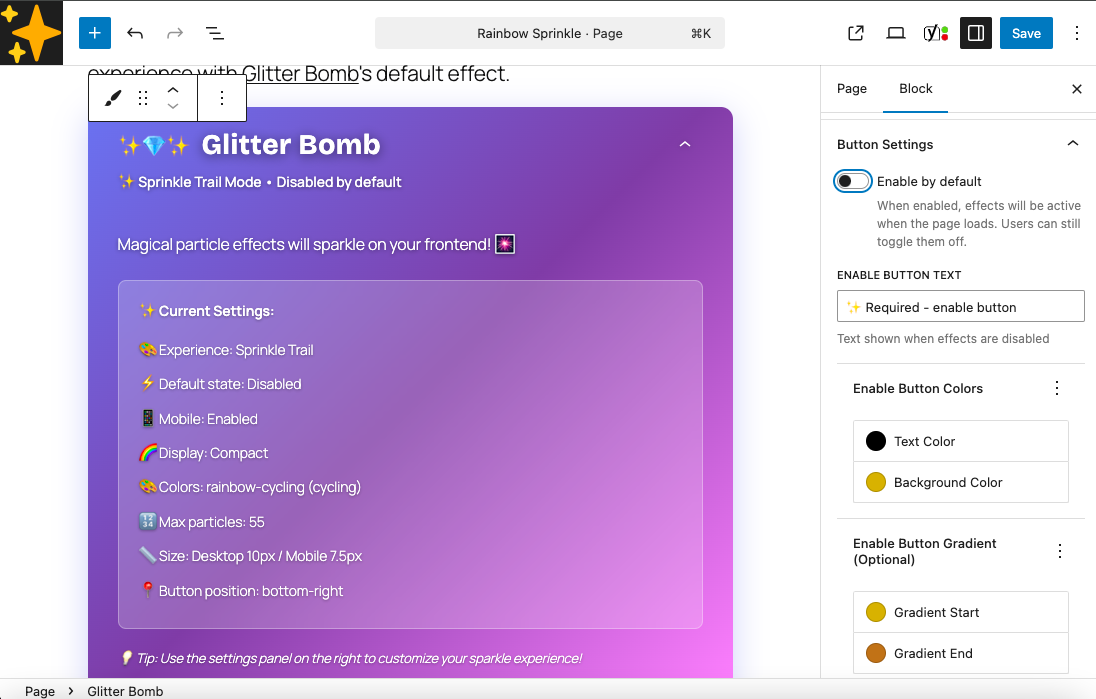
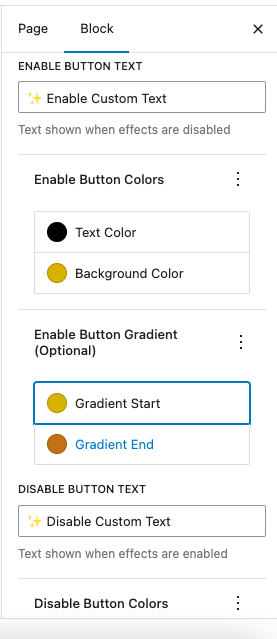
- Customizable toggle button: position, text, and gradient colors
- No external dependencies, no tracking, no data collection
- Performance optimizations: object pooling, particle culling, canvas scaling, RAF animation
Built with Telex and Claude Code. More details at klatespencer.com/glitter-bomb.
Contributing
Bug reports and contributions welcome: github.com/klatespencer
스크린샷
블록
이 플러그인은 1개의 블록을 제공합니다.
- Glitter Bomb Create magical, accessible particle effects with cursor-following sparkles and full-screen glitter fields. WCAG 2.2 AA compliant.
설치
- In your WordPress dashboard, go to Plugins Add New
- Search for “Glitter Bomb” and click Install, then Activate
- Add the “Glitter Bomb” block to any post or page from the block editor
- Customize in the right sidebar — effects only appear on the frontend, not in the editor
Manual install: Download the ZIP, go to Plugins Add New Upload Plugin.
FAQ
-
Why don’t I see particles in the editor?
-
Effects only render on the frontend. The editor shows a settings summary instead.
-
Does this work on mobile?
-
Yes. Particle trails follow your finger with smooth gesture tracking, tap triggers sparkle explosions in Particle Field mode, and you can configure separate particle sizes for mobile vs. desktop. If you need to, you can disable effects on mobile entirely — but the touch interactions are the fun part.
-
Is it accessible?
-
Yes. WCAG 2.2 AA compliant: keyboard navigation, screen reader announcements via ARIA live regions, visible focus indicators, and automatic respect for
prefers-reduced-motionper WCAG 2.1 Success Criterion 2.3.3. -
What’s the difference between the two modes?
-
Sprinkle Trail creates particles that follow cursor or touch movement in compact or scattered patterns. Particle Field fills the entire viewport with physics-based glitter that drifts, attracts to your cursor, and explodes on click.
-
Will this slow down my site?
-
Only on pages where the block is used — scripts and styles are loaded conditionally and won’t touch pages that don’t have the block. On pages that do have it, yes, there’s an inordinate amount of JavaScript making this work. Object pooling, particle culling, canvas scaling, and smart particle limits help keep it reasonable — but it’s still a lot. Plan accordingly.
-
Can users turn it off?
-
Yes, always. There’s a customizable toggle button (position, text, colors) and the plugin remembers the user’s choice for the session. If you’re going to shove glitter in people’s faces, at least have the decency to let them turn it off.
-
How many particles?
-
Sprinkle Trail: up to 100 (default 50). Particle Field: up to 500 (default 200).
-
No. Zero tracking, zero analytics. It uses sessionStorage (not cookies) to remember whether a user turned effects on or off — that data never leaves their browser.
-
One block per page?
-
Yes, by design. Full-page effects don’t stack well.
-
Does it work with caching plugins?
-
Yes — all effects run client-side, so cached pages work fine.
후기


기여자 & 개발자

변경이력
1.0.1 – 2026
- Fix button width CLS by scoping transition to specific properties
- Add WordPress Playground Live Preview support via blueprint.json
- Update plugin description and readme copy
- Add WCAG 2.1 reduced motion criterion link to accessibility FAQ
1.0.0 – 2026
- Initial release