
설명
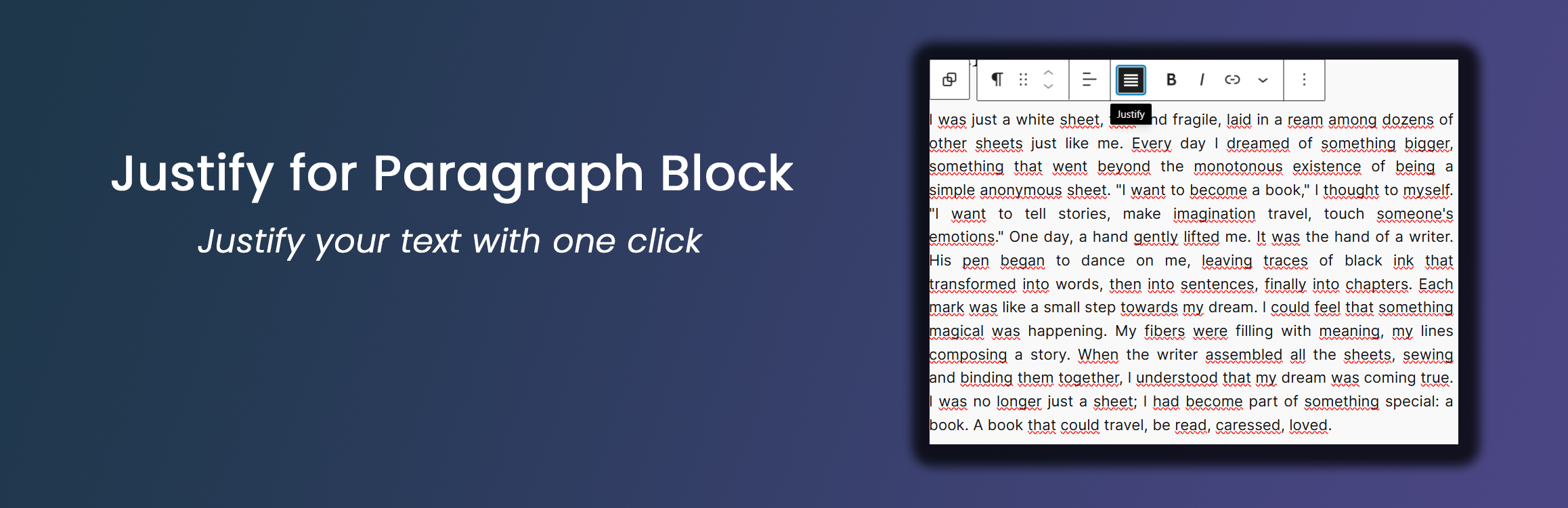
This lightweight plugin enhances the WordPress Gutenberg editor by adding a justify text alignment option to paragraph blocks. Key features include:
- Simple one-click text justification
- Works seamlessly with the default Gutenberg paragraph block
- Optional typography settings for justified paragraphs
- Lightweight and performance-friendly
Typography Settings
From version 1.1.0, the plugin includes optional typography settings for justified paragraph blocks. These settings are available under:
Settings Justify Paragraph Typography Settings
Available options include:
- Justification mode
- Standard (only
text-align: justify) - Advanced (enables additional typographic enhancements)
- Standard (only
- Automatic hyphenation (hyphens: auto)
- Allows compatible browsers to break long words at line endings to reduce large gaps in justified text
- Adjust space between words
- Presets: No change, Slightly larger, Slightly smaller
- Custom value: numeric value plus unit (
em,px,rem) for fine-grained control
Typography settings affect only justified paragraph blocks and are applied both in the editor and on the frontend.
Credits
Developed by Nick Digital Projects.
Recommendations
- Ensure you’re using WordPress 5.0 or later
- PHP 7.0 or higher is recommended
스크린샷

Justify alignment button in the paragraph block toolbar 
Example of justified text in a paragraph block
설치
- Upload the ‘justify-for-paragraph-block’ folder to the ‘/wp-content/plugins/’ directory
- Activate the plugin through the ‘Plugins’ menu in WordPress
- Use the new justify alignment option in the paragraph block toolbar
FAQ
-
How do I use the justify alignment?
-
Simply click on the justify icon in the paragraph block toolbar to align the text.
-
Does this work with all themes?
-
Yes, the plugin uses standard WordPress alignment classes and should work with most themes.
-
Can I use this with other block types?
-
Currently, this plugin is designed specifically for paragraph blocks.
후기


기여자 & 개발자

자국어로 “Justify for Paragraph Block”(을)를 번역하세요.
개발에 관심이 있으십니까?
변경이력
1.1.0
- Added optional typography settings for justified paragraph blocks (hyphenation and word-spacing presets/custom)
- Applied typography settings consistently in both the block editor and the frontend
- Kept the plugin scope limited to the core Paragraph block
1.0.0
- Initial release
- Added justify alignment option for paragraph blocks