
설명
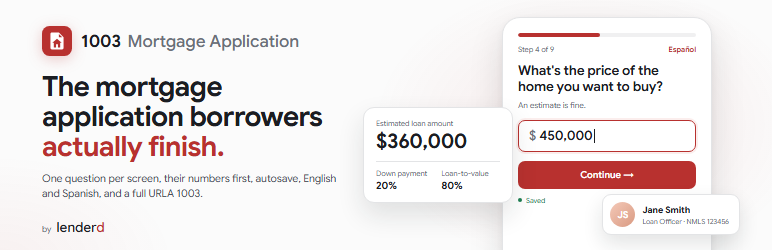
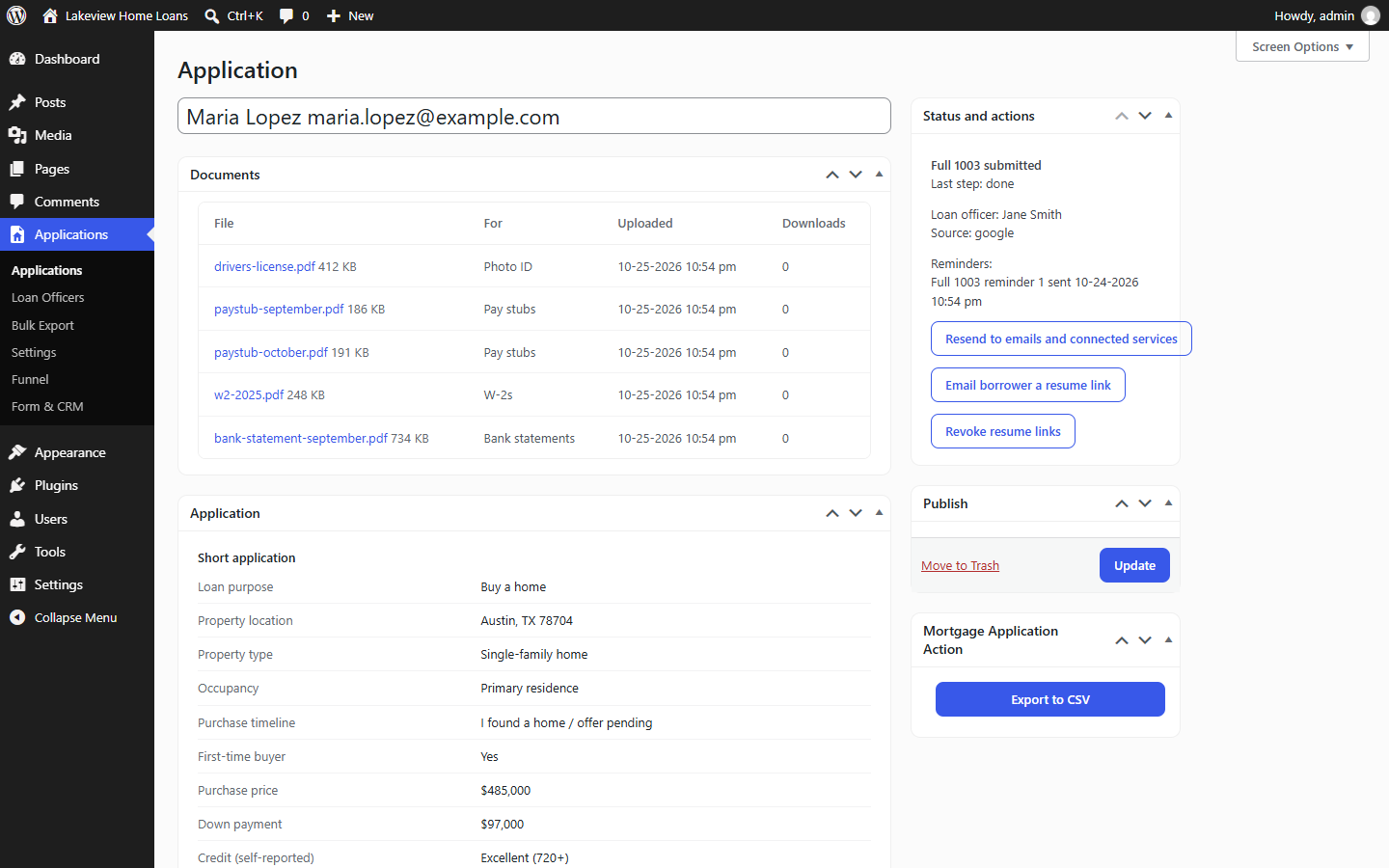
Lenderd Mortgage Application puts a modern mortgage application on your own WordPress site. Borrowers answer one question at a time, see what they could qualify for before they hand over contact details, and never need an account.
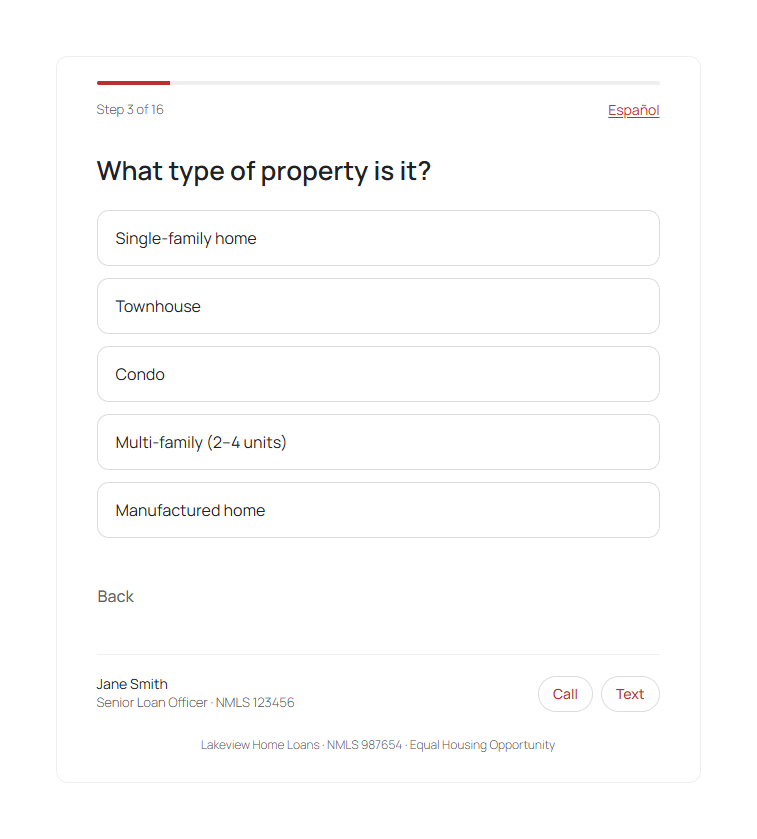
- One question per screen, typed amounts, optional address suggestions, English and Spanish
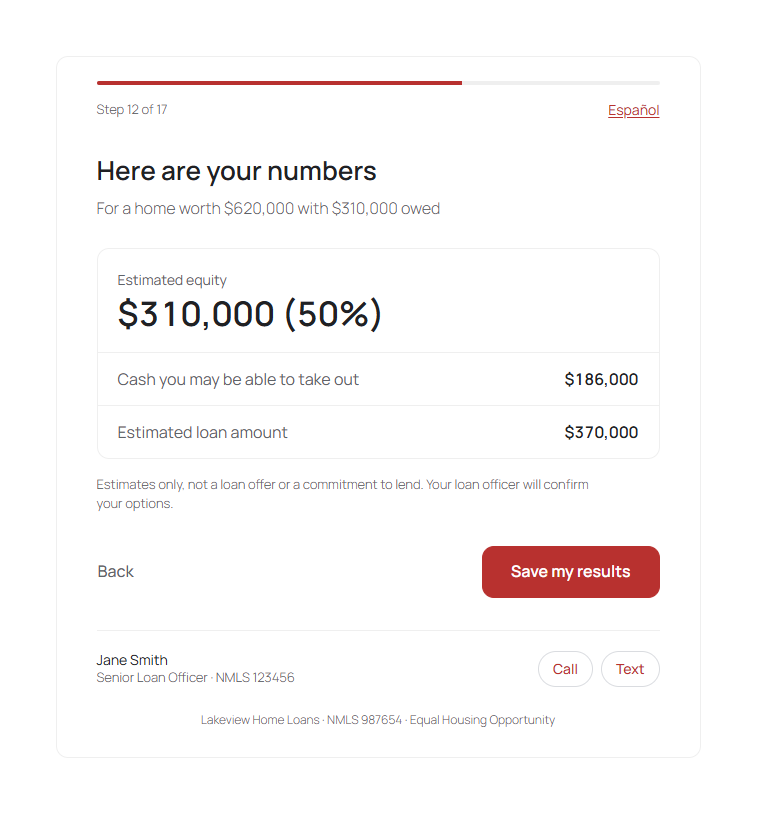
- The borrower’s numbers (loan amount, equity, loan-to-value, cash-out) before contact details
- Autosave from the first answer; borrowers resume in the same browser or from an emailed link
- A short application first, then an optional full URLA 1003 (residence history, employment, income, assets, debts, declarations, demographics, co-borrower)
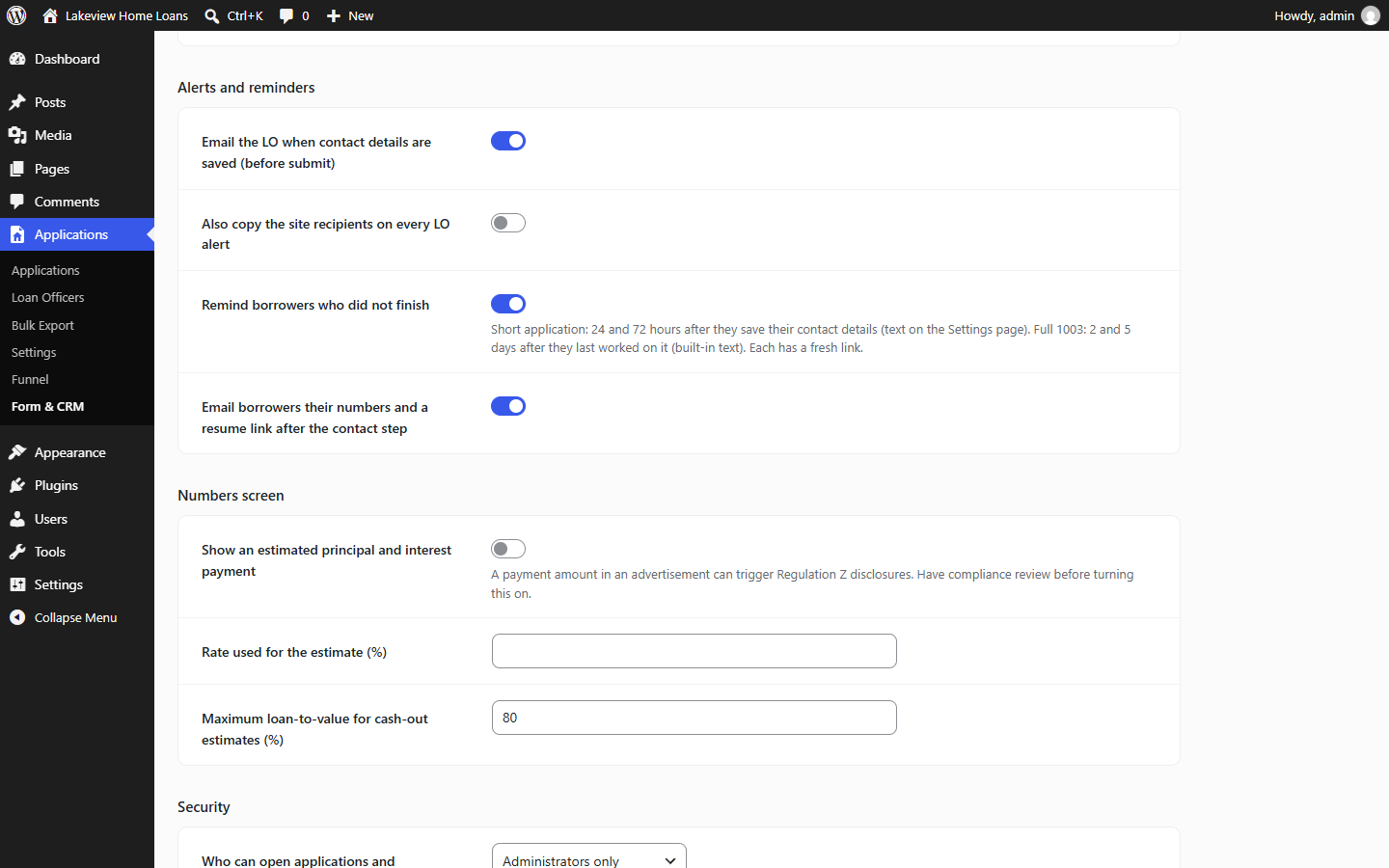
- Email alerts to your loan officer, a receipt for the borrower, and reminders for borrowers who did not finish
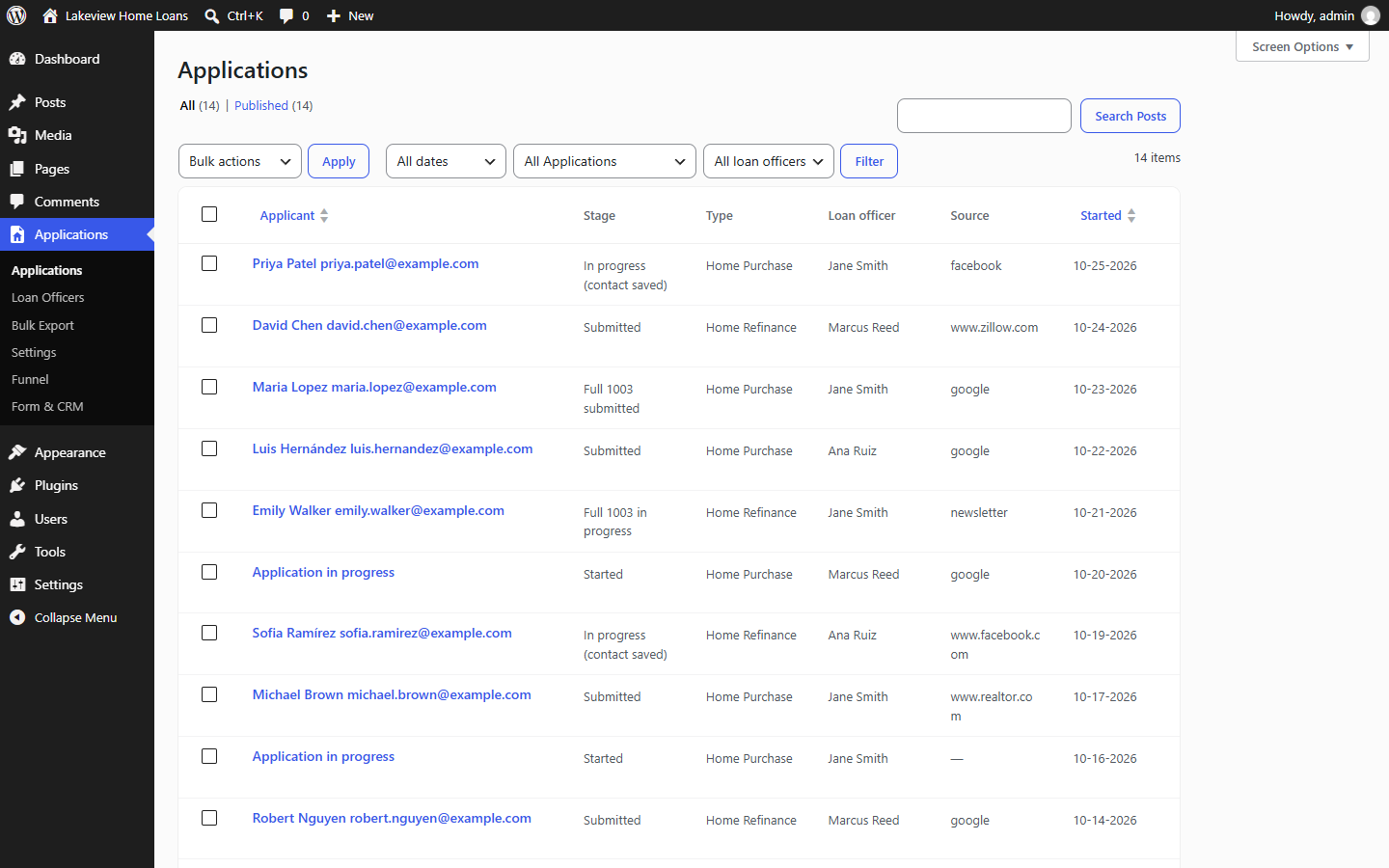
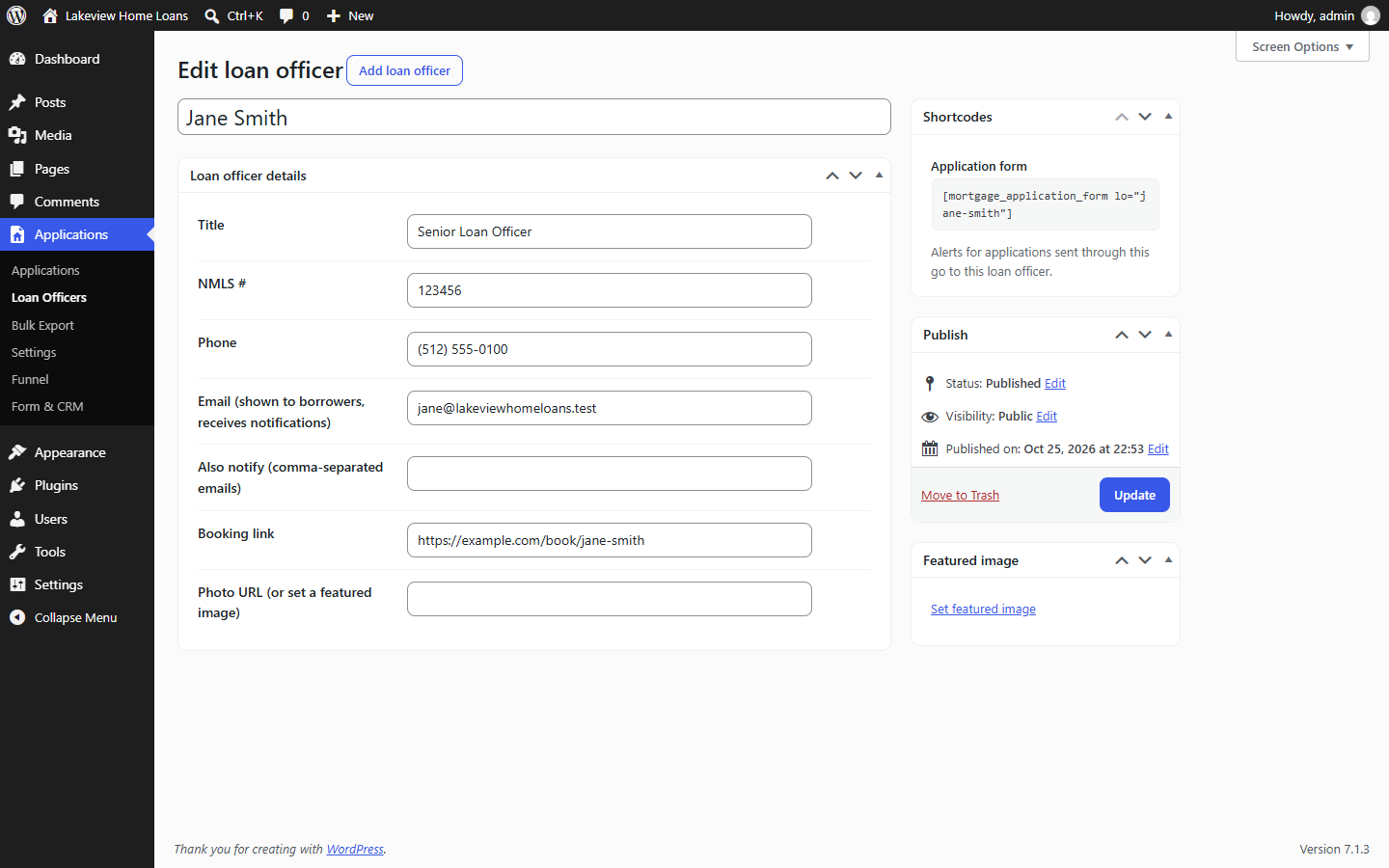
- Any number of loan officers, each with their own shortcode, alerts and LO card on the form
- Funnel report and CSV export
- SSNs encrypted with AES-256-GCM and masked on screen; uploaded documents encrypted in a private folder and opened only by signed, expiring links; consent and access logs
- WordPress Multisite: network-level settings that each site can follow or override
Premium
1003 Mortgage Application Premium is a separate plugin sold on mortgageapplicationplugin.com. It adds GoHighLevel, MISMO 3.4 and FNM 3.2 exports, a document upload page and webhooks. This plugin is complete without it.
External services
The plugin contacts these services only when you turn them on:
- Google Maps Places API (address suggestions), when you enter a Google Places API key on the Settings page. The borrower’s browser loads Google’s script and sends what they type in address fields to Google. Terms, privacy.
- Cloudflare Turnstile (spam protection), when you enter Turnstile keys on Form & CRM. The borrower’s browser loads Cloudflare’s widget, and your site sends the widget’s token and the visitor’s IP address to Cloudflare to verify it. Terms, privacy.
스크린샷

설치
- Install the plugin from Plugins > Add New, or upload the plugin folder to
/wp-content/plugins/, and activate it. - Review Applications > Settings (email recipients and texts, colors) and Applications > Form & CRM (company details, alerts, reminders).
- Put
[mortgage_application_form]on a page. The site must use HTTPS. - Optional: add your loan officers under Applications > Loan Officers and use their shortcode, for example
[mortgage_application_form lo="jane-smith"]. - Recommended before collecting SSNs: add
define( 'MAPP_ENCRYPTION_KEY', 'a long random string' );to wp-config.php and keep it safe. Data encrypted with it cannot be read without it.
Shortcode attributes
lo: loan officer slug or IDpurpose:purchaseorrefinanceto skip the first questionlang:en,esorauto(default)
FAQ
-
Does it need SSL?
-
Yes. The application collects personal and financial details, so the page must use HTTPS.
-
Where is borrower data stored?
-
On your own site. SSNs are encrypted, documents are encrypted in a private folder, and nothing is sent to 8blocks.
-
Can I change the colors?
-
Yes. The Button Color setting on the Settings page sets the form’s brand color.
후기
이 플러그인에 대한 평가가 없습니다.
기여자 & 개발자

자국어로 “Lenderd Mortgage Application”(을)를 번역하세요.
개발에 관심이 있으십니까?
변경이력
3.2.0
- First release on WordPress.org.