

설명
Logvia replaces the default WordPress and WooCommerce login and registration forms with clean, fast screens that work in any theme.
What you get
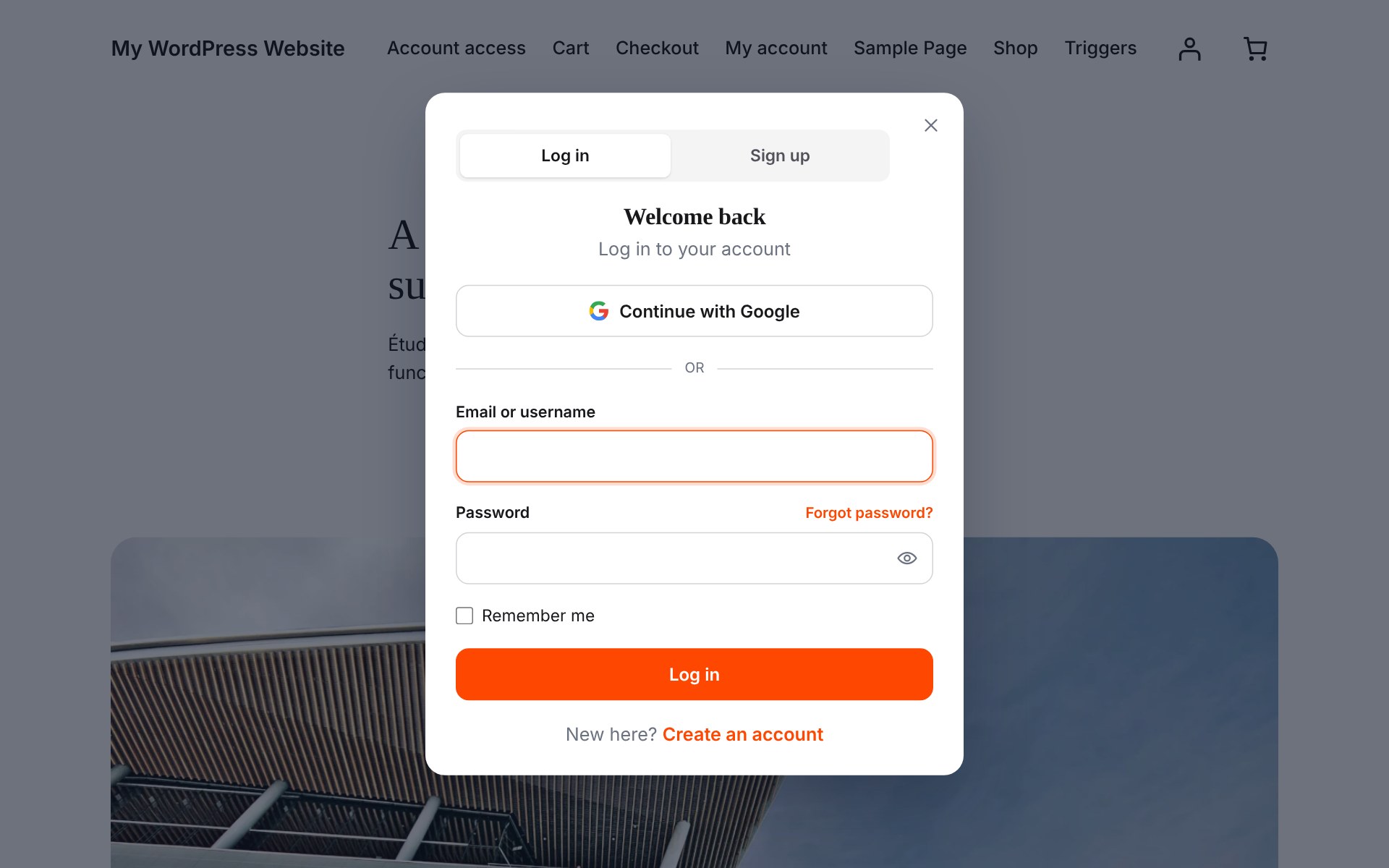
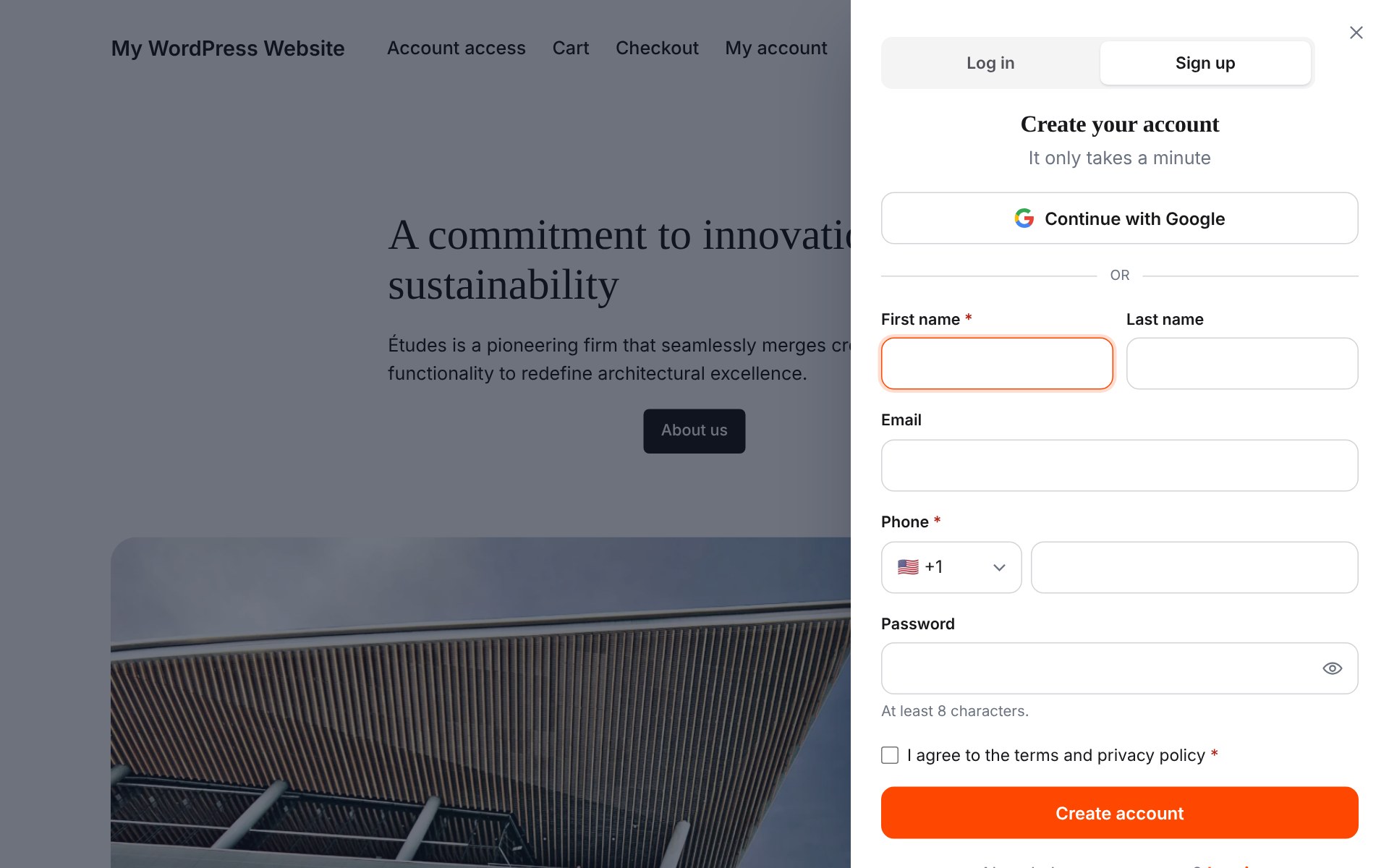
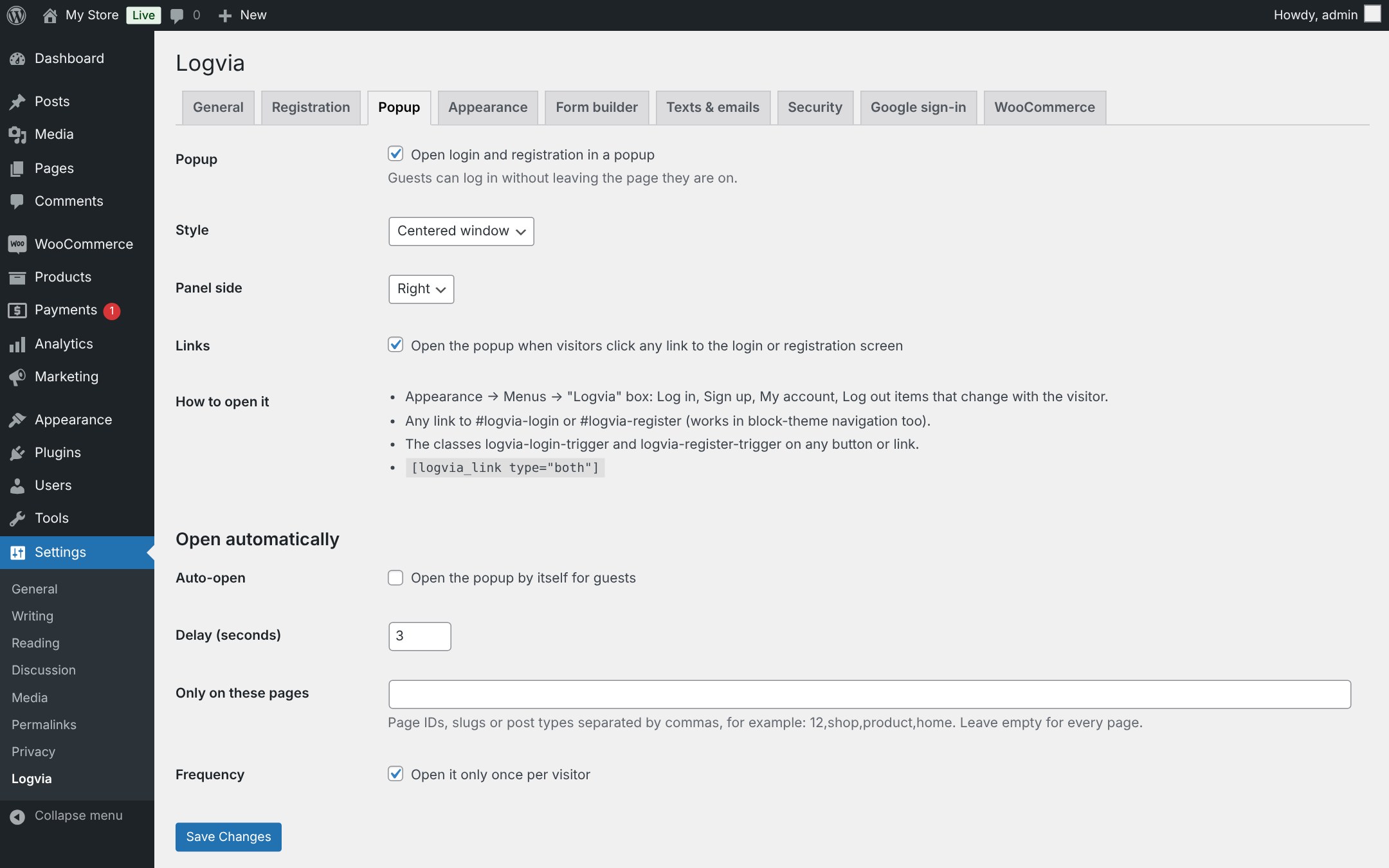
- Popup or slide-in panel with Log in / Sign up tabs. Opens from menu items, any #logvia-login link, a CSS class, the [logvia_link] shortcode, links to the login page, or automatically after a delay.
-
Menu items that change with the visitor: Log in / Sign up for guests, My account / Log out for customers.
-
Login with email or username, “remember me” and errors shown in place, without a page reload.
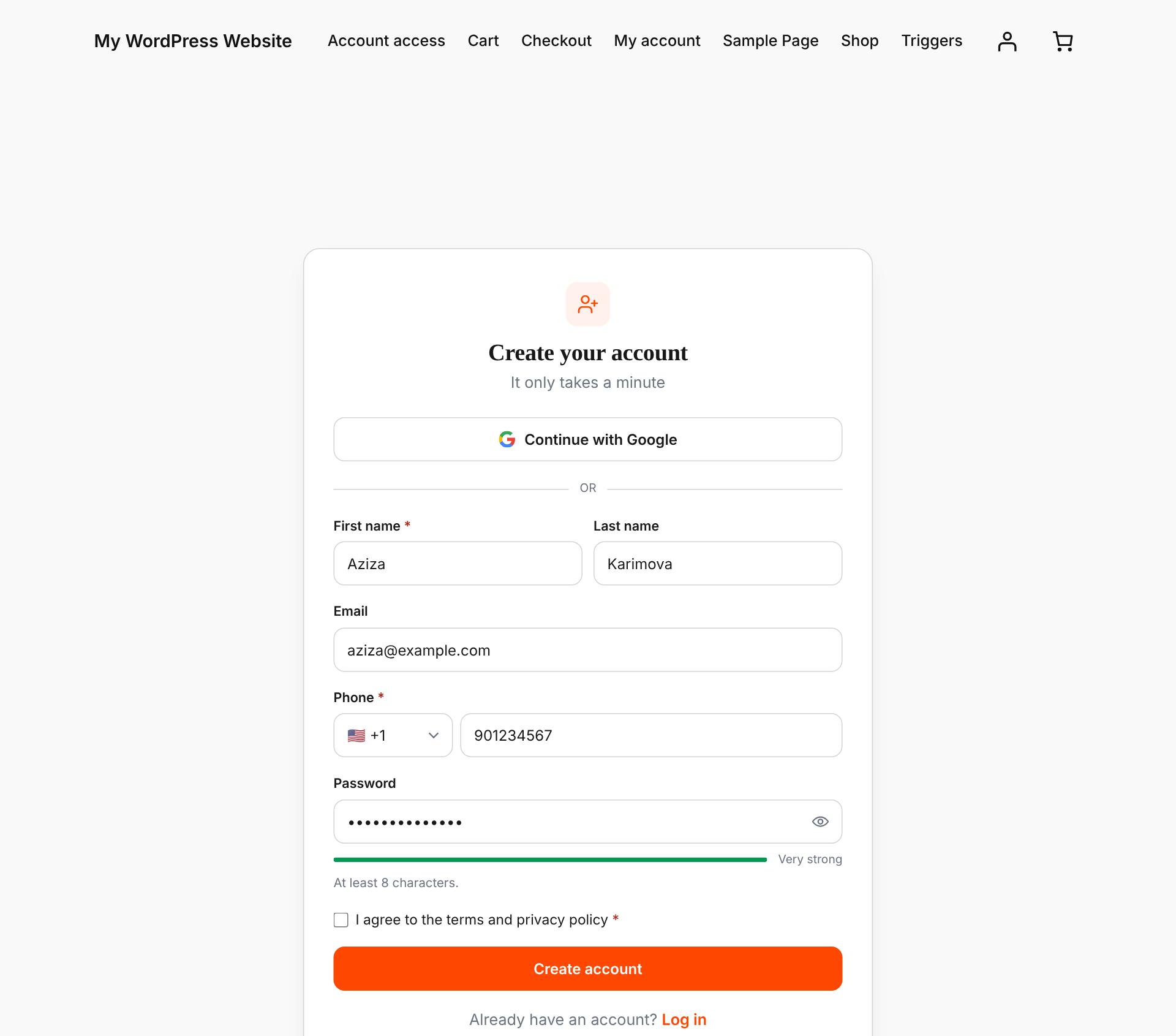
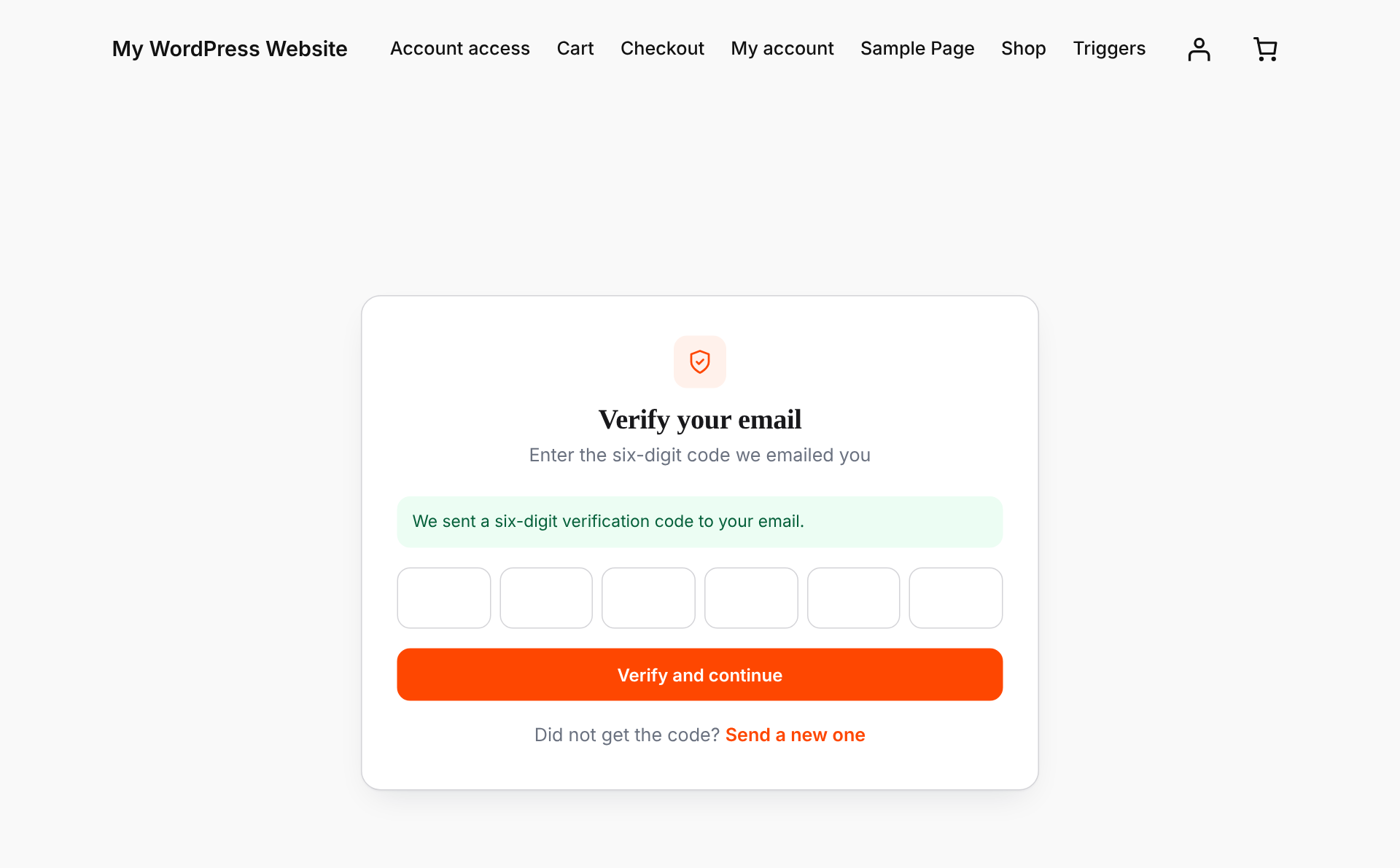
- Registration with email verification. Visitors receive a six-digit code. The account is created only after the code is confirmed, so your store fills up with real customers instead of spam accounts.
- Password reset by link or by six-digit code, on your own branded screen or inside the popup.
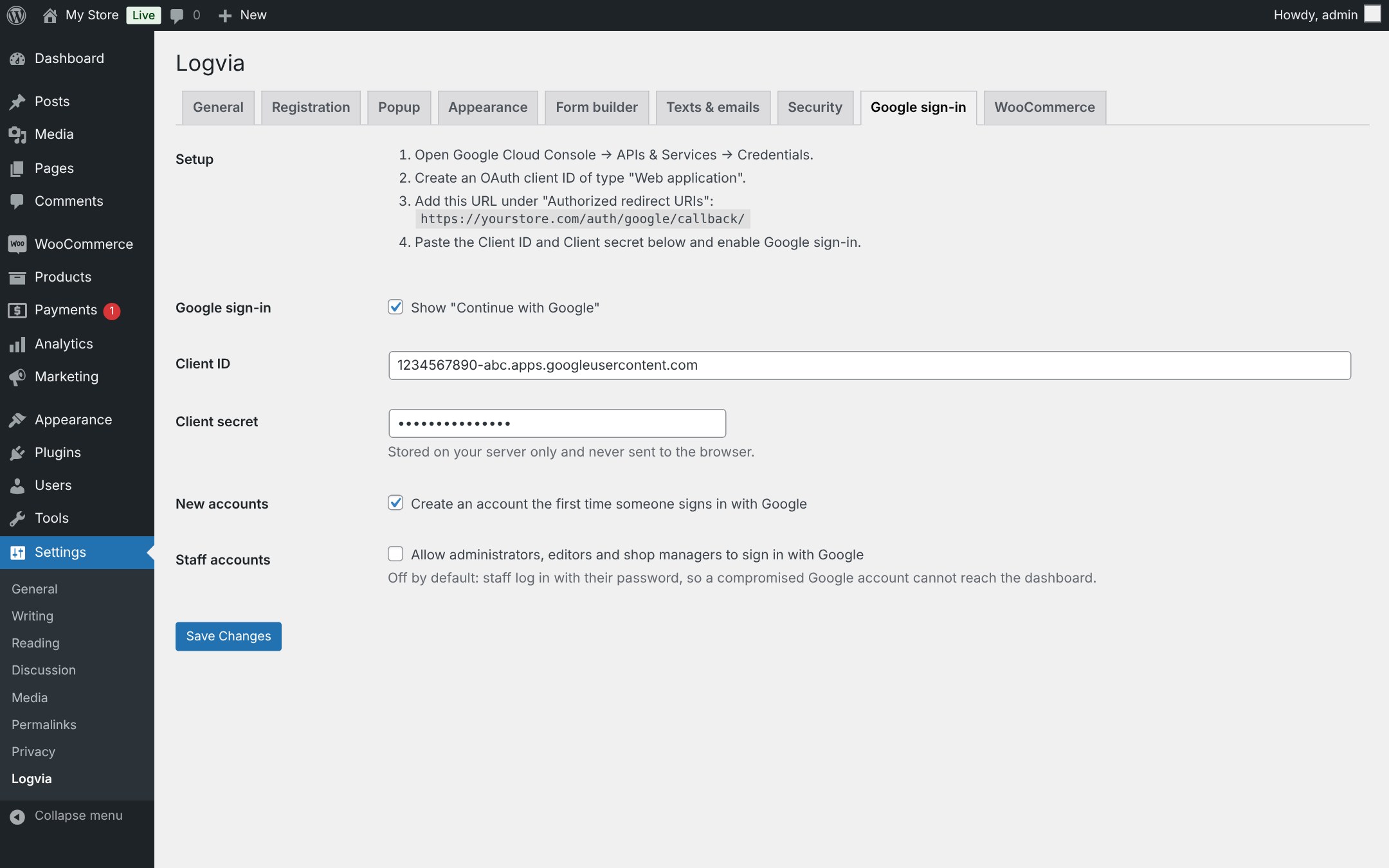
- Continue with Google. Uses Google’s official OAuth flow with PKCE. No extra plugin or SDK needed.
- WooCommerce My Account login/register is replaced automatically, and new users get the WooCommerce “customer” role.
- Require an account to check out (optional). Guests fill their cart, log in or register at checkout and come straight back with the cart kept.
- Works with any theme, classic or block. The screens live on a normal WordPress page, so your header, footer and layout stay in place.
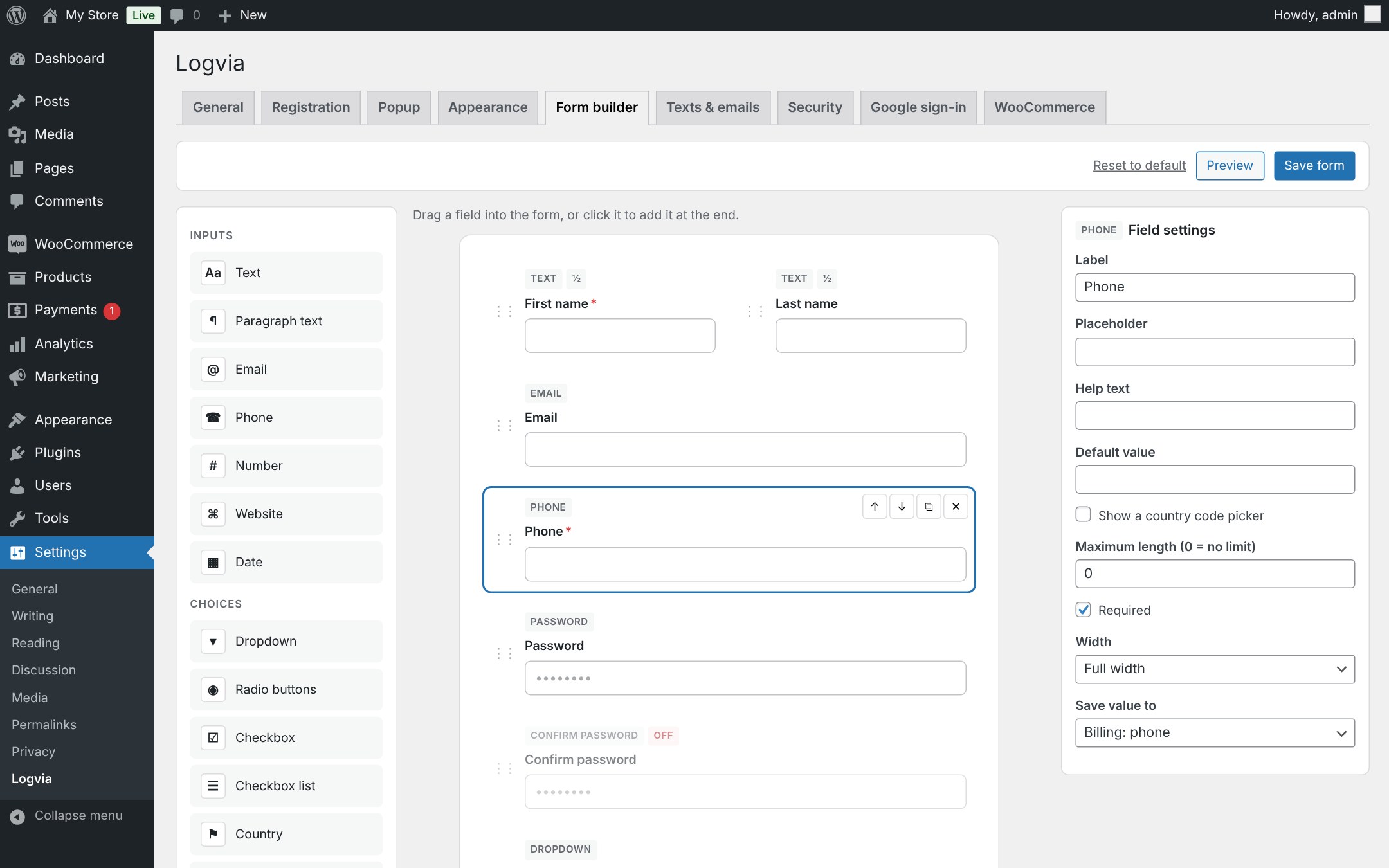
- Drag & drop form builder with 15 field types: name, phone with country code, country and state, dropdowns, radio buttons, checkbox lists, terms checkbox, dates, numbers and more. Save answers to the profile, WooCommerce billing details or custom fields.
- Checkout login: the WooCommerce “Returning customer?” box opens the Logvia popup.
- Bot protection: Cloudflare Turnstile, Google reCAPTCHA v2 and v3, password strength meter and rules, adjustable login lockout.
- Every text is editable: headings, button labels and field labels on all screens, and the subject and text of every email.
- Members-only mode: show a popup that cannot be closed until the visitor logs in, on every page or only on the pages you choose.
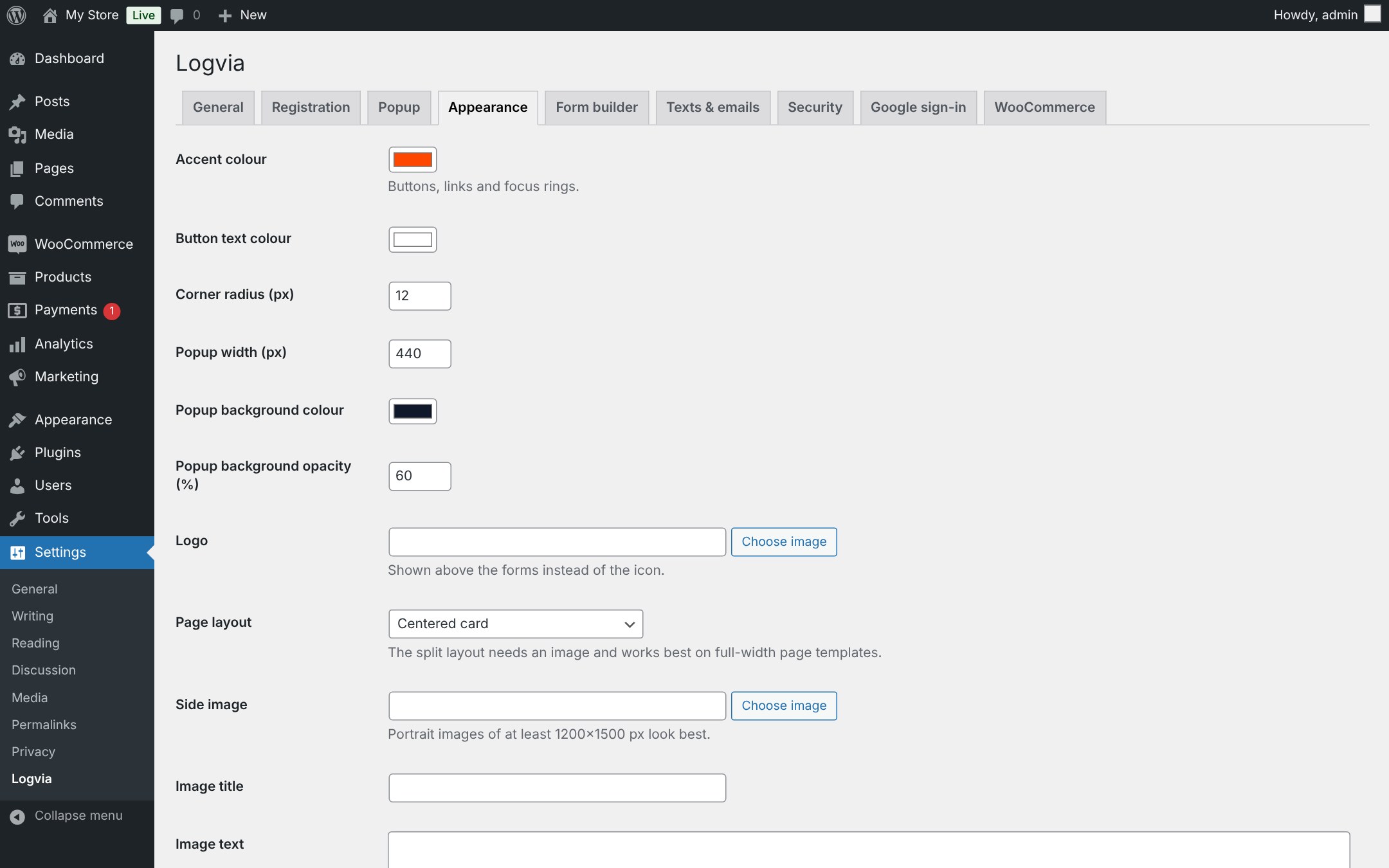
- Your colours. Choose an accent colour and a centered or image-split layout. Developers can override every template from their theme.
Built with security in mind
- Passwords are never stored in plain text, even while the email is being verified.
- Login, code and email requests are rate limited.
- Staff accounts (administrators, editors, shop managers) cannot use Google sign-in unless you allow it.
- Error and success messages are never taken from the URL as text, so nobody can make your site show a fake message.
- Lost-password requests never reveal whether an account exists.
Shortcodes
[logvia]– the full set of screens (used on the account page).[logvia_login],[logvia_register],[logvia_forgot]– a single form anywhere.[logvia_link type="login|register|both|account|logout"]– a link that opens the popup or the account page.
Logvia Pro
Logvia Pro is a separate, optional add-on with features that are not part of this plugin: Google One Tap, exit-intent and scroll-depth popup triggers with display rules (pages, devices, new or returning visitors, frequency), file upload, profile photo, username and account-type fields, manual account approval (B2B and wholesale), “log in to add to cart”, password-less sign-up, and extra fields on My Account and the Users screen. Its features are listed, with a lock icon, at the end of the matching settings tabs; the logvia_show_pro_features filter hides that list. Everything in this plugin works fully without it.
External services
When Google sign-in is enabled and a visitor clicks “Continue with Google”, the plugin connects to Google:
- The visitor is sent to
https://accounts.google.com/o/oauth2/v2/authto choose a Google account. - Your server sends the one-time authorization code, your Client ID and Client secret to
https://oauth2.googleapis.com/token. - Your server reads the visitor’s Google account ID, name, email address and whether the email is verified from
https://openidconnect.googleapis.com/v1/userinfo.
Nothing is sent to Google unless Google sign-in is enabled and the visitor chooses it. Google’s Terms of Service and Privacy Policy apply.
When a captcha is enabled under Settings Logvia Security, the forms load the provider’s script and your server checks each answer with the provider, sending the answer token and the visitor’s IP address:
- Cloudflare Turnstile:
https://challenges.cloudflare.com(Terms, Privacy). - Google reCAPTCHA:
https://www.google.com/recaptcha/(Terms, Privacy).
Developers
Filters: logvia_messages, logvia_validate_registration, logvia_default_redirect, logvia_login_redirect, logvia_template, logvia_template_args, logvia_hide_page_title, logvia_client_ip, logvia_rate_limits, logvia_text, logvia_field_types, logvia_field_maps, logvia_validate_fields, logvia_meta_key_allowed, logvia_pre_send_email, logvia_email_html, logvia_purchase_requires_login, logvia_google_user_is_privileged.
Actions: logvia_customer_created, logvia_fields_saved.
Credits
Country flags: circle-flags by HatScripts (MIT License), https://github.com/HatScripts/circle-flags
스크린샷
설치
- Install and activate the plugin.
- Logvia creates a page called “Account access” at
/auth/with the login, registration and reset screens under it (for example/auth/login/). - Go to Settings Logvia to choose colours, Google sign-in and WooCommerce options.
- Make sure your site can send email (an SMTP plugin is recommended), because verification codes and reset links are sent by email.
Setting up Google sign-in
- In Google Cloud Console open APIs & Services Credentials and create an OAuth client ID of type Web application.
- Copy the redirect URL shown on Settings Logvia Google sign-in into Authorized redirect URIs.
- Paste the Client ID and Client secret into Logvia and enable Google sign-in.
FAQ
-
Does it work without WooCommerce?
-
Yes. Login, registration, password reset and Google sign-in work on any WordPress site. The WooCommerce options appear when WooCommerce is active.
-
Can I still use wp-login.php?
-
Yes. By default wp-login.php keeps working. You can optionally send its visitors to Logvia. If you ever get locked out, add
define( 'LOGVIA_DISABLE_WP_LOGIN_REDIRECT', true );to wp-config.php. -
How do I change the design?
-
Pick an accent colour, corner radius and layout under Settings Logvia Appearance. For finer changes, add CSS in Appearance Customize Additional CSS (classic themes) or in the Site Editor’s Styles (block themes), for example
.logvia { --logvia-radius: 4px; }. To change the markup, copy a file fromwp-content/plugins/logvia/templates/toyour-theme/logvia/and edit it. -
The verification email does not arrive
-
Logvia sends email through WordPress (
wp_mail). Many hosts do not deliver it reliably; install an SMTP plugin and send a test email. -
Does it work with page caching?
-
The account page sends no-cache headers and the
DONOTCACHEPAGEflag, which most caching plugins respect. If yours does not, exclude/auth/from the cache.
후기


기여자 & 개발자
“Logvia – Login and Registration with Google Sign-In for WooCommerce”(은)는 오픈 소스 소프트웨어입니다. 다음의 사람들이 이 플러그인에 기여하였습니다.
기여자
변경이력
1.4.0
- The settings tabs list the features of the optional Logvia Pro add-on (hide the list with the
logvia_show_pro_featuresfilter). - Live Preview on WordPress.org.
- Readme and tag updates.
1.3.3
- New: phone field with round country flags, a searchable country list and the dialling code shown in the field. A pasted “+998 …” number picks the country by itself.
- New: popup tab colour settings (Settings Logvia Appearance).
- Fix: theme button hover colours no longer show on the popup tabs and buttons.
1.3.2
- Email texts and members-only mode are now editable in the plugin settings.
- Removed the custom CSS box; use Additional CSS or the Site Editor instead.
1.3.1
- First public release.