
설명
Matchball – Standings & Tables for SAMS provides two Gutenberg blocks for sports websites:
- Standings block (league table)
- Results block (finished matches)
Data is fetched from a SAMS API source and cached via WordPress transients. A 5-minute WP-Cron sync keeps data fresh, while fallback cache protects frontend output during API issues.
Source code: https://github.com/renao/matchball-for-sams
External service usage:
- This plugin connects to a SAMS REST API endpoint configured by the site administrator.
- The official SAMS REST API documentation is published by the provider at: https://wiki.sams-server.de/wiki/REST-API-Schnittstelle
- According to the provider documentation, API keys are issued by the relevant association support contact for intended API access.
- Requests include an API key in the HTTP header X-Api-Key.
- The provider documents a general rate limit of 5 requests per second and a daily limit per key. The plugin reduces request volume by using transients and a 5-minute sync interval.
- No visitor personal data is transmitted by default.
Service terms and privacy:
- Use of the external SAMS service is subject to the policies and operating rules of the respective association or operator.
- Site administrators are responsible for using valid API credentials and complying with the provider rules for the configured endpoint.
스크린샷
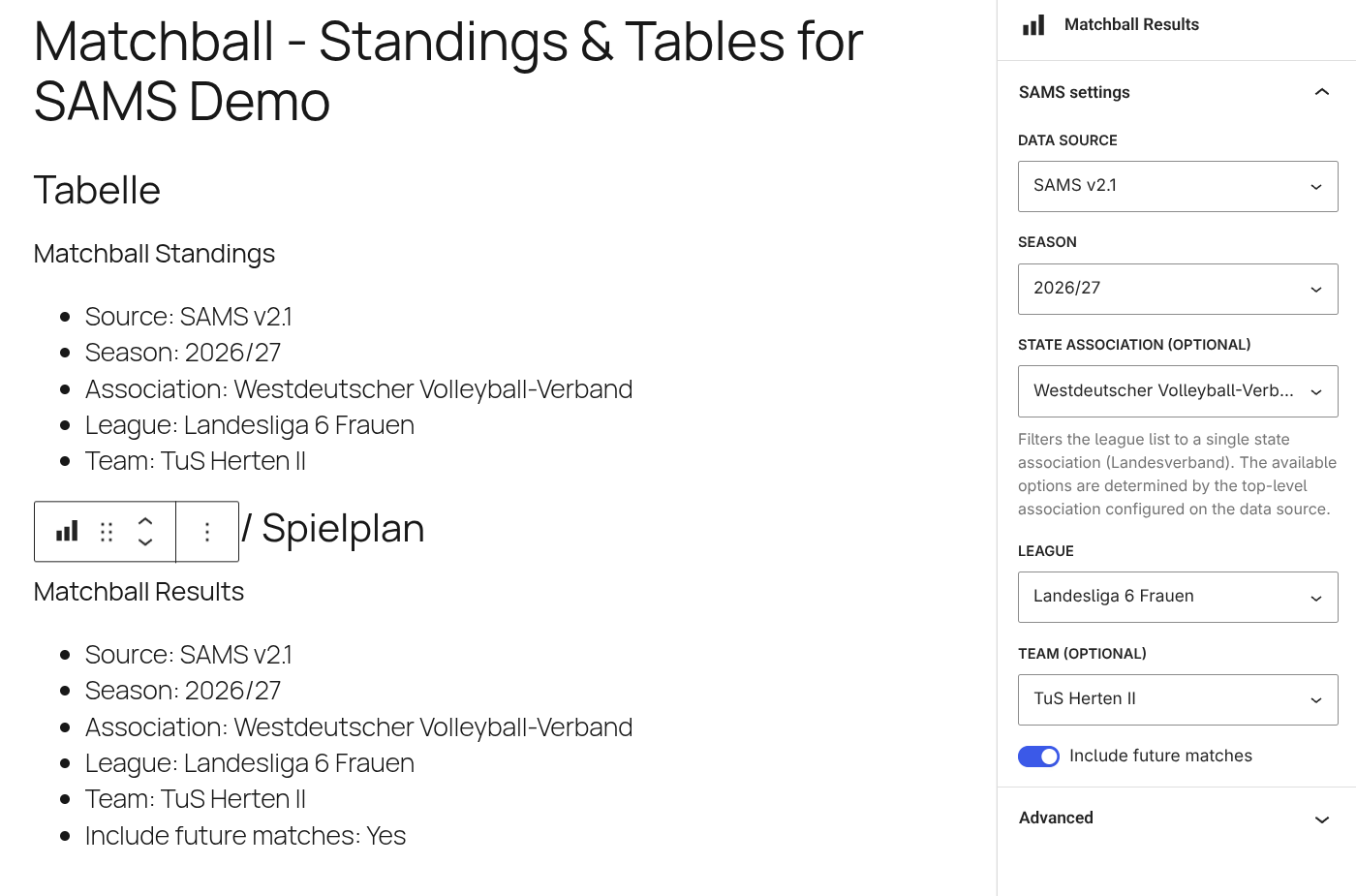
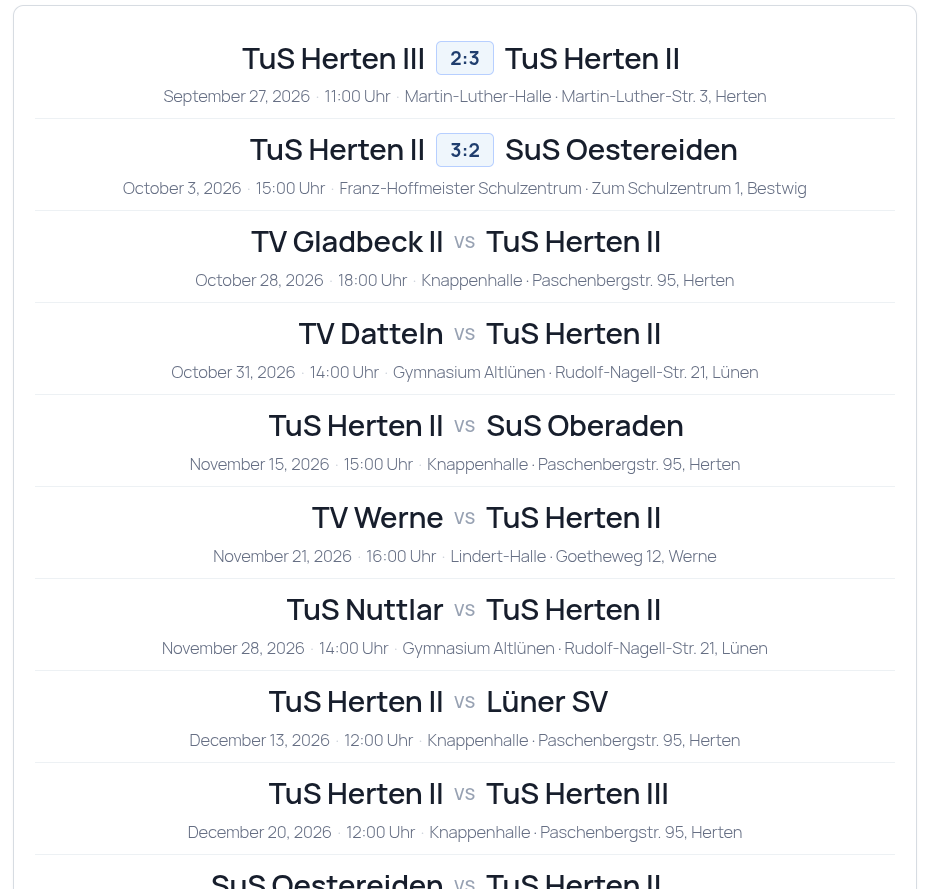
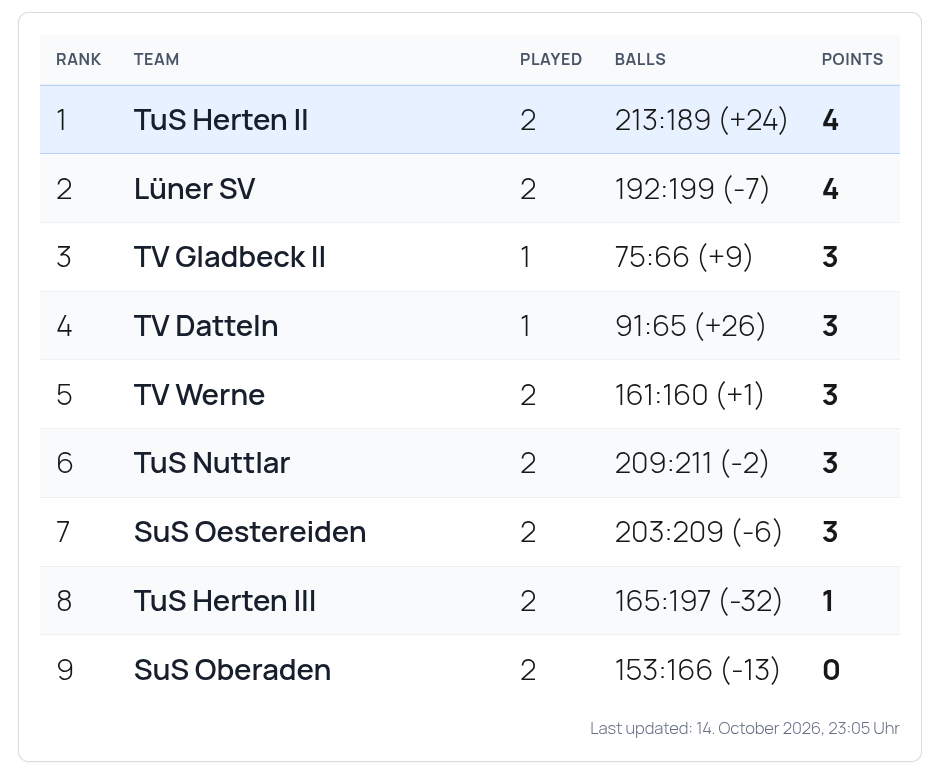
블록
이 플러그인은 2개의 블록을 제공합니다.
- Matchball Standings
- Matchball Results
설치
- Upload the plugin folder to /wp-content/plugins/ or install the ZIP via Plugins > Add New > Upload Plugin.
- Activate Matchball – Standings & Tables for SAMS in the WordPress admin.
- Open SAMS Sources in admin and add at least one source (base URL and API key).
- Insert a Standings or Results block in Gutenberg and configure source, season, and league.
FAQ
-
Where do I obtain an API key?
-
API keys are issued by the relevant regional association or operator of the configured SAMS endpoint. The official provider documentation states that access keys are granted by the association support contact.
-
Does the plugin need cron?
-
Yes. WP-Cron is used for regular data refresh every 5 minutes.
-
Where are API keys stored?
-
API keys are stored in WordPress options and encrypted at rest.
-
The plugin shows cached data and a “last updated” hint instead of failing hard.
-
Where can I find the official API documentation?
-
The provider documentation is available at https://wiki.sams-server.de/wiki/REST-API-Schnittstelle .
후기
이 플러그인에 대한 평가가 없습니다.
기여자 & 개발자

변경이력
3.0.1
- Bundled German (de_DE) translations for admin screens, blocks and the editor
3.0.0
- Initial public release with Standings and Results blocks
- 5-minute sync with WP-Cron
- Encrypted API key storage
- Graceful fallback on API errors