

설명
Smart Image Optimizer automatically converts your uploaded images to WebP and AVIF formats, strips EXIF metadata, scales oversized images, and serves the smallest available format to visitors via the HTML picture element.
Features
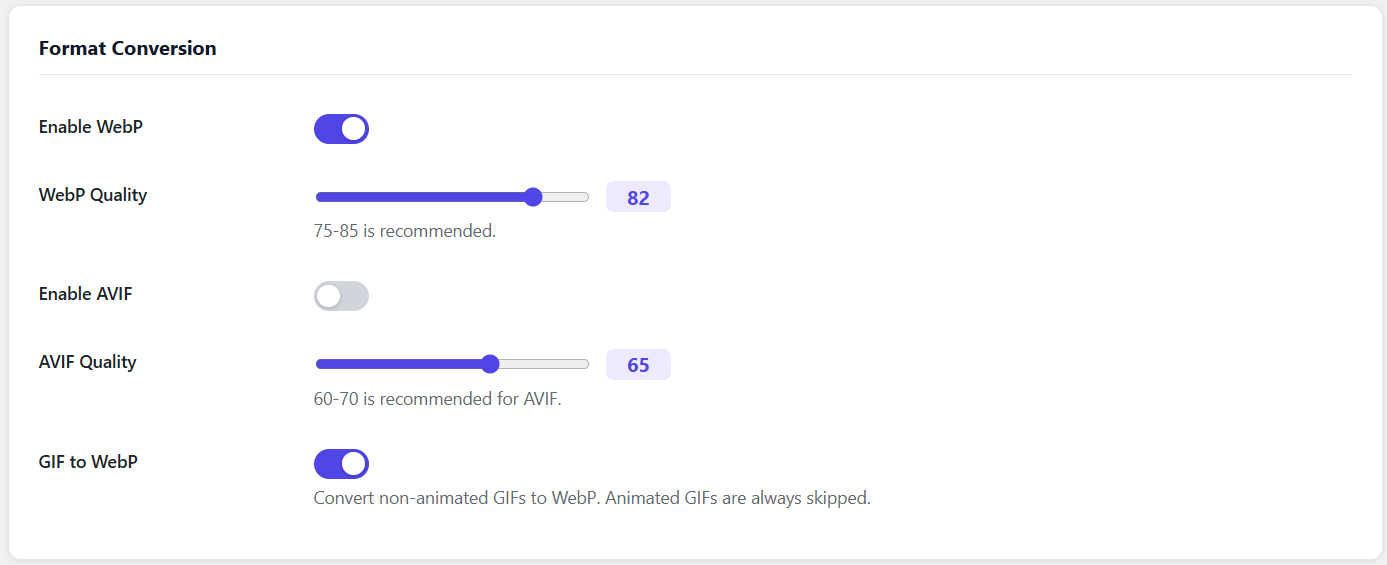
- WebP and AVIF conversion on upload
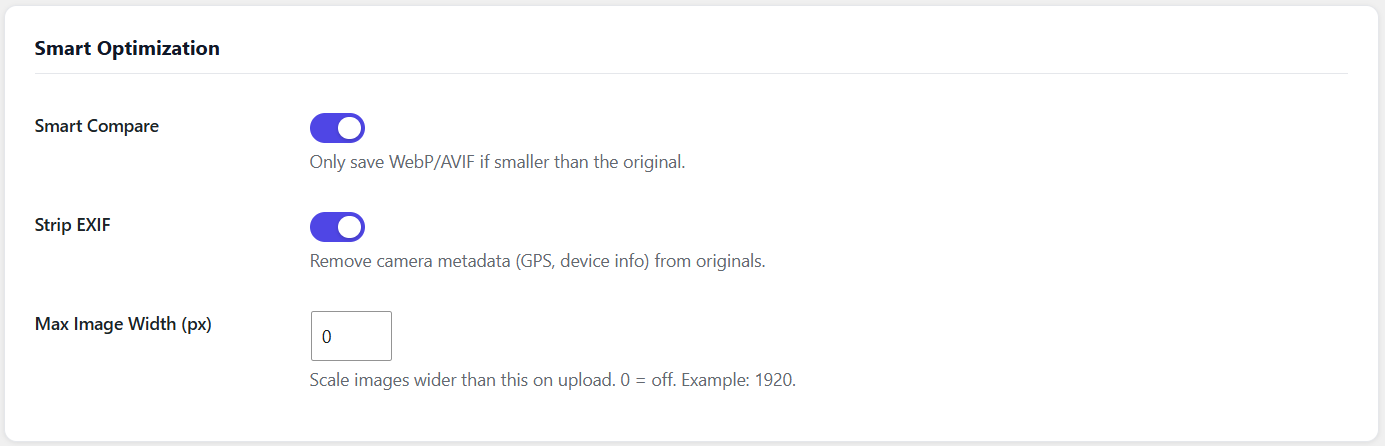
- Smart Compare: only keeps converted file if it is smaller than the original
- Strip EXIF metadata (GPS, camera info) from originals
- Max width scaling: resize images wider than a configurable limit
- GIF to WebP conversion (animated GIFs are automatically skipped)
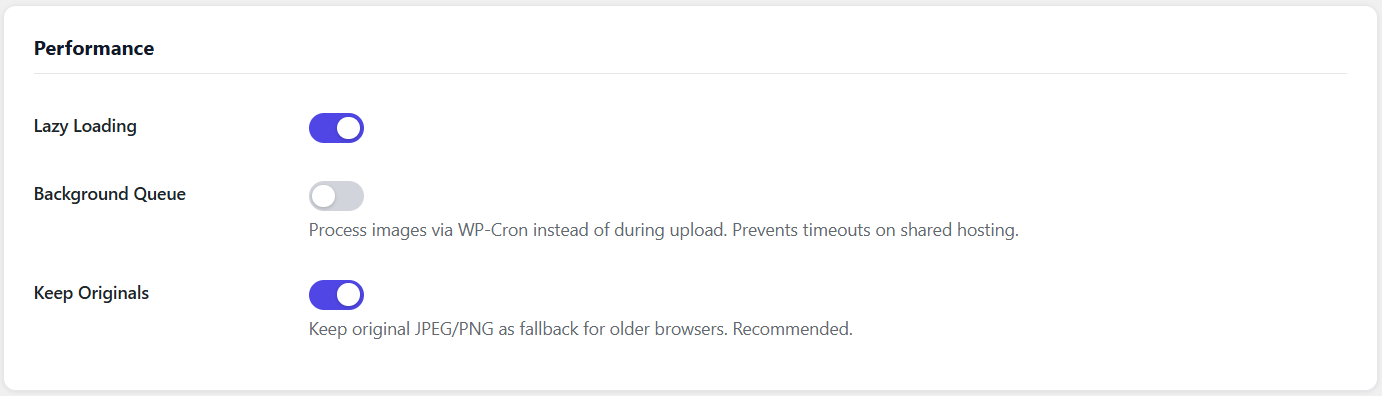
- Lazy loading via loading=”lazy”
- Per-image optimization log accessible in the media library
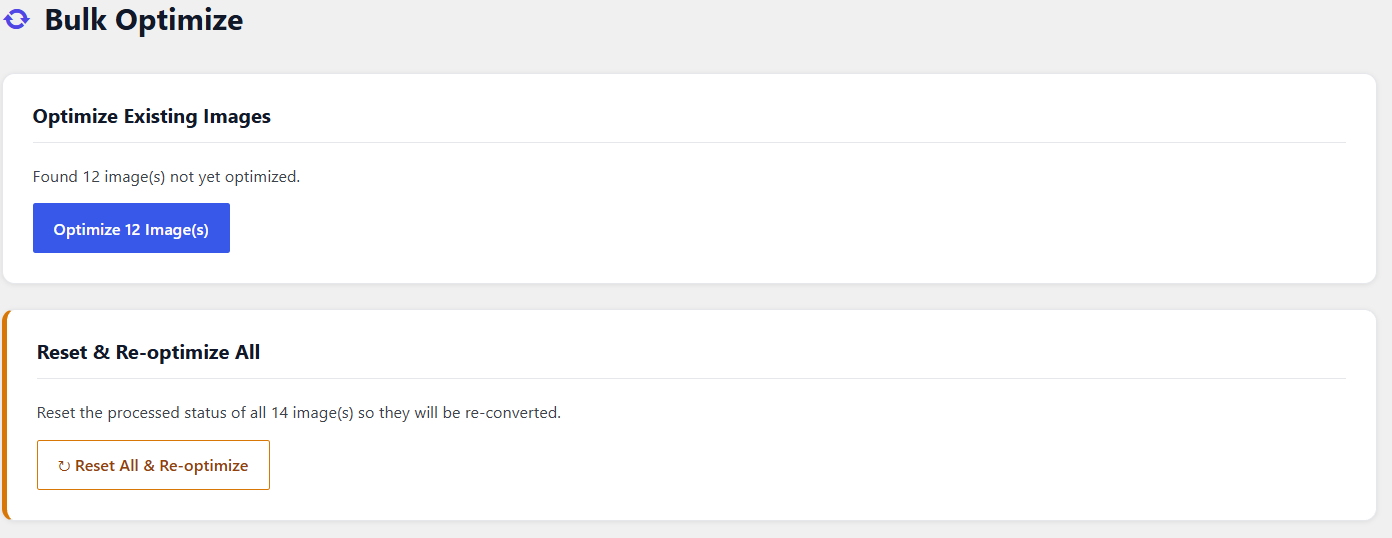
- Bulk optimize tool for existing images
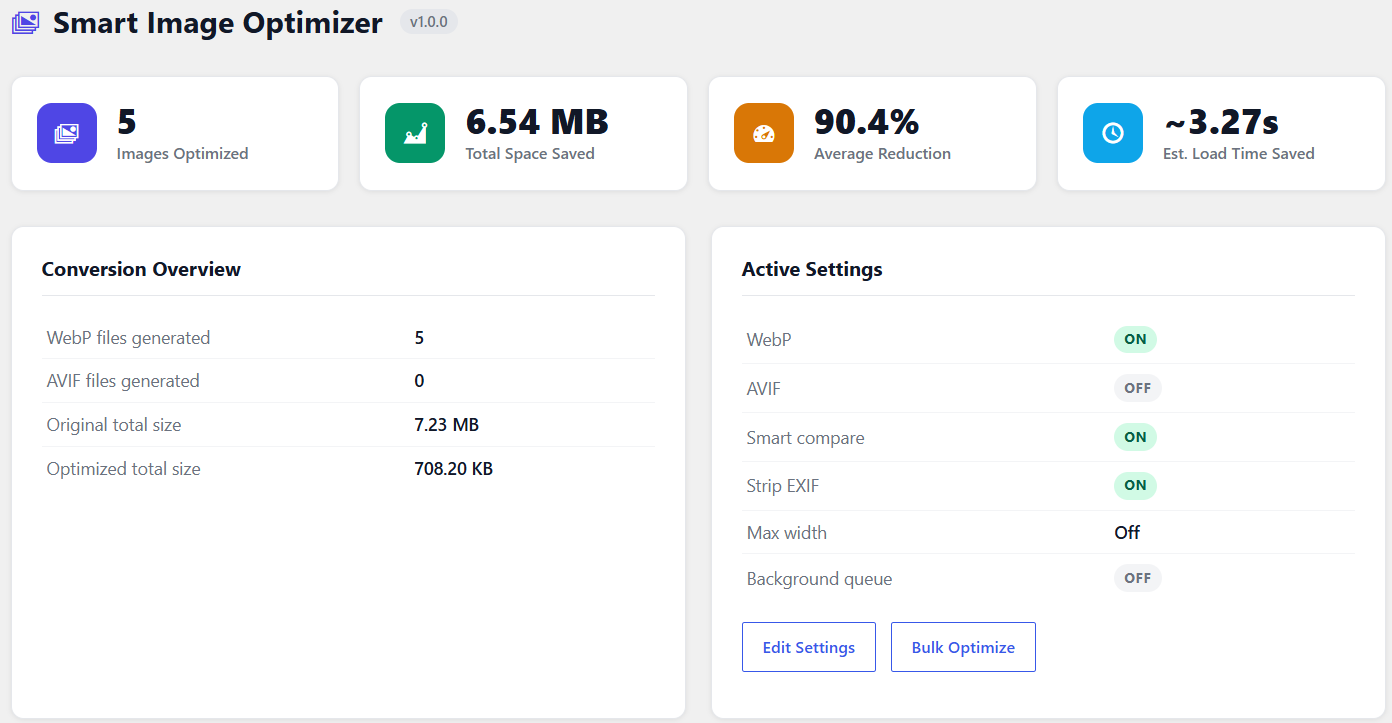
- Stats dashboard showing total savings, WebP/AVIF counts, and estimated load time saved
- Background queue processing via WP-Cron (prevents upload timeouts on shared hosting)
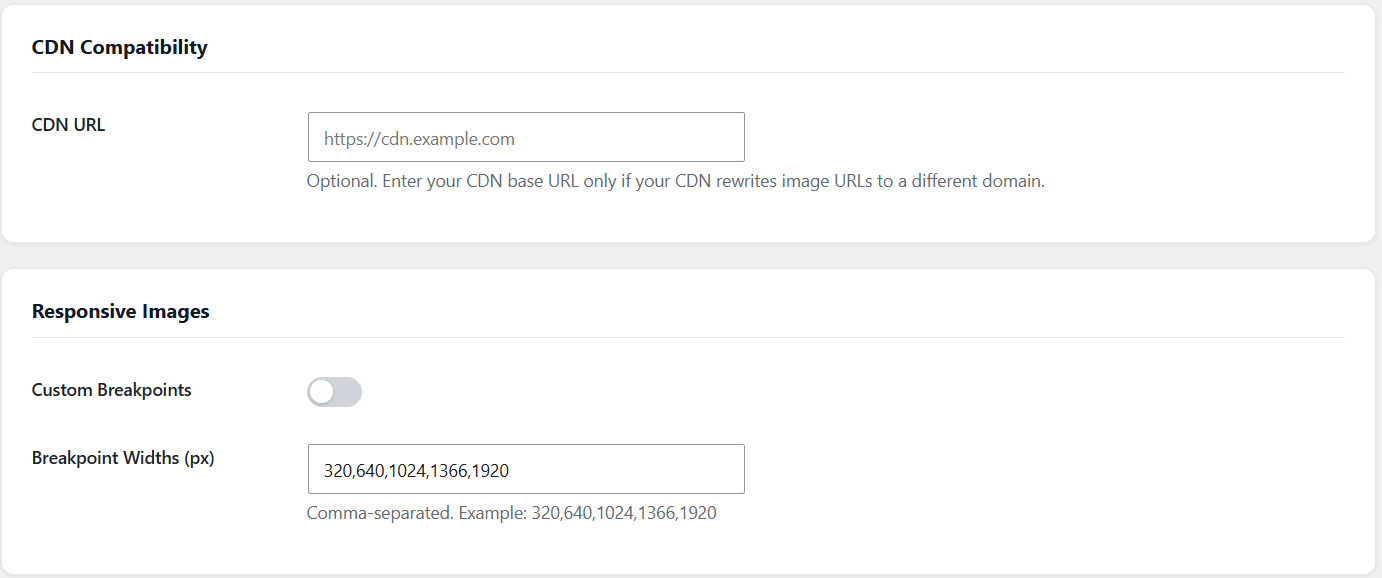
- CDN URL compatibility
스크린샷
설치
- Upload the plugin folder to /wp-content/plugins/
- Activate the plugin through Plugins in WordPress admin
- Go to Image Optimizer -> Settings to configure formats, quality, and smart options
- Go to Image Optimizer -> Bulk Optimize to convert existing images
FAQ
-
Will this break my existing images?
-
No. The plugin creates additional WebP/AVIF files alongside your originals. Originals are never deleted (unless you disable “Keep Originals”).
-
What if WebP is larger than the original?
-
With Smart Compare enabled (default), the plugin automatically discards the converted file and keeps the original.
-
Does it work with CDNs?
-
Yes. The plugin detects WebP/AVIF files from the filesystem rather than relying on URL matching. An optional CDN URL setting is available for setups where image URLs use a different domain.
후기
이 플러그인에 대한 평가가 없습니다.
기여자 & 개발자
“Outpath Solutions Smart Image Optimizer”(은)는 오픈 소스 소프트웨어입니다. 다음의 사람들이 이 플러그인에 기여하였습니다.
기여자
변경이력
1.2.4
- Fixed WebP uploads being deleted by Smart Compare after re-conversion to WebP
1.2.3
- Fixed admin menu disappearing when both free and Pro plugin are active simultaneously
1.2.0
- Added media library status column with WebP/AVIF/EXIF/Scaled badges and savings percentage
- Added per-image optimization log (modal popup in media library)
- Added background queue processing via WP-Cron
- Added CDN URL compatibility setting
- WordPress coding standards compliance (escaping, WP_Filesystem, wp_delete_file)
1.1.0
- Added Smart Compare
- Added EXIF stripping
- Added Max Width scaling
- Added GIF to WebP conversion
1.0.2
- Fixed picture element in page content using wp_content_img_tag filter
- Fixed srcset rewriting for WebP sources
- Added Reset and Re-optimize All button
1.0.0
- Initial release