

설명
Papatto 360 Tour creates interactive 360° virtual tours directly in the WordPress admin. It is suitable for real estate, accommodation, stores, schools, public facilities, and any place that benefits from a visual walk-through.
Create unlimited virtual tours with unlimited WordPress Media Library panorama scenes. Navigate from the public scene list or markers on one floor-plan image.
Tour and viewer features
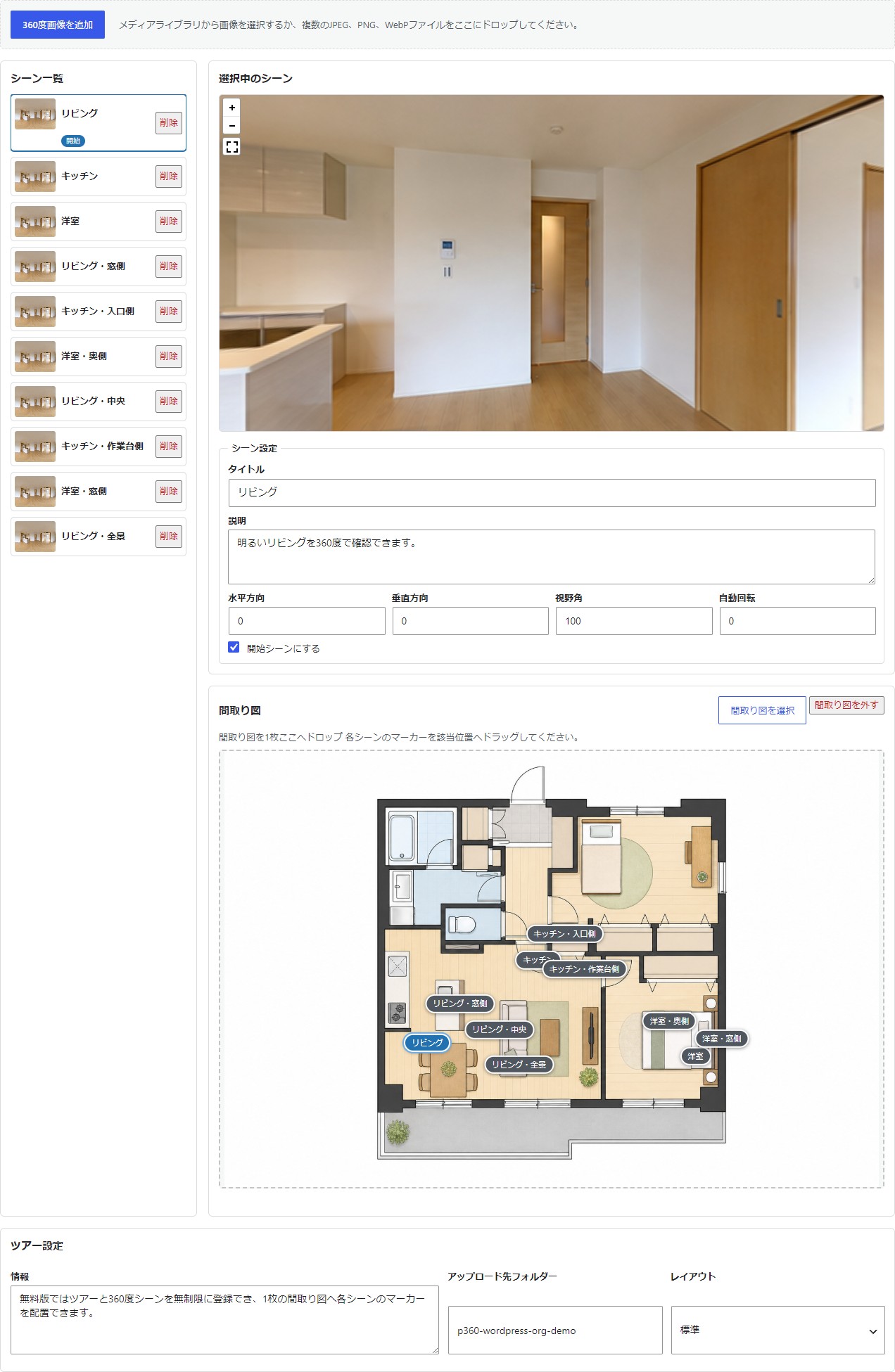
- Add panorama scenes from the WordPress Media Library.
- Upload multiple JPEG, PNG, or WebP panorama files by drag and drop.
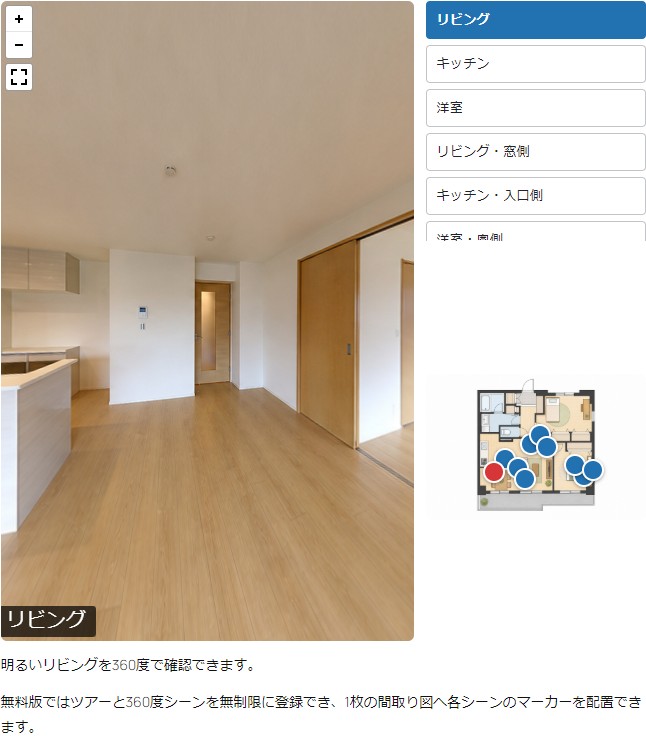
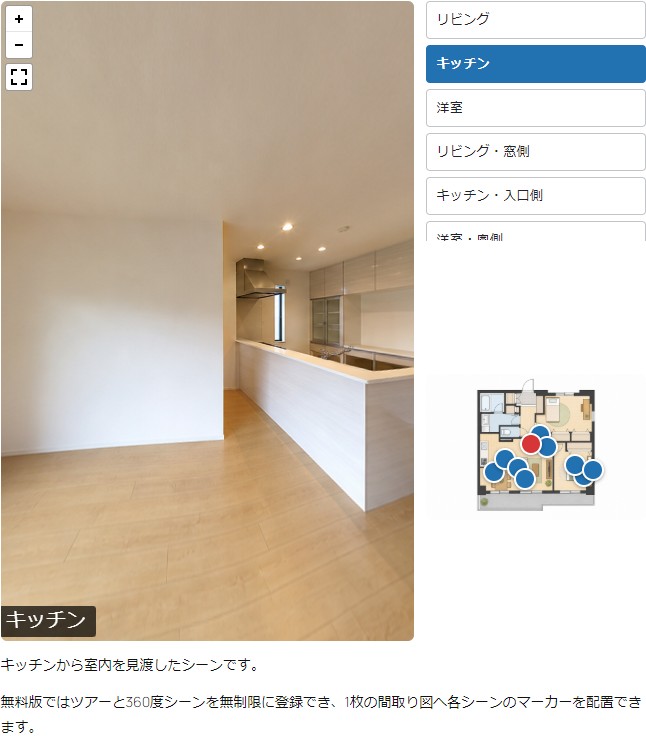
- Display a public scene list beside the 360° panorama viewer.
- Add one floor-plan image and position a marker for every scene.
- Navigate to a scene from either its list button or floor-plan marker.
- Set the opening scene, yaw, pitch, field of view, and autorotation.
- Add a description to each scene and an information area to the tour.
- Choose a per-tour folder under WordPress uploads.
-
Embed a published tour with a shortcode.
[papatto_360_tour id=”123″]
The separately distributed Papatto 360 Tour Pro product adds multi-floor tours, Google Maps, path arrows, information spots, video spots, and reuse of same-site legacy images. Pro is installed by replacing this plugin ZIP and preserves the common tour data.
This plugin bundles the Pannellum panorama viewer under the MIT License.
External services
The WordPress.org edition does not contact external services. Pannellum is bundled with the plugin and loaded locally. Panorama and floor-plan images are selected from, uploaded to, and served by the site owner’s WordPress installation.
스크린샷
설치
- Install the plugin ZIP from Plugins Add New Plugin Upload Plugin, or copy the
papatto-360-tourfolder to/wp-content/plugins/. - Activate Papatto 360 Tour.
- Open Panorama Tours Add New Tour.
- Add panorama scenes, optionally choose one floor-plan image, and place the scene markers.
- Choose the opening scene and viewing direction, then publish the tour.
- Paste the shortcode shown in the tour sidebar into a page or post.
FAQ
-
What image format do the panoramas need?
-
Use equirectangular panorama images, normally with a 2:1 aspect ratio, in JPEG, PNG, or WebP format.
-
Do I need a floor plan?
-
No. Without a floor-plan image, the panorama viewer and public scene list remain available.
-
How many tours and panorama scenes can I create?
-
You can create unlimited tours with unlimited panorama scenes backed by WordPress Media Library attachments.
-
What does the separately distributed Pro product add?
-
Papatto 360 Tour Pro adds multi-floor tours, Google Maps, path arrows, information spots, video spots, and same-site legacy-image reuse. The WordPress.org edition is complete and works independently.
-
Are the original images resized?
-
Images uploaded through the tour editor keep their original resolution. WordPress intermediate-size generation and the large-image scaling threshold are skipped only for authenticated panorama uploads from this editor.
후기
이 플러그인에 대한 평가가 없습니다.
기여자 & 개발자

변경이력
1.2.0
- Added unlimited WordPress Media Library panorama scenes and unlimited tours.
- Added the public scene list and single-floor-plan marker navigation.
- Added schema-2 common data migration and replacement-compatible storage.
- Separated the WordPress.org implementation from all Pro implementation files.
- Bundled the Free editor, viewer, and Pannellum library; translations are delivered through WordPress.org language packs.