

설명
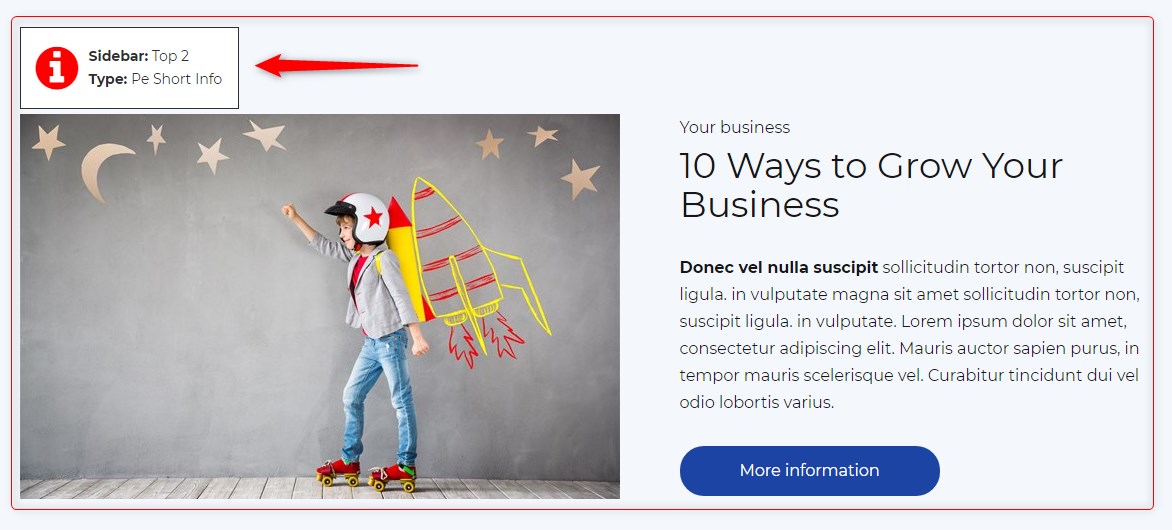
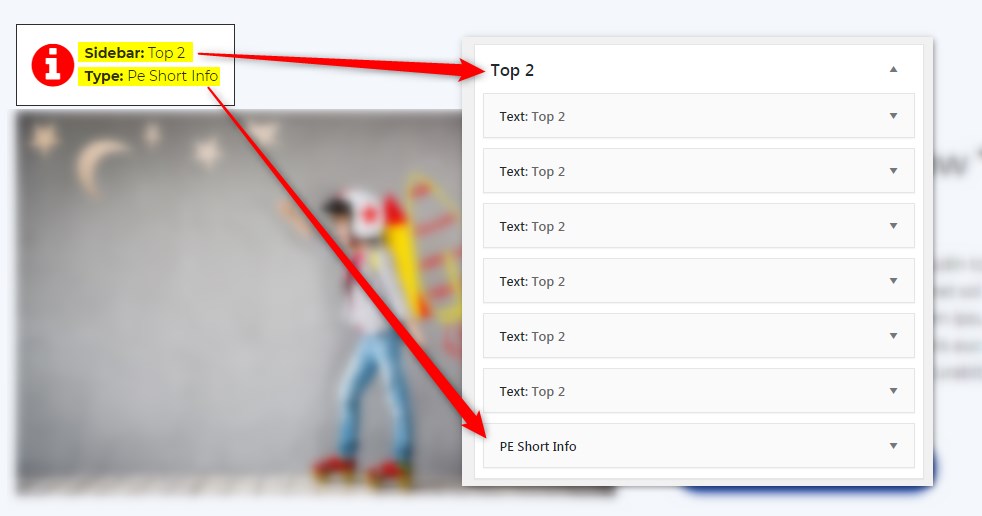
Get info about visible sidebars and widgets types and easily find them in the dashboard in Appearance -> Widgets
스크린샷
설치
- In your admin panel, go to Plugins -> Add New and click the Upload Plugin button.
- Click Choose File, then select the plugin ZIP file. Click Install Now.
- Click Activate to activate the plugin.
후기
이 플러그인에 대한 평가가 없습니다.
기여자 & 개발자
“PE Theme Elements Info – get info about sidebars and widgets types”(은)는 오픈 소스 소프트웨어입니다. 다음의 사람들이 이 플러그인에 기여하였습니다.
기여자
변경이력
1.10
- Added information about menus
- Fixed possible incorrect widget names in sidebars
- By default information about widgets or menus on the page will be displayed only for logged-in administrators