

설명
This plugin requires WordPress version 5.3 or higher! It works best if you also have the Gutenberg plugin installed and up-to-date.
Report issues, or collaborate, on Github.
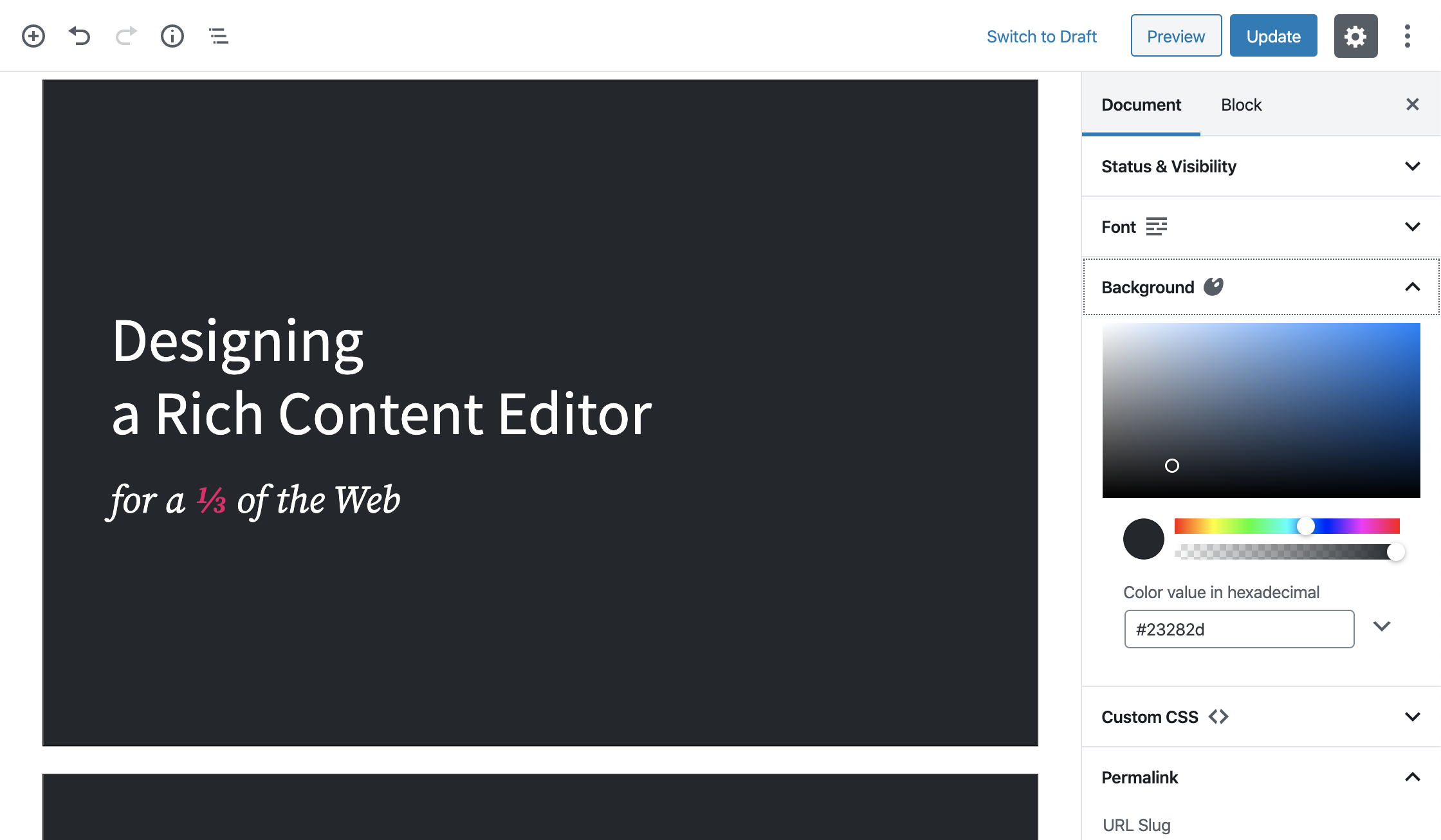
- Creates a custom post type “Presentation”, which will render as a presentation on the front end using Reveal.js.
- Enables the block editor with a “Presentation Block” block, which can be used as a container for each slide in the presentation.
- You can add background colors, gradients, images, even iframes for the whole presentation, but also per slide.
- You can select a font, color, and size.
- If that’s not enough, you can always add some custom CSS!
- You can import a custom font by adding
@import url('https://fonts.googleapis.com/css?family=...');above any other rules in the CSS input field. - It’s possible to include some notes with every slide.
- You can enter a speaker view which will show the current slide, next slide, notes and timers.
- A lot more options coming soon!
스크린샷
블록
이 플러그인은 1개의 블록을 제공합니다.
- Presentation Block
설치
- From the dashboard of your site, navigate to Plugins –> Add New.
- Select the Upload option and hit “Choose File.”
- When the popup appears select the presentation-block-x.x.zip file from your desktop. (The ‘x.x’ will change depending on the current version number).
- Follow the on-screen instructions and wait as the upload completes.
- When it’s finished, activate the plugin via the prompt. A message will show confirming activation was successful.
FAQ
-
Does it support Gutenberg?
-
Yes, the ‘Presentation Block’ can be found under the Common Gutenberg Blocks under the ‘Presentation’ post type.
후기

2025년 12월 18일
What a cool idea of creating presentation within WP ecosystem. Being a teacher, i always looking for new options to create engaging presentation for students.
i have heard that during one of SOTA presentation Mr. Matt has used this block to create presentation. After that i started exploring this plugin. I like the idea of creating presentation withing Wp ecosystem. Presentation is now a days very popular for different meetings, meet-ups, conferences. As this plugin is little early stage, i hope for better work on this.
If there is an opportunity, then i would like to collaborate on this.
기여자 & 개발자
“Presentation Block”(은)는 오픈 소스 소프트웨어입니다. 다음의 사람들이 이 플러그인에 기여하였습니다.
기여자


변경이력
1.0.5
- Upated readme.
1.0.4
- Add a button to easily add a new slide.
- Update the allowed blocks on slides.
1.0.3
- Bug fixes to have build files.
1.0.0
- A change since the previous version of slide.
- Bug fixes for slide.