

설명
Protect WP Admin adds an extra security layer to your WP site by allowing you to rename and secure the wp-admin and wp-login.php URLs.
- Change default admin URL (e.g., /wp-admin to /myadmin)
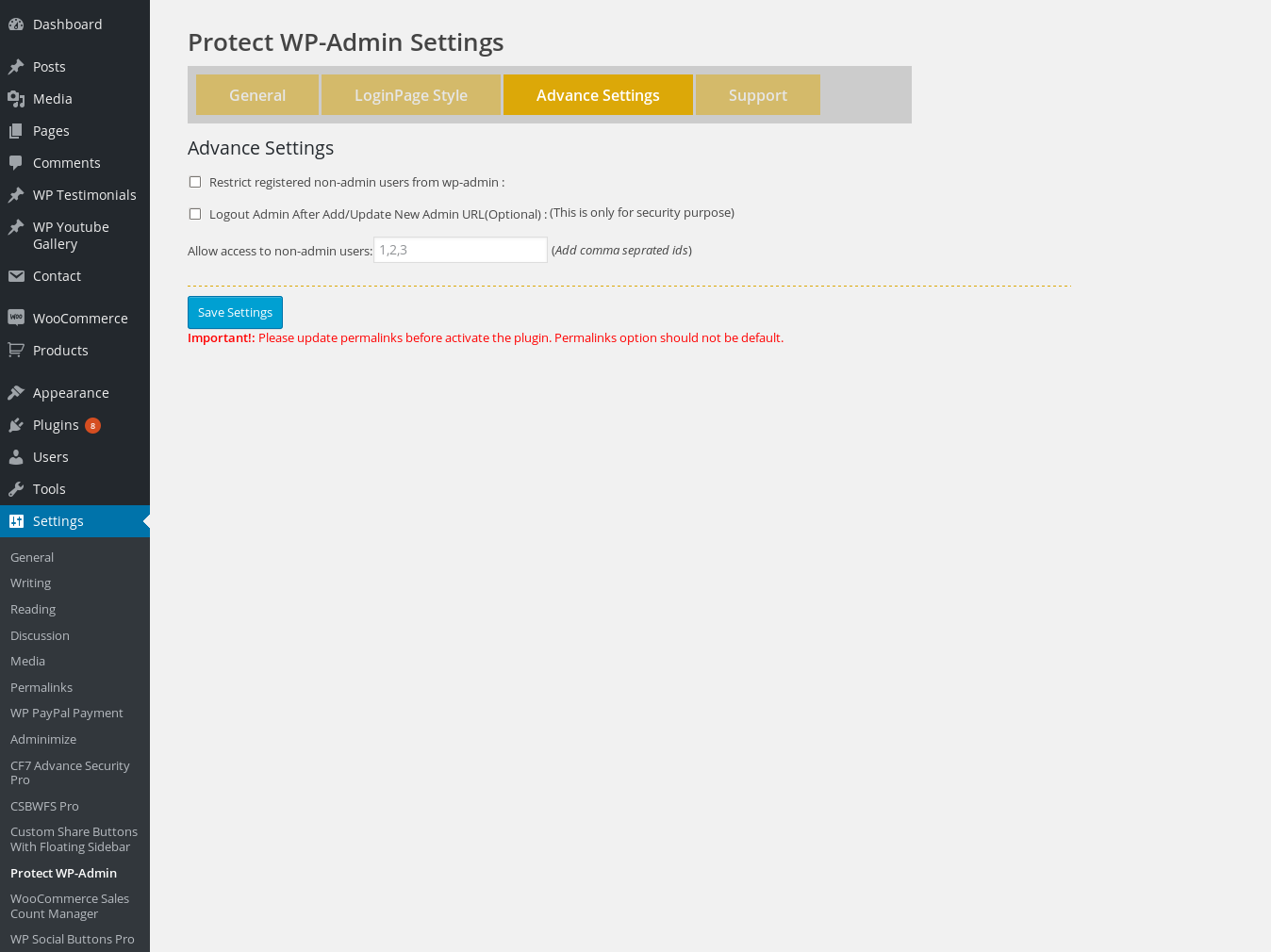
- Restrict access to dashboard by roles or specific user IDs
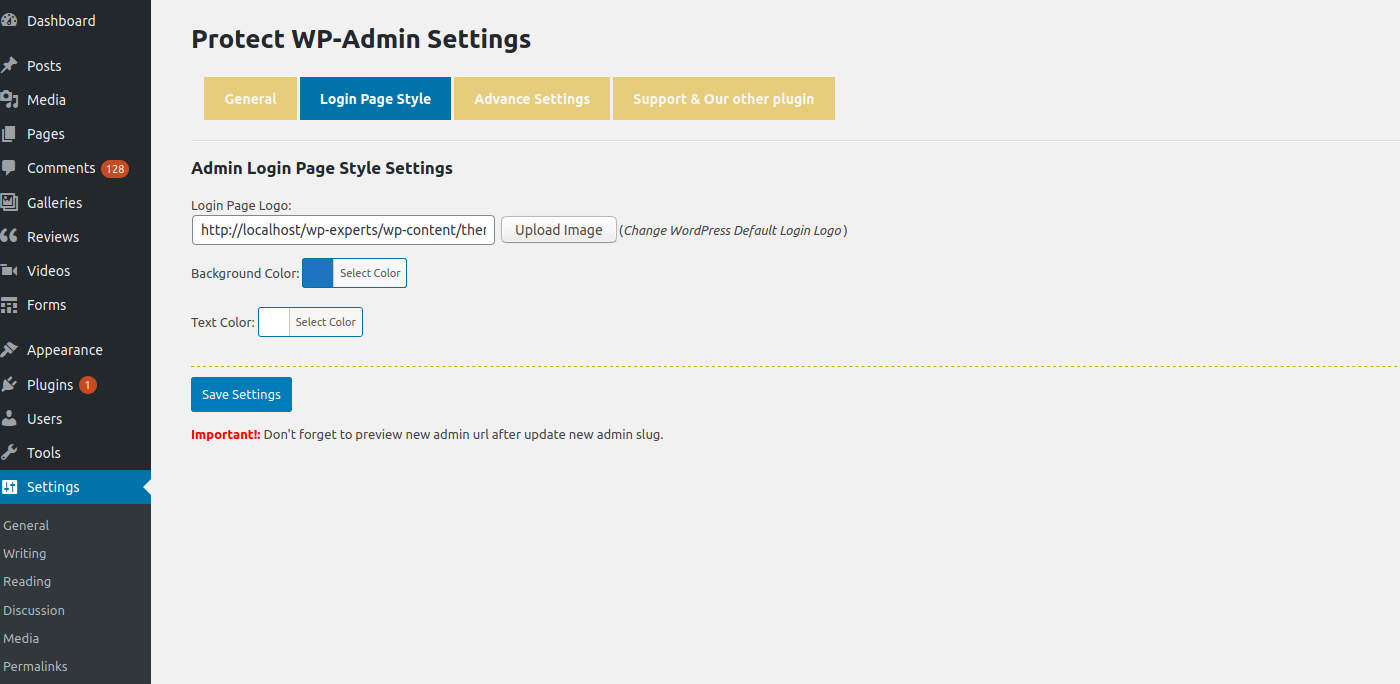
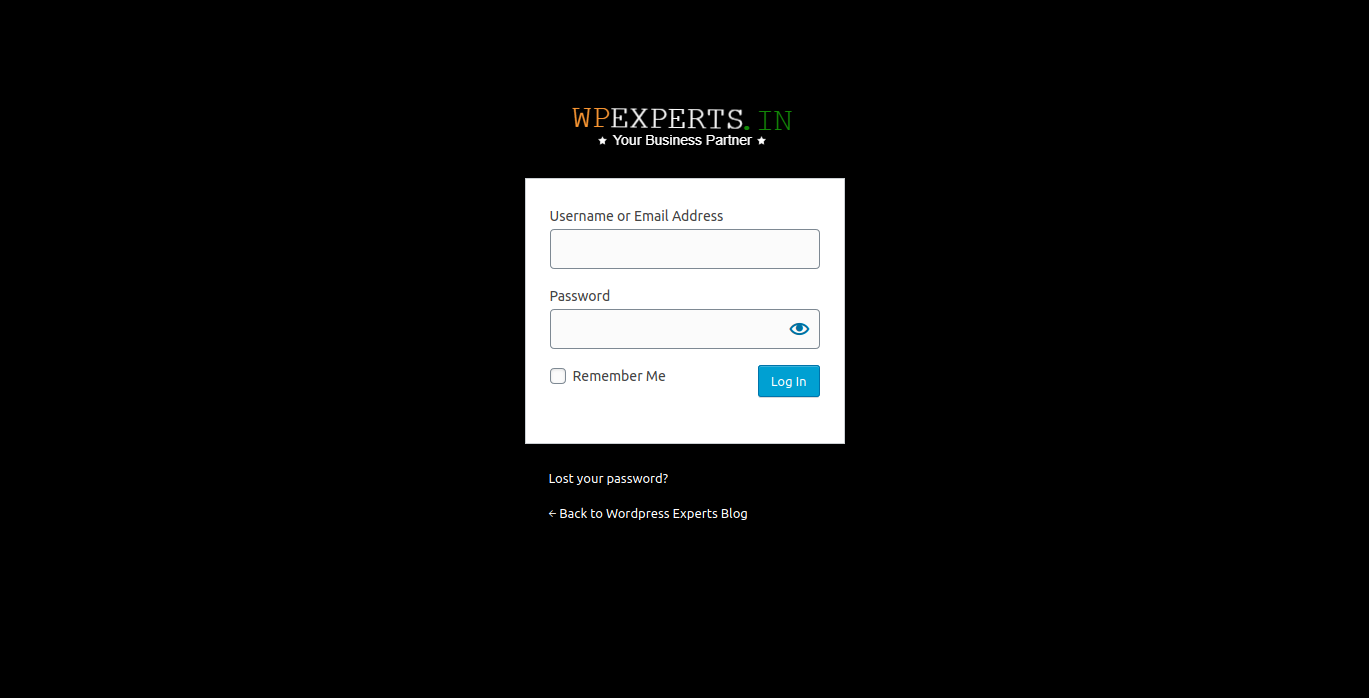
- Customize login page colors and logo
- Block access to default login URLs
Stop bots and hackers from brute-forcing your login page. This plugin is ideal for any site looking to increase login security without modifying core files.
Video Demo:
https://youtu.be/Mxr2MLDNACE
Pro Add-on Available:
Click here to download add-on
기능
- Define Custom WP Admin Login URL (e.g., http://yourdomain.com/myadmin)
- Add custom logo and styling to login page
- Restrict wp-admin access to only admin or defined user IDs
- Redirect all unauthorized users and bots
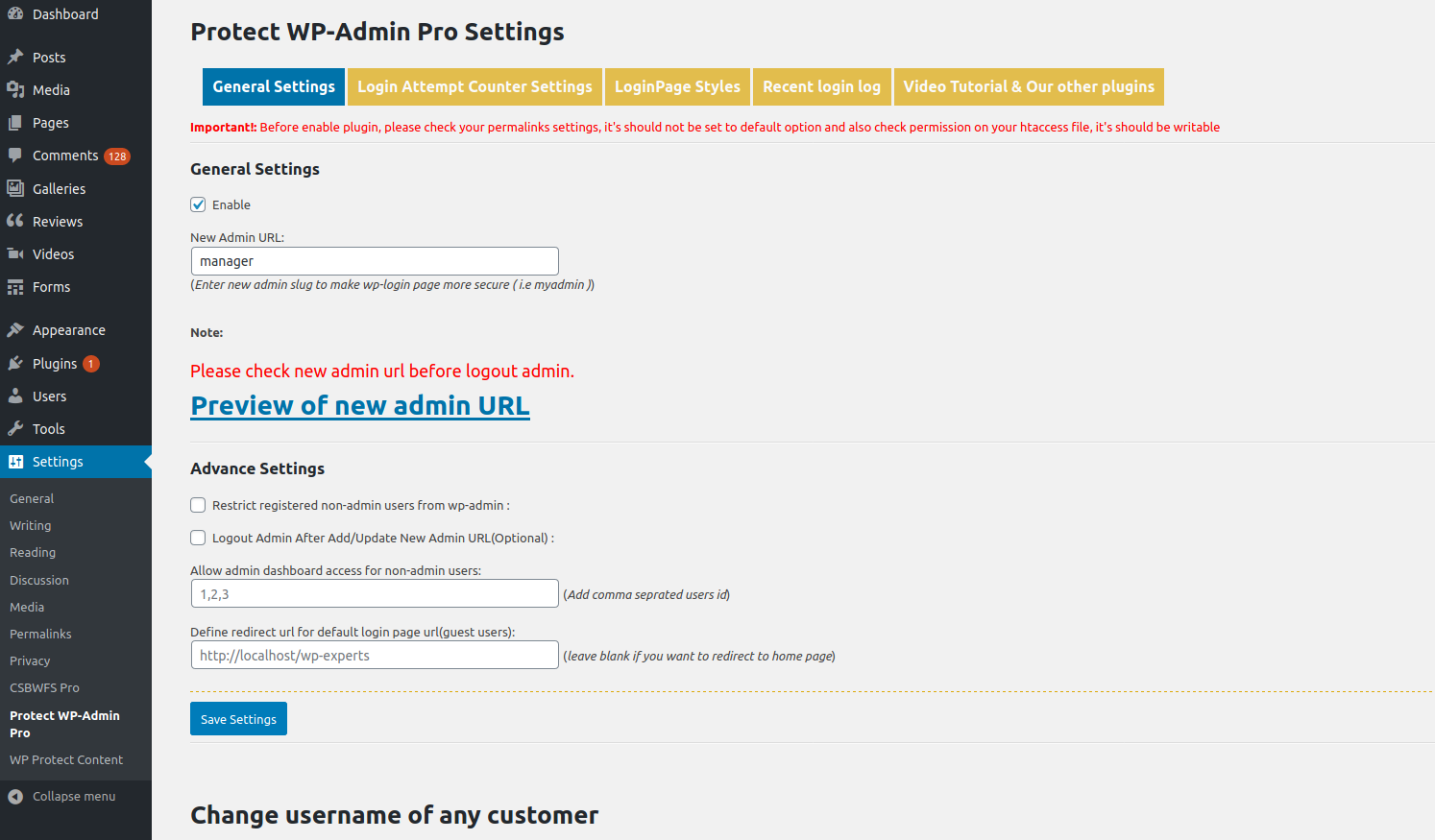
Pro Features
- Rename wp-admin completely
- Set login attempt limits
- Track login history
- Change usernames
- More style controls
Get the Pro Version:
Protect WP Admin Pro
License
This plugin is licensed under the GPLv2 or later.
https://www.gnu.org/licenses/gpl-2.0.html
스크린샷

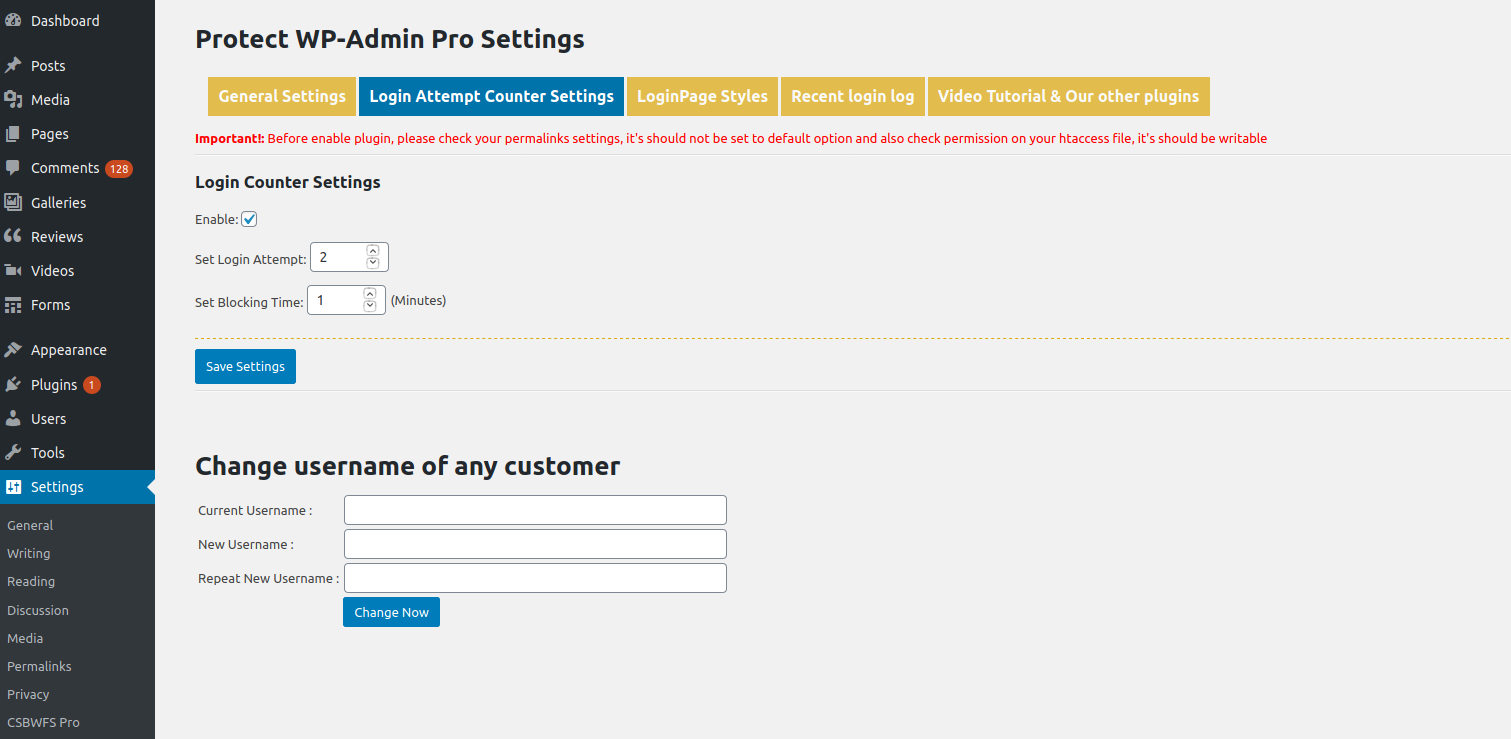
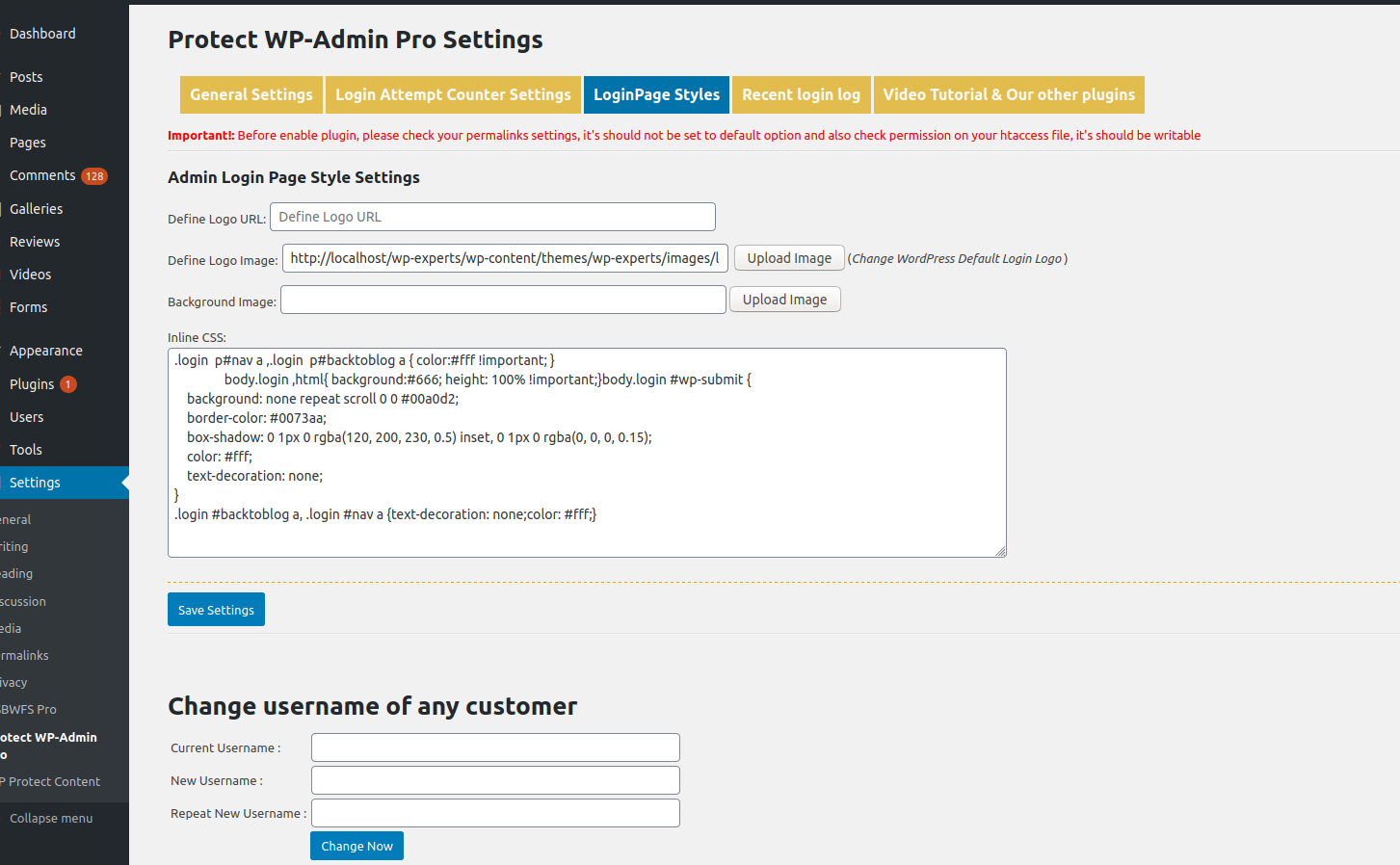
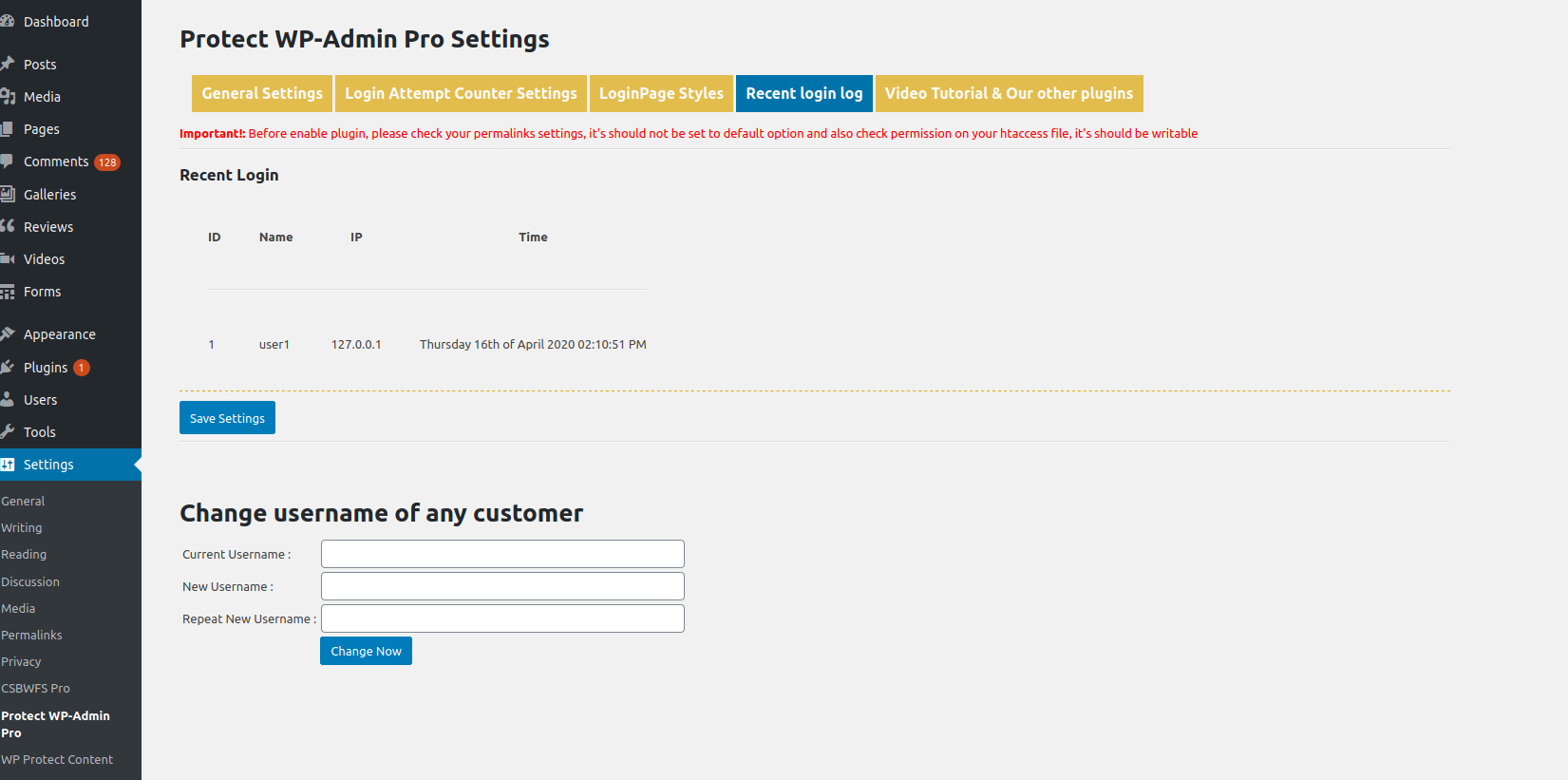
설치
- Upload the plugin folder to
/wp-content/plugins/ - Activate the plugin via the Plugins screen
- Go to Settings > Protect WP Admin to configure the plugin
- Update permalink structure under Settings > Permalinks (important!)
FAQ
-
I’m locked out of admin. What can I do?
-
Rename the plugin folder via FTP (e.g.,
/protect-wp-adminto/pwa-disabled). This disables the plugin. -
I see a 404 page at the new login URL
-
Ensure your
.htaccessis writable and permalinks are not set to “Plain.” -
Can I restrict users by role?
-
Yes. Only administrators or allowed user IDs will have wp-admin access if enabled.
-
Does it work with custom themes?
-
Yes. It works independently of your theme.
-
Does it block brute force attacks?
-
It blocks access to the default login URLs, which stops many automated attacks.
후기


기여자 & 개발자


변경이력
4.0
- Fixed major bug
- Tested with WordPress 6.6.2
3.8
- Security updates
- Tested with WordPress 5.9.3
3.7
- Fixed URL issue
- Code optimization
3.6
- Optimized code and security
- Tested with WordPress 5.8.2
3.5
- Resolved double slash issue in login URL
3.4
- Added admin bar restriction for non-admin users
3.3
- Fixed login page not found when installed in subdirectory
- Released Add-on v2.0
3.0 – 1.0
- Initial stable releases with improvements and bug fixes