

설명
Navotar Car Rental Reservation Plugin can be easily plugged into your website.
Add the Car Rental Reservation Plugin directly into your website and start getting online reservation from your customers.
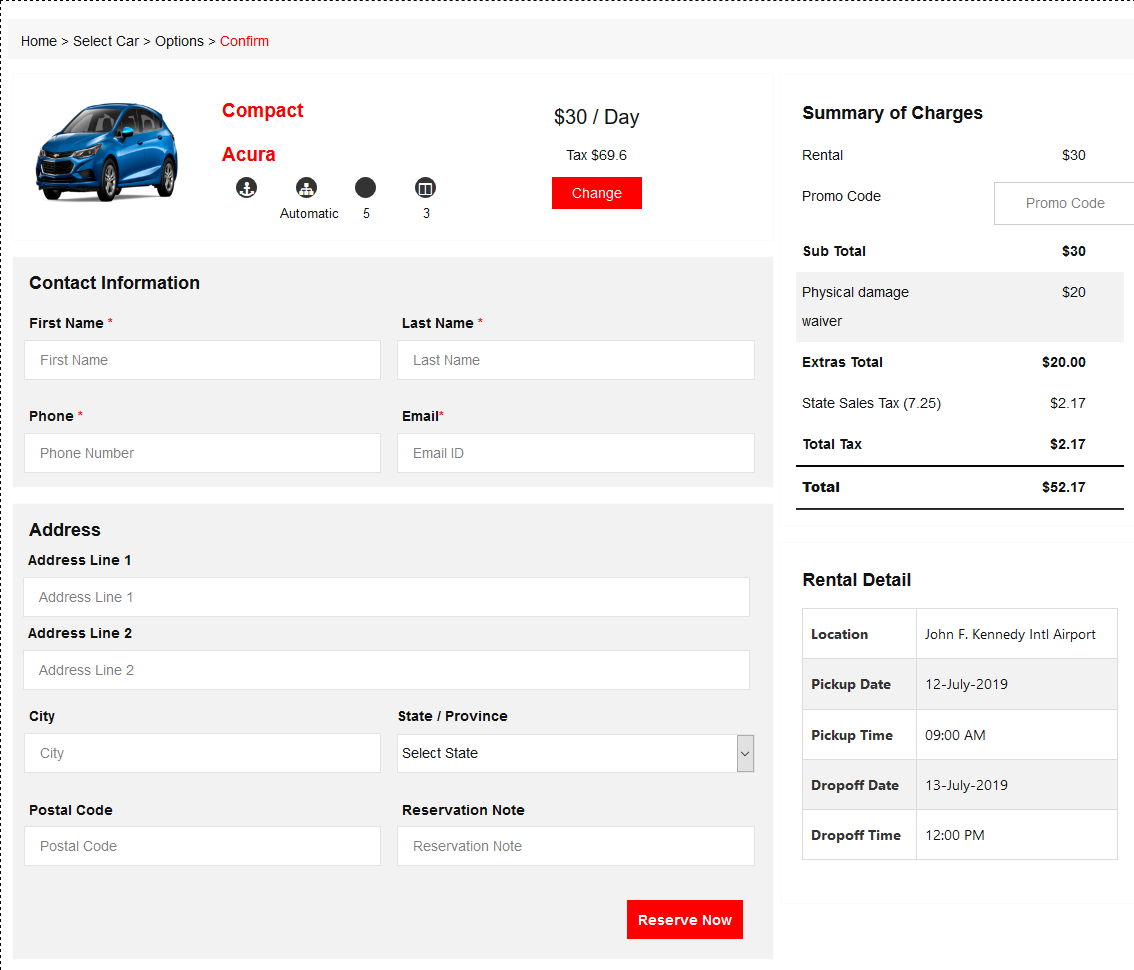
Your customers can simply visit your website and select the vehicle they need and fill in the required information and submit. The reservation made will be sent to your car rental software account with Navotar right away.
Main Features
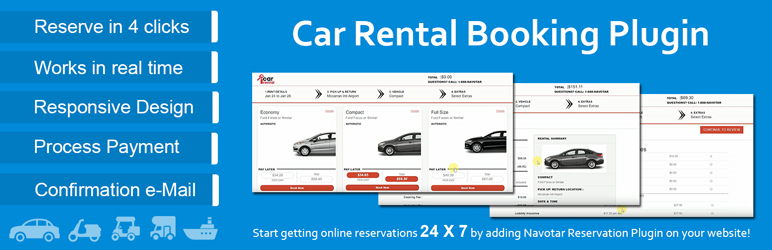
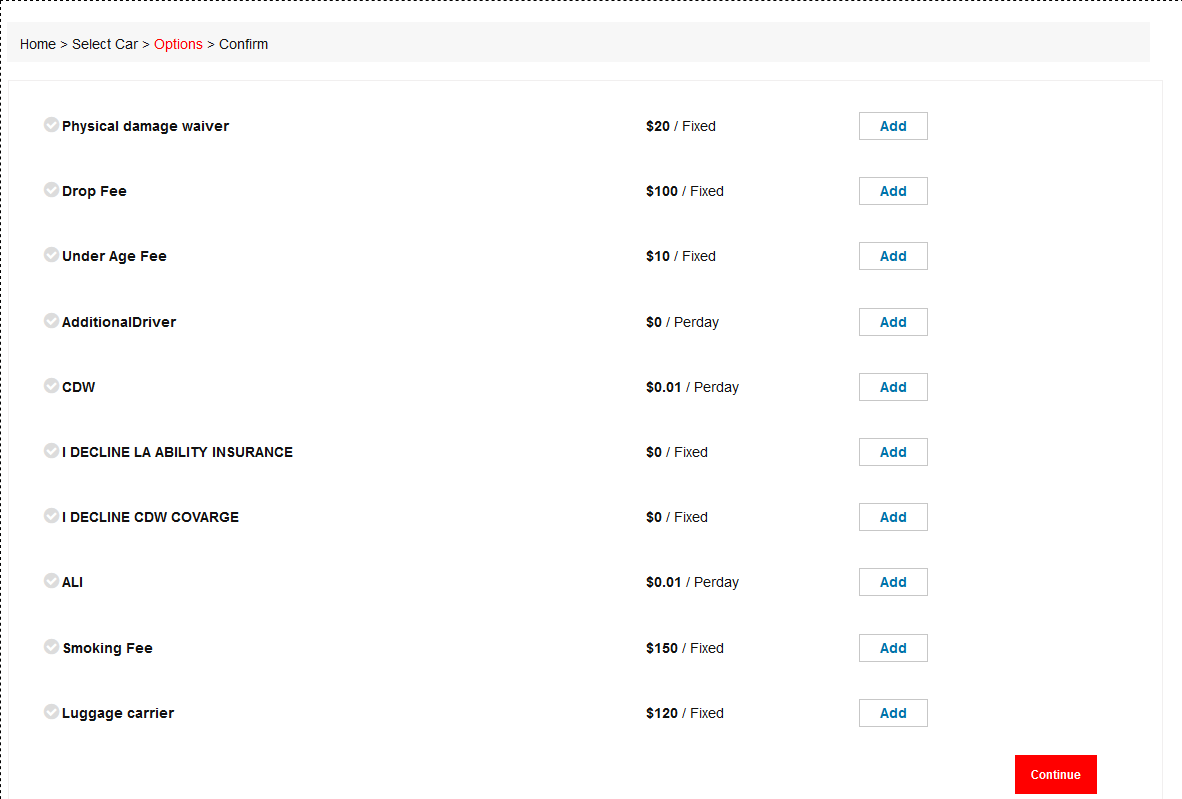
- Reserve in just 4 clicks – With Navotar’s car rental booking plugin, your customers can make reservations in just 4 steps.
- Synced real time – The booking plugin connected with Navotar’s Car Rental Software in real time hence there won’t be any duplication of booking.
- Mobile Friendly Design – Navotar’s car rental reservation plugin is mobile friendly. The screen would alter automatically based on the device you use.
- Secure Payment Processing – You can start getting payments from Navotar’s online reservation plugin. It is 100% secure.
- Email Confirmation – Customers will be notified once the reservations are made.
Check our car rental software demo to get a better idea about Navotar’s Car Rental Software – https://www.youtube.com/watch?v=PvZD3f6-Ycg&feature=youtu.be
스크린샷

설치
- Upload the plugin files to the
/wp-content/plugins/directory, or install the plugin through the WordPress plugins screen directly. - Activate the plugin through the ‘Plugins’ screen in WordPress
- Use the Settings->CR_reservation screen to configure the plugin
FAQ
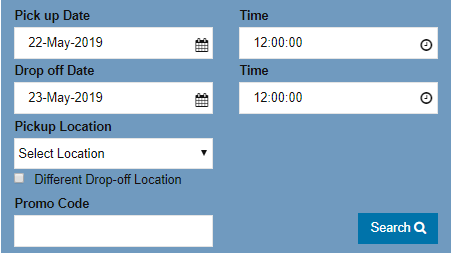
- How to display search form in wordpress page?
-
Activate plugin and go to layout menu. here you find shortcode. paste this shortcode in your page and save it.
Search Form shortcode: [navotarBoxSearch]
후기
이 플러그인에 대한 평가가 없습니다.
