
설명
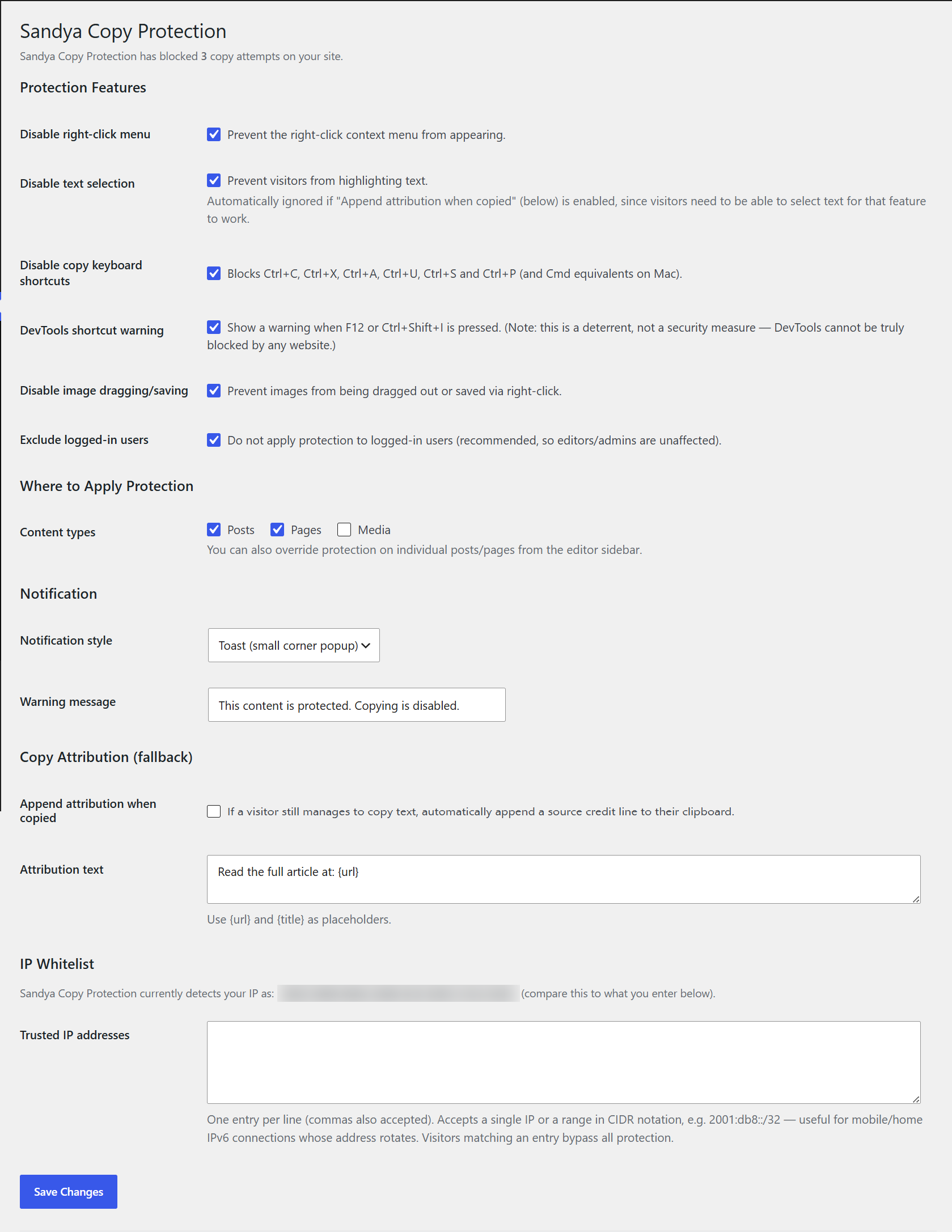
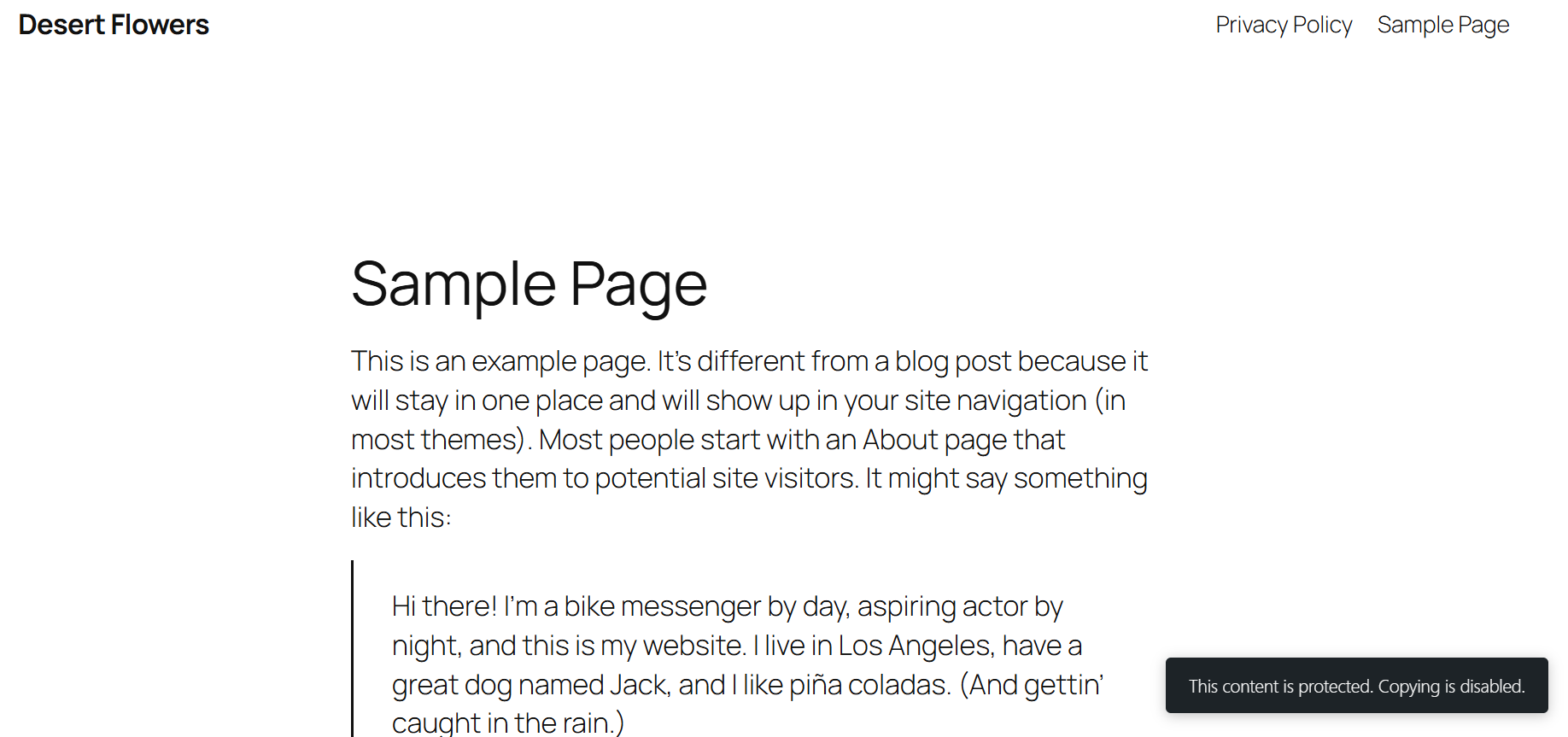
Sandya Copy Protection helps you discourage casual content theft on your WordPress site. It disables the right-click menu, blocks common copy keyboard shortcuts, prevents image dragging, and can show a custom warning message when someone tries to copy your content.
Important note on security expectations: this plugin is a deterrent, not a security guarantee. No plugin (on any platform) can make web content 100% impossible to copy — anyone can still view page source through other means, or take a screenshot. It’s designed to stop the casual copy-paste theft that makes up the vast majority of content scraping, and to make your intent clear to visitors.
Features
- Disable right-click context menu
- Disable text selection
- Disable copy/cut/paste/select-all/view-source/save/print keyboard shortcuts
- DevTools shortcut deterrent warning (F12, Ctrl+Shift+I)
- Disable image dragging and right-click image saving
- Choose which content types are protected (posts, pages, custom post types)
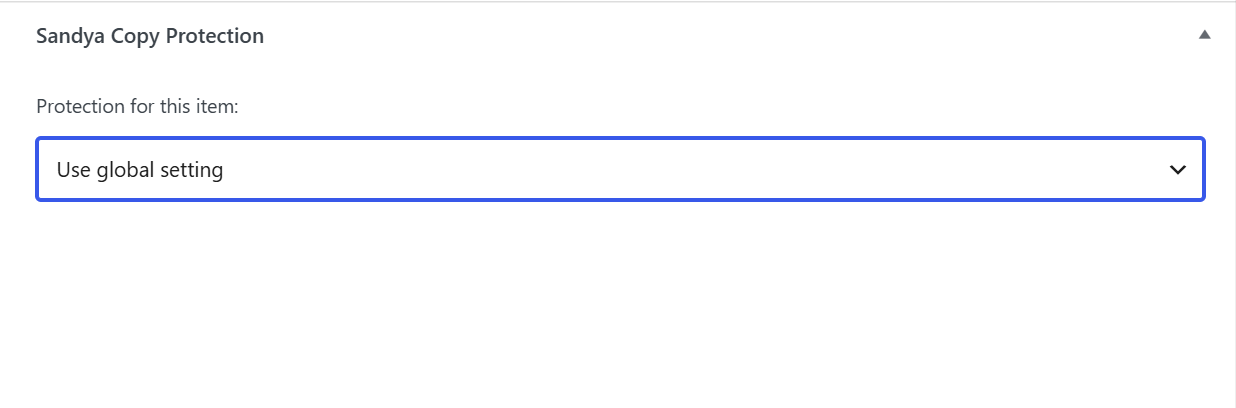
- Per-post/page override from the editor sidebar (force on, force off, or use global setting)
- Exclude logged-in users automatically
- IP whitelist so trusted visitors bypass protection — supports single IPs and CIDR ranges (IPv4 and IPv6)
- Three notification styles: toast, banner, or modal
- Blocked-attempt counter shown right on the settings page
- Optional copy-attribution fallback: automatically appends a source credit line if content is copied anyway
- Lightweight: no jQuery dependency, minimal front-end footprint
- Works on desktop and mobile/touch devices
스크린샷
설치
- Upload the
sandya-copy-protectionfolder to the/wp-content/plugins/directory, or install directly through the WordPress Plugins screen. - Activate the plugin through the ‘Plugins’ screen in WordPress.
- Go to Settings > Sandya Copy Protection to configure protection options.
- Optionally, open any post or page in the editor and use the sidebar box to override protection for that specific item.
FAQ
-
Will this stop all content theft?
-
No plugin can. This plugin deters casual copy-paste theft and screen scraping via keyboard shortcuts, but it cannot prevent someone determined to copy your content through view-source workarounds or screenshots. It significantly raises the friction for casual copying.
-
Will this affect my own ability to edit my site?
-
No. By default, protection is automatically disabled for logged-in users, so editors and admins are unaffected.
-
Can I protect only certain pages?
-
Yes. Use the global “Content types” setting on the settings page, or override protection for an individual post/page directly from its editor sidebar.
-
Does this slow down my site?
-
No. The plugin only loads its small JS/CSS files on pages where protection is active, and both files are lightweight.
-
Does this work on mobile?
-
Yes, the protection scripts work on both desktop and touch devices.
후기
이 플러그인에 대한 평가가 없습니다.
기여자 & 개발자

변경이력
1.0.3
- Renamed from “CopyGuard” to “Sandya Copy Protection” to avoid confusion with an existing historical copy-protection product of a similar name.
1.0.2
- Improved: “Append attribution when copied” now automatically allows text selection, even if “Disable Text Selection” is checked, since the attribution feature needs selectable text to work. No manual toggling required.
1.0.1
- Fix: IP whitelist now correctly detects visitor IPs behind Cloudflare/proxies, supports CIDR ranges (useful for rotating mobile/home IPv6 connections), and validates entries more robustly.
- Fix: resolved a conflict where the copy-shortcut block prevented the copy-attribution fallback from ever running.
- Added: live “currently detected IP” diagnostic on the settings page.
1.0.0
- Initial release.