

설명
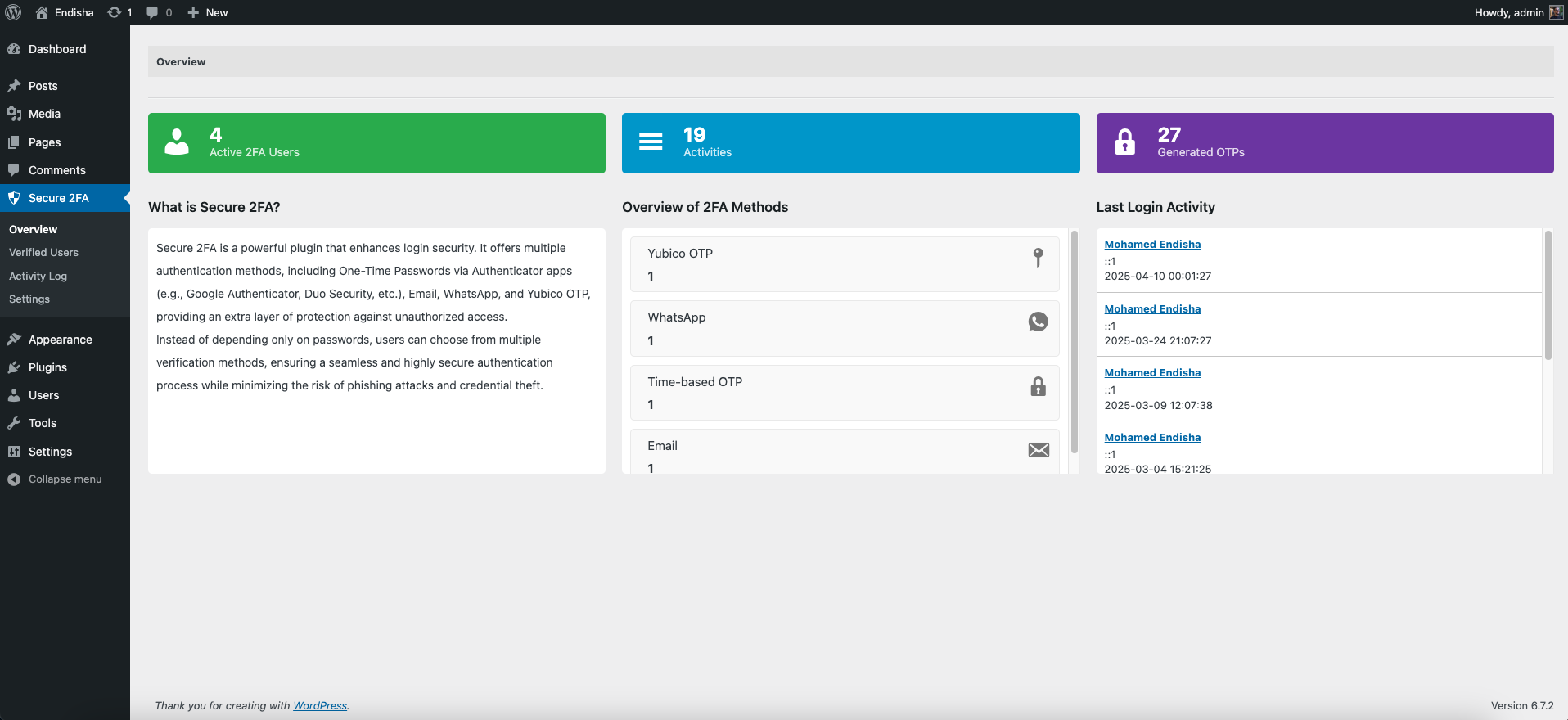
Secure 2FA adds an extra layer of security to your WordPress login process by enabling 2FA via several authentication methods.
Features
- Free two-factor authentication (2FA) plugin
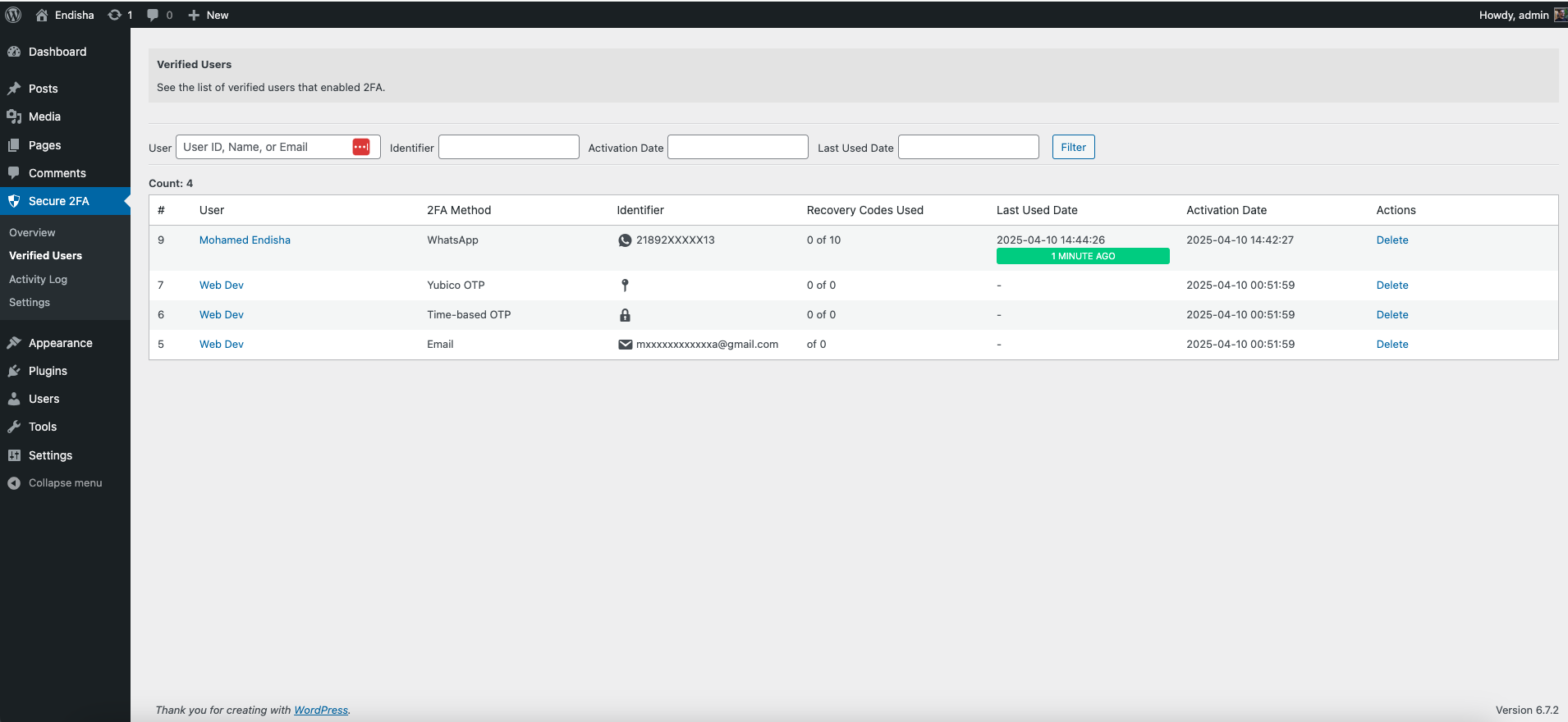
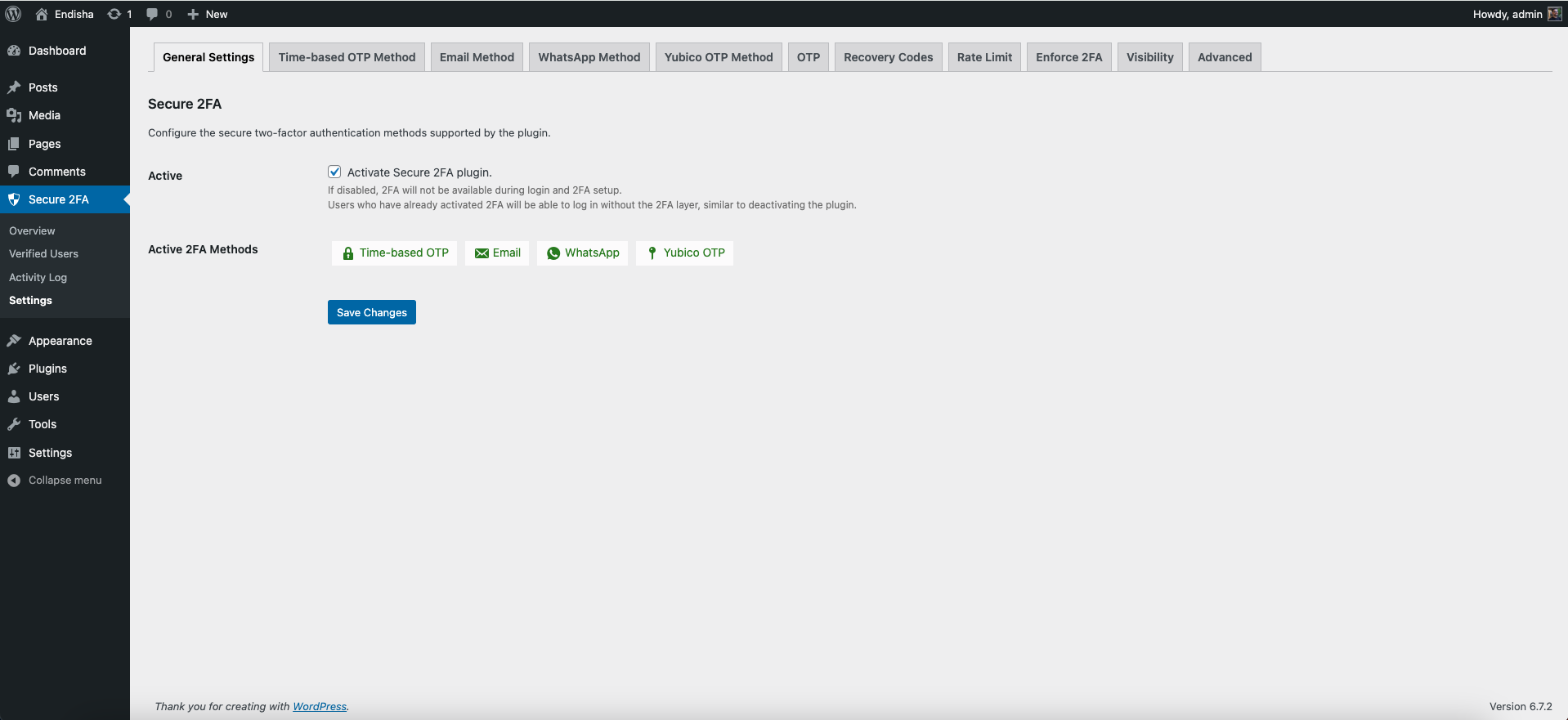
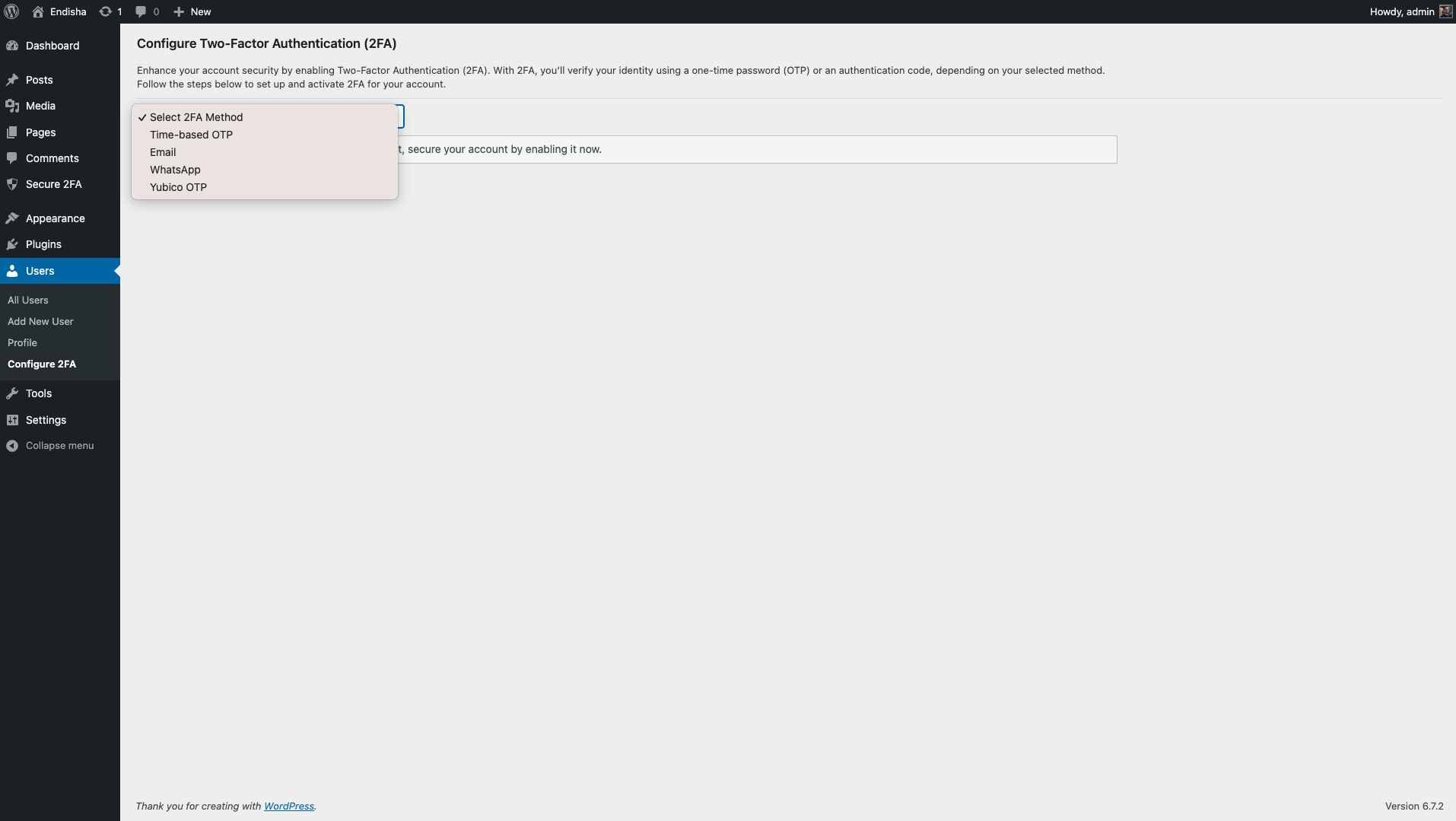
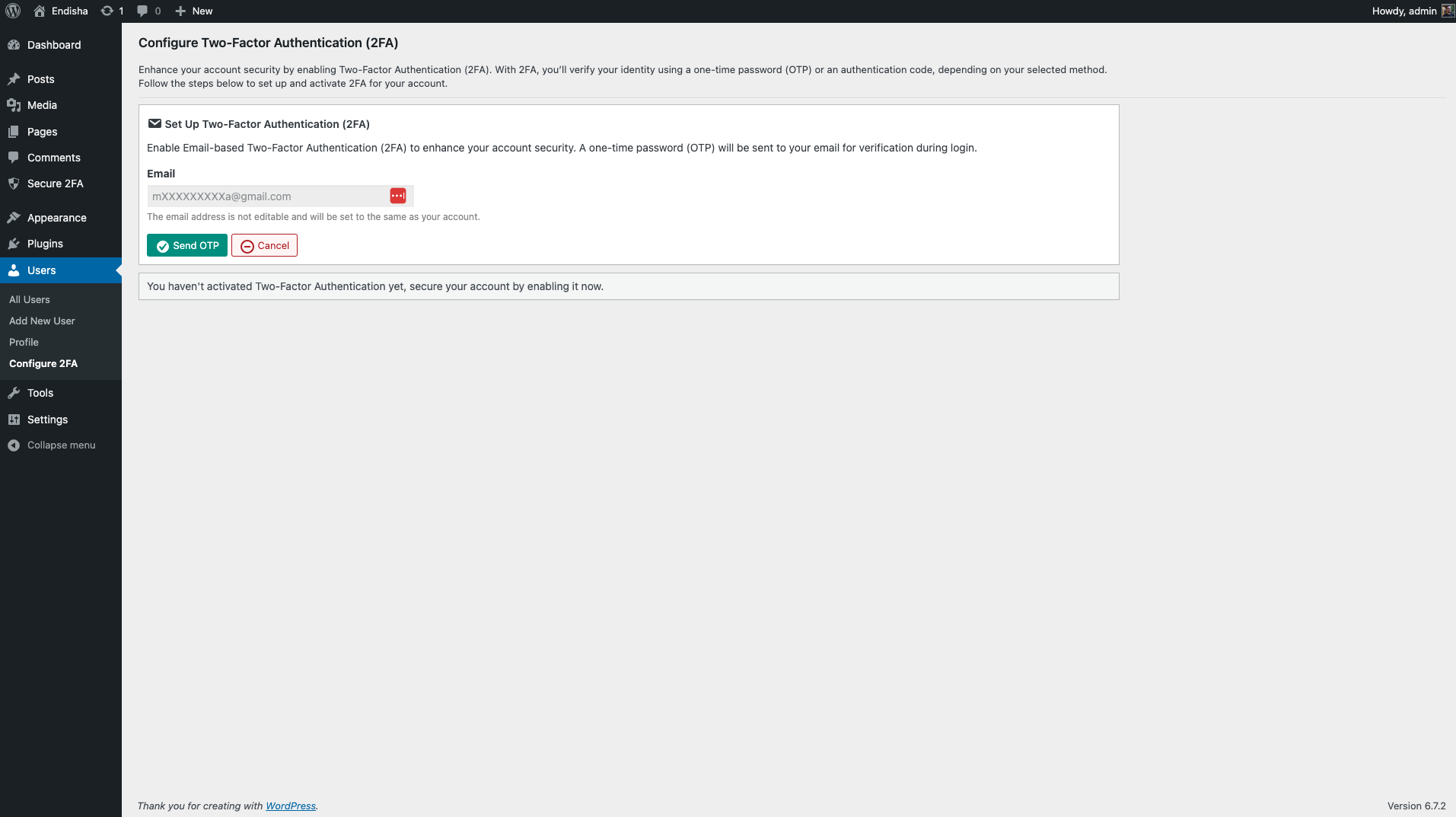
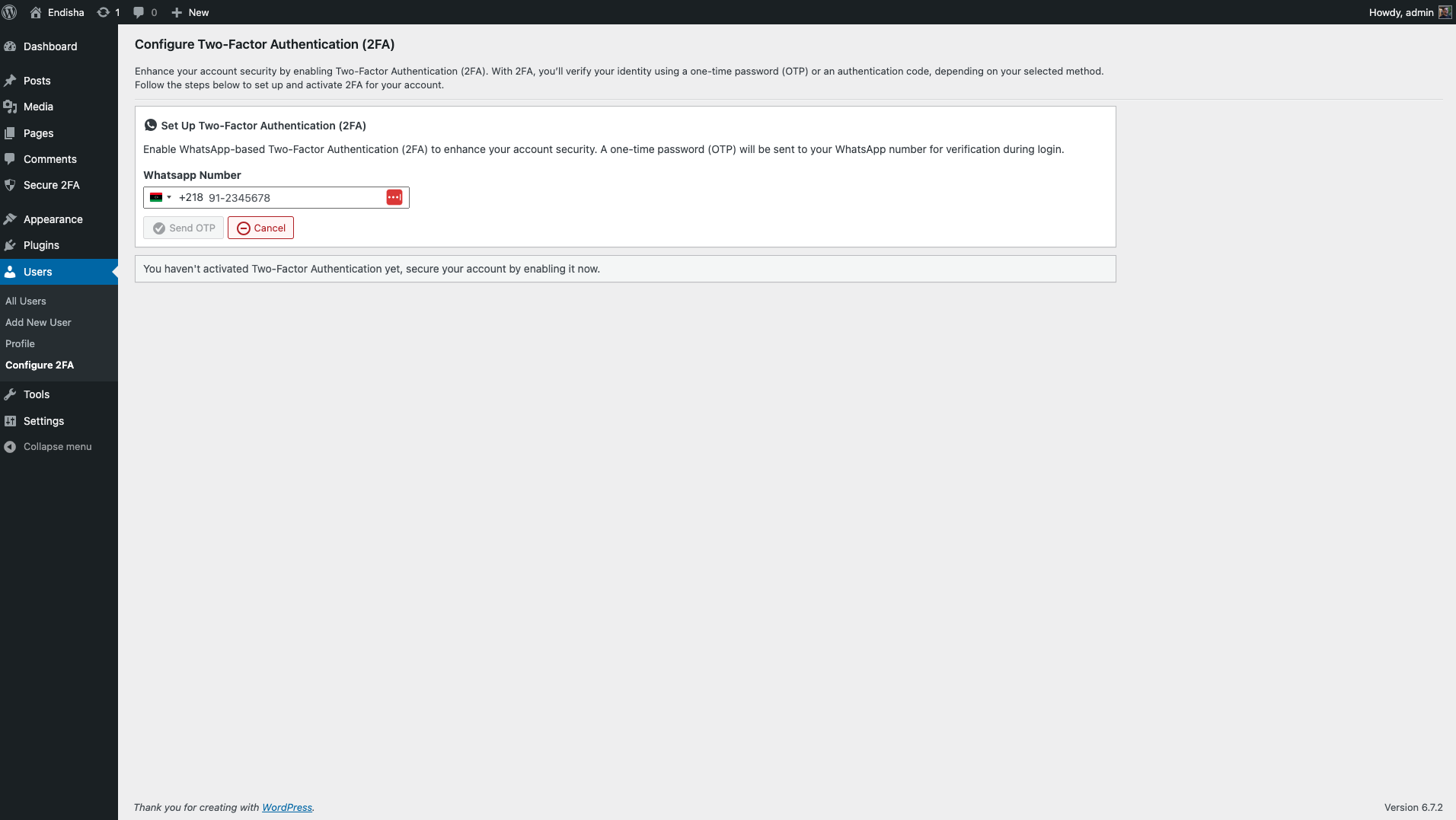
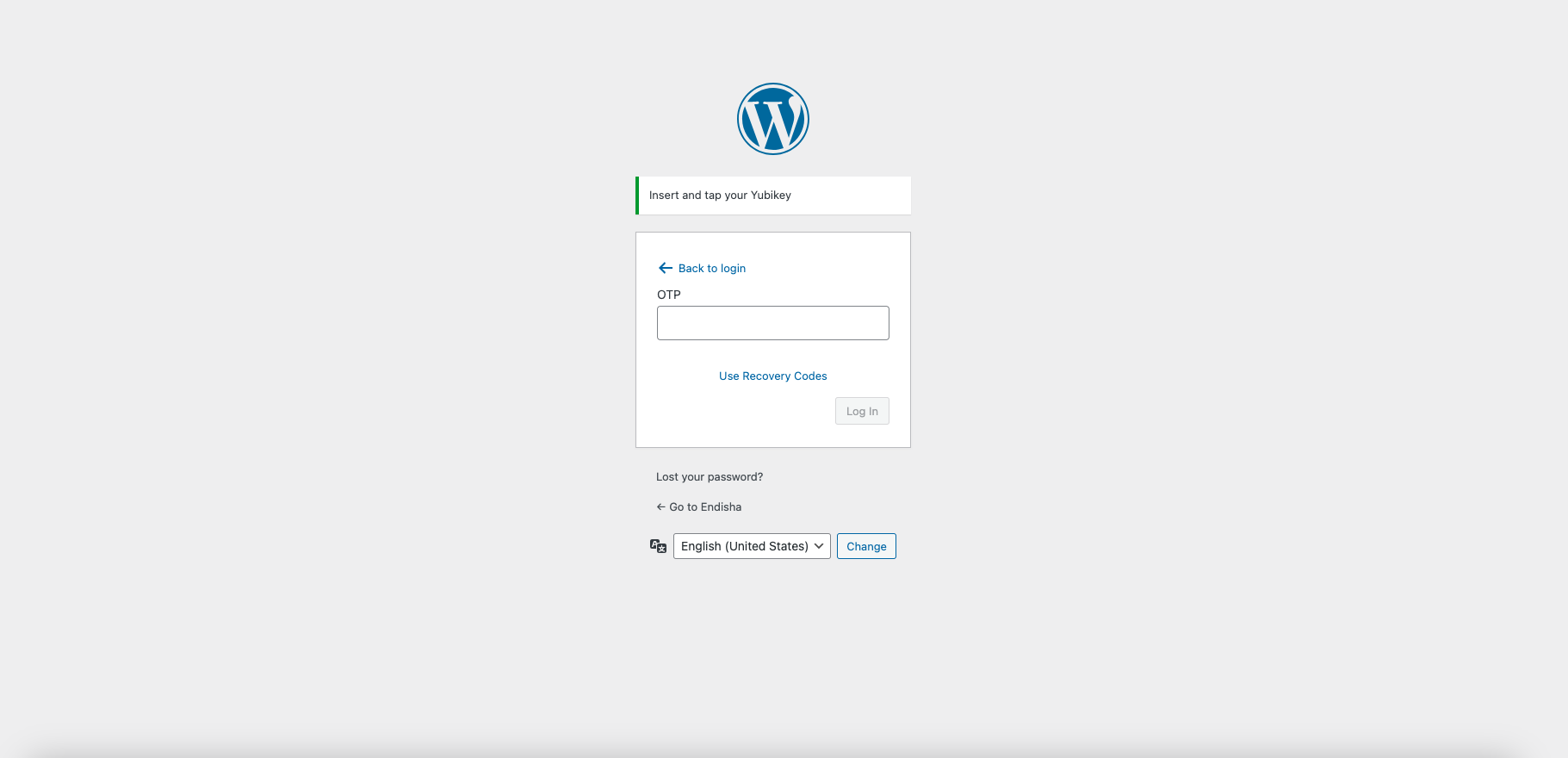
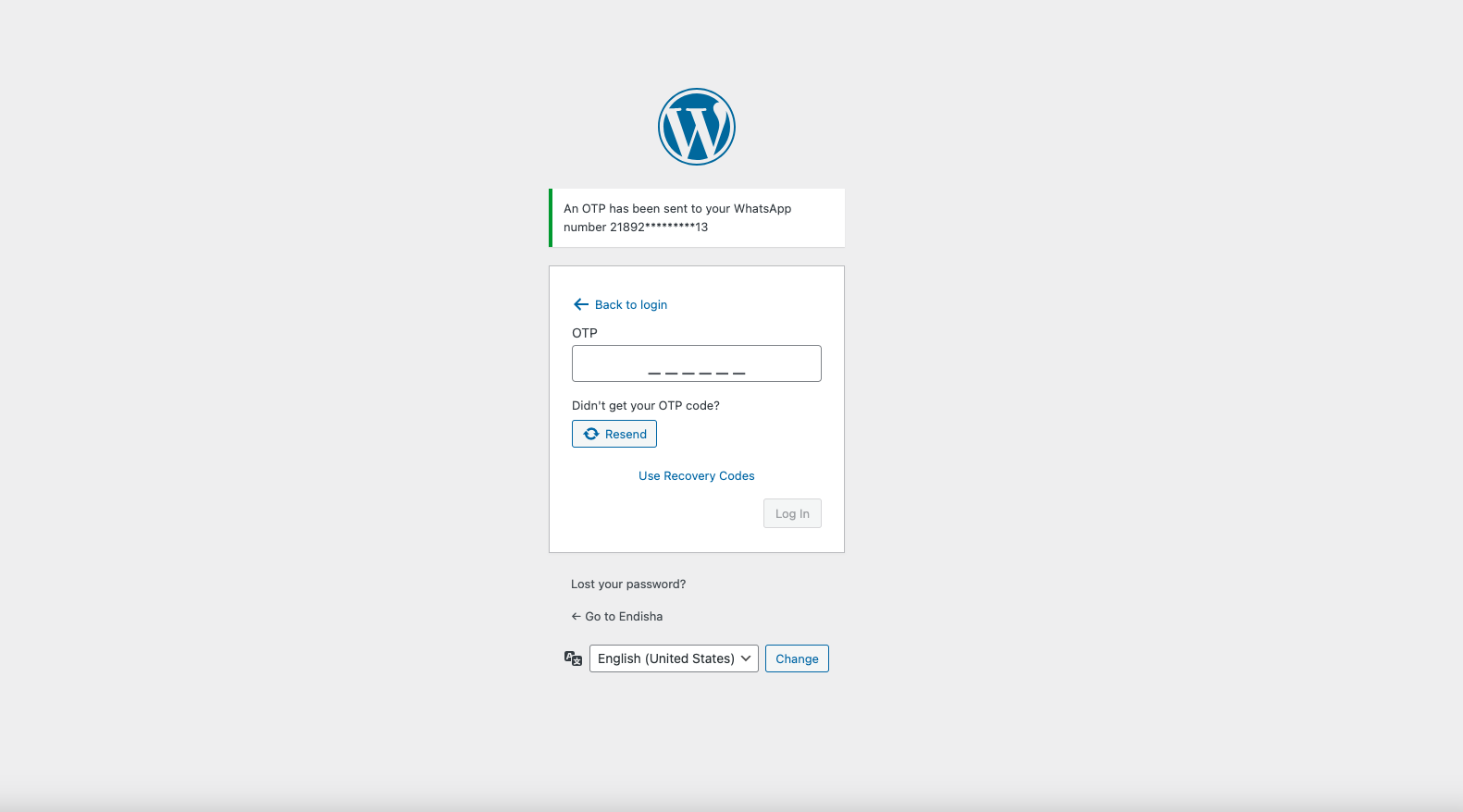
- Multiple authentication methods: One-time password (OTP), Yubico OTP (YubiKey), Email OTP, and WhatsApp OTP
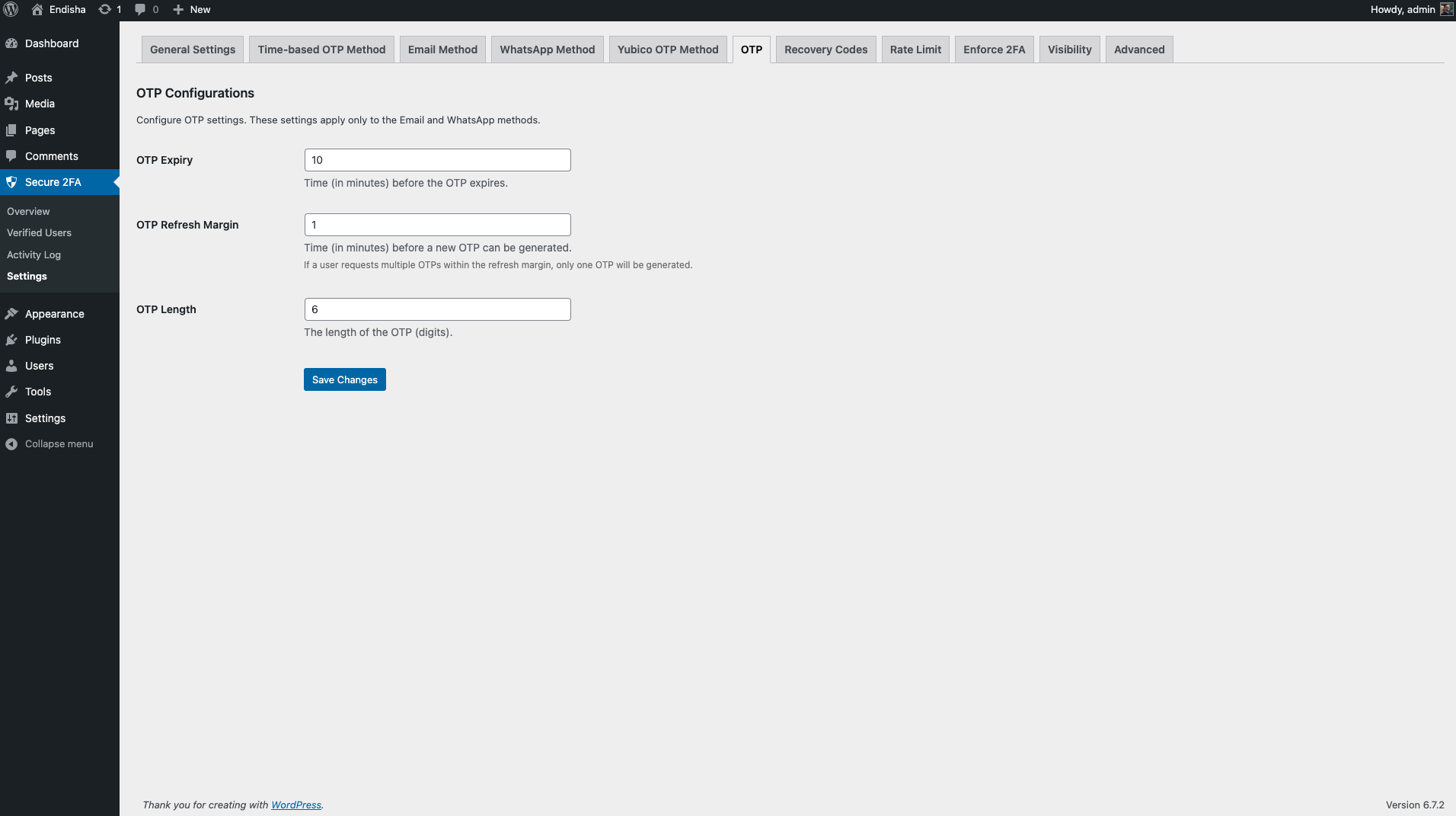
- Customizable OTP configurations: Expiration time, retries, and more
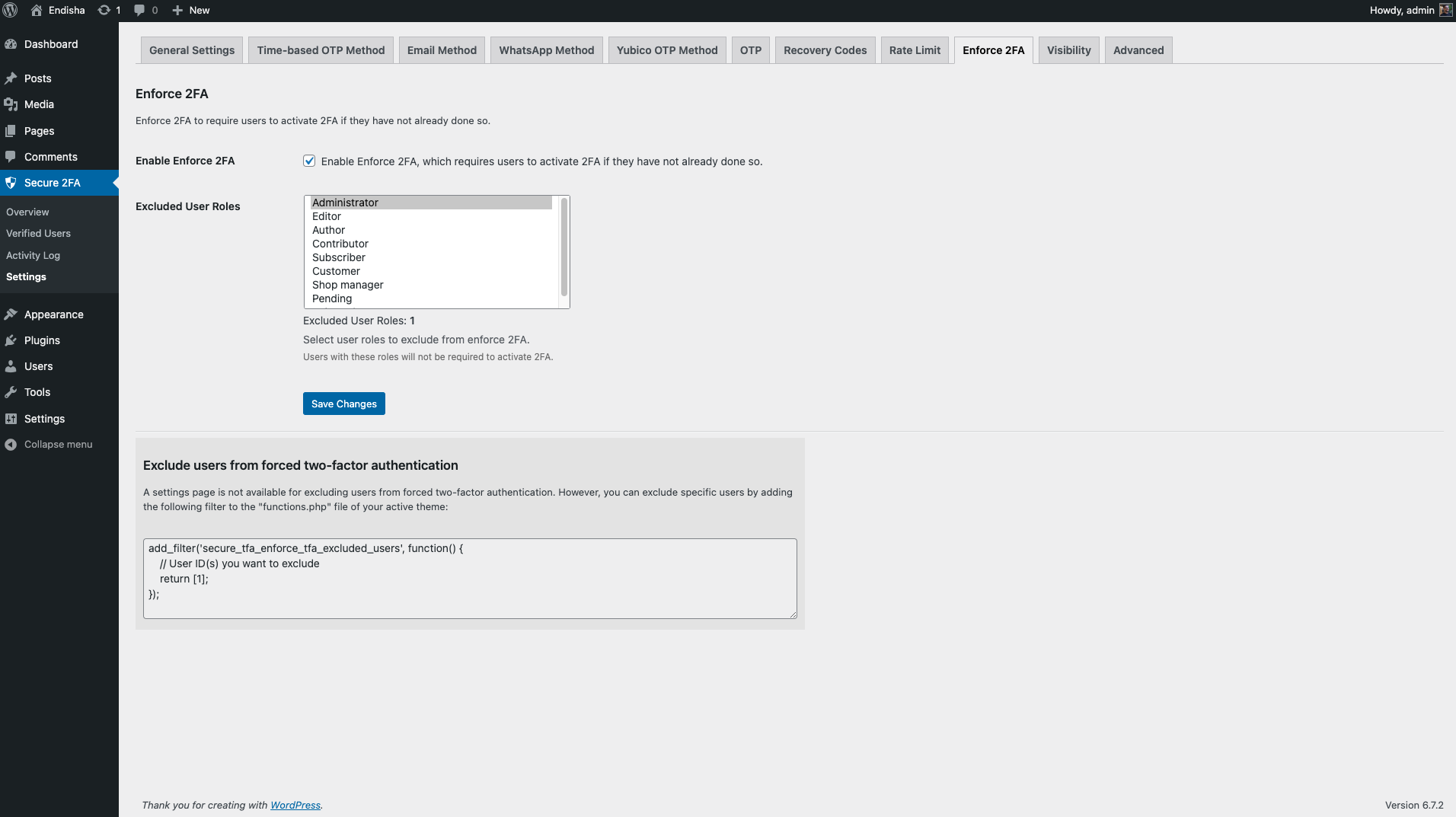
- Role-based enforcement: Require 2FA for all or specific roles while excluding others
- Supports WordPress Multisite and single-site installations
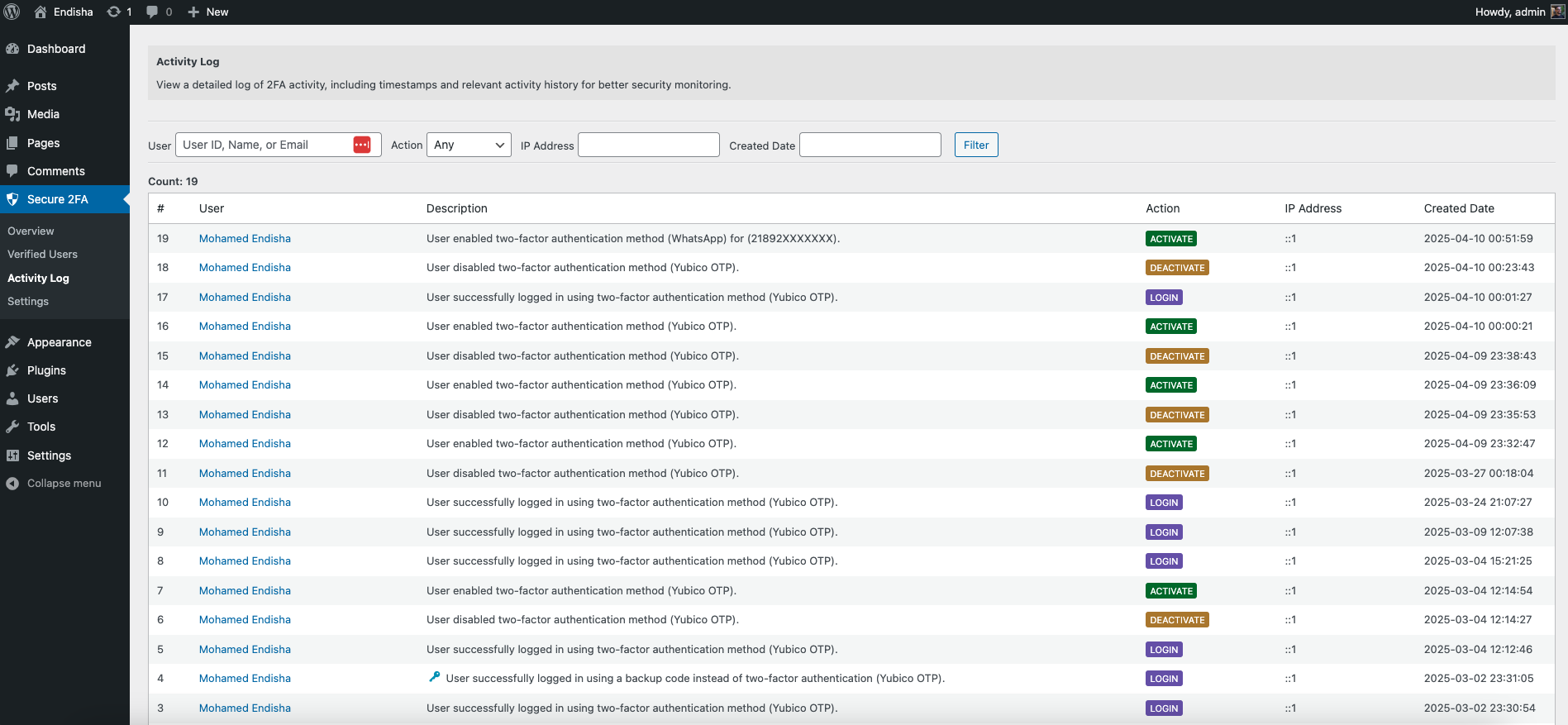
- Activity log tracking: Monitor authentication attempts and security events
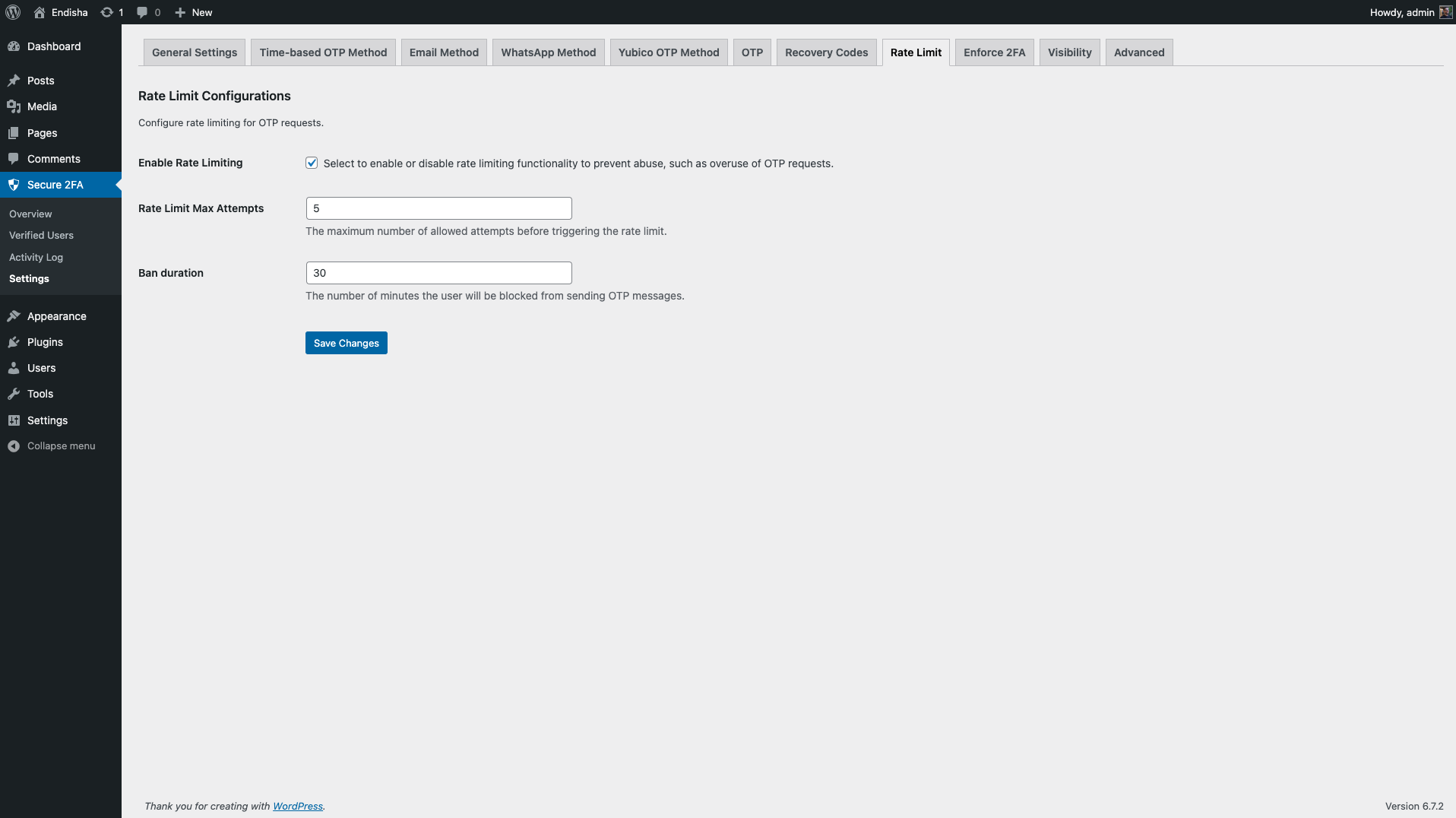
- Rate limiting: Prevent brute-force attacks by limiting OTP requests per user
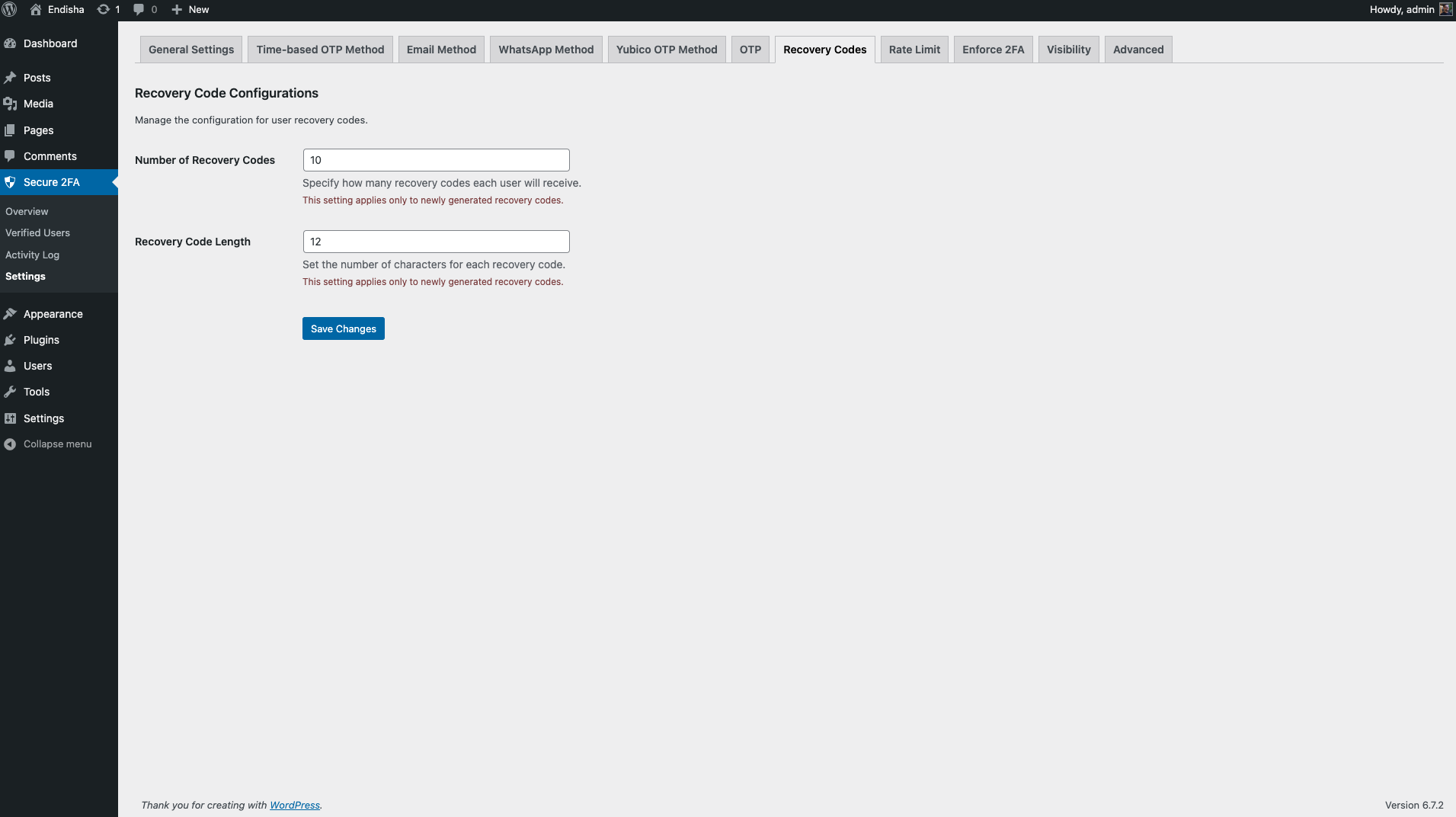
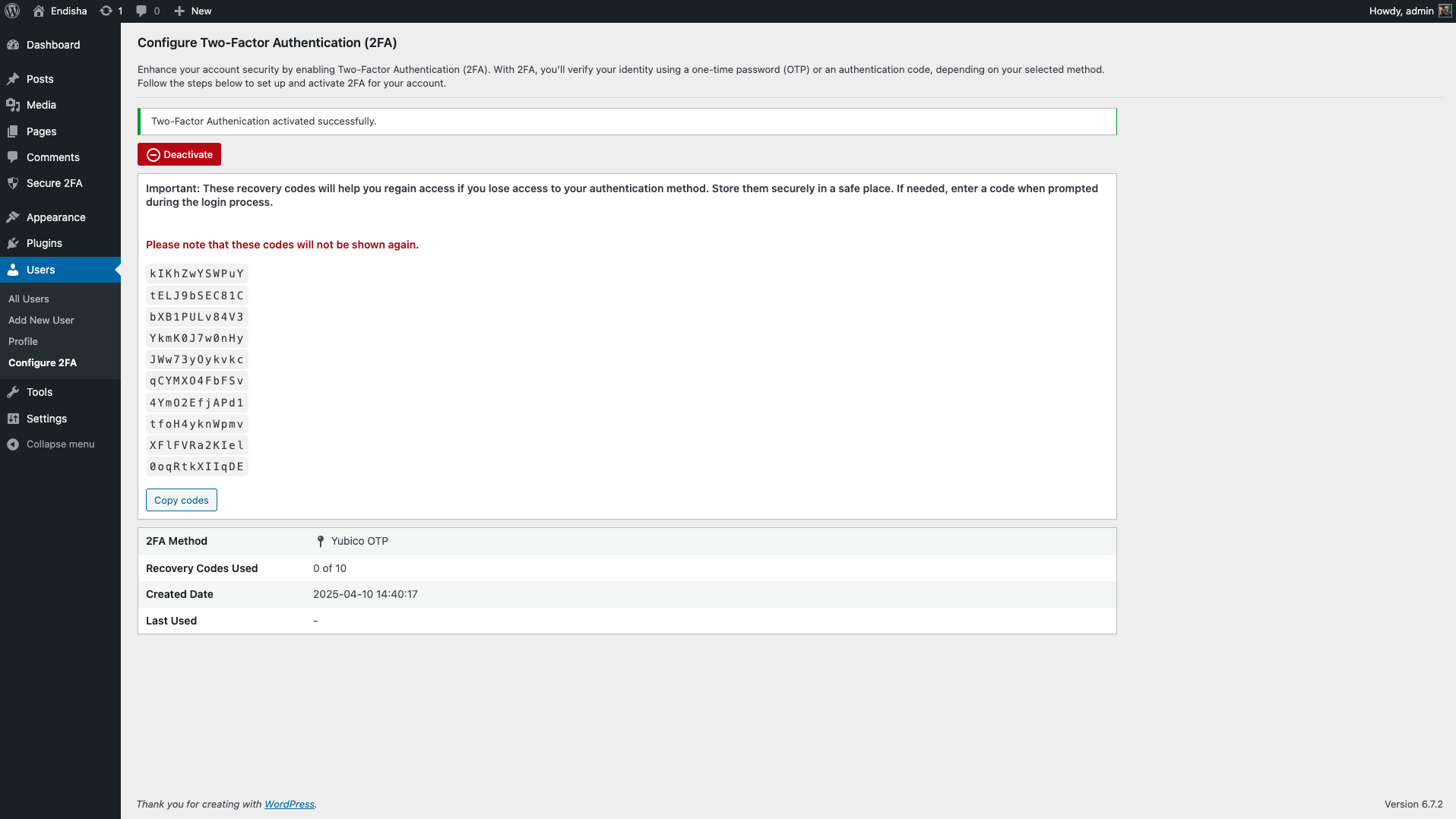
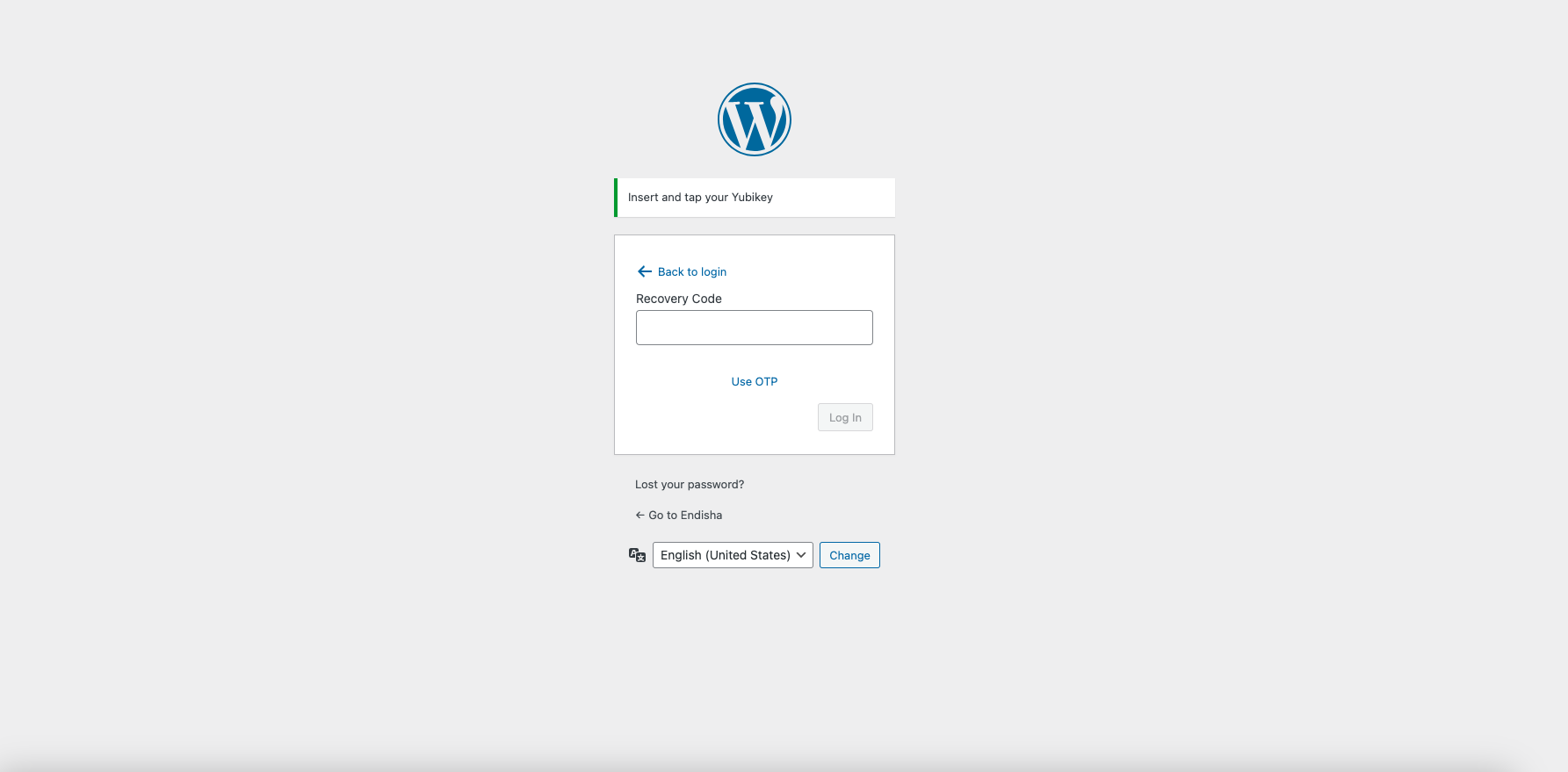
- Backup recovery codes: Allow users to regain access if they lose their primary 2FA method
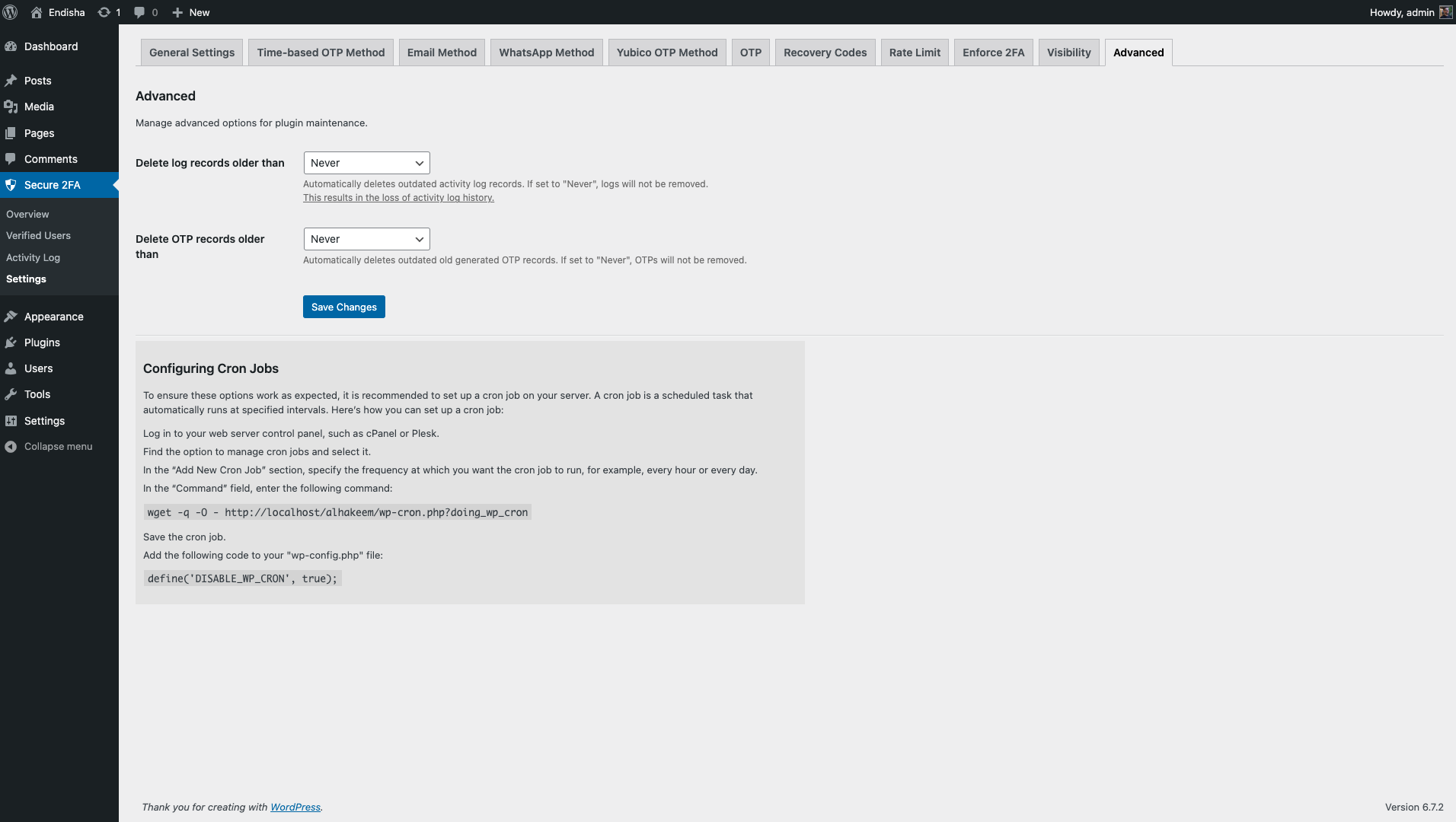
- Automatic log cleanup: Enable or disable automatic deletion of old activity logs with configurable schedules
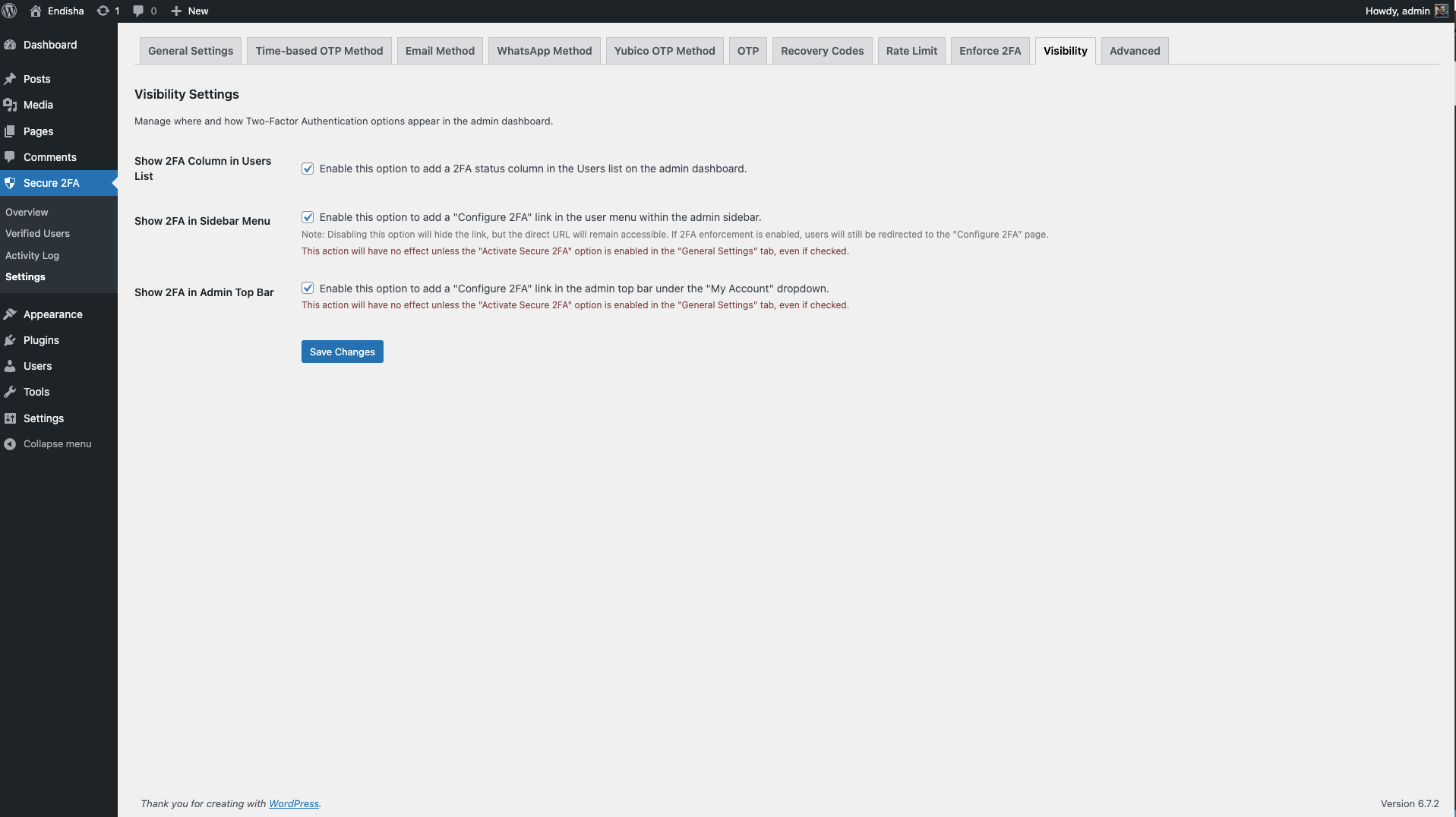
- UI control: Manage the visibility of the “Configure 2FA” option in the sidebar, admin toolbar, and user list
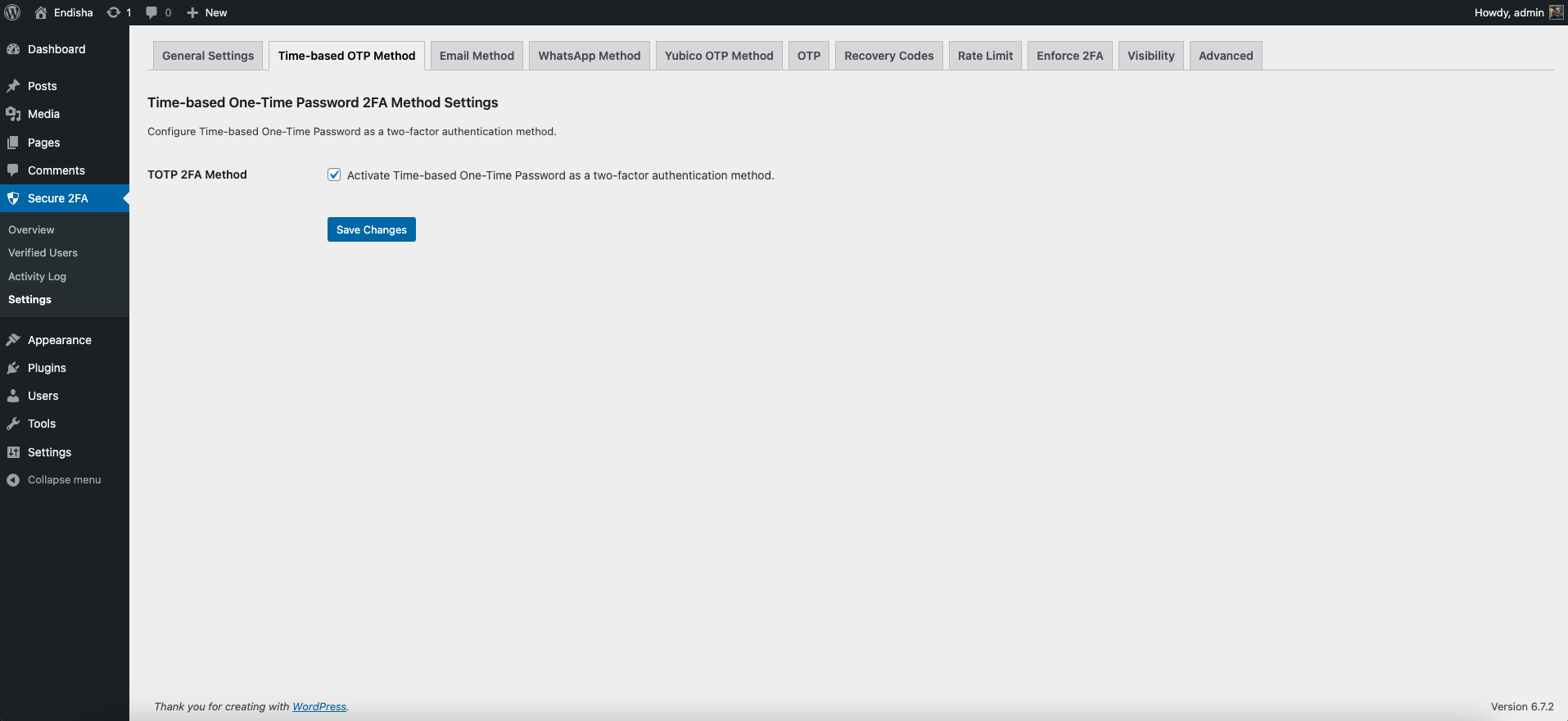
Time-based One-Time Password 2FA Method
- Compatible with diifrent authotcitors apps susch as Google Authenticator and Duo etc.
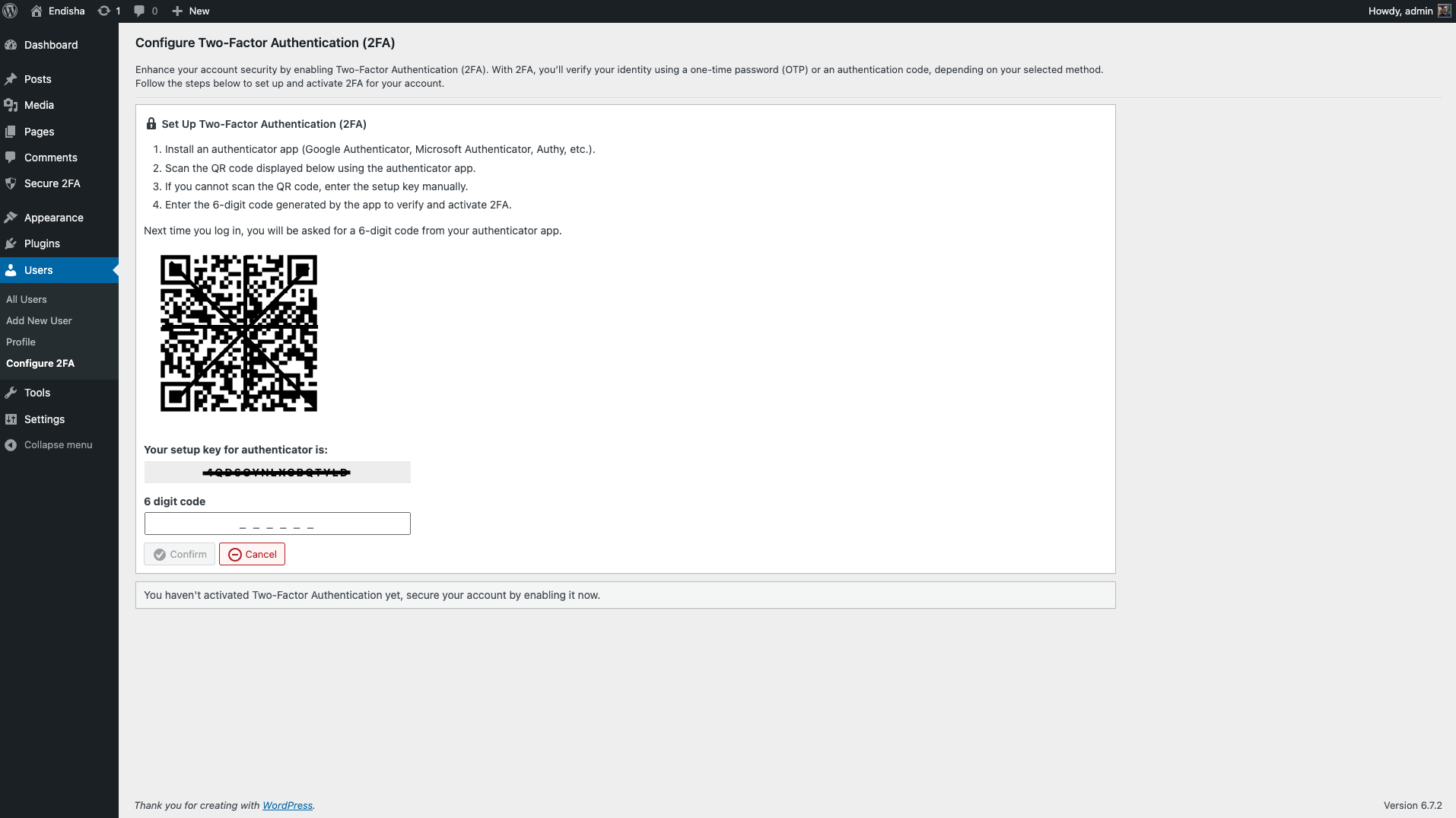
- Generates QR codes during 2FA setup.
- Supports manual setup keys.
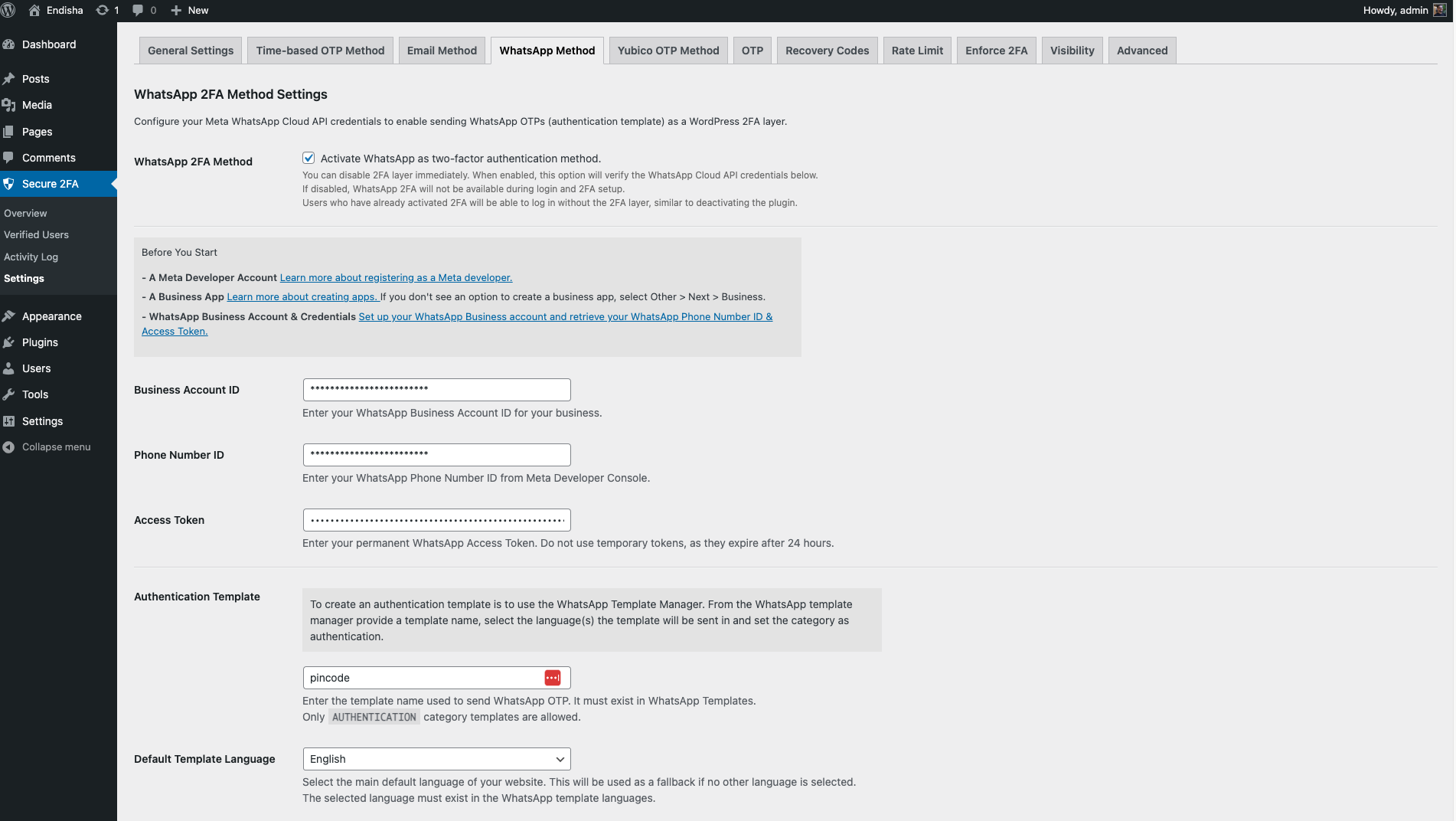
WhatsApp 2FA Method
This method leverages Meta’s official API to send OTPs via WhatsApp authentication template. It supports the following features:
- Set a default template language.
- Support multiple template languages based on the user’s UI language (templates must match WhatsApp requirements).
- Define a base country for phone numbers when configuring 2FA.
- Restrict phone number selection by specifying an allowed countries list.
- Enable IP address lookup to detect the user’s country during 2FA setup.
- Allow or prevent multiple users from using the same phone number.
- Set custom phone number regex patterns to enforce specific formatting rules.
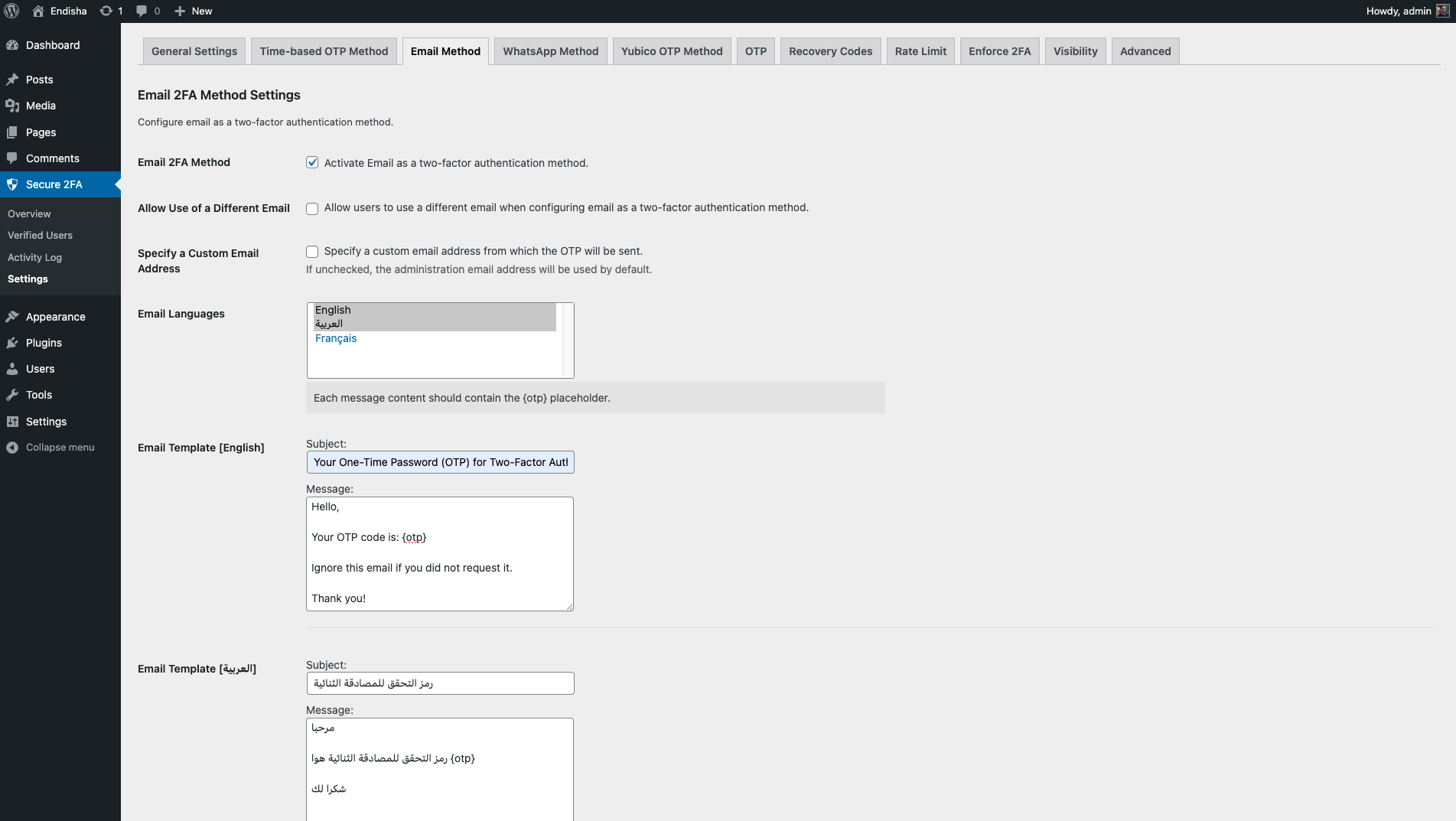
Email OTP 2FA Method
- Allow or disallow users to enter a different email when configuring email as a two-factor authentication method.
- Specify a custom email address from which OTPs will be sent.
- Customize email languages, subject lines, and message content based on supported languages.
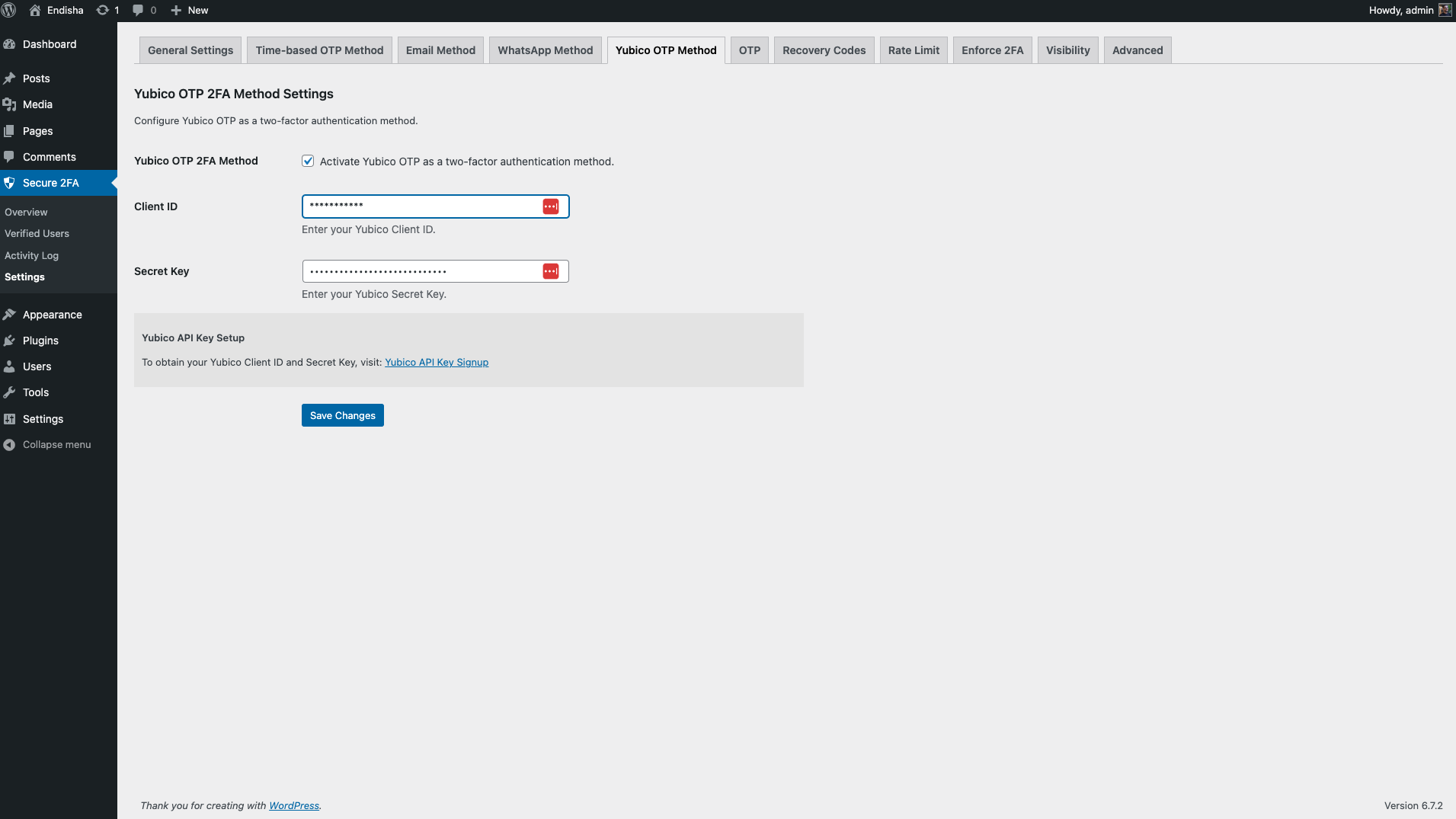
Yubico OTP 2FA Method
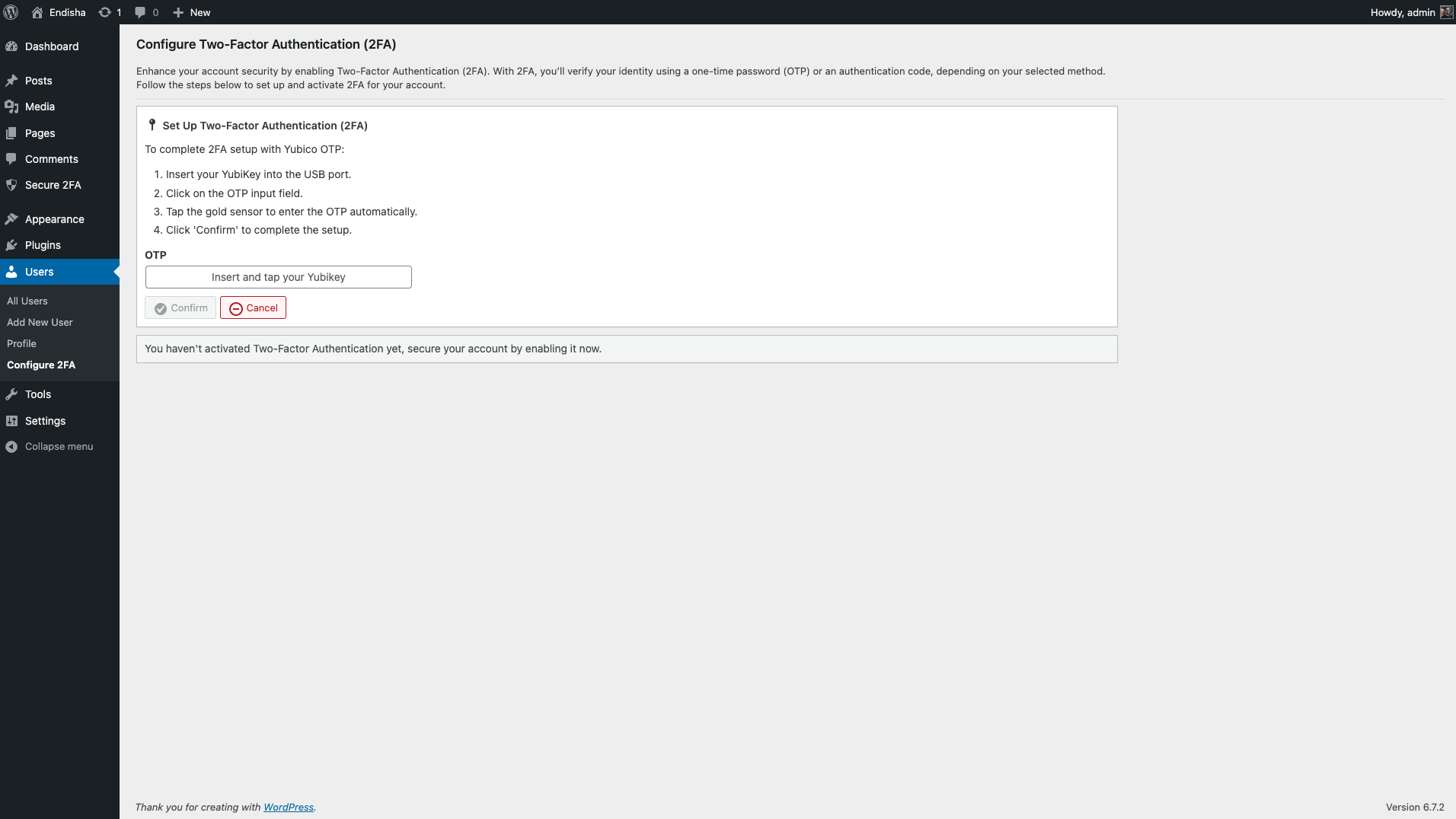
Yubico OTP is a secure and convenient authentication method supported by all YubiKeys out of the box. It provides an additional layer of security as a second-factor authentication option.
Requirements
- WordPress 6.0 or newer.
- PHP version 7.4 or newer.
External Library and Services Usage
- The plugin utilizes the intl-tel-input library to provide phone number formatting functionality.
- The plugin integrates with Meta’s WhatsApp Business API, which is subject to Meta’s Terms of Service and pricing policies. You may need to subscribe to a third-party WhatsApp API method or a Meta-approved Business Solution Provider to use this service. For details, visit Meta’s WhatsApp Business API documentation.
- The plugin integrates with the Yubico OTP API. It securely sends the user’s one-time password (OTP) to Yubico’s verification service to authenticate login attempts. Review Yubico’s Terms & Conditions and Privacy Notice for more details.
License
Secure 2FA is licensed under the GNU General Public License v2 or later.
스크린샷
설치
Minimum Requirements
- PHP 7.4 or greater is recommended.
- MySQL 5.6 or greater is recommended.
Automatic installation
Automatic installation is the easiest option — WordPress will handle the file transfer, and you won’t need to leave your web browser. To do an automatic install of Secure 2FA, log in to your WordPress dashboard, navigate to the Plugins menu, and click “Add New.”
In the search field, type “Secure 2FA” and click “Search Plugins.” Once you’ve found it, you can view details such as the point release, rating, and description. Most importantly, you can install it by clicking “Install Now,” and WordPress will take care of the rest.
Manual installation
The manual installation method requires downloading the Secure 2FA plugin and uploading it to your web server via your favorite FTP application. The WordPress codex contains [instructions on how to do this here](https://wordpress.org/support/article/managing-plugins/ #manual-plugin-installation).
FAQ
-
How do I enable and configure Secure 2FA?
-
After activating the plugin, a “Secure 2FA” menu item will appear in your WordPress admin dashboard’s sidebar.
-
Can I disable enforcement 2FA for specific user roles?
-
Yes, you can configure enforce 2FA settings to exclude certain roles from 2FA enforcement.
-
How Can I exclude specific users from enforced two-factor authentication?
-
There is no settings page available for excluding users from forced two-factor authentication. However, you can exclude specific users by adding the following filter to the “functions.php” file of your active theme:
<?php add_filter('secure_tfa_enforce_tfa_excluded_users', function() { // User ID(s) you want to exclude return [1]; }); -
What happens if a user doesn’t receive the OTP?
-
If a user doesn’t receive their OTP, they should:
- Wait a few minutes and try again.
- Use their backup recovery codes to regain access if OTP delivery fails.
- If the issue persists, the site administrator can assist with troubleshooting by checking the activity logs for the user or deactivate 2FA for that user.
- If you are the site administrator, check the
Handling and Troubleshooting Issuesbelow for further assistance.
-
Handling and Troubleshooting Issues
-
If you’re facing issues logging in or not receiving OTPs due to 2FA method issue or email or API problems, and you need to regain access to your WordPress account, you can configure the following constants in the
config.phpfile to help resolve these issues:define( 'SECURE_TFA_DISABLE_PLUGIN', true ) ;This constant disables the 2FA login process and temporarily deactivates its functionality, although the plugin remains active.
define( 'SECURE_TFA_DISABLE_ENFORCE_TFA', true ) ;This constant disables the enforced 2FA requirement for users who have not yet enabled it.
후기
이 플러그인에 대한 평가가 없습니다.
기여자 & 개발자

변경이력
1.0.0 – 2025-04-10
- Initial release.