

설명
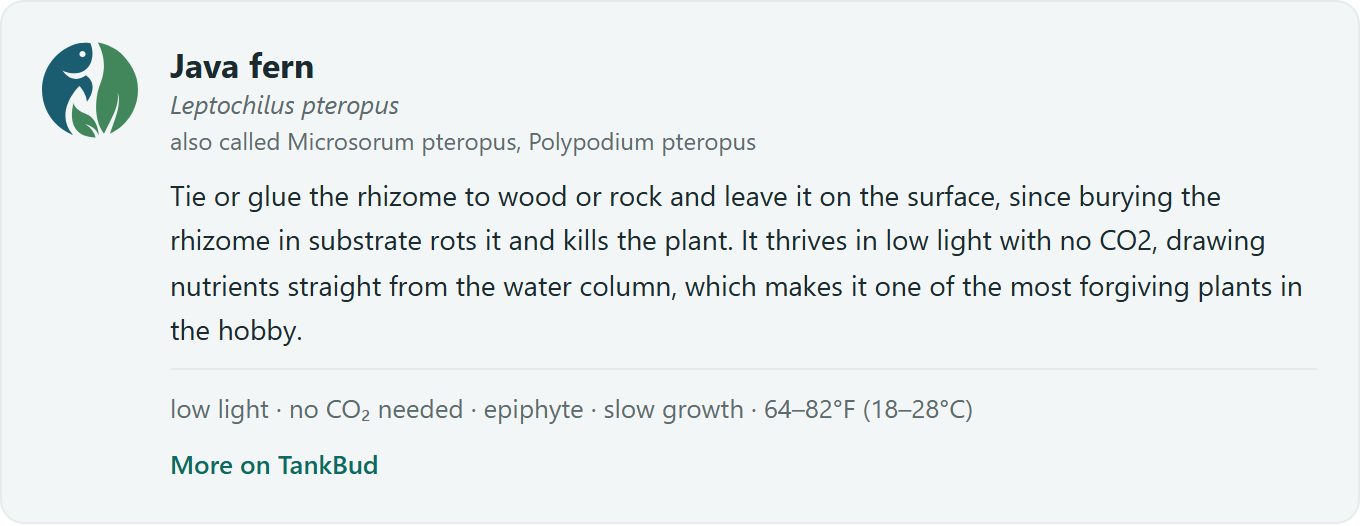
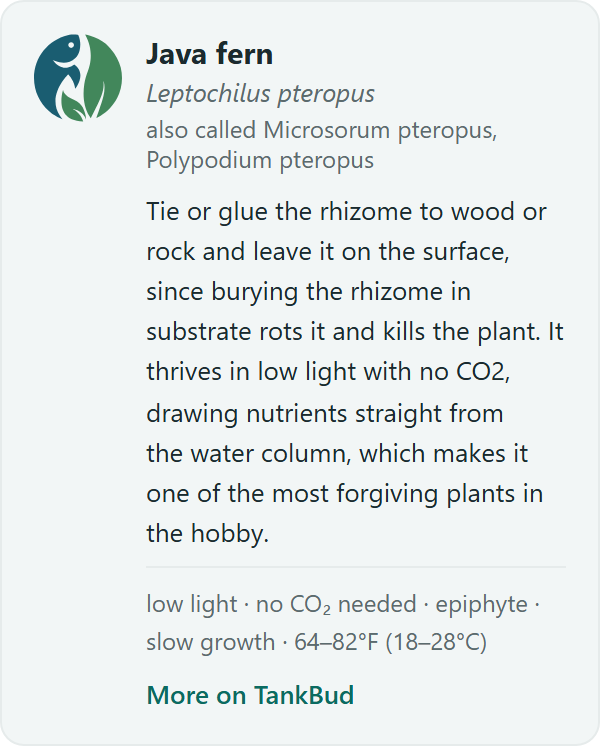
Writing about a fish or plant you stock or keep? Drop in a TankBud species card instead of typing care details by hand. The card shows the species name, a short blurb, and quick care facts from the TankBud catalog, with a link to the full care guide on tankbud.com.
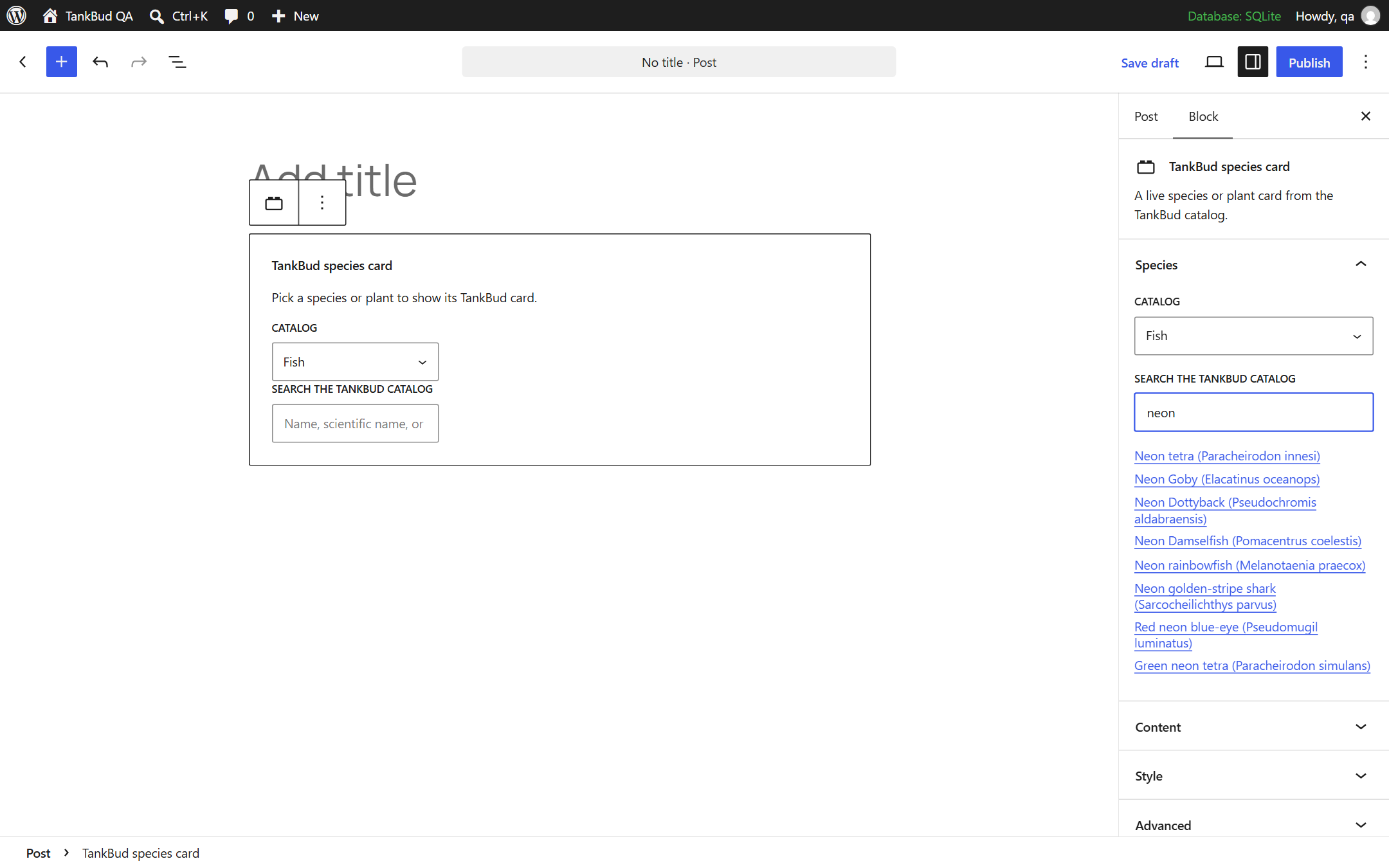
- Search the catalog by common name, scientific name, or alternate names, right in the editor.
- Works as a block (posts, pages, and block widget areas) and as shortcodes for everywhere else, including WooCommerce product descriptions:
[tankbud_species slug="neon-tetra"]and[tankbud_plant slug="java-fern"]. - Configure what shows: names, blurb, facts as an inline line or a stacked list, text link or button, background and accent colors, and a light text mode for dark themes.
- Save site-wide display defaults under Settings, and override per card.
- Content is cached on your server for 12 hours, so pages stay fast and keep rendering even if tankbud.com is unreachable.
Setup guide and examples: https://tankbud.com/wordpress-plugin
Trademarks and content
The TankBud name and the TankBud mark are trademarks of TankBud. This plugin’s GPL license covers the plugin code and does not grant trademark rights. Catalog content fetched from tankbud.com (species and plant names, blurbs, and care facts) remains copyright TankBud and is provided for display in these cards.
External services
This plugin fetches catalog content from tankbud.com. All requests are server to server: your visitors’ browsers never contact TankBud, and no visitor data is sent. Two kinds of requests are made: card content (the selected species or plant slug, at most every 12 hours per card, identified by a TankBud-WP user agent that includes your site URL) and editor search (the query typed in the species picker, only while an editor is searching). See the TankBud privacy policy at https://tankbud.com/privacy.
스크린샷


블록
이 플러그인은 1개의 블록을 제공합니다.
- TankBud species card A live species or plant card from the TankBud catalog.
설치
- Upload the plugin zip under Plugins, Add New, Upload Plugin, then activate it.
- Add the TankBud species card block to a post, page, or widget area, and pick a species.
- Optionally set site-wide display defaults under Settings, TankBud Species Cards.
FAQ
-
Where does the content come from?
-
The TankBud catalog at tankbud.com. Care details and prose are maintained there; your cards update automatically within about 12 hours of a catalog change.
-
Can I remove the TankBud logo or link?
-
No. The card content is free to embed, and the logo plus the link back are the attribution for it.
-
The card shows nothing after I pick a species
-
Your host may block outgoing requests from WordPress. If your wp-config.php defines
WP_HTTP_BLOCK_EXTERNAL, add tankbud.com to the allowlist:define( 'WP_ACCESSIBLE_HOSTS', 'tankbud.com' );. The card also stays hidden rather than breaking your page whenever content cannot be fetched.
후기
이 플러그인에 대한 평가가 없습니다.
기여자 & 개발자

변경이력
1.0.0
- First release: species and plant cards, block and shortcodes, editor search, site defaults, local caching.