

설명
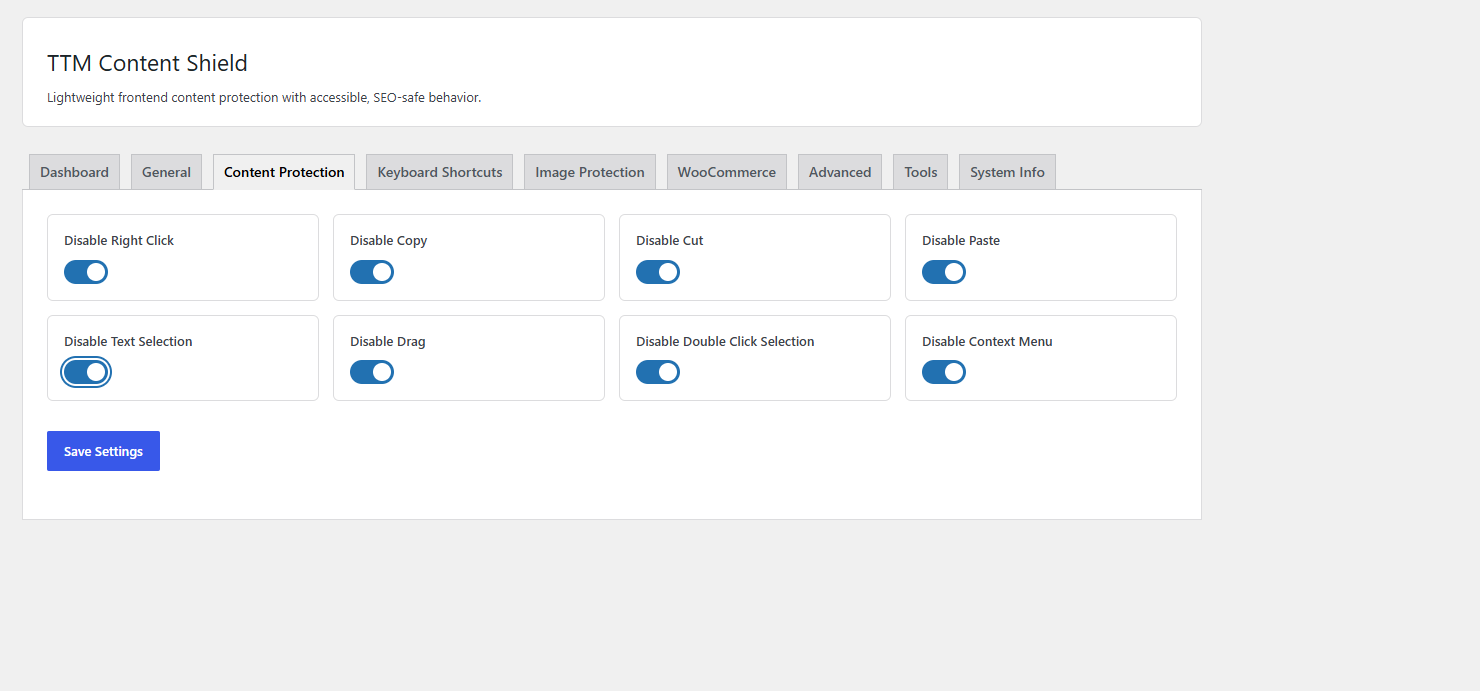
TTM Content Shield helps reduce casual content copying while preserving performance, SEO compatibility, and accessibility. It uses lightweight vanilla JavaScript, loads assets only when protection applies, and includes settings for content, keyboard, image, mobile, WooCommerce, targeting, whitelist, and tools.
Features include:
• Disable right-click context menu
• Disable text selection
• Prevent copy, cut and paste
• Disable common keyboard shortcuts (Ctrl+C, Ctrl+U, Ctrl+S, F12, etc.)
• Prevent image dragging and saving
• Mobile touch protection
• WooCommerce product protection
• Page, post and custom post type targeting
• User role exclusions
• Whitelist specific pages or content
• Lightweight frontend assets
• SEO friendly implementation
스크린샷


설치
- Upload the plugin files to the
/wp-content/plugins/ttm-content-shielddirectory. - Activate the plugin through the Plugins screen in WordPress.
- Configure settings under Settings > TTM Content Shield.
FAQ
-
Does this block search engines?
-
No. The plugin runs in the browser for normal frontend visitors and does not alter page content for indexing.
-
Can developers extend it?
-
Yes. The plugin exposes filters and actions such as
ttm_cs_modules,ttm_cs_after_dashboard,ttm_cs_after_settings,ttm_cs_should_protect, andttm_cs_frontend_config. -
Does it work with WooCommerce?
-
Yes. You can enable protection for WooCommerce product pages.
-
Does it slow down my website?
-
No. The plugin uses lightweight vanilla JavaScript and only loads frontend assets when protection is enabled.
후기
이 플러그인에 대한 평가가 없습니다.
기여자 & 개발자

변경이력
1.0.0
- Initial release.