

설명
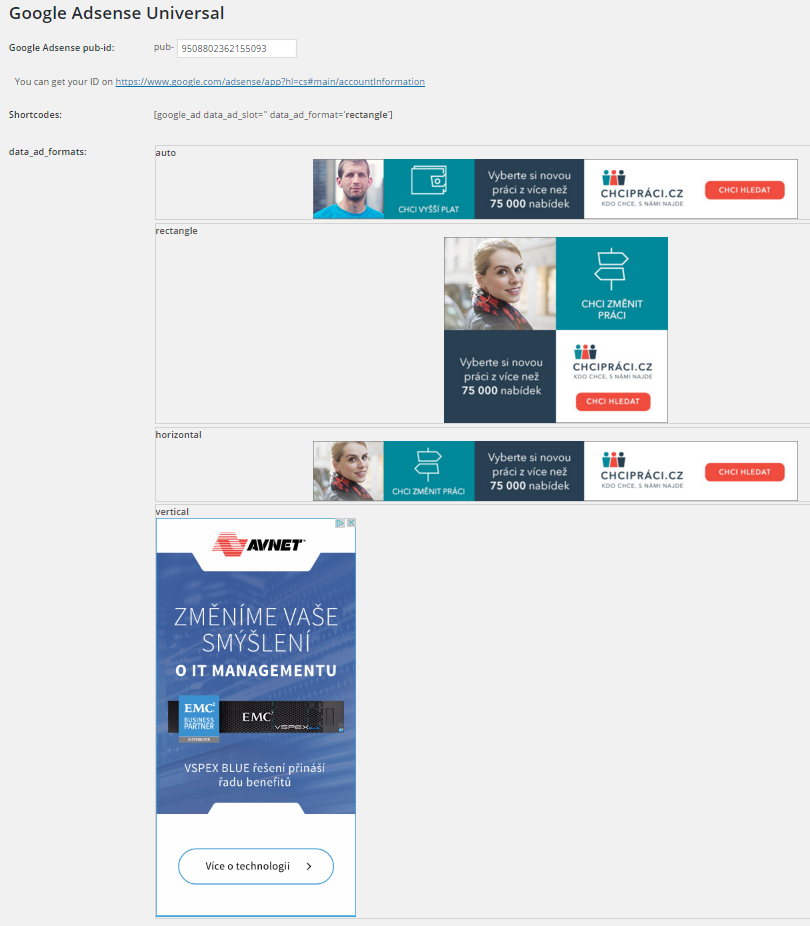
Insert Google Adsense into widget area and don´t worry about any settings. You can also insert a shortcode to your content and set ad format if you want.
Features:
-
Google Ads widget allow multiple ads on the page
-
Shortcode to insert your ad to content
-
No settings needed, just insert your pub-id and show your ads.
Shortcode:
[google_ad data_ad_slot='' data_ad_format='auto']
data_ad_slot:
-you can specify which exact ad you want to display
data_ad_format:
-auto
-rectangle
-horizontal
-vertical
스크린샷
설치
- Upload
google_ads_universalfolder to the/wp-content/plugins/directory - WordPress의 ‘플러그인’ 메뉴에서 플러그인을 활성화하세요.
- Go to settings and insert yout pub-id
FAQ
How can i set ads dimensions?
You can´t, Google will do it for you. This plugin do it for you as simple as possible.

기여자 & 개발자

변경이력
1.0
- First version