

설명
Set it once. Every upload updates itself.
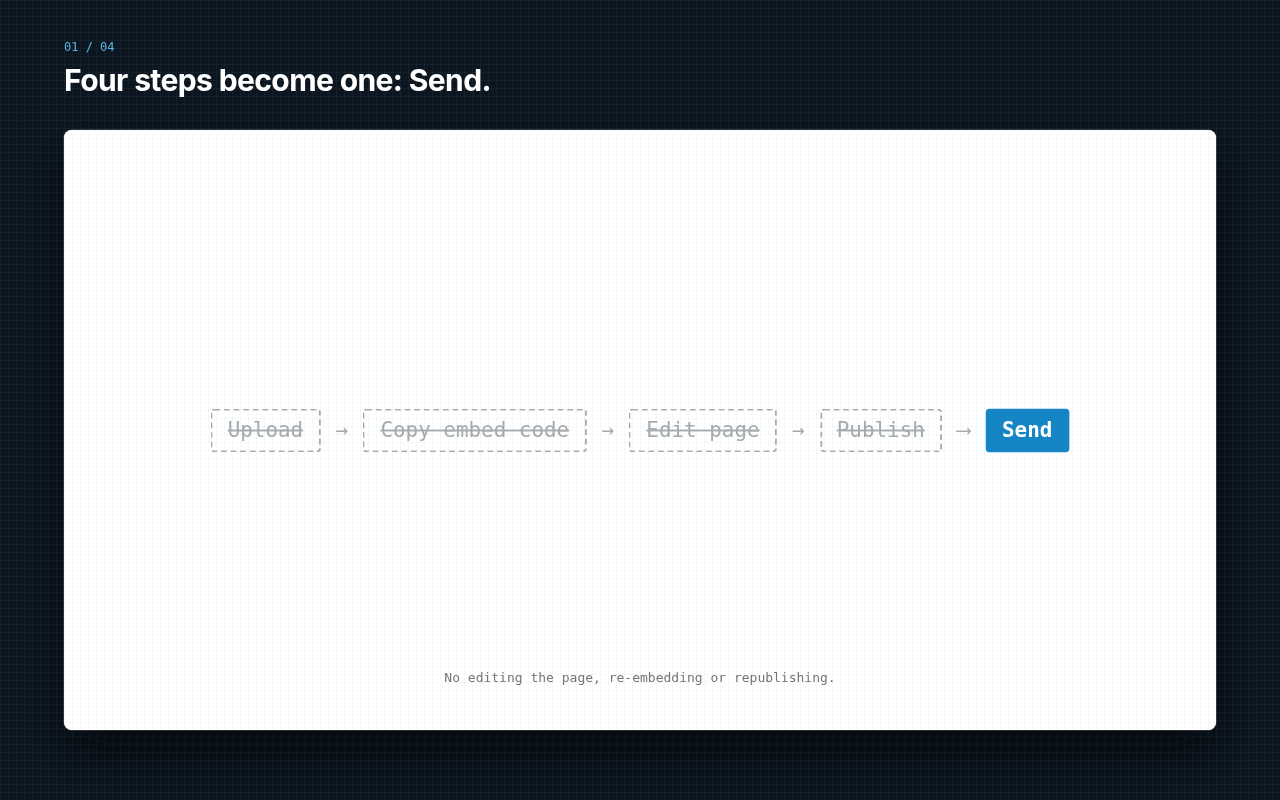
The usual flow is Upload, Copy embed code, Edit page, Publish. With VidUP it is one step: Send.
VidUP gives every account one player link, https://play.vidup.co/<your code>. VidUP is built on patented technology: each new upload replaces the video on the same player, so your page updates automatically. Embed it once and never touch the page again.
Get your free player code
Don’t have VidUP yet? Get your free player code by signing up in the VidUP app. Your player code is in your VidUP account.
Features
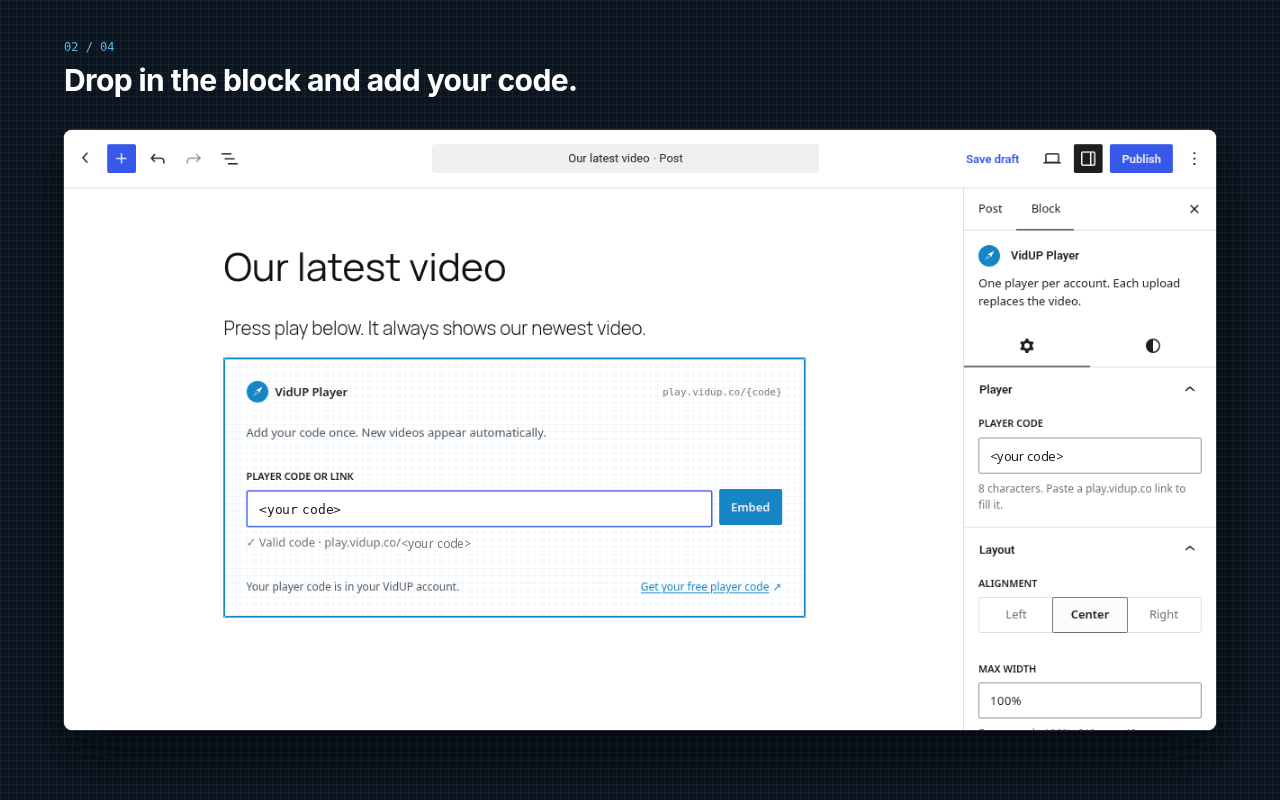
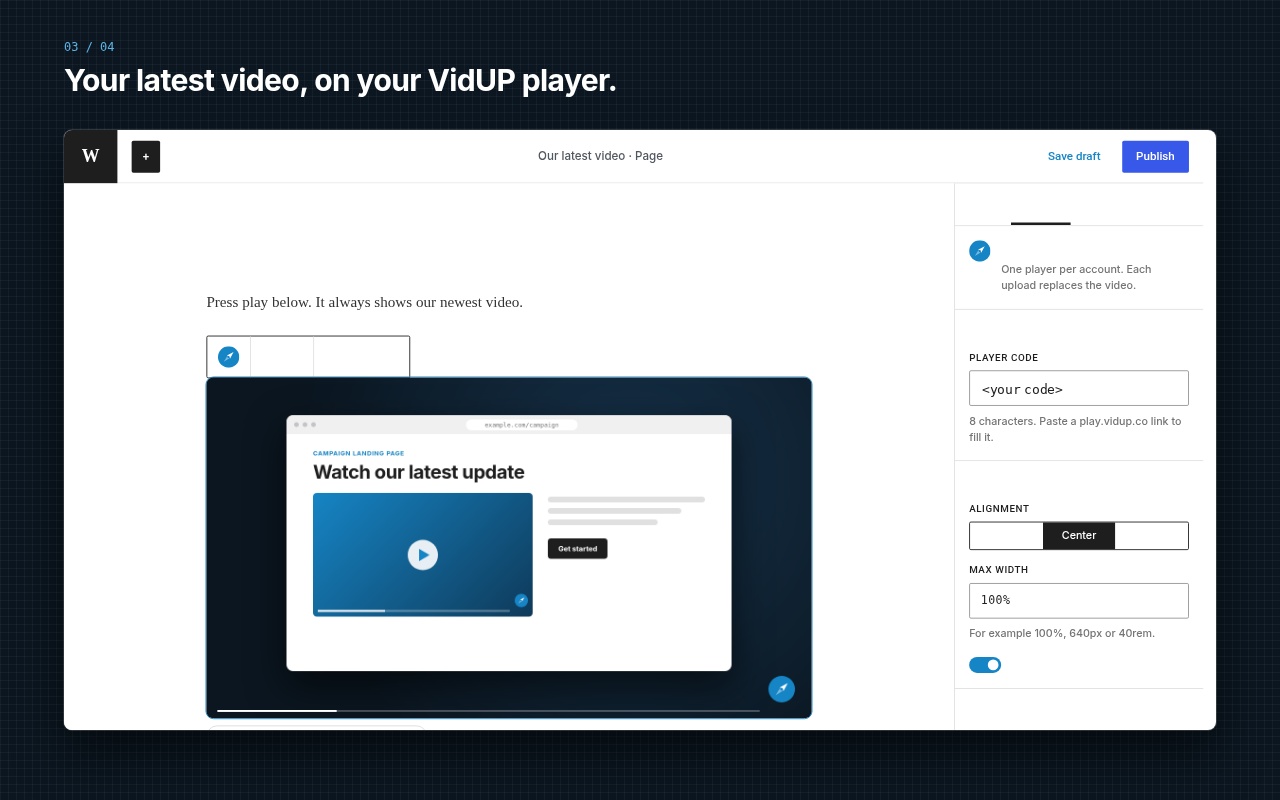
- VidUP Player block with live preview in the editor.
- Paste your code or your full player link (
https://play.vidup.co/<your code>). - Responsive 16:9 player with Left/Center/Right alignment, max width and rounded corners (on by default).
- Shortcode:
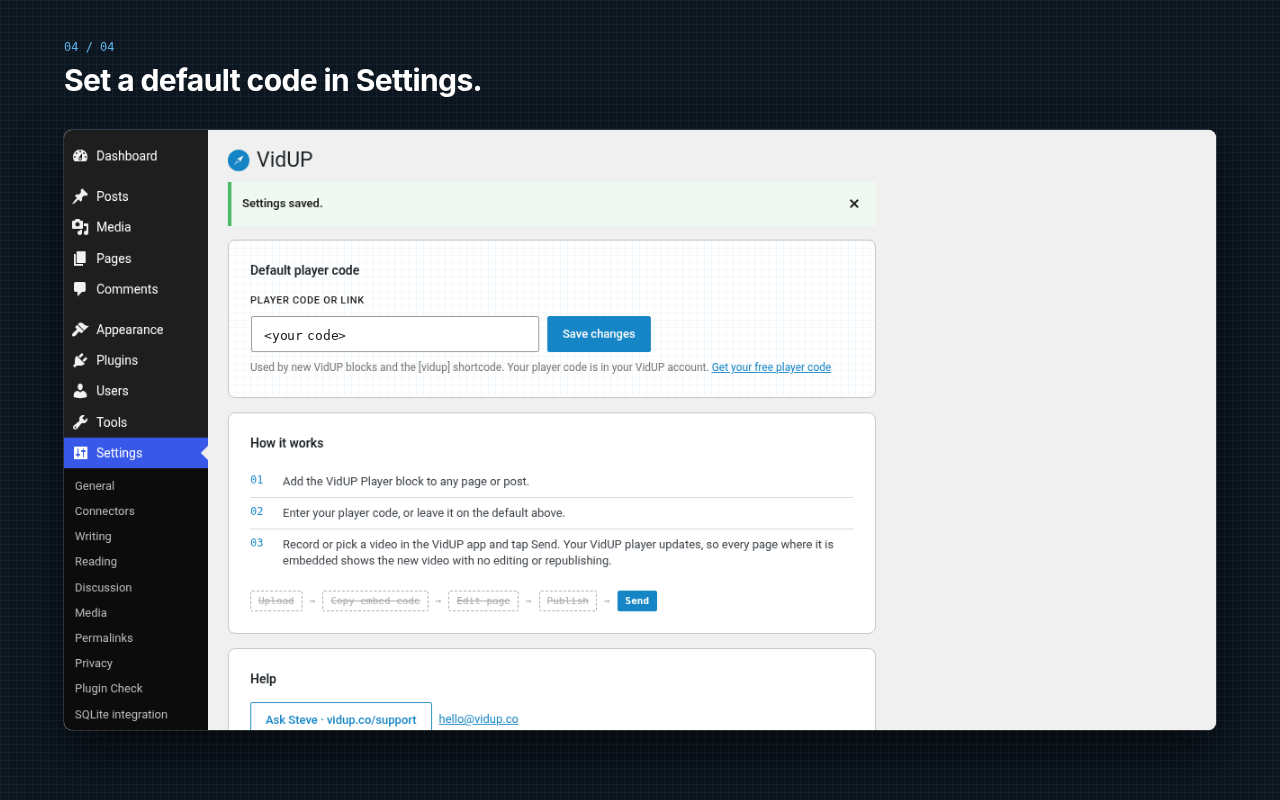
[vidup code="<your code>" width="100%"]. - Settings › VidUP: save a default player code.
- No ads, and the plugin itself adds no tracking code or cookies. The only external content is the embedded VidUP player (see External service below).
External service
This plugin embeds the VidUP player from play.vidup.co in an iframe when a page with a VidUP block or shortcode is viewed (and in the editor preview). Your visitor’s browser loads the player directly from VidUP. The plugin itself sends no data anywhere.
When the player loads, VidUP receives the visitor’s IP address, user agent and the referring page (so VidUP knows which site the player is embedded on), as with any embedded content. The play.vidup.co player page uses Cloudflare Web Analytics, which is cookieless and collects aggregate statistics such as page views, referring sites and load performance. The player may also store playback preferences (for example captions on/off) in the visitor’s browser. See the VidUP privacy policy for details.
- Service: VidUP, https://vidup.co
- Terms: https://vidup.co/terms
- Privacy policy: https://vidup.co/privacy
스크린샷
블록
이 플러그인은 1개의 블록을 제공합니다.
- VidUP Player One player per account. Each upload replaces the video.
설치
- Install from Plugins › Add New, or upload the
vidup-playerfolder to/wp-content/plugins/. - Activate the plugin.
- Optional: go to Settings › VidUP and enter your default player code.
- Add the VidUP Player block to any post or page, or use the shortcode.
FAQ
-
Where do I find my player code?
-
Your player code is in your VidUP account, in the VidUP app. New to VidUP? Get your free player code. Your player link looks like
https://play.vidup.co/<your code>; your code is the part after the slash. You can paste the whole link. -
Do I need to update the page when I upload a new video?
-
No. Each new upload replaces the video on the same player, so your page updates automatically.
-
What shortcode options are there?
-
code (player code or link),
width(max width such as 100%, 640px),align(left, center, right) androunded(yes or no, default yes). Example:[vidup code="<your code>" width="640px" align="center" rounded="yes"]. -
Does VidUP post my video to YouTube, Instagram or other platforms?
-
No. VidUP does not upload or post to social networks or other sites. You record or pick a video in the VidUP app and tap Send, and the video updates on your one VidUP player. Any page where that player is embedded, including pages with this block, shows the new video.
-
Does the plugin track my visitors?
-
The plugin itself adds no tracking code or cookies and makes no external calls besides the embedded player. The VidUP player page (play.vidup.co) uses cookieless Cloudflare Web Analytics for aggregate statistics, and VidUP receives standard request data such as IP address, user agent and referring page when the player loads. See https://vidup.co/privacy. If your site needs visitor consent for third-party embeds, include the VidUP player in your consent setup.
-
I need help
-
Email hello@vidup.co or ask Steve at https://vidup.co/support.
후기
이 플러그인에 대한 평가가 없습니다.
기여자 & 개발자

변경이력
1.0.1
- Examples now use placeholder embed codes.
1.0.0
- First release: VidUP Player block, [vidup] shortcode and Settings › VidUP.