

설명
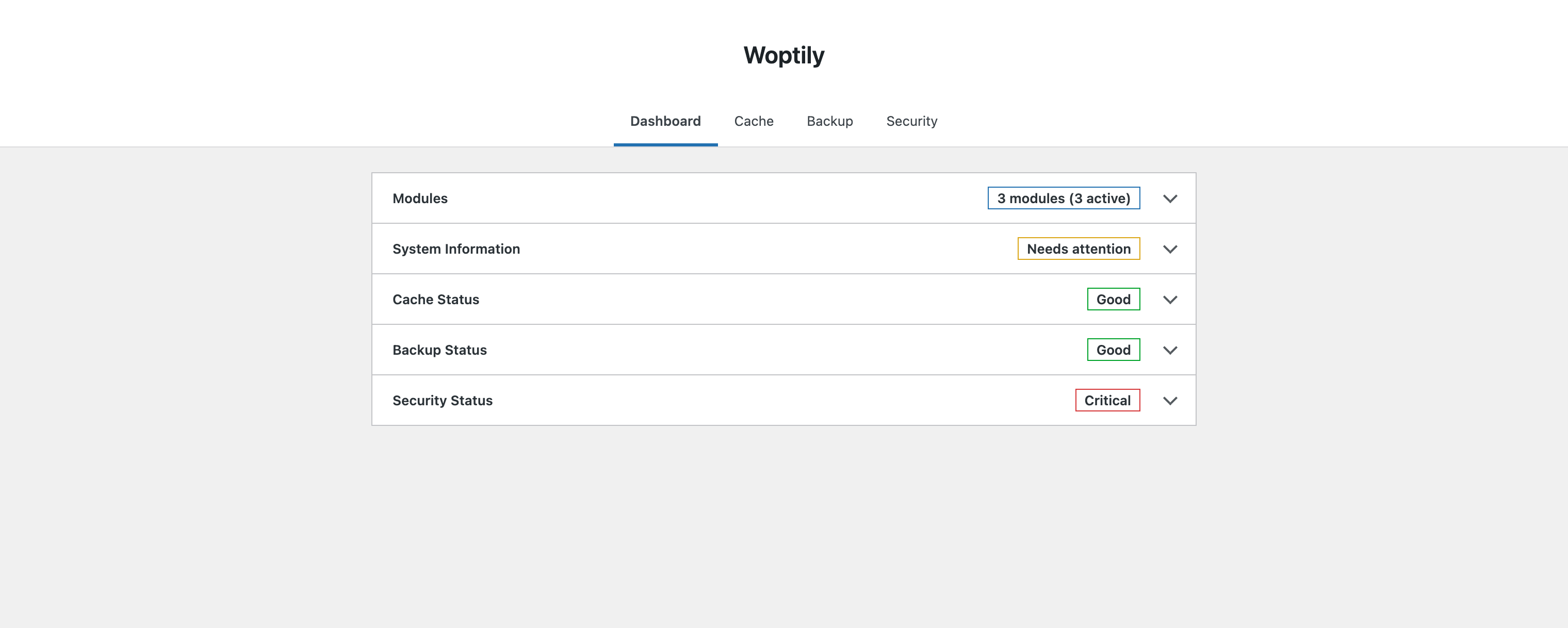
Woptily is a lightweight, modular WordPress plugin designed to improve your website’s performance, security, and reliability. Built with modern PHP and WordPress coding standards.
Features:
- Page Cache – Simple, effective page caching for faster load times
- Backup – Create and manage complete site backups
- Security – Basic security hardening and protection
- DevTools – Debug toggles, post meta inspector, and user meta inspector
- Optimization – Auto-updates manager and database cleanup tools
Why Woptily?
- Modular architecture – only enable what you need
- Clean, lightweight code
- No external dependencies
- Developer-friendly with hooks and filters
- Translation ready
- Multisite compatible
스크린샷
설치
- Upload the
woptilyfolder to/wp-content/plugins/ - Activate the plugin through the ‘Plugins’ menu in WordPress
- Configure settings under Woptily in your admin menu
FAQ
-
Does this plugin work with multisite?
-
Yes, Woptily is fully compatible with WordPress Multisite.
-
Will this plugin slow down my site?
-
No. Woptily is designed to be lightweight and improve performance through caching.
-
Does this plugin collect any user data?
-
No. Woptily does not collect, transmit, or store any user data externally.
후기
이 플러그인에 대한 평가가 없습니다.
기여자 & 개발자

변경이력
1.2
- New: DevTools
- Debug toggles for WP_DEBUG, WP_DEBUG_LOG, WP_DEBUG_DISPLAY, SCRIPT_DEBUG
- Post meta inspector — select post type, browse posts, view/edit/add/delete meta
- User meta inspector — browse users, view/edit/add/delete meta
- Meta details displayed in modal with search/filter
- Includes pages and all hierarchical post types
- New: Optimization
- Auto-updates manager for plugins, themes, and WordPress core
- Post cleanup — remove revisions, drafts, auto-drafts, trash, oembed cache
- Comment cleanup — remove spam, trash, unapproved comments
- Option cleanup — remove expired transients from wp_options
- Database backup warning before cleanup operations
1.1.0
- New: [Core] Replaced jQuery admin UI with React SPA and REST API
- New: [Backup] Added backup and restore feature
- New: [Security] Added login limits, security headers check, and code highlighting
- New: [Cache] Improved cache directory writability checks
- Enhancement: [Backup] Improved backup metadata, progress tracking, and download handler
- Enhancement: [Backup] Skip .git directories during backup and restore
- Enhancement: [Security] Redesigned security module UI and scan results
- Fix: [Backup] Fixed SQL restore syntax and database export/import errors
- Fix: [Backup] Fixed stale lock handling and stats refresh after deletion
- Fix: [Security] Fixed sensitive files check and recommendation messages
1.0.0
- Initial release