
설명
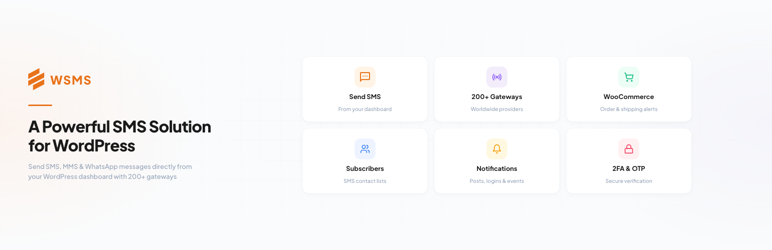
WSMS lets you send SMS/MMS notifications, one-time passwords (OTP), and two-factor authentication (2FA) messages straight from WordPress. It supports a wide range of SMS gateways and integrates with popular e-commerce and form builder plugins.
Use WSMS to:
– Keep customers updated on WooCommerce orders
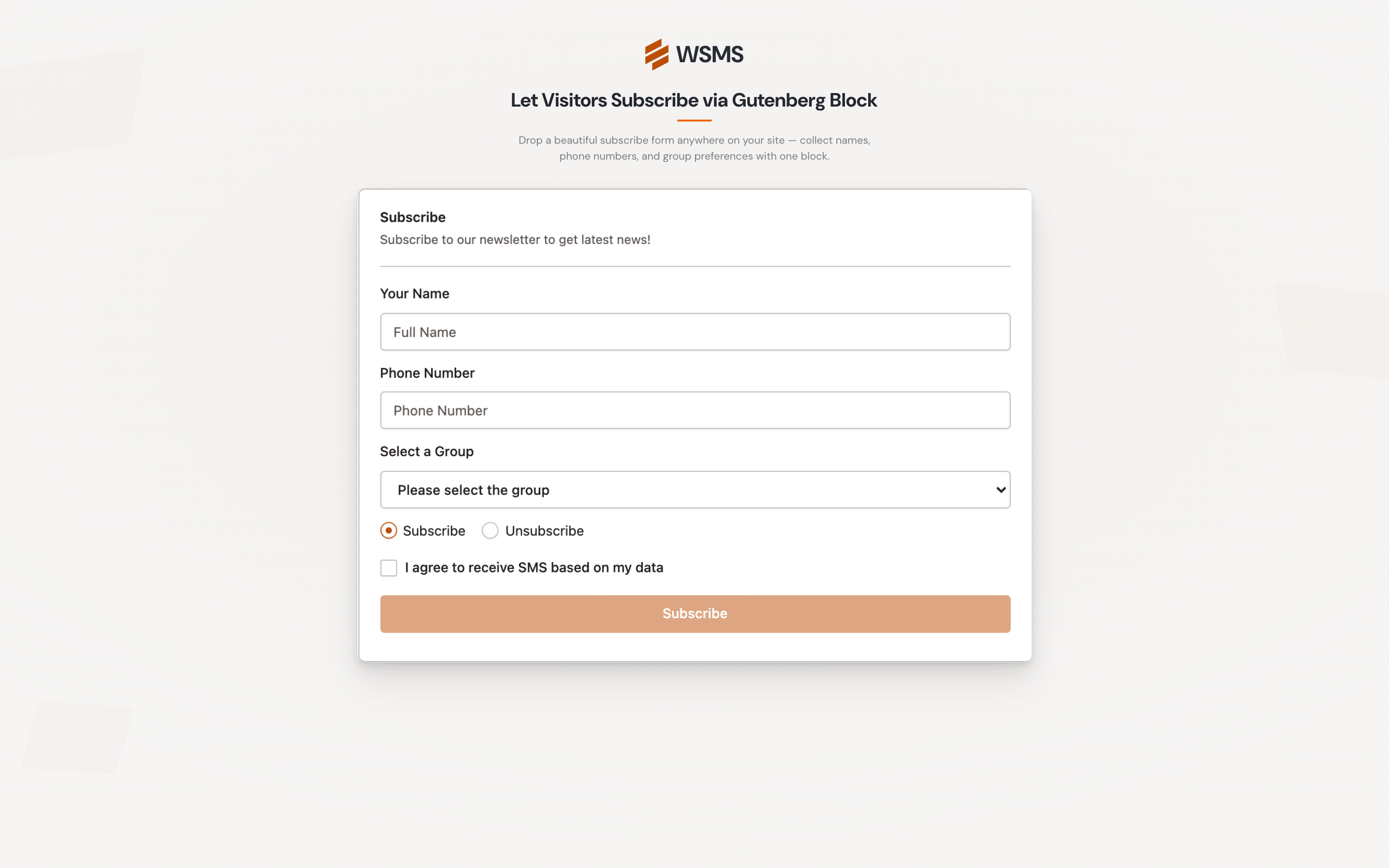
– Collect subscribers with SMS newsletter forms
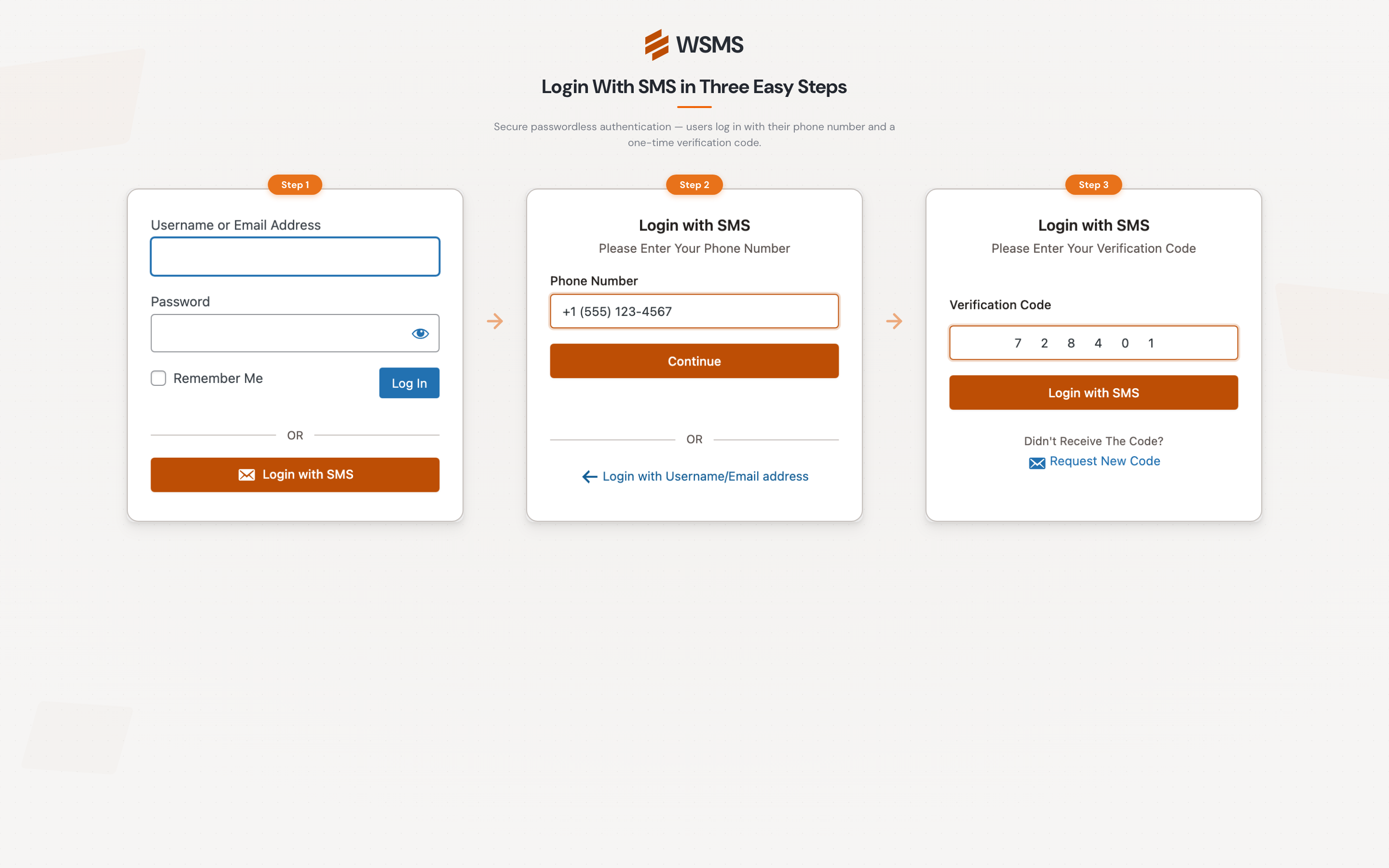
– Secure logins with OTP & 2FA
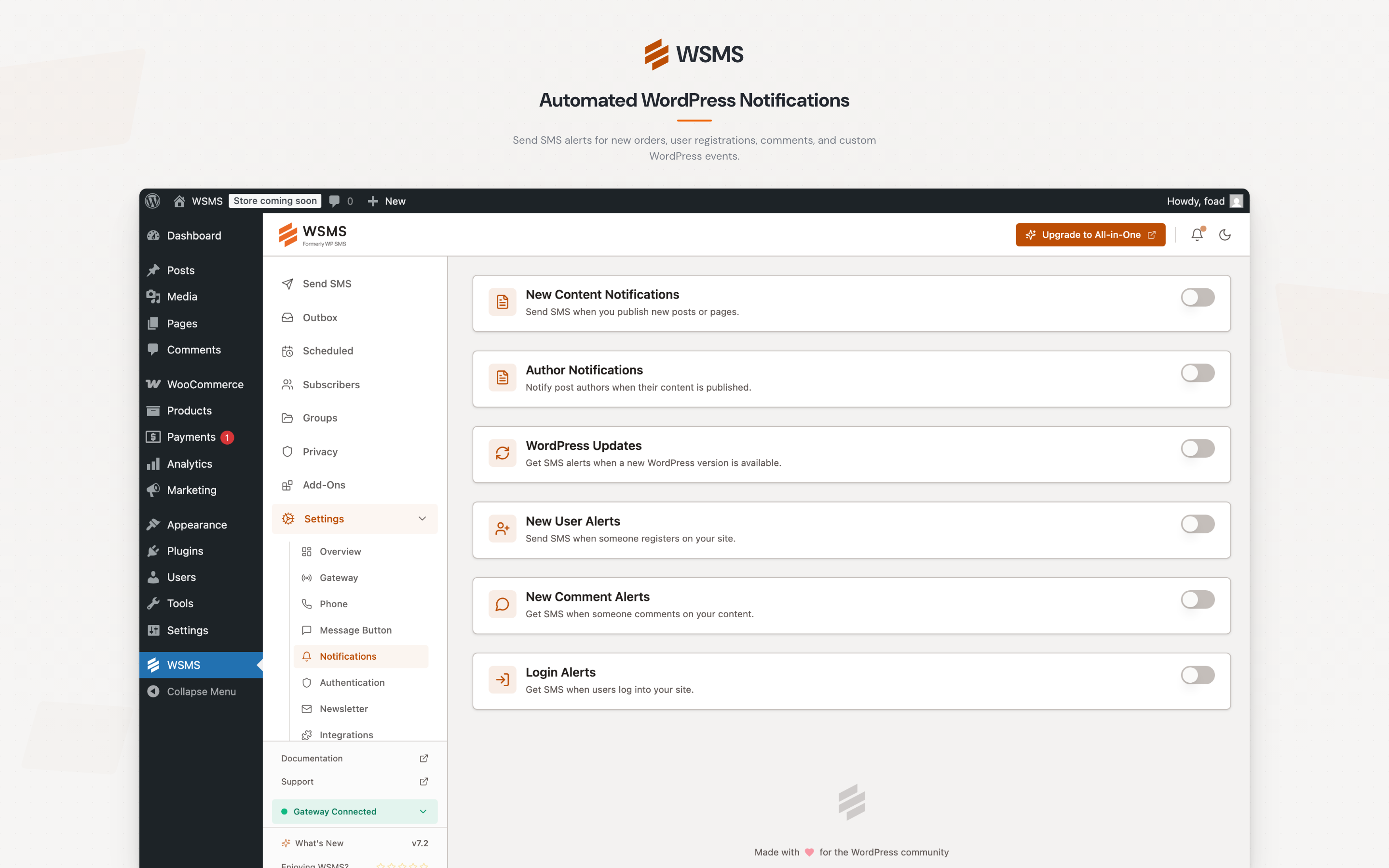
– Alert admins about new users, logins, or updates
– Run marketing campaigns with scheduled or bulk SMS
👉 Check out the demo | View screenshots | See supported gateways | Explore integrations | Documentation
✨ Key Features
- Send SMS/MMS: Send messages through your choice of supported SMS gateways.
- E-Commerce & Form Integration: Seamlessly integrates with popular e-commerce platforms and form builders.
- OTP & 2FA: Add extra login security with one-time passwords and two-factor authentication.
- Mobile Login: Let users log in with their mobile number.
- Admin Alerts: Get notified when new users register, posts are published, or WordPress updates are available.
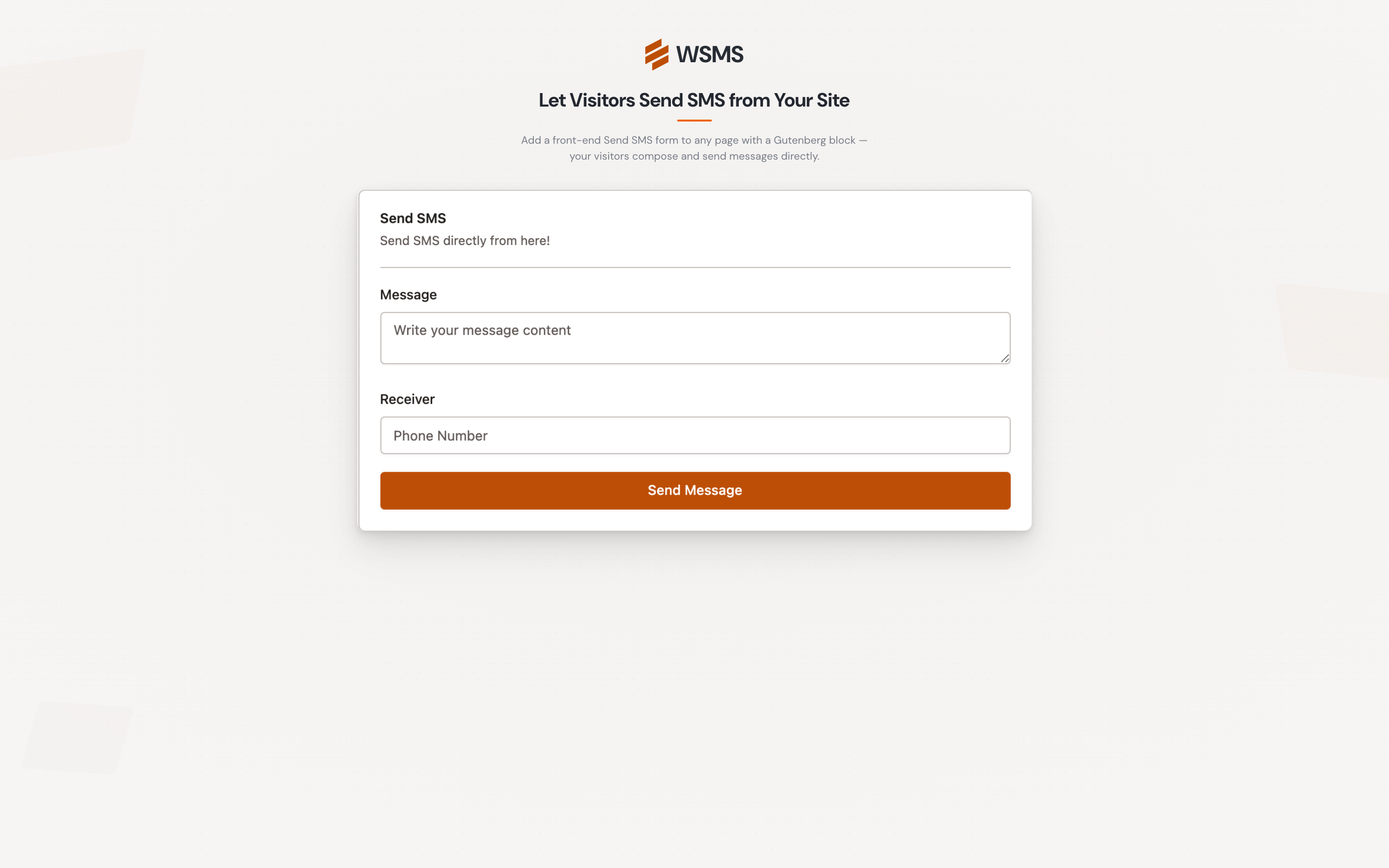
- Newsletters & Widgets: Build SMS newsletter forms with shortcodes, widgets, or Gutenberg blocks.
- Two-Way SMS (All-in-One): Receive and reply to SMS messages inside WordPress.
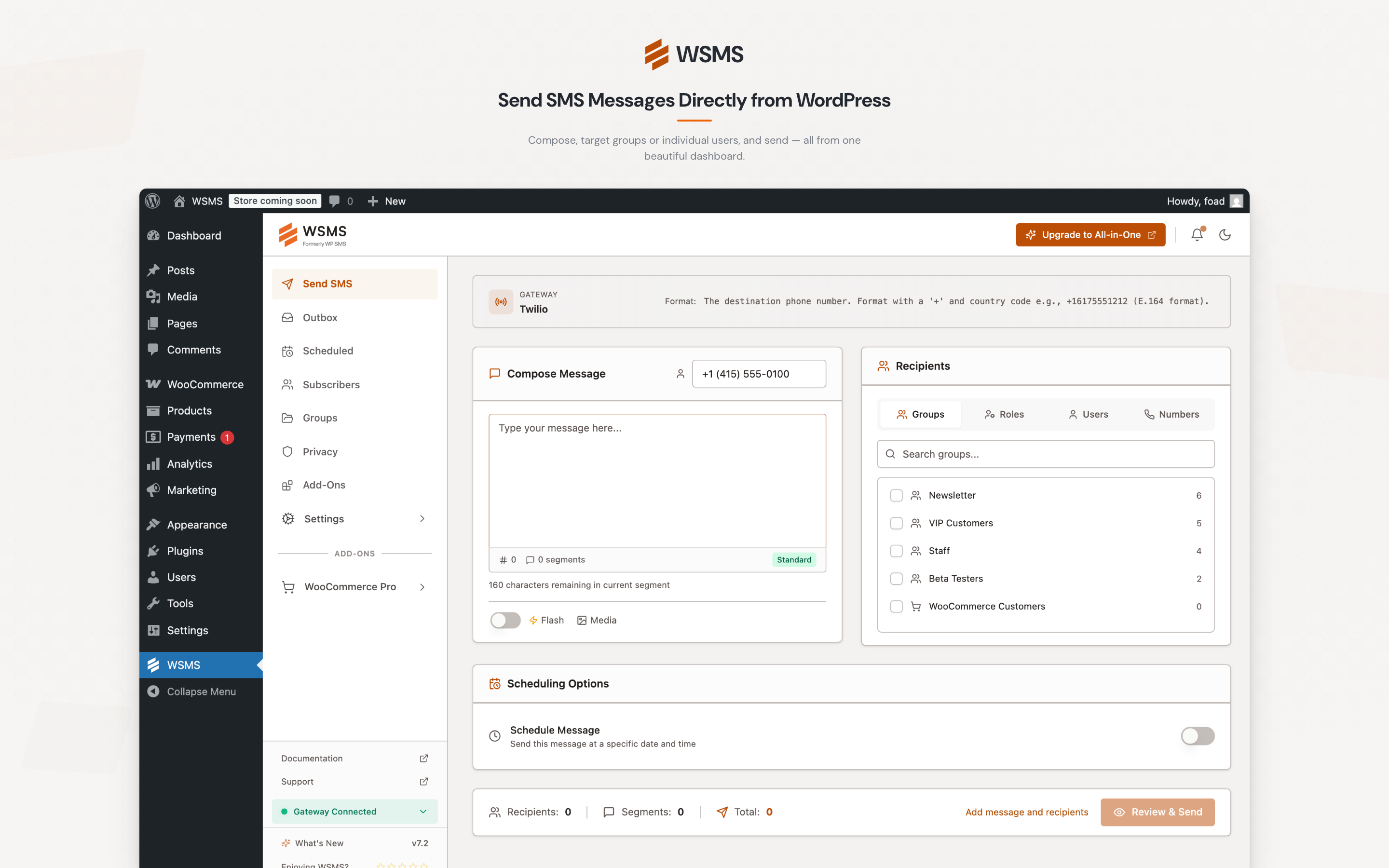
- Bulk & Scheduled SMS: Send to multiple recipients at once, immediately or on schedule.
- Third-Party Integration: Connect with external services and automation platforms.
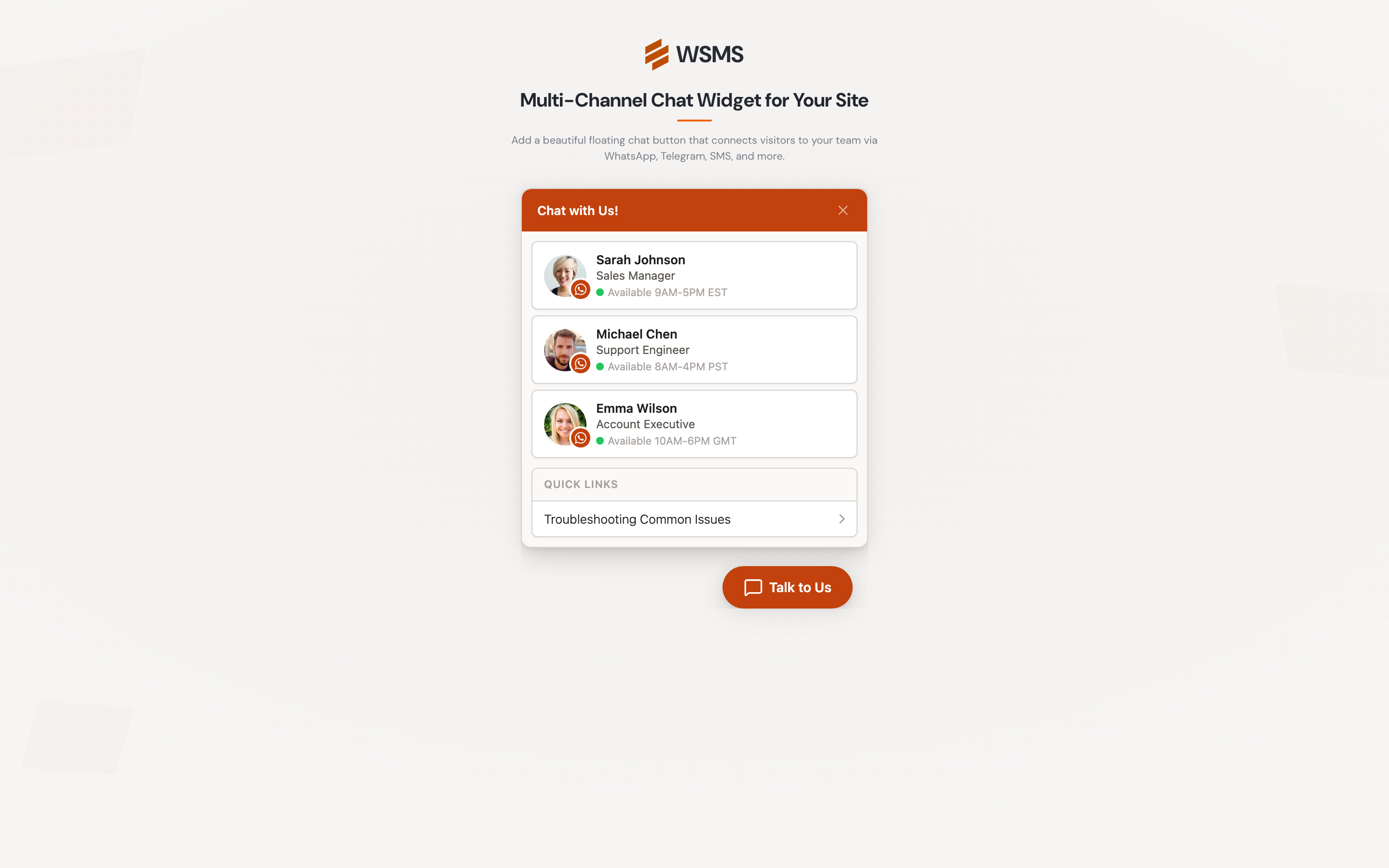
- Messaging Button: Let visitors reach you instantly via messaging channels.
- GDPR Compliant: Built with privacy and compliance in mind.
📡 Supported SMS Gateways
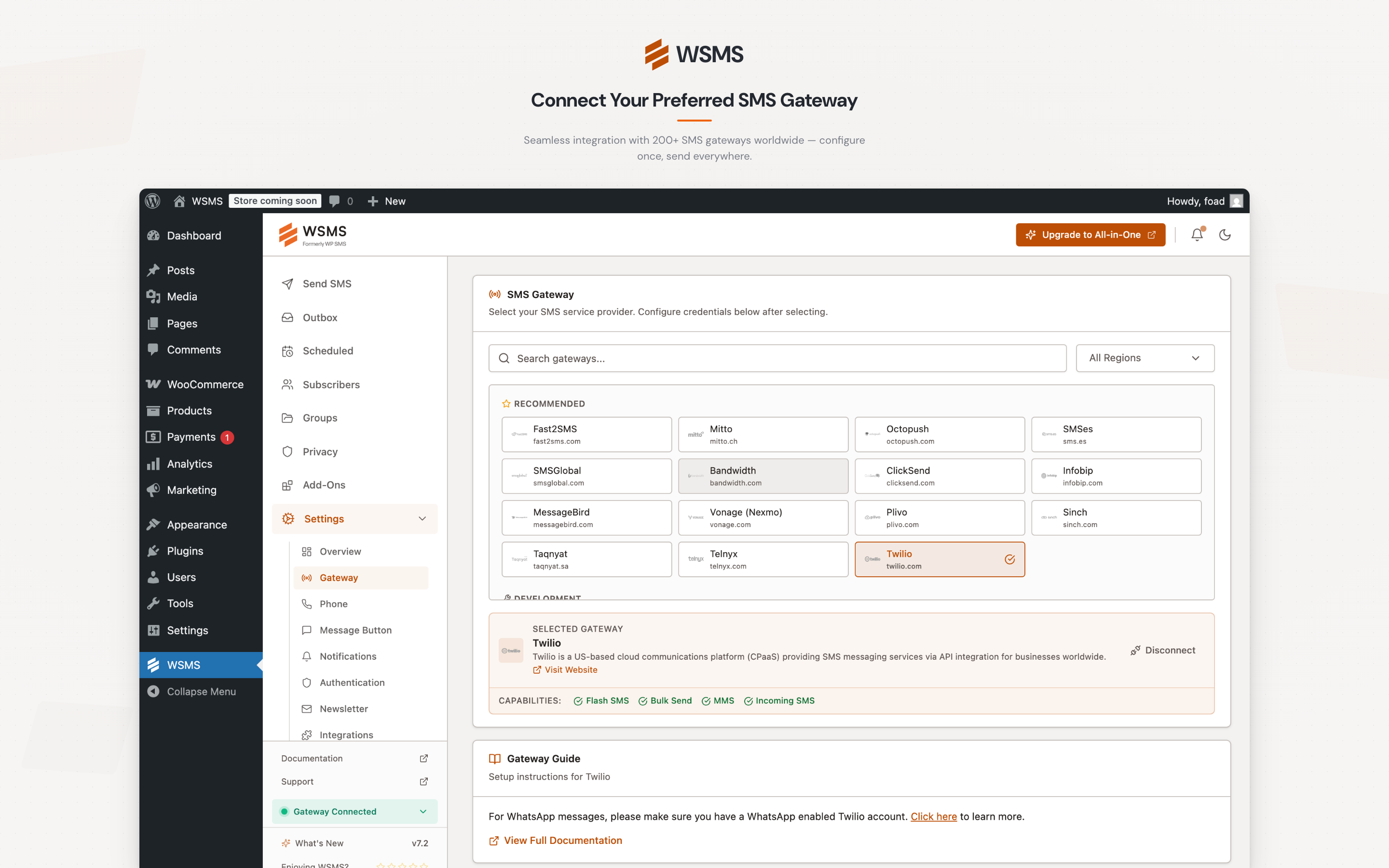
WSMS connects to 270+ SMS gateways worldwide. Popular supported gateways by region include:
- Global: Twilio, Vonage, Plivo, Clickatell, MessageBird, Infobip, Sinch, ClickSend, AWS SNS, Telnyx, GatewayAPI, BulkGate, SMSGlobal, LabsMobile, Octopush, Fortytwo, SMS.to, EasySendSMS, Mitto, Dexatel
- GCC: Unifonic, Taqnyat, Msegat, OurSMS, Deewan, JawalBSMS, 4jawaly, Zain
- Middle East: Kavenegar, MeliPayamak, FaraPayamak, Ghasedak, FarazSMS, SMS.ir, ParsGreen, Asanak, AdpDigital, ParsaSMS, SMS Melli, Mediana, Markazpayamak, Sabanovin, IranSMSpanel, Verimor, Bulutfon, NetGSM, VatanSMS, TurboSMS
- Europe: SMSAPI, Brevo, Esendex, CM.com, LINK Mobility, OVH, Orange, Skebby, Primotexto, Comilio, Aruba, SMSC, CPSMS, SureSMS, ASPSMS, TextAnywhere
- Asia-Pacific: Fast2SMS, MSG91, Gupshup, Textlocal, MessageMedia, SMSGatewayHub, GuniSMS, ShreeSMS, DirectSend, NHN Cloud, Eskiz, ReveSMS
- Africa: Africa’s Talking, Hubtel, eBulkSMS, Jusibe, Uwazii Mobile, Hostpinnacle
- Latin America: SMSMasivos, Sonora Tecnologia, Torpedos
- Any other provider: Use the built-in Custom Gateway to connect any SMS API (custom HTTP headers, parameters, and raw JSON body supported).
👉 See the full list of supported SMS gateways
💎 Upgrade to WSMS All-in-One
Unlock additional features with All-in-One — the plan that gives you access to all premium add-ons in one package.
With All-in-One you get:
– Secure login & registration with OTP & 2FA
– Scheduled & recurring SMS/MMS
– Two-way SMS inbox
– Enhanced e-commerce features (login, checkout verification, order updates)
– Membership platform integrations
– Advanced form builder SMS capabilities
– Marketing automation integrations
– Booking system compatibility
– URL shortening service integration
– All future add-ons included
👉 See All-in-One details & compare features
🐞 Report Bugs & Security
- Found a bug? Open an issue on GitHub.
- Security concerns? Report them via the Patchstack VDP program.
📝 Trademark Notice
WooCommerce, GravityForms, Elementor, Contact Form 7, Twilio, WhatsApp, Clickatell, BulkSMS, Plivo, Zapier, Bitly, and other product names mentioned are trademarks of their respective owners. WSMS is not affiliated with, endorsed by, or sponsored by these companies.
Source Code and Build Instructions
Note: The plugin works out of the box — no build steps required for regular users. This section is for developers who want to modify or contribute to the source code. See the full documentation for user guides.
All source code for minified JavaScript and CSS is included in the plugin under the resources/ directory. Build instructions and full source are available on GitHub.
Third-Party Libraries
Chart.js, flatpickr, intlTelInput, jquery.repeater, jQuery Word and Character Counter, React, Select2, Tailwind CSS, Tooltipster, WP Scoper
스크린샷
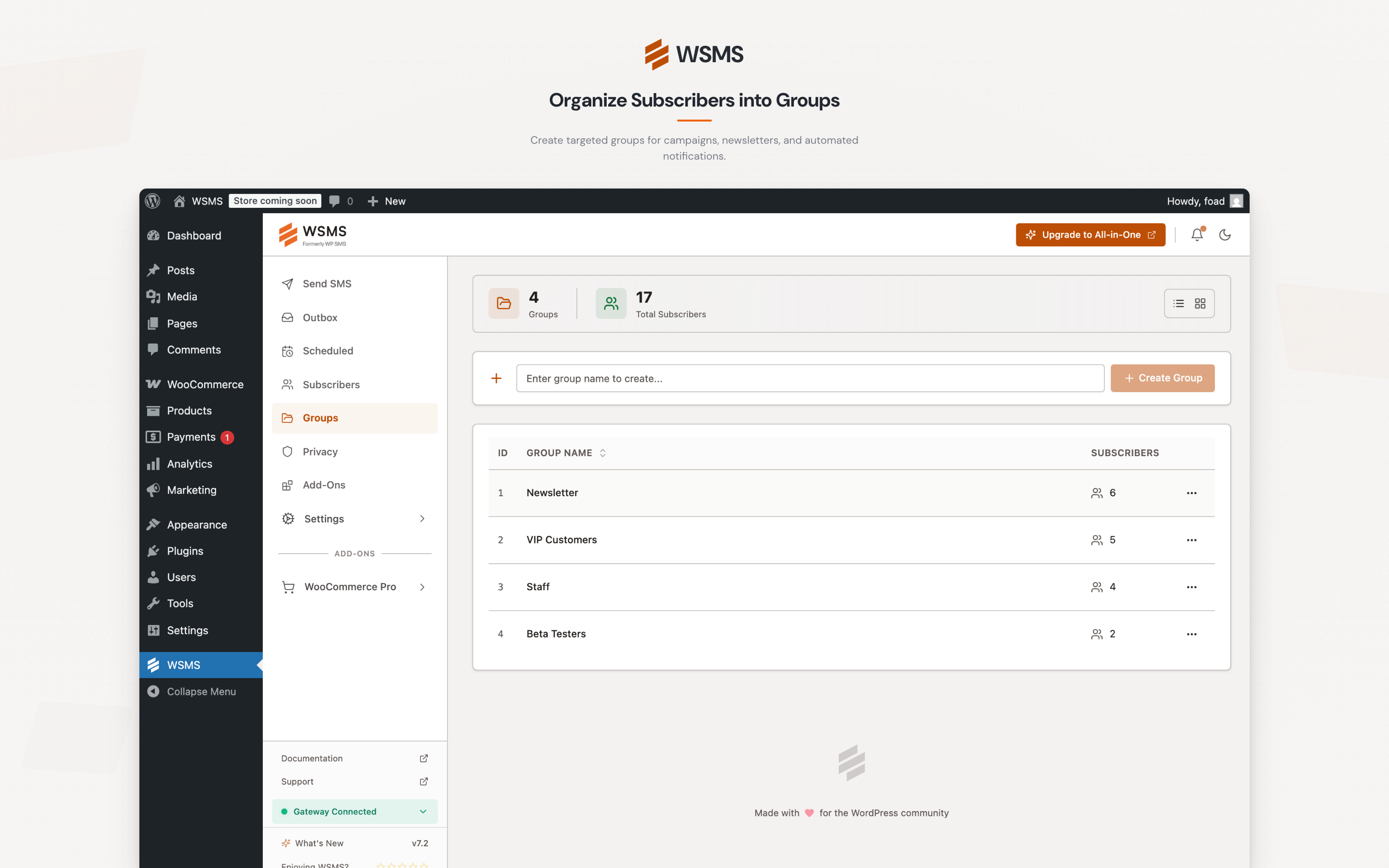
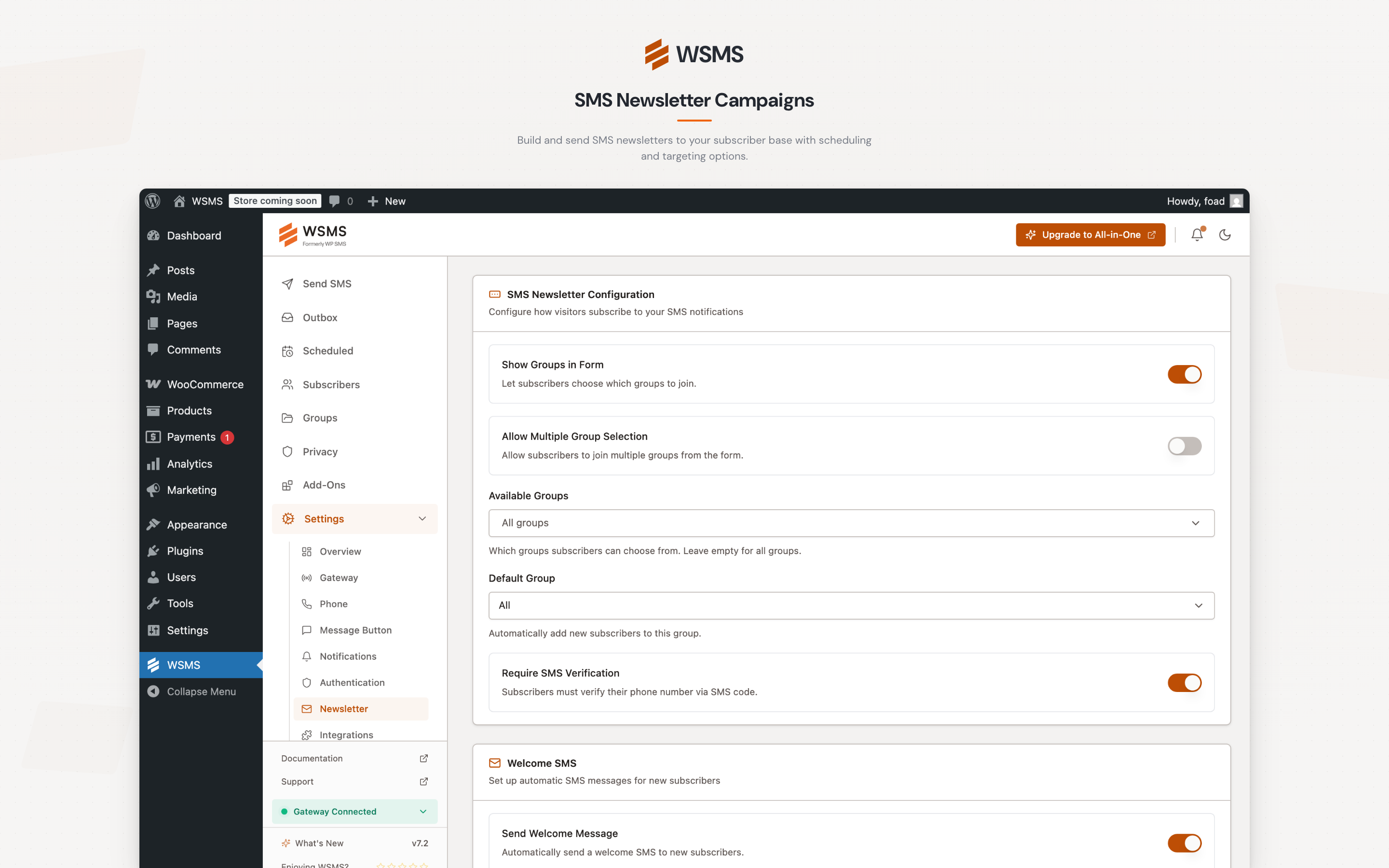
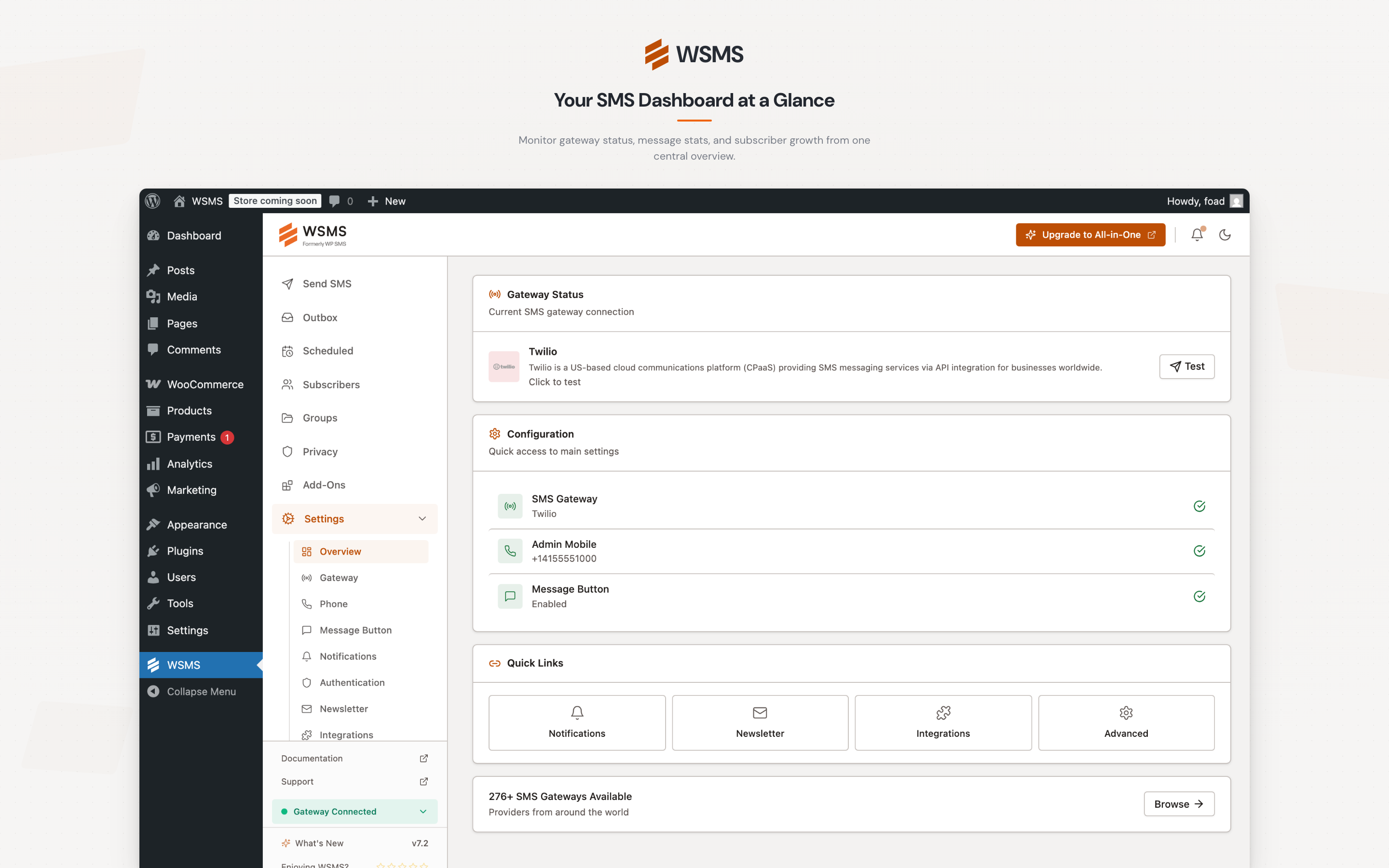
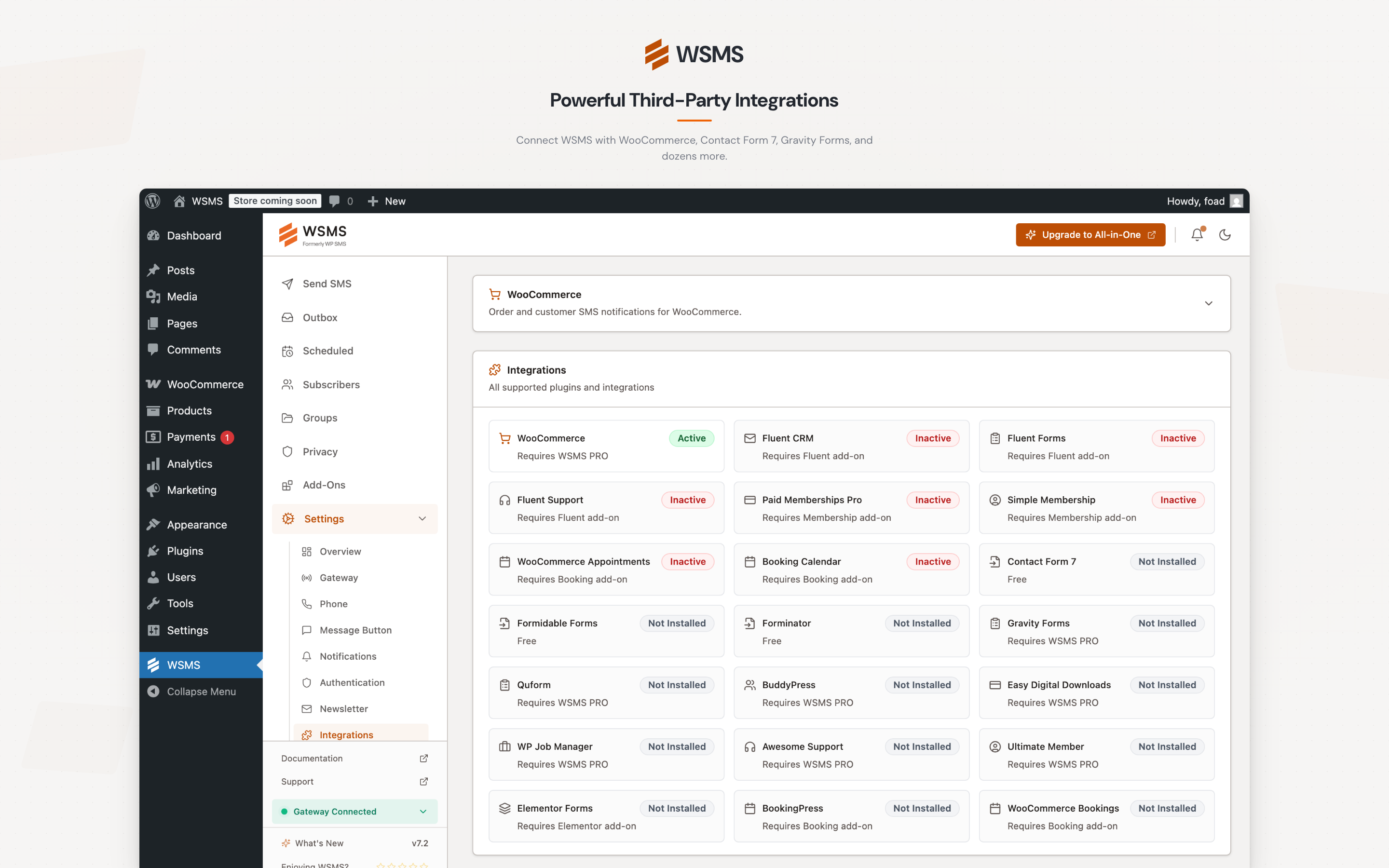
블록
이 플러그인은 2개의 블록을 제공합니다.
- Send SMS
- Subscribe
설치
Step 1: Install the Plugin
- Go to Plugins Add New in WordPress admin.
- Search for “WSMS” or “WP SMS”.
- Click Install Now, then Activate.
See Installation for more methods.
Step 2: Configure Your Gateway
- Go to WSMS Settings Gateway.
- Select your SMS gateway provider.
- Enter your API credentials.
- Set your Sender ID.
- Click Save Changes.
See Gateway Configuration for detailed setup.
Step 3: Send a Test Message
- Go to WSMS Send SMS.
- Enter a phone number.
- Type a message.
- Click Send.
If successful, your setup is complete!
FAQ
-
Who should use WSMS?
-
Any WordPress site that wants to enhance communication with users, customers, or subscribers via SMS. Perfect for businesses, bloggers, and e-commerce stores.
-
Which SMS gateways does WSMS support?
-
WSMS supports 270+ SMS gateways worldwide. This includes global providers such as GatewayAPI, BulkGate, SMSGlobal, LabsMobile, Octopush, SMSAPI, EasySendSMS, SMS.to, and Fortytwo; GCC providers such as Unifonic, Msegat, OurSMS, Deewan, and JawalBSMS; Middle East providers such as Kavenegar, MeliPayamak, FaraPayamak, Ghasedak, FarazSMS, Verimor, and Bulutfon; Asia-Pacific providers such as Fast2SMS, SMSGatewayHub, GuniSMS, and DirectSend; and European providers such as SMSC, UniSender, Comilio, Primotexto, CPSMS, and SureSMS. Premium gateways such as Twilio, Vonage, Plivo, Clickatell, and Taqnyat are available with the All-in-One add-on. You can also connect any other provider using the built-in Custom Gateway. See the full list of supported gateways.
-
Is technical knowledge required?
-
No. WSMS is beginner-friendly and well-documented.
-
Is WSMS GDPR compliant?
-
Yes. It includes tools to manage user data responsibly.
-
Does WSMS support bulk SMS?
-
Yes. It can handle large volumes with asynchronous sending.
-
What plugins integrate with WSMS?
-
WSMS integrates with popular e-commerce platforms, form builders, membership systems, and marketing automation tools. See the full list of supported integrations on our website.
-
How many SMS can I send?
-
Unlimited — your SMS gateway plan determines limits.
-
Can I send SMS under my company name?
-
Yes, if supported by your SMS gateway.
-
What’s included in All-in-One?
-
All premium features + all add-ons in one package.
👉 Compare free vs All-in-One
후기


기여자 & 개발자
“WSMS (formerly WP SMS) – SMS & MMS Notifications with OTP and 2FA for WooCommerce”(은)는 오픈 소스 소프트웨어입니다. 다음의 사람들이 이 플러그인에 기여하였습니다.
기여자


변경이력
v7.2.7 – 2026-08-08
– Fix: Translations work again on WordPress 6.7+.
– Fix: A number isn’t added to your subscriber list when its confirmation SMS fails (#514).
– Fix: A half-finished update no longer takes the site down.
– Fix: Forminator notifications now work whether or not the form uses AJAX submission. A form with AJAX turned off reloads the page when submitted, which Forminator handles through a different path, and WSMS was only listening to the AJAX one. The form saved the entry and sent the admin email but no SMS, which looked like a broken gateway (ticket #17353).
– Fix: No SMS is sent when Forminator rejects a submission.
– Fix: The Forminator settings screen lists all forms, not just the first 20.
– Enhancement: Forminator settings show each form’s ID and save per form.
– Enhancement: WSMS records why an SMS was skipped for spam or abandoned submissions (#509).
v7.2.6 – 2026-07-30
- New: Added the LogisticSMS gateway
- New: Added the
wpsms_unsubscribe_success_messagefilter to customize the newsletter unsubscribe confirmation message, with the unsubscribed group passed to the filter for both the unsubscribe form and the unsubscribe link. - Enhancement: The Two-Way SMS settings page now shows the alternative path-style webhook URL for gateways that drop the query string, and links to the Two-Way SMS documentation and the setup guide for the connected gateway.
- Enhancement: General security hardening across admin endpoints, subscriber and newsletter handling, gateway connections, and data exports.
- Enhancement: Choosing a gateway now saves on its own, so switching provider no longer needs a second click on Save Changes.
- Enhancement: Toggle switches across the settings pages now share one consistent style.
- Fix: Fixed dashboard labels that translators could not reach on WordPress.org, so the admin can now be fully translated.
- Fix: A gateway that fails to load no longer breaks the whole admin screen; the credit balance is simply left blank.
- Fix: Fixed Forminator notifications configured to send SMS to a submitted phone field.
- Fix: Fixed Raw JSON custom gateway payloads when placeholder values start or end with quotation marks.
- Fix: Fixed the billing phone number being silently dropped when a WooCommerce order or profile is re-saved.
v7.2.5 – 2026-05-19
- Fix: Fixed missing field placeholder chips in the Quform integration message body.
- Fix: Fixed
[wp_sms_subscriber_form]shortcode showing an empty group list when “Available groups” is blank; it now falls back to all groups. - Enhancement: Improved the custom gateway with multi-line HTTP Headers/Parameters, a Raw JSON body format, and array values for APIs that require nested structures.
v7.2.4 – 2026-03-15
- New: Added credit balance support for the GuniSMS gateway.
- Fix: Updated EaziSMSpro gateway to use the new API endpoint.
- Fix: Fixed some dashboard strings that were not translatable.
- Fix: Fixed the “Configure now” link in the Default Country Code admin notice not navigating to the correct settings page.
- Fix: Fixed Cellsynt gateway SMS delivery failure by converting E.164 phone numbers.
v7.2.3 – 2026-03-09
- New: Added per-page selector to all list pages (Subscribers, Outbox, Groups, Scheduled, Campaigns, Two-Way Inbox), allowing users to choose how many items to display per page.
- Enhancement: Minor improvements.
v7.2.2 – 2026-03-09
- Enhancement: Redesigned the phone number migration wizard with a simpler 5-step flow, progress tracking, and improved safety messaging.
- Enhancement: Added a phone number normalization wizard to standardize numbers for improved delivery reliability.
- Enhancement: Phone numbers are now automatically normalized into a consistent international E.164 format for better compatibility across integrations.
- Enhancement: Improved default country code setup and validation during onboarding and settings configuration.
- Enhancement: Added admin tools to monitor recent phone number normalization failures.
- Enhancement: Improved subscriber search and duplicate detection across phone number variations.
- Enhancement: Improved phone number display in RTL admin layouts.
- Enhancement: Tested compatibility up to WordPress v7.0.
- Enhancement: Improved security for admin AJAX endpoints.
- Fix: Improved validation messages to better identify invalid phone number input.
- Fix: Fixed missing country data issue causing empty dropdowns and validation problems.
- Fix: Fixed subscriber form group assignment when global group visibility is disabled.
- Fix: Improved OTP verification and rate limiting for normalized phone numbers.
v7.2.1 – 2026-03-17
- New: Added Contact column to the Two-Way inbox, showing subscriber name or WordPress user display name for each sender.
- Fix: Fixed gateway initialization issue for 4jawaly, 1s2u, 160au, 0098sms, and 18sms gateways.
- Fix: Fixed sms.to gateway request config passed as params instead of query args.
- Fix: Removed unused username/password fields from sms.to gateway.
- Fix: Fixed Textplode gateway not stripping
+prefix from phone numbers, causing send failures.
v7.2 – 2026-03-08
- New: Redesigned admin interface with improved user experience.
- Enhancement: Updated PHP requirement to version 7.4.